Common Data Historian Mistakes and How to Avoid Them
Common Data Historian Mistakes and How to Avoid Them
A data historian is one of the most valuable tools in a plant — and one of the easiest to misconfigure. Every controls engineer has a story about a historian that ate a terabyte of disk in six months, or one where finding a single tag meant digging through three years of cryptic tag names. Most of these failures aren't product failures. They're configuration failures: understandable shortcuts that turn into expensive problems later.

If you're evaluating data historian software, or you already have one running and want to know why it isn't delivering, here are the mistakes we see most often in industrial plants — and exactly how to fix each one.
Mistake #1: Archiving Everything at Full Resolution With No Strategy
Why it happens: During commissioning, the safest-sounding answer to "what should we log?" is "everything." Tag collection gets turned on at the fastest scan rate available — often 1 second or faster — with no thought about how much data each tag actually generates. A motor status bit logged every second produces 86,400 records per day. That doesn't sound like much until you multiply it by 20,000 tags.
What it costs: Disk exhaustion is the headline cost, but the hidden cost is worse: query performance. A trending request that should take seconds can take minutes when the archive is bloated with pointless high-resolution data. We've seen plants where engineers stopped pulling historical data entirely because queries timed out — which means the historian investment produces zero return.
The fix: Apply sampling rates by signal type, not by gut feel. Temperatures and pressures that move slowly can be logged every 10–60 seconds. Discrete states (valve open/closed, motor running/stopped) belong on exception reporting — record them only when the value changes. Reserve sub-second or 1-second collection for genuinely fast signals: vibration, power transients, PID loop behavior during tuning. A tiered collection strategy typically cuts storage by 60–80% versus the archive-everything approach. If you're still planning your deployment, understanding what a data historian actually is helps frame these decisions before hardware gets purchased.
Mistake #2: Ignoring Deadbands and Exception Reporting
Why it happens: Default collector settings typically archive on a time interval — say, every 5 seconds — whether the value moved or not. Engineers assume the historian is "capturing everything," so the data must be accurate.
What it costs: Interval-based archiving of stable signals is pure waste. A bearing temperature sitting at 142°F for a six-hour shift doesn't need 4,320 identical records. Worse, time-based archiving can miss real events: a 5-second interval will never catch a 2-second pressure spike. So you get a historian that simultaneously stores too much and captures too little.
The fix: Configure exception deadbands (value change required to archive) combined with a maximum scan time (a heartbeat record so you know the collector is alive). A 0.5°F deadband on that bearing temperature with a 5-minute max interval produces a handful of records per shift instead of thousands — and a genuine temperature excursion of 3°F gets captured immediately, because the change exceeds the deadband. Set deadbands per signal: 0.1% for stable process variables, wider for noisy ones. This one setting is the single biggest storage optimization in most plants.
Mistake #3: No Compression — or Misconfigured Compression
Why it happens: Modern historians include lossy compression (the "swinging door" algorithm), but it's often left at factory defaults or disabled entirely because the engineering team is nervous about data fidelity. Nobody wants to be the person who explained to the quality manager that the data they needed was compressed away.
What it costs: Uncompressed archives grow at roughly the full resolution rate — see Mistake #1. But the opposite error is just as damaging: a compression deviation set too wide on a critical signal means the archived record shows a smooth line where the actual process oscillated. That's how batch investigations go sideways.

The fix: Treat compression as a per-tag engineering decision. Critical quality and safety signals (flow rates on a dosing pump, reactor temperatures) get tight compression deviations — small enough that the archived value is indistinguishable from raw for any practical purpose. Stable utility signals get wide deviations. And always document the deviation per tag class so auditors and future engineers can see the rationale. The key insight: compression doesn't throw away information, it throws away redundancy — but only if the deviation bands are set by someone who understands the process.
Mistake #4: Treating the Historian Like a Relational Database
Why it happens: Plant IT teams are comfortable with SQL Server, so the first instinct is to pull historian data into SQL tables and run raw SQL queries against time-series data — or worse, to run the historian on a relational database and expect OLTP-style performance.
What it costs: Relational databases are optimized for rows, transactions, and joins — not for 10 million timestamp-value pairs. A "SELECT all temperatures for Line 3 in Q3" that returns in under a second from a purpose-built historian can take 20+ minutes from a relational table, or crash the query engine outright. Teams then work around the problem with hourly aggregate tables maintained by scheduled jobs — fragile, lossy, and a maintenance burden.
The fix: Use the historian's native time-series interfaces: its API, its query clients, and its aggregate functions (min/max/average over time ranges computed at the engine level, not in SQL). If data must flow to a relational store — for ERP integration or business reporting — push only the summarized values (shift totals, batch summaries, daily rollups), not the raw samples. Keep the raw time-series data where it belongs: in the historian.
Mistake #5: No Data Retention and Rollup Policy
Why it happens: Retention feels like a decision that can be postponed. The server has disk space now, and nobody's asking for a deletion policy at 2 PM on a commissioning Tuesday. So it never gets written.
What it costs: Three years later, the archive disk hits 95%, the service starts thrashing, and someone has to decide in a panic which years of data to keep. Without a documented policy, that decision is political, not technical. Regulated plants face the opposite problem: quality or legal holds data nobody told the historian team about, and an arbitrary cleanup deletes records an auditor later asks for.
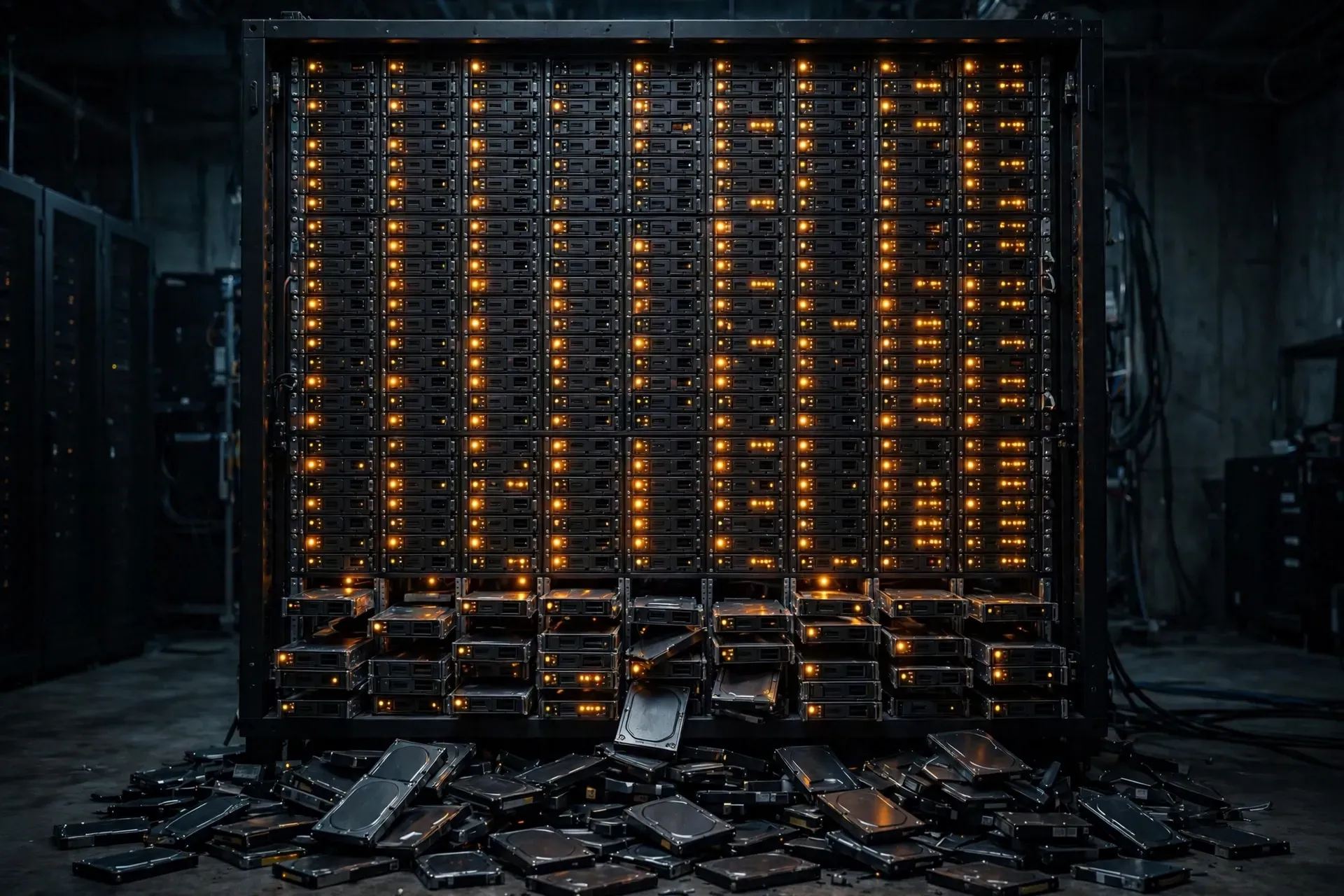
The fix: Write the policy before the disk fills. A typical structure: full-resolution raw data for 12–24 months (matching your troubleshooting and investigation horizon), hourly or shift-level rollups retained for 3–5 years, and daily rollups indefinitely for trend analysis and energy accounting. Configure automatic aging — the historian moves data down the tiers on schedule, no manual intervention. Review the policy annually against actual disk growth. In regulated industries, build retention requirements into the validation plan so quality signs off on the aging rules.
Mistake #6: Single Point of Failure — No Redundancy or Failover
Why it happens: A historian is usually deployed on one server because that's the cheapest quote. The system runs fine for years, and the absence of an outage gets mistaken for reliability.
What it costs: When that single server fails — disk dies, Windows update goes sideways, the network card quits — collection stops and data is gone forever. Historians can't backfill what was never collected. In a regulated batch process, a collection gap during a production run can mean the batch record is incomplete and the product can't ship. One unplanned weekend of downtime has paid for redundant hardware many times over at the plants we've worked with.
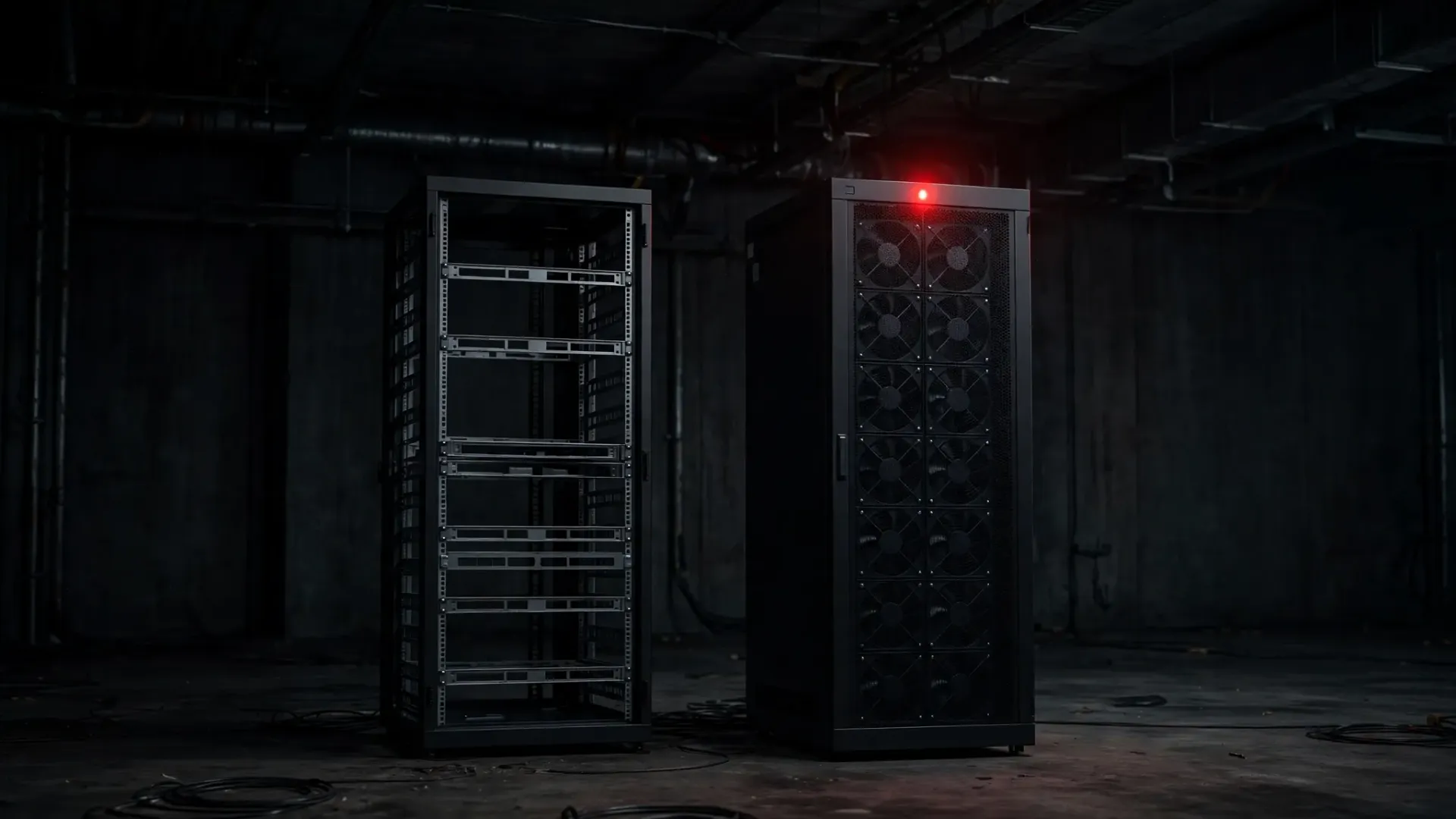
The fix: Run redundant historian nodes with store-and-forward collectors. The collector nodes sit close to the process (on or near the PLCs), buffer data locally when the network or the server drops, and forward it when connectivity returns — so gaps get filled automatically rather than recorded permanently. A proper redundant pair means a server can be patched, rebooted, or replaced without losing a single sample. For critical processes, this isn't optional; it's part of the design baseline.
Mistake #7: Neglecting Time Synchronization (NTP) Across Collectors
Why it happens: The historian server gets its clock set once at install, the collector machines run whatever time they booted with, and nobody checks again. PLCs, HMIs, and historian servers drifting by minutes is the norm, not the exception, in plants without enforced NTP.
What it costs: Every timestamped record becomes untrustworthy. When a historian says the overpressure event happened at 14:32:11 but the PLC fault log says 14:29:47, engineers can't sequence cause and effect. Root-cause analysis falls apart: was the pressure spike before or after the valve command? Alarms that correlate across systems produce nonsense. In regulated environments, conflicting timestamps in the batch record are an audit finding waiting to happen.
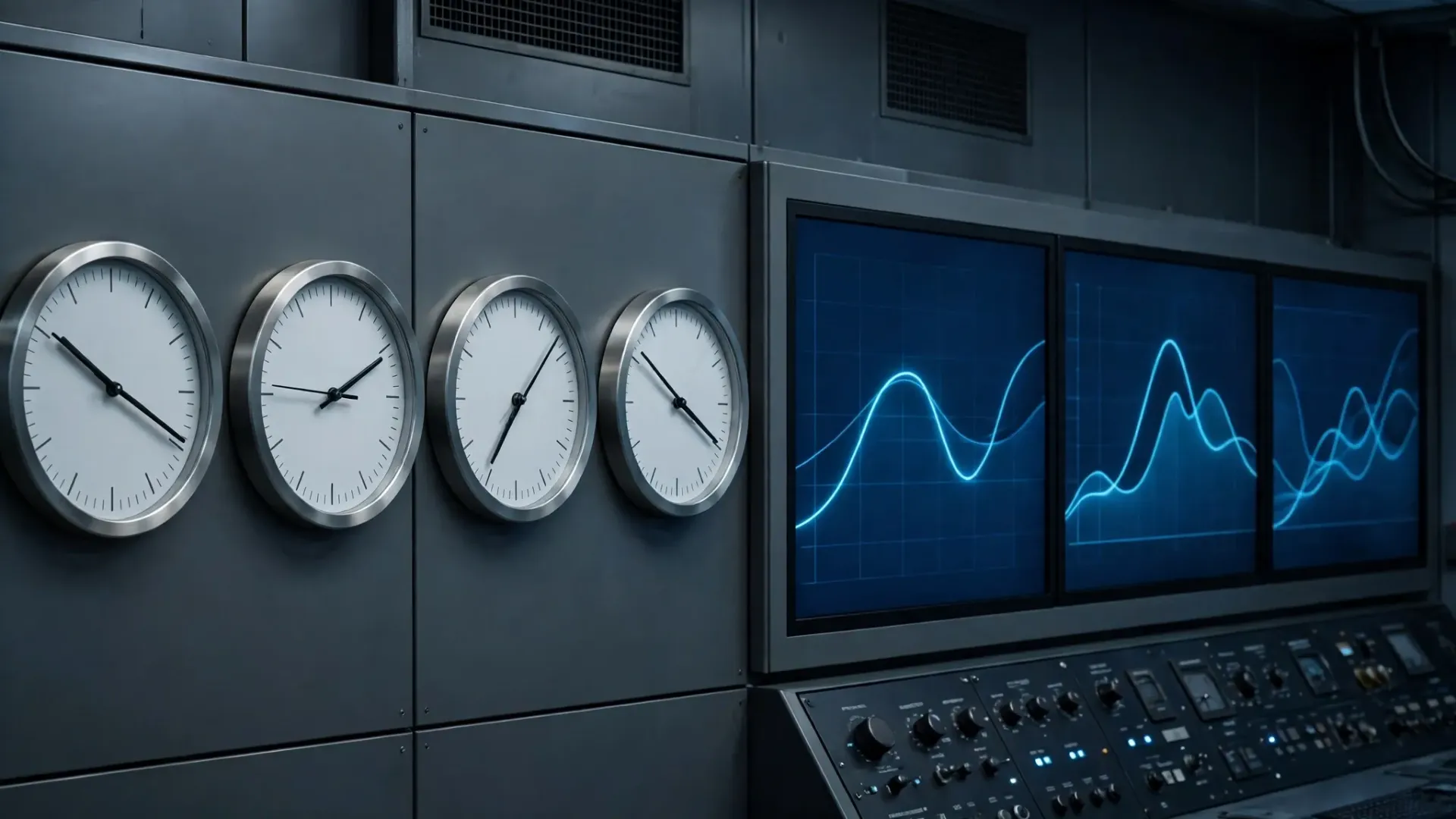
The fix: Point every device in the data path — historian server, collector machines, HMIs, network switches, and PLCs that support it — at the same NTP source, ideally a plant-level stratum-1 or stratum-2 server (a GPS-disciplined clock is cheap insurance). Verify drift quarterly; Windows machines in particular drift badly without disciplined NTP. Target sub-second agreement across the plant. If your data collection architecture has collectors feeding a central historian, time sync is the load-bearing wall — without it, the whole structure leans.
Mistake #8: Poor Tag Naming and Zero Documentation
Why it happens: Tags get created in a hurry during commissioning with whatever name the PLC programmer used: TIC101_PV, MOTOR3, TEMP_2. Three years and two engineer turnovers later, nobody knows that MOTOR3 is the line 2 filler discharge conveyor, or that TEMP_2 was deprecated when the sensor was replaced.
What it costs: Every analysis starts with a treasure hunt. Engineers waste hours mapping cryptic tags to physical equipment, and some tags get misread entirely — a trending request for "the dryer temperature" pulls the wrong sensor and a capacity study goes into a meeting with bad data. Bad naming also breaks alarm rationalization, reporting, and any attempt to build standardized dashboards across lines.
The fix: Adopt a naming convention before tag one: Area_Line_Equipment_Signal, e.g. WWT_LINE2_CONV3_MOT_RUN. Make it machine-parseable so reports can filter by area or equipment. Attach metadata to every tag: engineering units, description, deadband and compression settings, and the physical instrument tag number. A historian with clean tags and metadata is self-documenting; a historian without them is a liability that grows every year.
Mistake #9: Underestimating Tag Counts and Licensing
Why it happens: Tag counts get estimated during design, then the project grows. "We need historian coverage on the new filler line too" turns 5,000 tags into 12,000, and the licensed historian starts rejecting new tags — or worse, the quote was sized so tight there's no room for the expansion everyone knew was coming.
What it costs: Buying additional license packs after deployment is always more expensive per tag than sizing correctly up front — and it arrives with procurement delays right when the project needs tags yesterday. Some teams work around limits by not tagging equipment that should be historized, which is Mistake #13 wearing a different hat.
The fix: Size for the plant you'll have in three years, not the plant you have today. A good rule of thumb: take the current tag count, add the known expansion projects, then add 25–30% headroom. And count honestly — include every tag you plan to collect, not just the interesting ones. When you're budgeting, the fundamentals of historian software licensing are worth reviewing so the tag model (per-tag vs. tiered) matches how your plant actually grows.
Mistake #10: Ignoring Cybersecurity on the Historian Server
Why it happens: The historian sits on the OT network, which "isn't connected to the internet," so security gets treated as someone else's problem. Default credentials stay on the service accounts. RDP stays open with a shared password taped to the monitor. Patches get skipped because "the system's running fine."
What it costs: The historian is one of the most valuable targets on the OT network: it holds years of process data, often has credentials or network paths into PLCs and DCS systems, and is frequently reachable from the business network through a firewall exception for reporting. A compromised historian server is a foothold into the control network. Beyond the security incident itself, there's the regulatory angle — unpatched, unauthenticated systems won't survive a cybersecurity audit in any critical-infrastructure or regulated sector.
The fix: Treat the historian server like the critical infrastructure it is: unique credentials, no shared logins, least-privilege service accounts, and a patching cadence (test patches on a non-production node first). Segment it properly — the historian belongs in its own OT DMZ tier, with only the required ports open to the control network and the business network. Log access. And if the historian feeds data to the cloud — for example through an AWS IoT Gateway speaking MQTT-TLS to AWS IoT Core — confirm that path is authenticated and encrypted end to end; the OAS AWS path handles this natively over MQTT-TLS with no separate MQTT driver license required, but the server-side credentials and network rules are still yours to manage.
How Automation and Analytics Improve Data Retrieval
A good starting point is to treat the historian as the foundation for automation and analytics, not as a standalone archive. When the data collection process is clean, data retrieval is fast, and engineers can trust the numbers they pull. A modern data historian should feed a comprehensive industrial intelligence platform, where process historians and other data sources sit side by side, so a closer look at any shift, batch, or event starts from the same historical record.
That is also where common mistakes become common pitfalls: manual data entry, inconsistent data collection methods, and no check for data reliability. A good example is a plant that copies readings by hand into a spreadsheet, then wonders why its reports disagree. Digital tools can reduce that risk, but only if the source material behind each tag is documented. Market research and machine learning projects both fail the same way when the underlying data is not trusted, because data visualization can only show what the historian actually stored.
Using Visualization, Metrics and KPIs to Spot Inconsistencies and Outliers
Once retrieval is reliable, data visualization turns raw history into decisions. Track a small set of metrics and key performance indicators (KPIs) for each line, such as yield, downtime, and scrap, and review them on a fixed cadence. Inconsistencies and outliers should trigger a review, not a shrug: a sudden step change may mean a sensor drifted, a tag was renamed, or data analysis errors crept into a calculation. Fix the source, note the correction, and keep the record intact so the next review starts from clean data.
How do you audit a data historian without stopping production
Start with a read-only review of sampling, deadbands, compression, retention, and security settings, then compare a sample of tags against field readings. Document gaps, agree fixes with operations, and schedule changes during planned stops, so production keeps running while the audit closes.
Common Data Historian Mistakes and How to Avoid Them: A Quick Audit Checklist
Use this checklist before any expansion or audit to confirm the basics are covered.
- Check sampling, deadbands, compression, retention, and redundancy before every expansion.
- Name tags consistently, document sources, and review access every quarter.
- Validate time sync, backups, and failover with a real restore test.
- Confirm security controls, patching, and licensing before adding new tags.
- Record corrections, keep the historical record, and audit again next year.
Conclusion
None of these mistakes are exotic. They're the predictable result of deploying a historian under commissioning pressure and never revisiting the configuration. The good news: every one of them is fixable, and most of the fixes are configuration and process — not new hardware.
If you're planning a historian deployment or inheriting one that's underperforming, run through this list as an audit. Start with the storage strategy and the tag naming — those two touch everything else. Then work down: deadbands, retention, redundancy, time sync, licensing headroom, security. In a week of focused effort, a neglected historian can go from liability to the most-used tool in the plant.
For a deeper look at how historians fit into a data-driven operation, this guide to data historians and modern data analysis covers the architecture and the business case end to end.
Ready to Get Your Historian Right?
Empowered Automation Solutions builds industrial data historian software for plants that need reliable, long-term process data — with flexible collection, built-in redundancy and store-and-forward, and straightforward licensing that scales with your tag count. Whether you're replacing a historian that's outgrown its configuration or starting fresh on a new line, our engineers will help you size it, configure it, and avoid every mistake on this list.
Schedule a call with our team to talk through your application — or reach out and tell us what your historian is (or isn't) doing for you today. In short: what goes wrong is usually collection, storage and governance — and how to fix it is to treat the historian as a real-time data management system, not a hard drive.
Frequently Asked Questions
What is the most common data historian mistake?
Archiving everything at full resolution, with no sampling, deadband or compression strategy, is the mistake we see most often. It feels safe during commissioning, but it fills disks, slows queries and buries useful time series data under millions of unchanged data points. Set sampling per signal type, configure exception deadbands, and review the fastest-growing tags every quarter.
How often should a data historian configuration be audited?
At least once a year, and after any major line change, tag addition or historian upgrade. Check storage growth, deadband and compression settings, retention and rollup rules, backup restores, time synchronization and user access. A short, scheduled audit is best practice in real-time data management — and far cheaper than recovering from a full disk or a data gap during an incident.
Can compression in a data historian cause data quality problems?
Yes, if it is applied blindly. Swinging-door compression smooths small variations by design, so a deviation set too wide can flatten alarms, hide outliers and distort KPIs on critical tags. Keep safety and quality signals lossless or tightly toleranced, test compression settings against known events, and document the deviation chosen for every tag class in the plant.
How do I improve data historian performance and security together?
Start with the basics that protect both: place the historian server in its own OT DMZ tier, patch on a regular cadence, use unique credentials and remove unused services and ports. Then tune collection — sampling, deadbands, compression, retention and rollups — so the server stores less, answers queries faster and keeps reliable, long-term historical data available for analysis, reporting and troubleshooting.
You might also like