Ignition vs FactoryTalk: A Plant's Guide to Modern SCADA Platforms
Key Highlights
- Ignition from Inductive Automation and FactoryTalk from Rockwell Automation take different paths to the same SCADA platform goal.
- Ignition stands out for unlimited licensing, which can lower total cost of ownership as your plant grows.
- FactoryTalk is strongest when you want tight Rockwell controller integration across your control system.
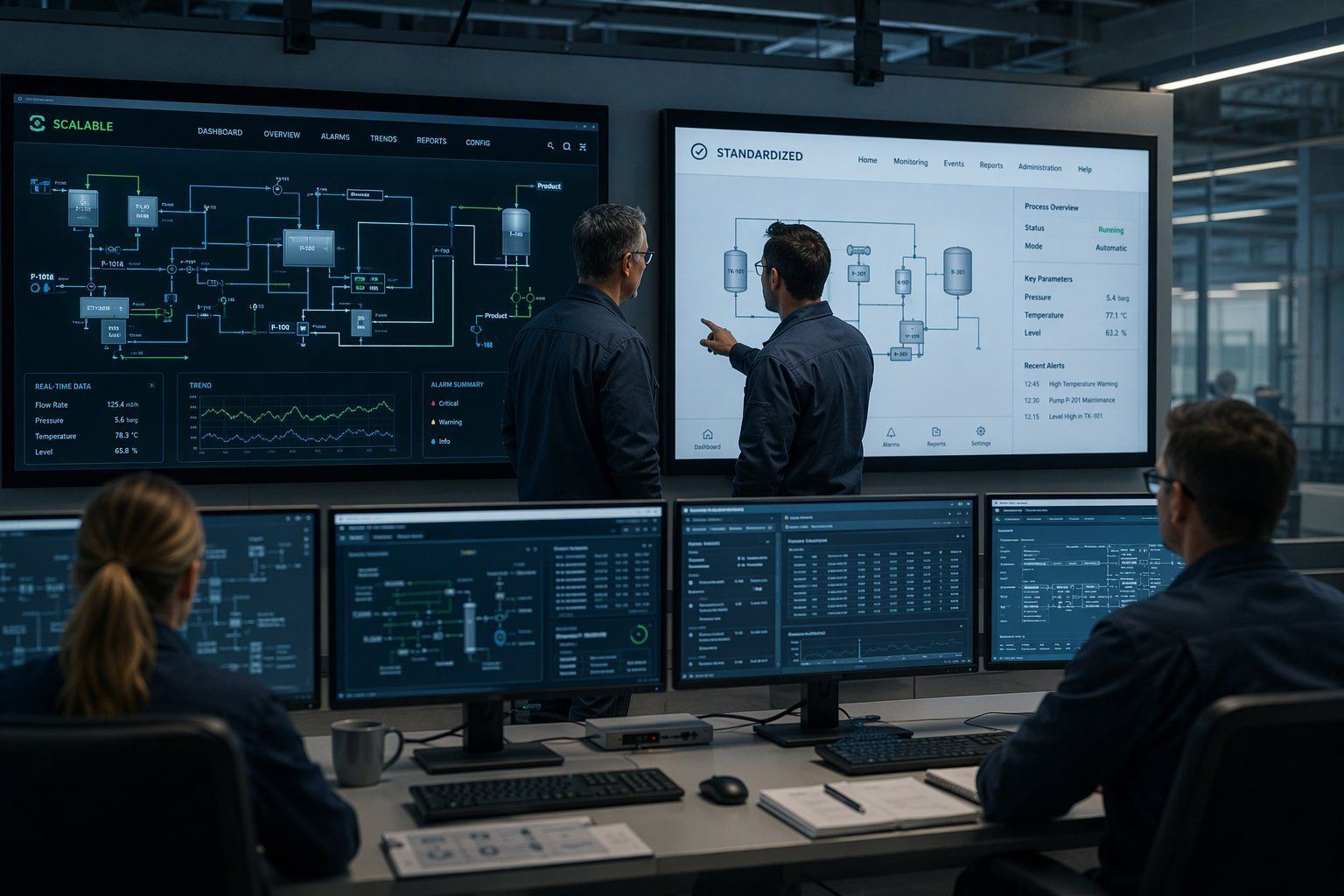
- Architecture matters: Ignition is modular and web-based, while FactoryTalk leans on a client-server model.
- Migration effort is real on either side because graphics, tags, and workflows often need rebuilding.
- Support is solid for both, but their communities and training styles feel different in practice.
Introduction
Modern industrial automation depends on a SCADA platform that can do more than just display process values. You need reliable HMI, data access, alarms, historian tools, and room to support digital transformation without making future expansion painful. That is why many plants compare Ignition from Inductive Automation with FactoryTalk from Rockwell Automation. The right choice usually comes down to architecture, licensing, scalability, web access, integration, and how well the platform fits your maintenance team and control strategy. A clear ignition vs factorytalk comparison starts with those plant needs.
Ignition vs FactoryTalk for Modern Plant SCADA
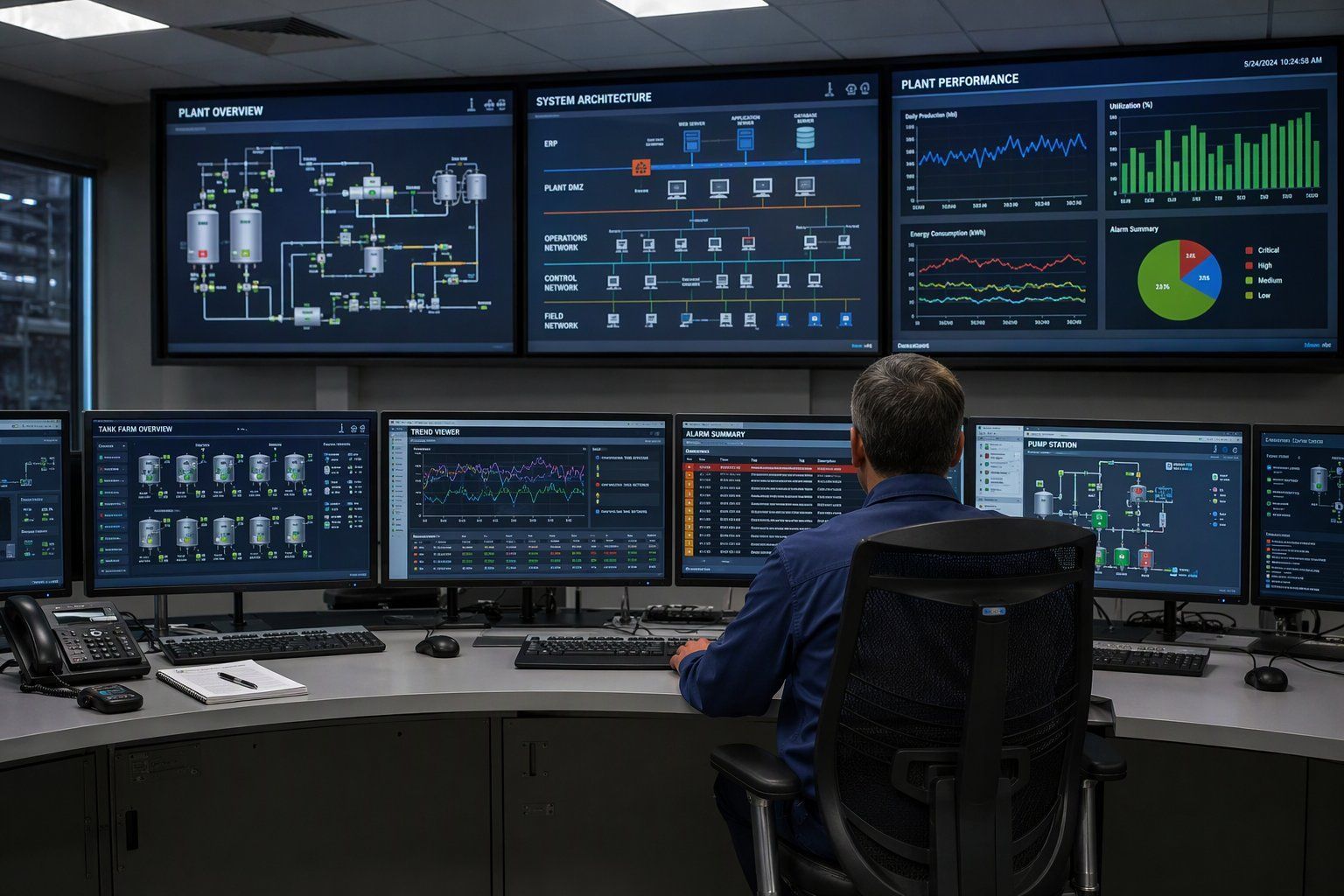
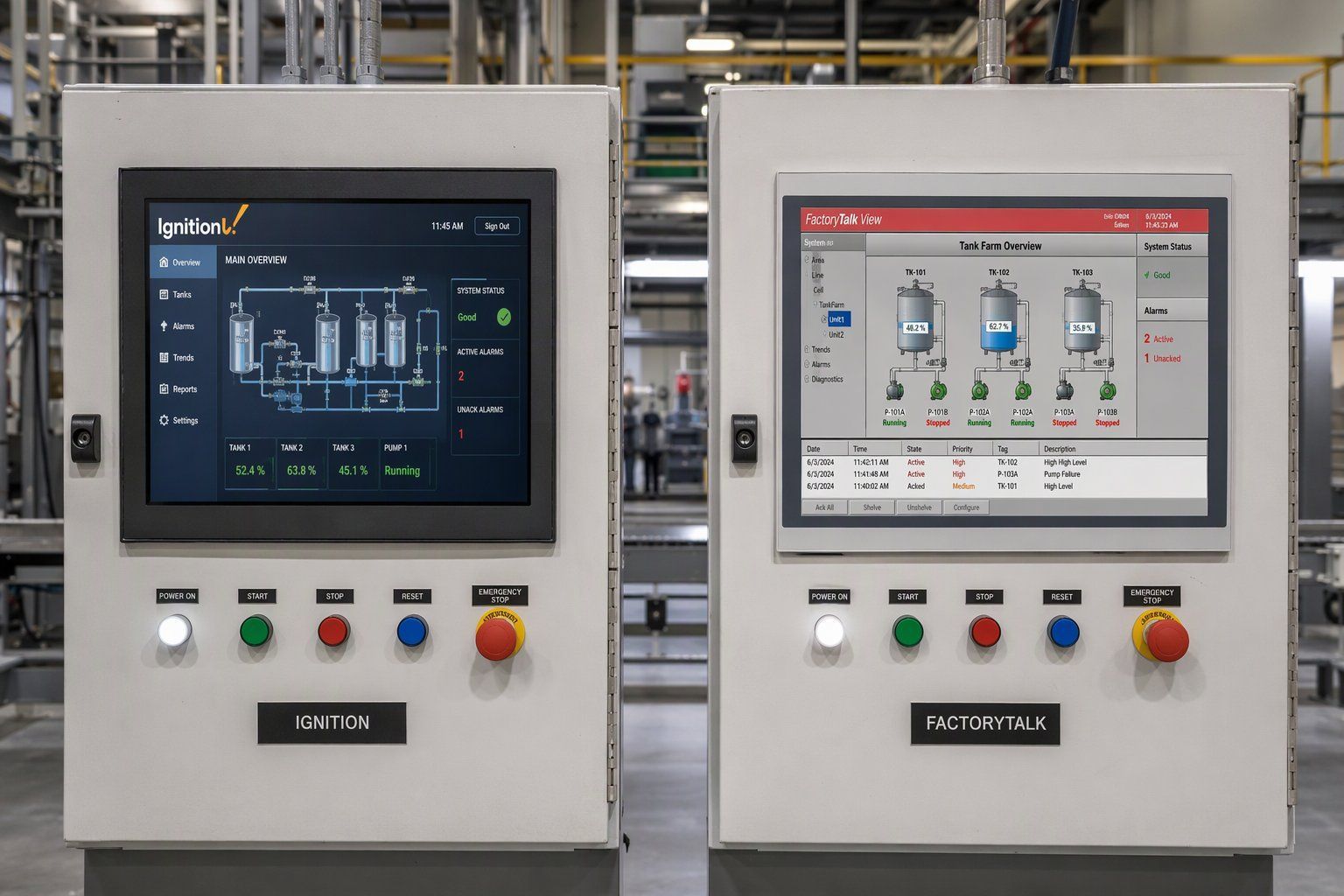
At a high level, Inductive Automation Ignition emphasizes open design, web access, and flexible scaling. FactoryTalk View SE is built for plants that want a SCADA platform closely tied to the Rockwell control system stack, especially Allen-Bradley PLCs. That open design shapes any ignition vs factorytalk decision.
So what are the main differences between Ignition and FactoryTalk for SCADA systems? In day-to-day use, they differ most in architecture, licensing, development experience, and expansion cost. The next sections break those points down in practical plant terms. This ignition vs factorytalk breakdown keeps the comparison practical.
Overview of SCADA and HMI in Manufacturing
In manufacturing, a SCADA platform sits above the PLC layer and helps you supervise the control system. It gives operators a view of process conditions, equipment status, and alarms. It also supports decisions at operator workstations and in maintenance offices.
At the core, plants need dependable data acquisition, clear HMI tools, and a simple way to interact with machines and lines. Operators need screens they can trust. Engineers need access to trends, alarm status, and device communication without fighting the software.
That is where Ignition and FactoryTalk come in. Both platforms cover the core needs of SCADA and HMI, but they do it in different ways. Those differences affect cost, deployment style, and how easy the system is to grow over time. Those differences make an ignition vs factorytalk review worth doing early.
Why these Platforms Lead Today’s Industrial Automation
Ignition and FactoryTalk lead for different reasons. Inductive Automation changed the market with open architecture and an unlimited licensing model. Rockwell Automation built FactoryTalk around strong controller connectivity and a familiar environment for plants already invested in Allen-Bradley hardware. That contrast drives most ignition vs factorytalk evaluations.
That matters during digital transformation. Large distributed plants often need better access to data, easier scaling, and cleaner integration between production systems. Ignition has gained ground here because it is built for flexible deployment. FactoryTalk remains a strong fit where Rockwell standards already shape the plant.
Another reason both stay relevant is active product development. Recent versions have improved connectivity and user experience, while FactoryTalk View SE remains the mature, widely deployed option. For many plants, the choice is less about which is better overall and more about which fits the existing operation.
Architecture & Scalability: How Each Platform Handles Growth
Architecture affects everything that follows. It shapes how you deploy servers, connect remote lines, add users, and handle future expansion. If your plant expects more tags, more screens, or more sites, scalability should be reviewed early, not after commissioning.
This is one of the biggest differences between Ignition and FactoryTalk. Ignition leans on a modular architecture, while FactoryTalk uses a more traditional client-server model. That changes how each one handles growth, web access, and expansion options. Architecture is often the deciding factor in an ignition vs factorytalk choice.
Ignition’s Modular, Web-Based Architecture
Ignition is built around a modular architecture that runs as a Java application on an Ignition Gateway. A single gateway server can host core functions, and you add modules based on project needs. That makes it easier to start small and expand without redesigning the whole system. Modular growth is a strong point in any ignition vs factorytalk review.
For larger systems, multiple gateways can connect through a Gateway Area Network. This gives plants a way to support large distributed operations and remote sites while keeping a central gateway strategy. The Ignition Edge platform can also provide local HMI and store-and-forward historian functions before syncing upstream.
Web access is a major advantage. With the Perspective Module, users can interact through a web browser on many device types. Combined with unlimited clients and flexible expansion, Ignition is often the more scalable choice for industrial operations that expect ongoing growth.
FactoryTalk’s Client-Server Model and Expansion Options
FactoryTalk View SE uses a client-server model with HMI servers, data servers, and a FactoryTalk Directory for service discovery. In practice, this works well in structured plant environments where engineering standards are already defined and users know how the Rockwell stack is organized.
Scaling is possible, but it is handled through more moving parts. You may need additional View SE servers, View SE clients, and related licenses as the system expands. That can work well for planned rollouts, though it tends to be less simple than adding capacity in Ignition.
FactoryTalk has supported large enterprise deployments, especially in facilities centered on Rockwell controllers. It is a solid architecture when the site values standardization and deep PLC alignment. Still, for pure scalability and simpler growth, many plants find Ignition easier to extend
Licensing and Pricing Differences
Licensing can change the economics of a project more than almost any technical feature. If your plant may add lines, tags, clients, or historian functions later, the pricing structure matters as much as the initial purchase price.
Ignition and FactoryTalk take very different approaches. Ignition is known for unlimited licensing, while FactoryTalk uses a more segmented structure with separate components. The text table below gives a side-by-side view before we cover each licensing model in more detail. Licensing often decides an ignition vs factorytalk outcome.
Category
Ignition
FactoryTalk
Core licensing model
Server-based unlimited licensing model
Tag-based licensing style in practice through separate SKUs, servers, displays, and client count factors
Tags
Unlimited tags per server
Costs rise as the system grows through added components and scope
Clients
Unlimited clients
View SE clients are licensed separately
Servers
One ignition license per server setup, with module choices
Separate licensing for View SE servers and other services
Historian and reporting
Added through platform modules and options
Historian, reporting, and alarms often require separate products or activations
Cost at scale
Often lower total cost of ownership for growing systems
FactoryTalk costs can escalate in large distributed systems
Ongoing support
Optional support subscription
Ongoing costs depend on product mix and support arrangements
Budgeting impact
Easier to forecast expansion
More planning needed because multiple licenses may be involved
Ignition’s Unlimited Licensing Approach
Ignition’s biggest licensing advantage is simple: one ignition license can cover unlimited clients, unlimited tags, and broad connectivity on a server. For plants that expect expansion, this unlimited licensing model removes a lot of budgeting friction. Unlimited licensing is a headline point in any ignition vs factorytalk comparison.
That simplicity helps in the real world. You do not need to rethink the license every time a new line adds screens, users, or extra data points. It also makes integration projects easier, because growth in scope does not automatically trigger a new round of client or tag purchases.
There is still cost, of course. Typical full installations often land in the software range noted for module-based systems, and remote sites may use Ignition Edge licenses. But with no required annual maintenance and an optional support subscription, Ignition often delivers the lowest total cost of ownership at scale.
FactoryTalk’s Tag-Based Licensing Structure
FactoryTalk licensing is less direct. In practice, you budget around servers, displays, clients, and related products rather than one broad license. That is why many users describe it as tag-based licensing or scope-based planning, even if the exact structure depends on the system design.
For a plant engineer, the challenge is cost visibility. You may need separate SKUs for FactoryTalk View SE servers, View SE clients, Historian, reporting, and alarms. As tag count, display count, or user count grows, FactoryTalk costs can rise faster than expected.
This does not make FactoryTalk a poor choice. It can still fit well in Rockwell-heavy plants where the integration value is high. But compared with Ignition, project planning usually requires more detailed budgeting, more license tracking, and more care when future expansion is likely.
User Experience and Interface: Plant-Floor Usability
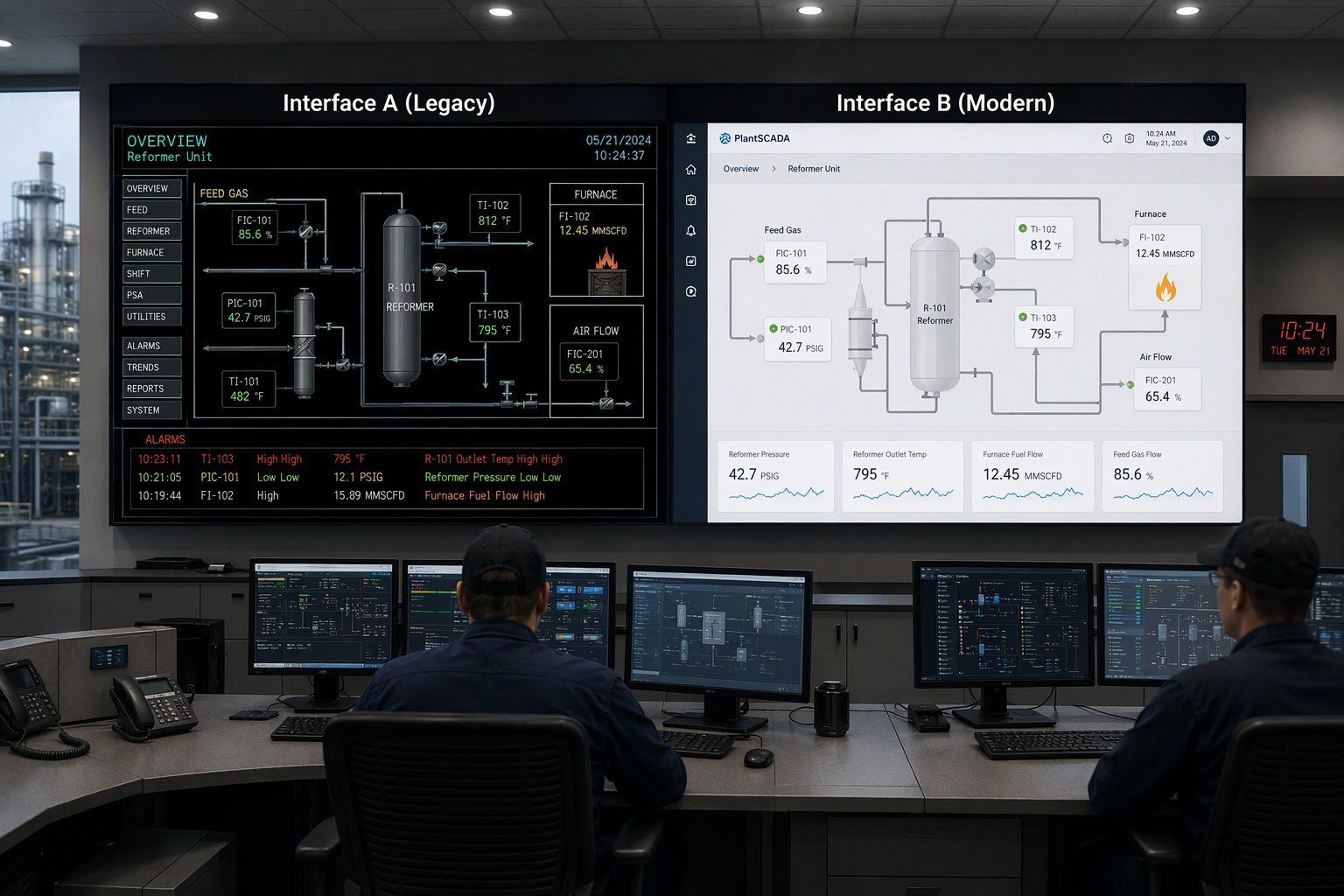
Plant-floor usability is easy to underestimate until the system goes live. Operators need a clean user interface, fast screen response, and consistent navigation. Engineers need HMI tools that support quick updates without turning every small change into a project.
Ignition and FactoryTalk differ quite a bit here. Their dashboard design, screen deployment, and development environment shape daily work for operators and maintenance teams. The next two sections compare what that looks like in practice. Daily usability shapes any ignition vs factorytalk verdict.
Dashboard Design and Customization in Ignition
The platform gives engineers a lot of freedom in dashboard design. Its tools support reusable components, template-driven work, and flexible customization, which is helpful when multiple production areas need a similar look with small differences.
On the deployment side, the Perspective Module is a big factor. It allows screens to run through a web browser and supports a wider mix of devices without a separate thick-client strategy. That changes how plants think about user access and remote visibility.
Key practical advantages include:
- Rapid development with browser-friendly deployment
- Unlimited screens and unlimited clients on the licensed server
- Perspective module support for mobile-compatible views
- Easy re-use of components for faster standardization
For operators, that can mean a more consistent visual experience. For engineers, it often means faster edits and less duplication during expansion. Operator experience matters in every ignition vs factorytalk decision.
FactoryTalk’s HMI Tools for Operators and Engineers
FactoryTalk View SE uses View Studio for screen development and HMI tools that many automation teams already know. In Rockwell-centered plants, that familiarity can shorten startup time because the software aligns with existing engineering habits and operator expectations.
It also fits well with local HMI and fixed operator workstations. Plants that rely on traditional supervisory stations often appreciate the structured setup. Where Rockwell PLCs dominate, the tight connection to controller tags can make engineering tasks feel more direct.
Common strengths include:
- Familiar design environment for many engineers
- Deep integration with Rockwell PLCs
- Wide use of local HMI and operator workstations
The tradeoff is flexibility. Customization can take more effort, and the learning curve for broader deployment choices may be steeper than teams expect if they want web-first access or less rigid screen strategies.
Migration Effort: Switching Between Platforms
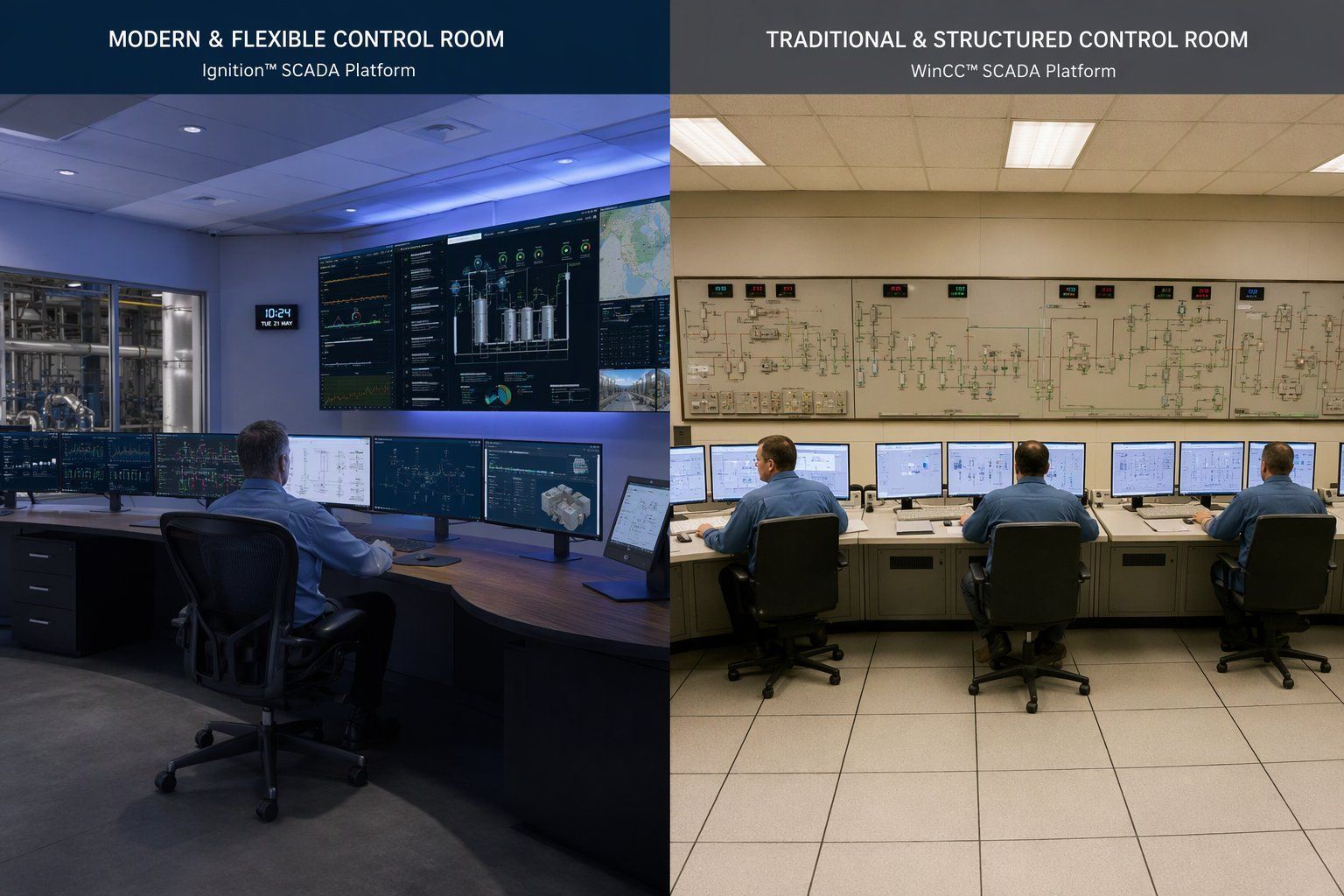
Migration is rarely just a software swap. In most plants, the transition touches graphics, historian data, alarming, training, and how operators interact with the new system. That is why moving off a legacy platform needs planning well before cutover.
The easier path depends on your current standards and hardware. Some plants move to Ignition for cost and flexibility. Others move to FactoryTalk to match Rockwell investments. The next sections explain the practical tradeoffs in each direction. Migration tradeoffs shape any ignition vs factorytalk plan.
Transitioning from FactoryTalk to Ignition
A migration from FactoryTalk to Ignition is common when plants want lower long-term cost, better web access, or easier scaling. The work usually starts with mapping FactoryTalk tags into Ignition tag structures and deciding how the new Ignition Gateway will connect to controllers and databases.
One important point: there is no automated converter for graphics. Teams should expect to rebuild screens, review alarm behavior, and move historical data with ETL-style methods where needed. Operators and engineers also need time to adjust to a different development experience and runtime look.
Even so, many plants find this move worthwhile. Ignition’s flexible architecture and simpler licensing can offset the initial migration effort. A phased migration, where both systems run in parallel during the transition, is often the safest path on active manufacturing lines.
Making the Move from Ignition to FactoryTalk
Moving from Ignition to FactoryTalk usually happens when a plant wants closer alignment with Rockwell hardware, controller workflows, or corporate standards. In that case, the migration centers on rebuilding displays in FactoryTalk View and reconnecting the application around Rockwell-centric tag handling.
This path can bring a different learning curve. Teams used to Ignition’s open design may need to adapt to View Studio, site edition structure, and a more segmented licensing approach. PLC programming practices also matter more because FactoryTalk is tightly linked to the controller environment.
Costs can be higher, especially if the new system requires more servers, clients, or related products. Still, the move can make sense when existing automation investments are heavily Rockwell and the plant wants the tightest PLC integration available from one vendor ecosystem.
Key Features for Manufacturers
Manufacturers usually care less about marketing terms and more about the features that help keep lines running. That means solid alarming, historian functions, useful data visualization, and integration that does not become a maintenance burden.
Ignition and FactoryTalk both cover these needs, but their strengths show up in different plant scenarios. The next sections compare how they handle alarms, historical data, trends, reporting, and third-party connectivity. Feature fit decides many ignition vs factorytalk outcomes.
Alarming, Historian, and Data Visualization
For most plants, the must-have feature set starts with alarms, trends, and historical records. Operators need fast alarm notification. Engineers need useful alarm management and a historian they can trust when troubleshooting downtime or quality issues.
Both platforms support those core functions, but they approach them differently. Ignition emphasizes platform flexibility, store-and-forward ideas at remote sites, and broad database use. FactoryTalk often fits plants that want alarm and history functions closely tied to Rockwell workflows and related products.
Critical feature areas include:
- Alarm notification and alarm management tools
- Historian support for process and historical data
- Real-time and historical trend visualization
- Compliance and reporting support
If your plant needs one broad platform with flexible data visualization, Ignition is appealing. If controller-based workflows matter most, FactoryTalk can be the stronger fit.
Integration with Third-Party Devices and Protocols
Integration often decides the winner in mixed-vendor plants. If you have Allen-Bradley, Siemens, Modbus devices, databases, and plant systems that all need to talk, protocol support becomes a daily maintenance issue, not just a design note.
Ignition is usually more flexible here. It includes built-in drivers for common industrial protocols and supports Sparkplug B for efficient IIoT data transport. It also works well with database connections and outside systems, which helps when the plant wants broad interoperability.
Key integration strengths include:
- Protocol and third-party devices support
- IIoT and MES connectivity options
- Database connections and external system interoperability
FactoryTalk is strongest with Rockwell hardware and offers the tightest PLC integration in that ecosystem. But for plants with varied devices or deep MES integration goals, Ignition usually provides more open connection options with fewer extra layers.
Support and Community Resources
Even a strong platform can become a headache if support is slow or hard to use. Plants need dependable technical support, clear documentation, and training that helps engineers solve real production problems.
Ignition and FactoryTalk both offer good resources, but the experience differs. One leans heavily on an active user community and open learning material. The other benefits from a large vendor structure and broad product training. Here is how they compare. Support differs across every ignition vs factorytalk rollout.
Ignition’s Community and Technical Support
Ignition benefits from a very active community. Inductive Automation has built a user base that shares examples, practical fixes, and implementation ideas, which is useful when your maintenance team needs answers beyond formal manuals.
Formal technical support is also available, typically through an optional support subscription that includes updates and vendor help. For plants that want outside project support, consulting firms such as NFM Consulting have also worked across multiple SCADA platforms and can help with vendor-neutral assessments or migration work.
Documentation and training are widely considered strengths in the Ignition world. Inductive Automation provides structured learning resources that help engineers get productive without a heavy software barrier. That combination of community and official material is one reason many teams ramp up quickly on Ignition.
FactoryTalk’s Documentation and Training Options
FactoryTalk is backed by Rockwell Automation, which gives users access to extensive documentation, official training, and product resources tied to a large automation portfolio. That matters when your plant already depends on related products across controls, drives, and engineering software.
The value is strongest in integrated environments. Training often aligns with technical requirements across PLCs, HMI, and software tools, which can help standardize engineering practices. For enterprise users, that can be a real advantage when multiple sites follow the same Rockwell methods.
Support options are solid, especially for established customers with broader Rockwell relationships. The tradeoff is that the information can feel spread across many products and services. When the plant is heavily invested in Rockwell, though, FactoryTalk support and training fit naturally into that ecosystem.
Conclusion
In conclusion,
choosing between Ignition and FactoryTalk involves carefully considering the unique needs of your plant and the specific features of each platform. Both systems offer robust SCADA solutions, yet their differences in architecture, licensing models, user experience, and migration efforts can significantly impact your operations. By thoroughly evaluating these factors, you can determine which platform aligns best with your goals for efficiency and growth. Remember, investing in the right SCADA system is crucial for optimizing processes and ensuring seamless integration in your manufacturing environment. If you’re ready to explore these platforms further, don’t hesitate to reach out for a consultation to find the best fit for your facility.
Frequently Asked Questions
Which platform is more scalable for industrial operations?
Ignition is usually more scalable for industrial operations because its architecture supports large distributed deployments through a Gateway Area Network, a central gateway strategy, and unlimited licensing. FactoryTalk can scale too, but expansion often involves more licensed components, which makes growth planning more complex.
What are the licensing differences between Ignition and FactoryTalk?
Ignition uses an unlimited licensing model on the server, so client count and tag growth do not drive license changes the same way. FactoryTalk uses a more segmented licensing model that behaves closer to tag-based licensing, with added costs tied to clients, servers, and product scope rather than one broad license.
Is migration easier to Ignition or FactoryTalk?
Migration is often easier to justify toward Ignition when a plant is leaving a legacy platform for lower cost and a more flexible new system. But neither move is simple. In both directions, teams face a learning curve, screen rebuilds, and adjustments to a different development environment.
You might also like