Open Automation Software vs Ignition: An Honest Comparison for Mid-Size Plants
Key Highlights
- Ignition SCADA from Inductive Automation is positioned as a full industrial automation platform, while Open Automation Software is often evaluated more for connectivity and integration.
- Ignition stands out with an unlimited licensing model for clients, screens, devices, and unlimited tags.
- For web access, Ignition SCADA has a stronger built-in browser-based story.
- Open Automation Software can fit plants focused on data acquisition and database connection work.
- Mid-size plants should compare architecture, pricing, historian, alarming, and migration effort before choosing scada software.
Introduction
Picking scada software for a mid-size plant is rarely just about screens and alarms. You have to think about industrial automation fit, future expansion, remote access, support, and how much disruption a change will cause on the plant floor. In this comparison, we look at Ignition and Open Automation Software in practical terms. The goal is simple: help you decide which platform better matches your operations, staffing, and upgrade path without turning the project into a long, expensive detour. A clear open automation software vs ignition comparison starts with those plant needs.

Open Automation Software vs Ignition: Overview for Industrial SCADA
Ignition SCADA is presented as a universal industrial automation platform built to connect plant-floor and enterprise systems on one server-centric foundation. It supports HMI, SCADA, IIoT, MES, alarming, reporting, and mobile access under one automation software umbrella. That breadth shapes any open automation software vs ignition decision.
Open Automation Software is usually considered when plants want strong connectivity, data acquisition, and integration options. For a new industrial SCADA system, Ignition often looks more complete out of the box, while Open Automation Software may appeal when your priority is linking systems, databases, and devices with a lighter platform approach. The details start with architecture. That focus drives most open automation software vs ignition evaluations.

Core Architecture, Connectivity, and Server Design Principles
At the architecture level, Ignition is built as a centralized platform with a gateway acting as the main server hub. That matters in a plant because configuration, security, diagnostics, and deployment are managed from one place. For teams that want one development environment instead of separate tools, that is a practical advantage. Architecture is often the deciding factor in an open automation software vs ignition choice.
Just as important, Ignition is described as modular. You add module capabilities for SCADA, HMI, reporting, mobility, or MES as needed. It is also built on open standards such as SQL, Python, MQTT, and OPC UA. That makes it easier to bridge OT and IT and support IIoT projects without forcing a closed stack. The core runtime is a Java application, so the platform stays consistent across operating systems. Modular growth is a strong point in any open automation software vs ignition review.
By comparison, Open Automation Software is typically viewed through an integration-first architecture. If your main goal is moving data between PLCs, SQL, Oracle, and API endpoints, OAS can enter the conversation. If you want a broader SCADA platform with built-in IoT direction, Ignition is the clearer fit. Integration depth matters in every open automation software vs ignition review.
Supported Platforms and Deployment Models
For deployment, Ignition gives mid-size plants a very flexible model. It installs on a central server and can scale from one site to multiple sites or a cloud setup. That matters when you have one production line today but know another building, utility system, or remote asset may be added later.
The cross-platform story is also strong. Ignition runs on:
- Windows
- Linux
- macOS
- Mobile devices through browser-based clients on iOS and Android
In practical terms, that makes Ignition easier to standardize across mixed IT environments. It also supports web-launched clients, which can reduce desktop rollout work. Open Automation Software may still suit plants with specific needs around database connection, connectivity, or edge data movement, but for a new SCADA system with broad deployment needs, Ignition usually looks more ready for plant-wide and cloud expansion.
Licensing and Pricing Structure
Licensing drives a lot of SCADA decisions because it affects not just startup cost, but every expansion after that. In a mid-size plant, the wrong license model can make each new screen, workstation, or tag count discussion feel like a budget fight.
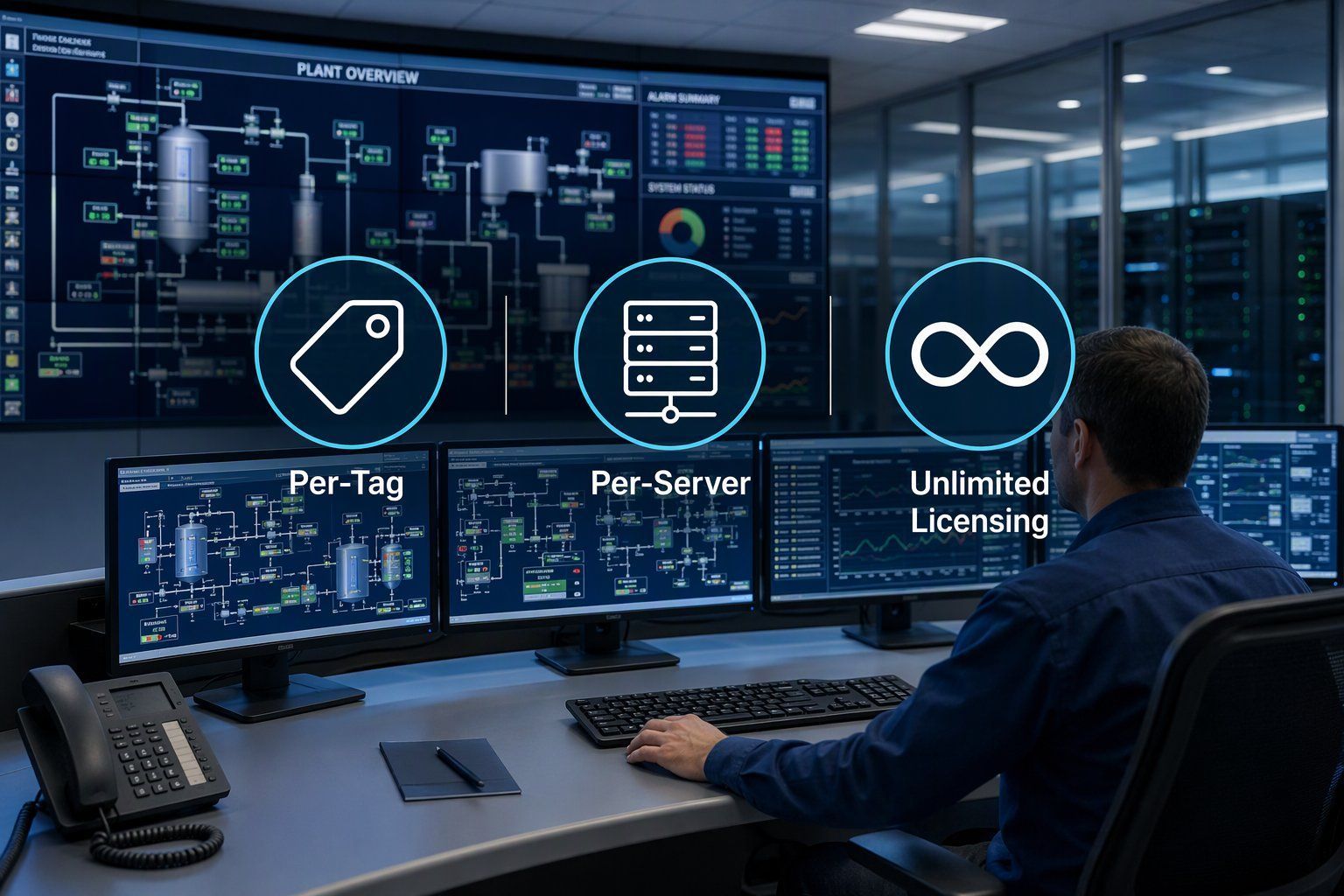
The platform is very clear in its message: unlimited licensing for clients, screens, tags, connections, and devices. That creates predictable pricing as your system grows. Open Automation Software needs a closer review by feature and scope, so the real cost comparison depends on how much SCADA functionality versus connectivity you need. Let’s break that down.
Ignition Licensing: Options and Cost Considerations
Its licensing is one of its biggest selling points for manufacturing teams. The unlimited licensing model removes extra charges for unlimited tags, clients, screens, connections, and devices. If your line expands or you add more operators, the license structure is less likely to punish growth. That is a real benefit for plants trying to control maintenance costs and future capital planning.
Another useful point is that the platform is modular. You can shape the platform with modules such as Perspective, reporting, or MES capabilities. So pricing is tied more to platform edition and module choices than raw tag count growth.
Ignition licensing factor
Practical plant impact
Unlimited tags
Easier to add data points without repeated license reviews
Unlimited clients and screens
Better for more HMIs, supervisors, and maintenance access
Unlimited device connections
Helps when adding PLCs and skids over time
Modular pricing
Lets you buy the functionality you actually plan to use
For many mid-size plants, that makes pricing easier to forecast.
Open Automation Software Licensing: Options and Cost Comparison
With Open Automation Software, the cost comparison usually needs more digging. Plants often look at OAS when they want data acquisition, SQL bridge style workflows, database connection options, or broad connectivity without committing to a larger industrial automation platform. In that case, the value can be tied to a narrower project scope.
Still, this is where Ignition often has the cleaner message. Inductive Automation openly pushes unlimited licensing, while Open Automation Software tends to require a more detailed review of licensing, functionality, and deployment goals. That means the proposal stage can take more effort if you are trying to compare apples to apples.
If your plant wants a full SCADA and HMI stack with room to grow, Ignition may be simpler to budget. If you mainly need integration and movement of real time data between systems, OAS may still be cost-effective depending on project boundaries.
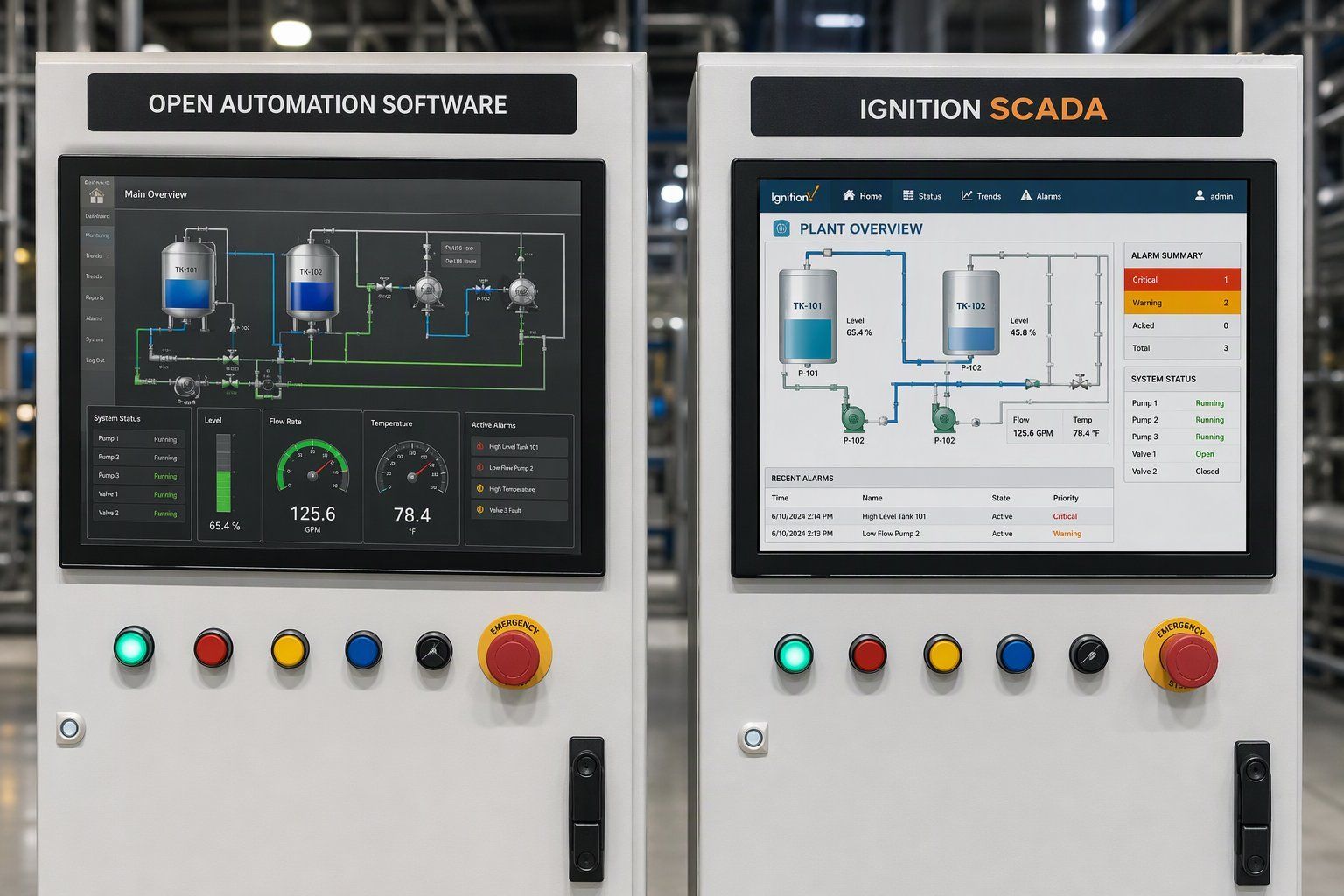
Scalability and System Expansion for Mid-Size Plants
Scalability is where many plants make a platform choice they either appreciate later or regret. A system that works for one packaging line may struggle once you add utilities, batch skids, remote panels, or enterprise systems.
Ignition is designed to scale from a single server deployment to multi-site and cloud architectures. That broad industrial automation footprint is attractive for mid-size plants planning steady system expansion. Open Automation Software can still serve growth, especially in integration-heavy environments, but the question is whether you need scalable SCADA operations or mainly scalable connectivity.
Handling Growth with Ignition
Ignition is built for growth in a way that fits manufacturing well. Its server-centric architecture allows you to deploy clients from one central location, whether that is one site, several facilities, or a cloud setup. For a plant engineer, that means fewer isolated applications and better control over changes.
Another strength is how it handles more data points and broader enterprise systems integration. Ignition connects to databases, PLCs, field devices, and line-of-business systems, which helps when operations want production data to feed reporting, OEE, or MES initiatives. The same platform can support HMI, SCADA, IIoT, and even sepasoft mes expansions if your roadmap heads there.
For mid-size plants, that means you can start with a focused project and expand without replacing the platform. If digital transformation solutions are part of your long-term plan, Ignition gives you a stronger runway than a narrower point solution.
Scaling Capabilities in Open Automation Software
Open Automation Software can make sense when system expansion is driven by connectivity rather than operator-facing SCADA growth. If your team needs to bring more PLCs, database connection paths, or API endpoints into one data flow, OAS can remain a practical option. In that kind of project, scalability means moving more information reliably, not necessarily building a larger HMI estate.
That said, the comparison changes when you need a central gateway style experience for plant-wide operations. Ignition’s gateway is a defined control point for deployment, security, diagnostics, and system management. That is a major operational benefit when a project grows beyond a few connections.
So the honest answer is this: Open Automation Software may scale well for targeted integration jobs, while Ignition scales more naturally as a complete SCADA, HMI, and industrial automation platform for expanding plant operations.
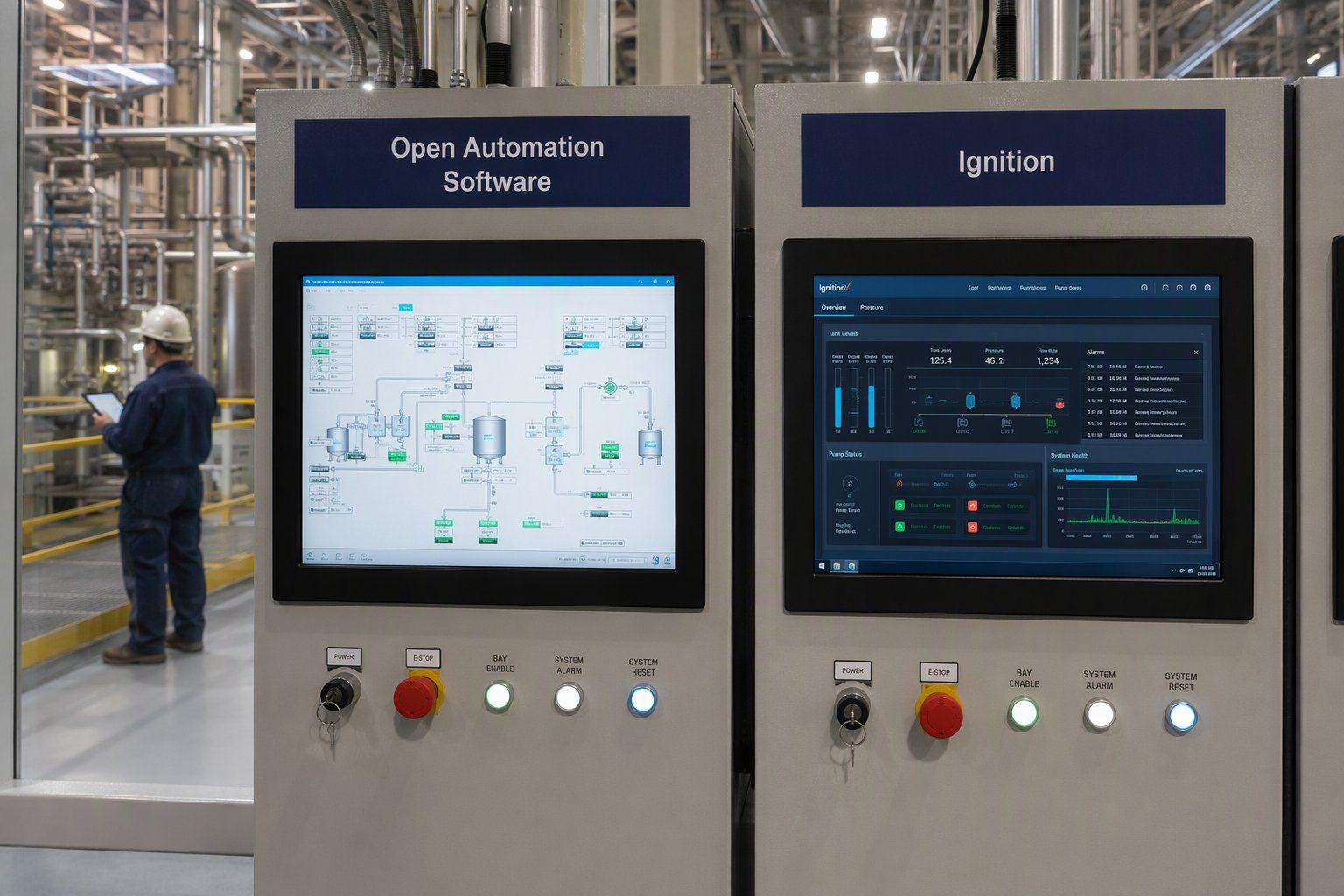
Web Access, Mobility, and Remote Monitoring
Remote visibility is no longer a nice extra. Maintenance managers want alarms, trends, and status from anywhere they are allowed to work, whether that is the control room, another building, or off-site support.
Ignition has a clear advantage in web access and mobility because it supports HTML5 applications through a web browser and mobile devices. That gives plants a more direct path to remote monitoring. Open Automation Software can support remote access goals too, but Ignition’s built-in browser-first approach is easier to understand and usually easier to present to operations teams.
Ignition Web-Based Tools and Mobile Features
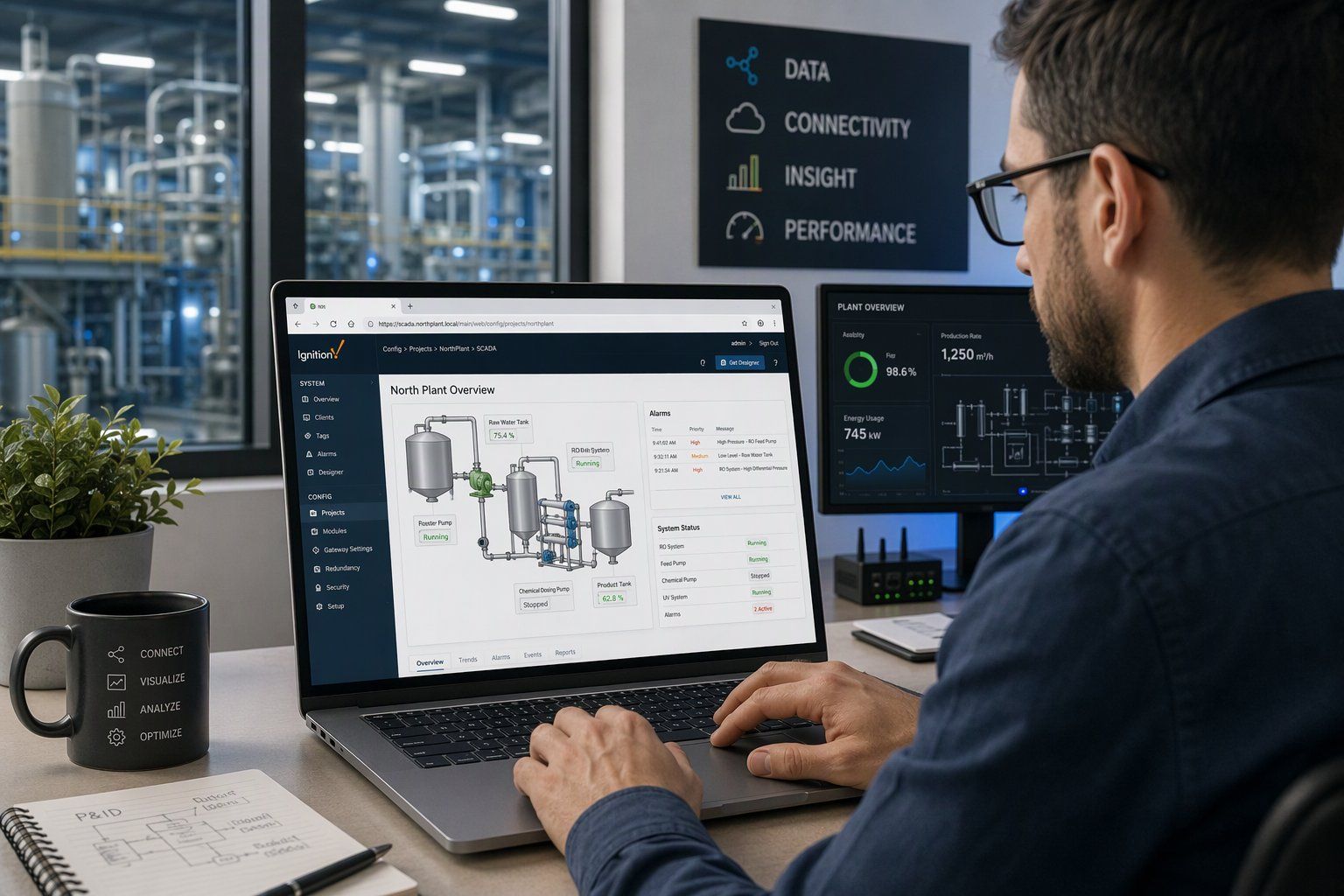
Ignition’s web-based approach is one of its strongest plant-floor advantages. With the Ignition Perspective Module, you can build responsive visualization applications that run in a web browser on different screen sizes. That reduces dependence on thick clients and gives operations teams more freedom in how they view real time process data.
From a mobility standpoint, the benefits are straightforward:
- HMIs and dashboards can be viewed on phones, tablets, desktops, and industrial displays
- Remote monitoring becomes easier because applications are browser-based
- One design approach can support multiple device types
This also supports IIoT and broader connectivity goals. If you are trying to get plant information to supervisors, maintenance, and management without building separate front ends, Ignition is a strong fit. For mid-size plants that need practical mobility without a complicated rollout, this is a big reason ignition scada software gets serious attention.
Open Automation Software Remote Access Solutions
Open Automation Software can still support remote access and monitoring strategies, especially when the plant’s main goal is exposing data to outside systems, databases, or custom applications. In that setup, mobility may be less about polished browser HMI screens and more about getting the right data where it needs to go.
That can work well if your team already has another front end or wants to build around specific integration paths. For example, a plant may care more about moving values into reporting, maintenance tools, or cloud services than deploying a broad mobile HMI platform.
The tradeoff is clarity and speed. Ignition gives you a more complete web browser and remote monitoring package through its platform and Perspective tooling. Open Automation Software may be suitable when remote access is part of a wider connectivity design instead of the main operator experience.
Key Features for Industrial SCADA & HMI
When plants compare features, the list can get long fast. The better question is simpler: which platform gives you the tools you actually need for industrial applications without forcing too much custom work?
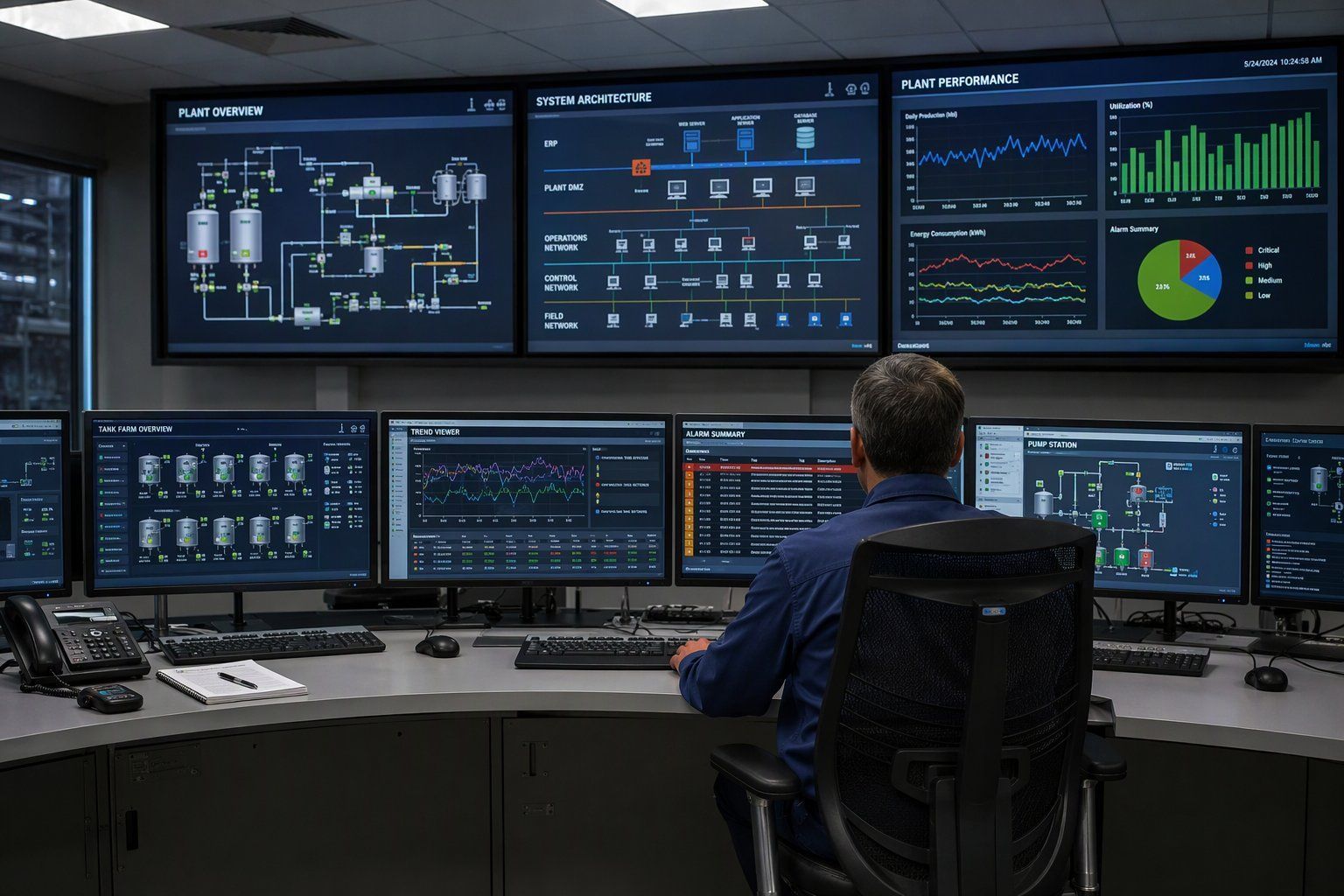
Ignition brings together SCADA, HMI, alarming, reporting, data acquisition, visualization, and broad connectivity on one platform. Open Automation Software is often considered for connectivity, database work, and integration-driven functionality. That means the feature comparison is not just about checkboxes. It is about whether your project is operations-first or integration-first. Historian, alarming, and user experience are where that becomes clearer.
Historian, Alarming, Visualization, and IoT Integration Comparison
Ignition is presented as a broad industrial platform with strong support for historical data, alarming, and IIoT integration. It is built on open technologies like SQL, MQTT, and OPC UA, which helps connect field devices, databases, and higher-level systems. That makes it suitable for plants that want one place to manage operations data and alarms.
From a practical perspective, Ignition offers:
- Historical data storage and analysis tied to SQL-based workflows
- Alarm management and alarm notification as part of a larger SCADA environment
- IIoT integration through open connectivity and agile applications
Open Automation Software may still fit plants where historian and integration requirements are centered on moving data between sources rather than deploying a full alarm-centric operator platform. If historian, alarming, and IoT all need to live inside one expandable system, Ignition has the stronger all-in-one position for manufacturing use.
User Experience, Support, and Community Resources
User experience matters more than many plants admit. A platform can be technically capable but still frustrate your team if the screens, tools, and configuration flow do not make sense under production pressure. Ignition puts a lot of emphasis on a universal designer, fast deployment, and a user-friendly gateway interface. That generally supports ease of use for engineering and maintenance teams.
Support and community are another big part of the real-world picture. Ignition has visible resources including a help center, user manual, training, certification, forums, and Ignition Exchange. Inductive University also stands out as a practical training path for teams that want to build skills internally.
For plants comparing reviews and daily experience, that ecosystem matters. Open Automation Software may still serve specific needs well, but Ignition appears to offer stronger community depth, learning resources, and customer support structure for teams that want a broader installed base and faster ramp-up.

Migration Effort and Typical Use Cases
Migration effort can make or break a project. Even a better platform loses its appeal if the transition from legacy platforms creates too much downtime, too many retraining issues, or too much engineering rework.
Ignition is often attractive when plants want to replace or consolidate older SCADA and HMI systems into one platform. Open Automation Software may fit use cases where the transition is more about connecting legacy systems than replacing them outright. The right answer depends on whether you are modernizing operations, improving integration, or trying to do both in stages.
Transitioning From Existing Systems to Ignition
Ignition is a logical migration target when a plant wants to move away from fragmented legacy platforms and centralize SCADA, HMI, alarming, reporting, and data access. Its gateway model, cross-platform deployment, and browser-based options can reduce the number of separate tools your team has to maintain. That is valuable in plants with lean automation staffing.
There is also evidence of porting support in the broader Ignition ecosystem. The compiled information mentions tag tools used for porting from other SCADA platforms. That suggests the platform is not just for greenfield work; it is also used in real transition projects where existing tag structures matter.
Typical use cases for choosing Ignition include replacing aging HMI systems, standardizing across multiple lines, adding mobile visibility, and creating a foundation for MES or digital transformation solutions. If the goal is a cleaner future-state architecture, Ignition often makes the stronger case.
Migration Considerations With Open Automation Software
Open Automation Software can be a practical migration choice when a plant is not ready for a full SCADA replacement. In some situations, the smarter move is to keep legacy systems running while improving connectivity, pulling data into SQL or Oracle databases, or exposing values through an API for reporting and analytics. That kind of transition can feel lower risk.
This approach may fit plants with specific needs, limited budgets, or a phased modernization plan. Instead of replacing operator interfaces immediately, OAS may be used to bridge old and new systems while data acquisition and integration improve in the background.
The drawback is that this may leave you with more moving parts over time. If your plant wants one platform for visualization, alarm management, historical data, and remote monitoring, Ignition may reduce long-term maintenance costs better than an integration-focused transition alone.
Conclusion
In conclusion, both Open Automation Software and Ignition present unique advantages for mid-size plants seeking efficient
SCADA and HMI solutions . Your choice will ultimately depend on your specific needs, budget, and future scalability plans. Ignition’s robust licensing options and web-based tools may appeal to those prioritizing remote access and flexibility, while Open Automation Software offers a compelling alternative with its cost-effective model and ease of integration. No matter which platform you choose, understanding their features and how they align with your operational goals is essential. If you're ready to dive deeper into your options and find the
best solution for your plant, consider reaching out for a free consultation today!
Frequently Asked Questions
Which platform is more suitable for a new SCADA system?
For a new scada software deployment, Ignition usually fits better when you need HMI, alarming, historian, mobility, and future digital transformation solutions on one platform. Open Automation Software can still work for specific needs centered on connectivity and integration, but Ignition is typically the broader starting point for plant-wide use.
What are the real-world user experiences and reviews for both platforms?
Real-world user experience often favors Ignition for its community, training, documentation, and customer support structure. Its gateway and designer also support ease of use for many teams. Reviews of Open Automation Software are often tied more to integration value, while Ignition is discussed more as a full operations platform.
Are there any drawbacks to choosing Open Automation Software instead of Ignition?
Yes, depending on your goals. Open Automation Software may be a narrower fit if you need full SCADA, browser-based HMI, strong community depth, and unified functionality in one platform. That can affect long-term maintenance costs, support expectations, and how much custom work is needed as the system grows.
You might also like