SCADA Obsolescence Audit: How to Inventory What You Have Before It Fails
Key Highlights
- A scada system obsolescence audit shows what is aging, unsupported, or exposed in your control system.
- You need to inventory every server, HMI panel, PLC, network device, and related spare parts.
- The audit should capture software versions, licenses, vendor support status, and support contract details.
- It also needs end-of-life dates, repair paths, and single points of failure.
- The end result is not just a list. It is a prioritized replacement plan you can use for budgeting.
Introduction
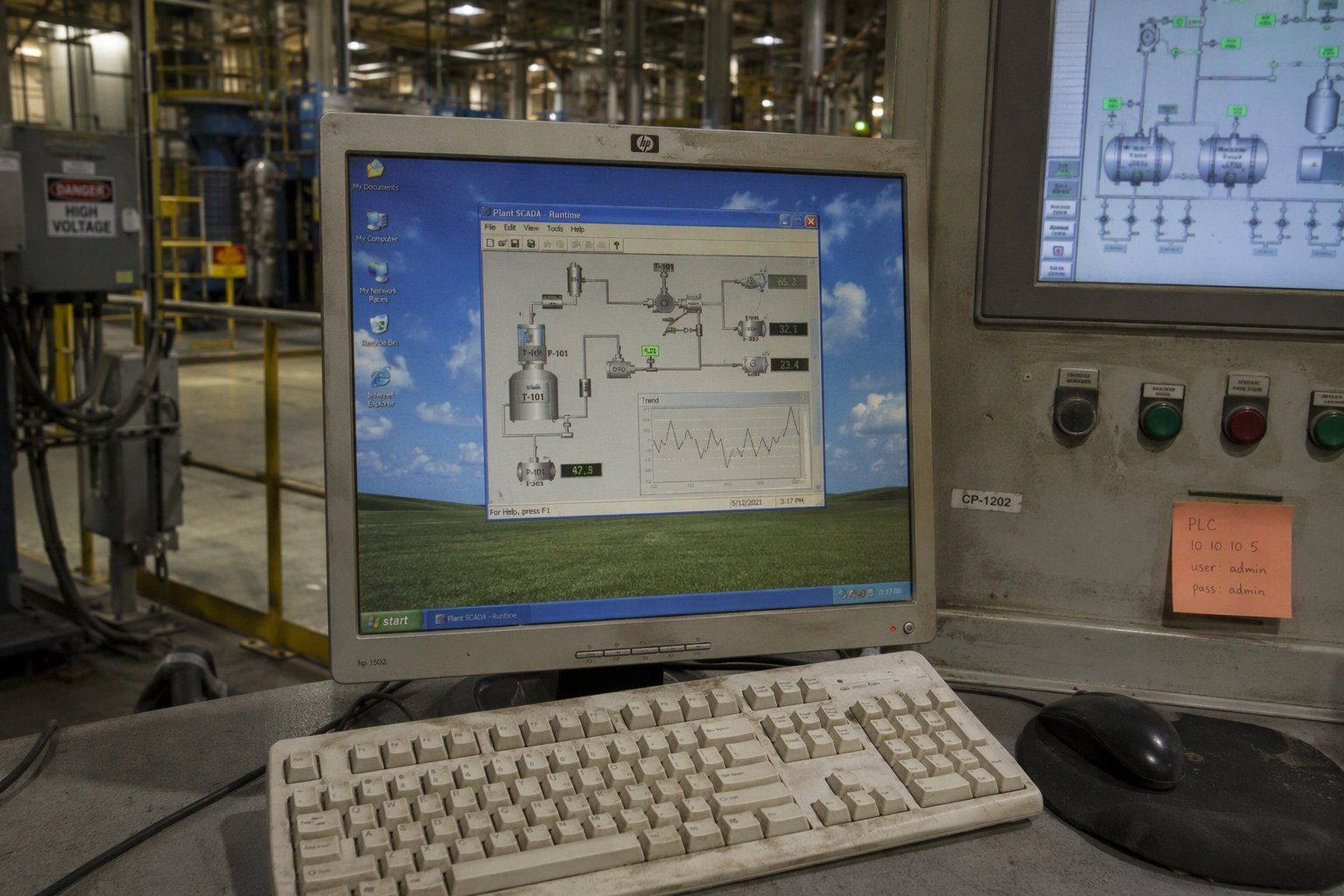
Your scada system may still be running, but that does not mean the risk is low. In industrial operations, trouble often starts when a part fails and you find out too late that the platform is obsolete, unsupported, or hard to repair. A practical obsolescence audit helps you see that risk early. It gives you a clear inventory, highlights weak points, and supports predictive maintenance decisions so you can plan replacements before a failure drives an unplanned shutdown. A scada obsolescence audit gives you that inventory before a failure forces the issue.
Understanding SCADA Obsolescence Audits in Industrial Operations
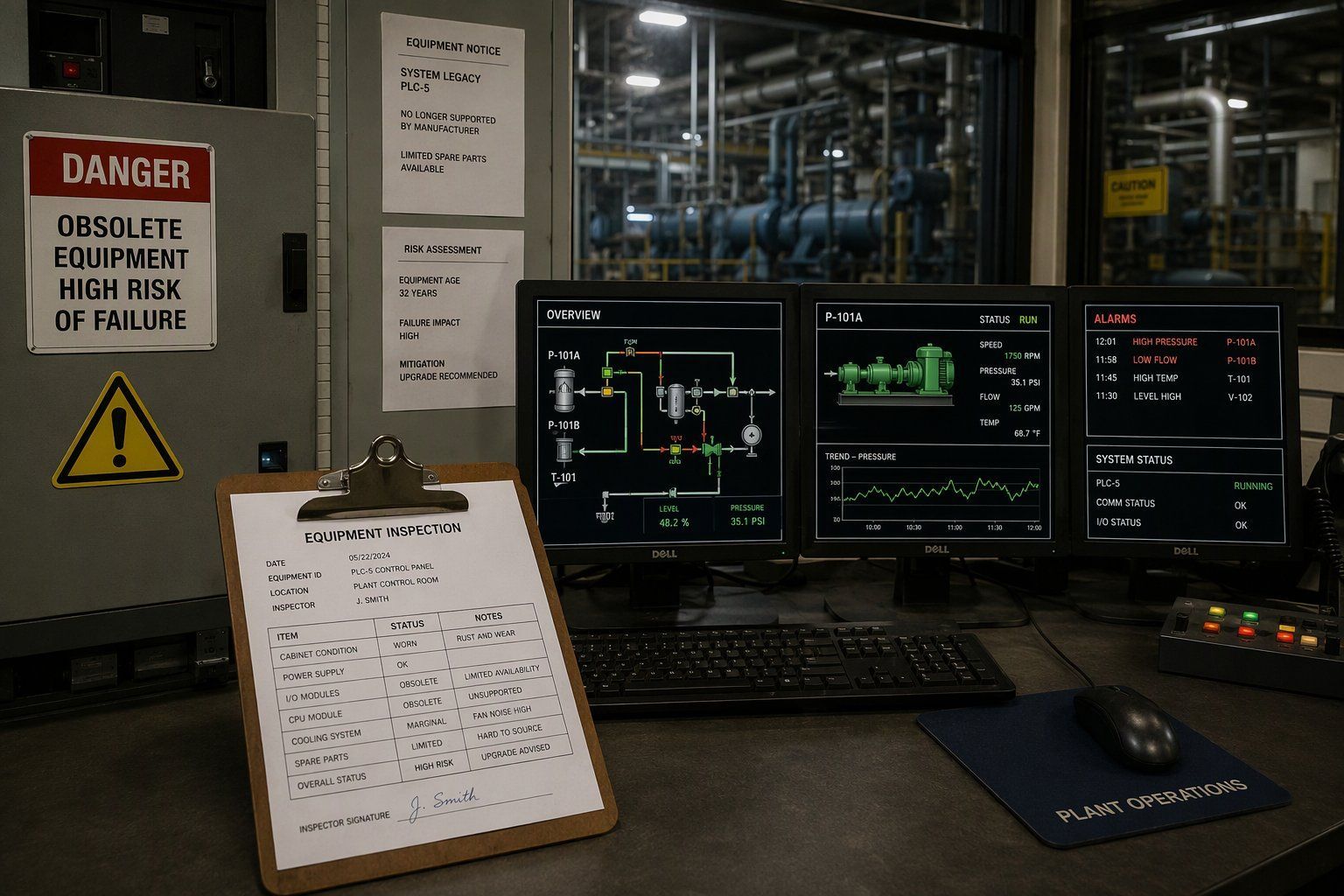
A scada system obsolescence audit is a focused review of the hardware and software that support supervisory control and data acquisition in your plant. It checks which assets are still supported, which are nearing end-of-life, and which are already obsolete.
That matters because control system audits are not just about age. The real issue is what happens after a failure. If parts, repairs, or skills are hard to find, a simple fault can become a long outage. That is why the next step is looking at reliability impact. A scada obsolescence audit should be part of every plant's reliability routine.
Why Auditing SCADA and HMI Matters for Plant Reliability
A scada system usually does not fail just because it is old. Boards wear out, components fail, and environmental conditions take their toll. What raises the real risk is when that failure happens on an unsupported platform with no fast recovery path.
In practice, hmi control system audits protect plant reliability by showing where your control system depends on older hardware, scarce skills, or weak vendor support. A fault that would be a short maintenance job on a current platform can turn into a week-long production problem when the exact part is no longer stocked.
If you skip regular audits, you can miss spare shortages, support gaps, and hidden single points of failure. That leaves you reacting under pressure instead of planning. For maintenance managers, that is the difference between a controlled shutdown window and an expensive unplanned outage. A scada obsolescence audit turns a vague worry about old equipment into a clear action list.
A SCADA obsolescence audit impacts warehouse and facility operations by flagging unsupported controls before they fail. That keeps shipping, cold storage, and building systems running instead of stopping them without warning.
Common Signs Your SCADA System May Be Outdated
Many plants ask the same question: how can I tell if my scada system is slipping into obsolescence? Start with support status, parts access, and how easy it is to get someone to work on it. Older systems often run longer than expected, which can hide risk.
You should pay close attention if you see signs like these:
- Your vendor has ended active support or moved the platform to limited support.
- You rely on an unsupported plc or second-hand replacement parts.
- Repairs depend on one specialist or a shrinking pool of legacy knowledge.
- Hardware is aging in harsh environments and showing a rising failure risk.
- Recovery would be slow because the exact model or software is hard to source.
If any of those sound familiar, do not wait for a breakdown. An audit gives you a list of old equipment, shows what is still supportable, and identifies where action is needed first.

Preparing for a SCADA Obsolescence Audit
A good audit starts before anyone opens a panel or logs into a server. In control system audits, preparation sets the pace. You need a clear scope, a site walk, and agreement on what assets will be reviewed across the plant floor.
Just as important, set up an audit team and gather each technical document you already have. Drawings, network diagrams, asset lists, IO lists, and past records make the fieldwork faster and more accurate. Once that foundation is in place, you can start the inventory with fewer surprises. A scada obsolescence audit starts with the documents and drawings you already have.
Assembling Your Audit Team and Gathering Documentation
Who should run the audit? Use an audit team that understands plant controls, field hardware, and how the systems support production. The work needs practical knowledge of PLC, SCADA, HMI, and industrial networking, not just a desk review.
On the plant side, include maintenance, controls, and operations input. Then gather every technical document you can find, including electrical drawings, functional descriptions, network and architecture diagrams, IO lists, test sheets, and existing asset records. These documents help confirm what is installed and what may already be missing.
This mix matters because the audit output should feed capital planning, not sit in a folder. The right team can connect technical findings to production consequence, budget timing, and replacement sequencing. That makes the final roadmap useful in a real budget meeting.
Key Factors to Consider Before Starting the Inventory
Before you start counting devices, decide how you will judge risk. The inventory is not just a serial-number exercise. It should capture the conditions that make one asset manageable and another a real production problem.
Focus your review on a few practical factors:
- Spare parts status, including whether parts are stocked on-site, available new, or only found used.
- Repair availability, including whether repair specialists still support the platform.
- Physical condition, age, and whether the equipment sits in harsh environments or a controlled environment.
- Exposure to cyber threats if unsupported platforms or weak remote access arrangements are still in service.
These checks make the audit more valuable. They help you separate equipment that is merely old from equipment that carries higher risk. With those rules set, you can move into a structured asset inventory.

Step-by-Step Approach to Inventorying Your SCADA Equipment
Now get practical. Walk the site and build the inventory asset by asset. For scada equipment, the goal is complete coverage, not estimates. Every server, HMI, PLC, switch, and supporting device should be captured in a single working record.
Do not stop at a basic list of old equipment. Record where each item is installed, what process it supports, and whether it is live, redundant, or backup only. That detail gives the inventory real value when you start ranking replacement needs. A scada obsolescence audit is most useful when the inventory records location, role, and condition.
Cataloging Servers, HMI Panels, PLCs, and Network Devices
Start with the physical assets that keep the control system running. This means servers, engineering workstations, operator stations, hmi hardware, PLC racks, remote IO, switches, and other network devices tied to operations. A site walk helps you confirm what is really installed, not just what the drawings show.
For each asset, capture a consistent set of details:
- Asset type, manufacturer, model, and serial number.
- Plant area, panel name, and process served.
- Role in the control system, such as primary, redundant, or standalone.
- Hardware age, physical condition, and any known failure history.
- Whether the asset is critical to the line or a non-critical support unit.
This step helps answer whether your current setup is obsolete. If key PLC or HMI devices are aging, unsupported, poorly documented, or hard to replace, you are looking at a different risk profile than a current platform with solid support.
Documenting Software Versions, Licenses, and Support Contracts
Hardware is only half the picture. You also need to document scada software, engineering tools, firmware, operating systems, and the exact software versions used on servers, HMIs, and PLC programming stations. If you cannot rebuild or restore the system, recovery risk goes up fast.
Next, record licenses and support contracts in the same inventory. Note license type, renewal status, activation method, and who holds the keys or files. Then add vendor support status for each platform, including whether it is current, in extended support, or fully obsolete.
This information matters because unsupported software can turn a simple fault into a long outage. If a server fails and the plant cannot reinstall, relicense, or get help from the vendor, downtime stretches. That is why software records belong beside the hardware inventory, not in a separate file.
Assessing End-of-Life Dates and Spare Availability
Once your inventory is built, check each asset against published end-of-life and end-of-support information where available. This shows which items are still in active production, which are on borrowed time, and which are already obsolete.
Then compare that with spare parts and spare availability. An item may still be running well but still carry high risk if replacements are scarce or only available second-hand. At this stage, you are turning raw inventory data into a practical risk picture.
How to Identify Single Points of Failure
Single points of failure are the assets that can stop production with no easy workaround. In many plants, these are not always obvious until you trace what happens if one server, switch, PLC, or HMI drops out. This is where the audit shifts from counting devices to understanding failure risk.
Ask two plain questions for each critical asset: if it fails, what stops, and how fast can we recover? That links the hardware to production consequence. If there is no redundancy, no spare, and no quick repair path, the asset should be flagged high.
Asset type
Single point check
Production consequence
Failure risk signal
SCADA server
No backup server or restore path
Operators lose visibility and control access
High if obsolete or unsupported
PLC on main line
No redundant controller
Main process line stops
High if spare is unavailable
HMI panel at machine
Only local operator interface
Machine cannot be operated normally
Medium to high if panel is aging
Core switch
One network path only
Multiple areas lose communications
High if network devices are old
Recording and Prioritizing Risk Factors for Each Asset
At this stage, give each asset a risk view that your team can act on. The goal is a prioritised risk register, not a spreadsheet that only engineering understands. Score assets by both failure likelihood and what that failure means to production.
Useful risk factors to record include:
- Vendor support status and published end-of-life position.
- Spare and repair path, including whether parts are only second-hand.
- Age, physical condition, and known failure history.
- Criticality to production, including shutdown impact and restart difficulty.
- Skills availability, especially if only a few people can still support the platform.
This approach helps you focus on the real risk. A very old panel in a non-critical area may not be high priority, while a slightly newer PLC with no spare and major production consequence may move to the top of the list. A scada obsolescence audit should flag every asset with no spare and no repair path.
Turning Inventory Findings Into a Replacement Plan
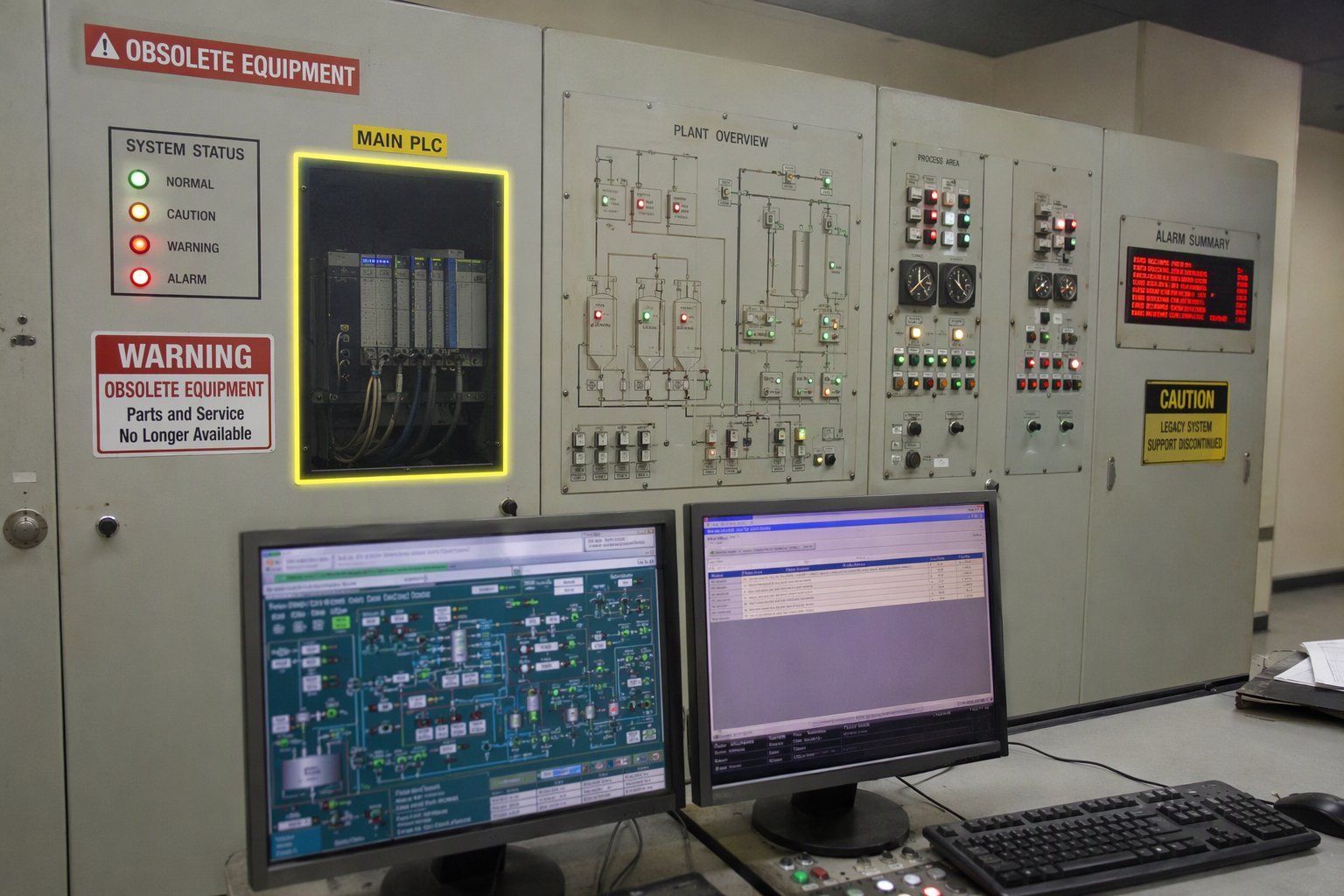
Your audit is only useful if it leads to action. Once the inventory and risk review are complete, convert the findings into a replacement project plan that fits plant reality. That means grouping high-risk assets, defining timing, and setting rough budget ranges.
The outcome should support capital planning, not create more paperwork. A recommended replacement order helps maintenance and management decide what must move first, what can wait, and what should be bundled into larger shutdown or upgrade work.
Creating a Prioritized Roadmap for Upgrades and Replacements
A useful roadmap starts with the prioritised risk register and turns it into a schedule. You are not just listing upgrades. You are deciding sequence based on support status, production impact, and how exposed the site is if a failure happens tomorrow.
Build the replacement plan around simple groups:
- Immediate action items with high failure exposure and major production impact.
- Near-term replacements for obsolete assets with shrinking parts or support options.
- Planned upgrades that can be bundled into shutdown windows or larger projects.
- Lower-risk items that can remain in service with monitoring and spare coverage.
This gives you something practical for a budget meeting. Instead of saying the whole system is old, you can show what should be replaced first, why it matters, and how the work can be staged with less disruption to operations.
Best Practices for Managing SCADA System Upgrades
Once the roadmap is approved, manage each control system upgrade with careful planning. Carry forward what the audit uncovered: asset details, process criticality, network layout, software records, and support gaps. That avoids relearning the same lessons in the middle of execution.
A few plant-floor practices help:
- Use the audit documentation as the base for scope, drawings, and testing.
- Replace high-risk single points before lower-impact cosmetic upgrades.
- Confirm software, licenses, backups, and vendor support before cutover.
- Review remote access and OT network configuration where required.
- Finish with hand-back records and as-built documentation for future maintenance.
These steps make the move to modern control systems smoother. They also help your team avoid creating new technical debt while replacing old technical debt. Good execution is what turns an audit into long-term reliability. A scada obsolescence audit only pays off when the findings become a funded replacement plan.
Conclusion
In conclusion, conducting a
SCADA obsolescence audit is essential for maintaining the reliability and efficiency of your plant's operations. By systematically inventorying every component—from servers and HMI panels to software versions and support contracts—you can identify potential risks before they lead to failures. This proactive approach not only helps in assessing end-of-life dates and spare availability but also ensures that you create a prioritized plan for necessary replacements and upgrades. Remember, regular audits are key to managing technical debt and optimizing system performance. If you're ready to enhance your SCADA systems, don’t hesitate to reach out for a free consultation with our experts to get started on your audit today! A scada obsolescence audit is the cheapest insurance against an unplanned shutdown.
Frequently Asked Questions
How often should SCADA systems be audited for obsolescence?
A scada system should undergo an obsolescence audit often enough to keep your inventory, support status, and technical document set current. In practice, review it before budget cycles and after major changes so your recommended replacement order reflects real plant conditions, not outdated records.
Who is qualified to conduct a SCADA obsolescence audit?
The best control system audits are done by an audit team with hands-on knowledge of PLCs, SCADA, HMIs, and industrial networks. They should be able to read each technical document, verify field assets, and assess vendor support, repair paths, and production impact in practical terms.
Can a SCADA obsolescence audit reduce technical debt in manufacturing operations?
Yes. In manufacturing operations, an audit reduces technical debt by exposing unsupported hardware, missing records, and weak recovery paths before they fail. That supports predictive maintenance, cleaner documentation, and better capital planning, so replacement work happens in a controlled way instead of during an emergency.
You might also like