What is a Historian in Industrial Automation?
An off-the-cuff answer is someone that records history. Control system historians are a tool you use to collect data from your production process. However, this technology cannot work alone and is at the mercy of the client's needs. It could be a historian specializing in many different design types and here are some ways these style systems can be distinguished:
- Data Collection Methods: Different historians utilize various techniques for data acquisition, such as real-time data streaming or batch processing. The choice of method often depends on the specific requirements of the production environment.
- Integration Capabilities: Some historians excel in integrating with multiple types of control systems, including PLCs, SCADA systems, and IoT devices. This flexibility allows them to adapt to diverse industrial settings.
- Data Analysis Features: Advanced historians offer built-in analytics tools that facilitate real-time monitoring, trend analysis, and predictive maintenance.
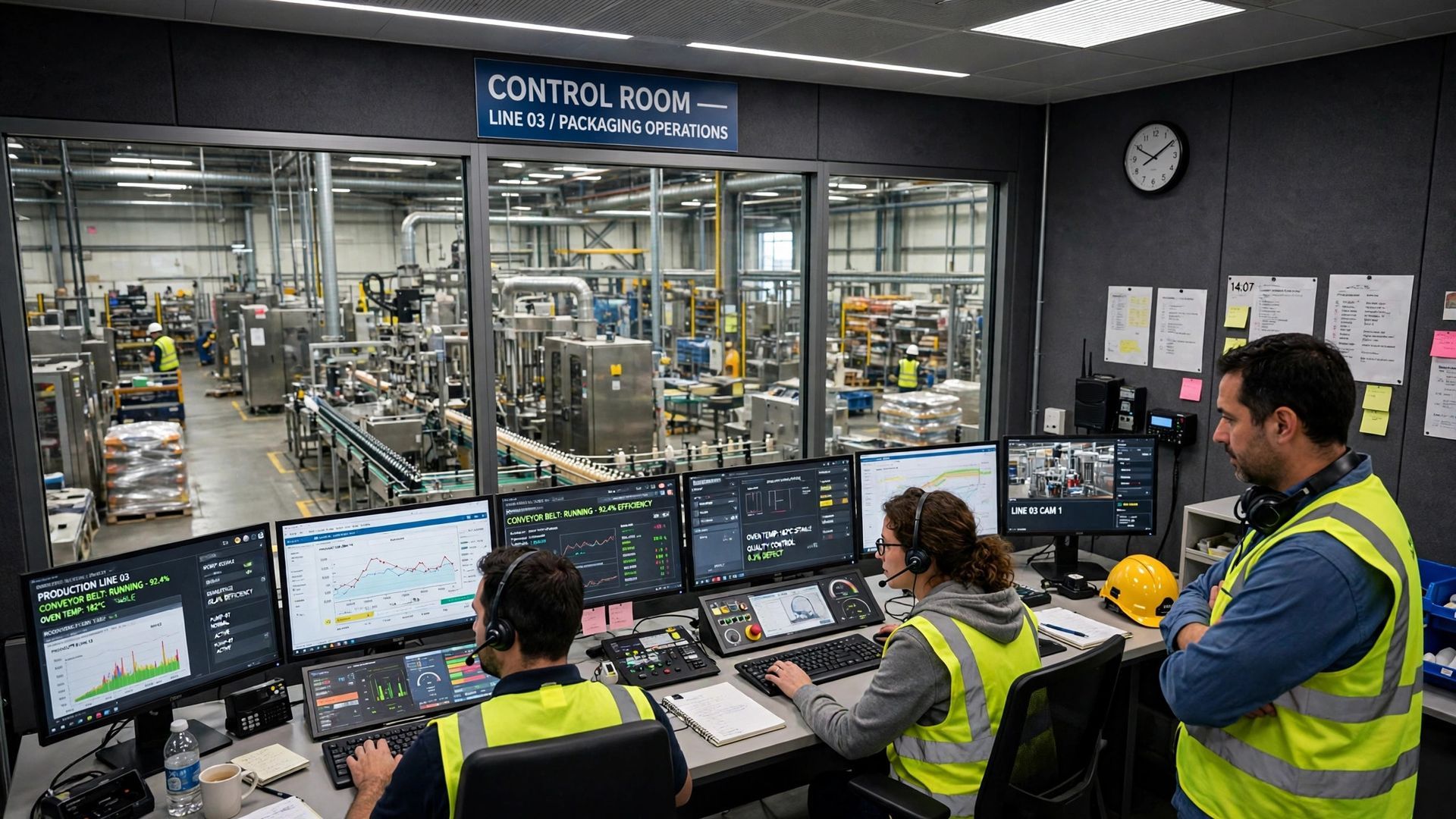
BY PLATFORM - Historian Applications can be run on many different architectures, each of which have their own set of advantages and disadvantages. In manufacturing, a data historian is the plant's long-term memory for process data. An operational historian sits between the shop floor and the office, carrying out continuous data collection from PLCs, sensors and supervisory control systems. That data acquisition runs in real time, so operational data is captured as events happen on production lines, not reconstructed later from memory or paper logs. The historian then stores each value with its time stamp, tag name and quality, building time series historical records that plant operations can trust. This data infrastructure turns raw industrial data into historical information that supports process optimization, continuous improvement and better operational performance across industrial environments.
BY DATA COLLECTION WITH DESCRIPTIVE TEXT- Historians use a variety of methods to collect data, including surveys and other methods. Some use USB drives. Others walk around and grab the discs or cylinders occasionally, off-loading the data. If you're using a microSD card, then you can also buy cheap storage up to 2 Terabytes. In some cases, people collect the microSD cards but for other applications the data just goes onto a server over Ethernet
The way in which these tools function varies, with the most basic ones just collecting data and storing it, while others can provide data in a format that is easier to transfer, edit and manipulate. Users typically want to access data in order to manipulate it and do more processing with it, which can be done by dragging and dropping the data onto a spreadsheet for example. They may also want to share the data with other users by exporting it as an Excel file, or sending an email containing the information in an attached spreadsheet file. It's very important for them to know what the features and functions of their chosen software are, so that they can get the most out of it. Many times, data just needs to be downloaded onto a long-term storage device where it can remain for months or years. That long-term view is what separates a historian from a regular database. A general-purpose database is built for transactions and current records, while historian data is built around time series production data: how process variables behaved second by second, shift by shift. A historian is designed to write the sheer volume of industrial data from industrial equipment quickly, compress it for long retention, and return trends fast when someone asks what happened last Tuesday night. What does it store in practice? Temperatures, pressures, flows, speeds, levels, alarms, events, batch and run identifiers, setpoints and energy consumption, together with the context that makes the values meaningful. Stored well, that historical data becomes a reliable record for troubleshooting, reporting and advanced analytics, rather than a pile of files nobody can search.
BY CONNECTIVITY – Historically, most historians did not have the capability to connect to a computer using Ethernet. They also often had less connectivity and storage space which made it difficult for research to be done, but thanks to the creation of modern-day computers, this has become a much easier task. But today, as IEEE 802.3 is the standard that connects computers andnetworks, it has become much easier to do research on a number of different topics. Sending a downloadable ascii file requires that the recipient is aware of the incoming file and knows what format it is in. It can be downloaded from any device with an internet connection and viewed on a computer program such as Notepad. There are many ways which act as a guide for the data that is stored on-disk. These methods can be used to keep the file system organized and efficiently use the hard drive space. Details below:
- A JSON file for instance is a structured ASCII file with self-identified data in the flat text. It has become very popular in IT to communicate using JSON data. Java Script can consume raw JSON data and move it into its programming memory.
- XML files are a type of ASCII file that is more detailed, so it's easier to identify which items are what in the file. The successor to XML was JSON, and they have the same self-identification of each data item.
- This input text describes a CSV file as a comma-delimited text file where the values that are displayed are strings and separated by commas. The last field is terminated by CR (carriage return). The first line of a CSV file usually contains data about each line of data (the header row).
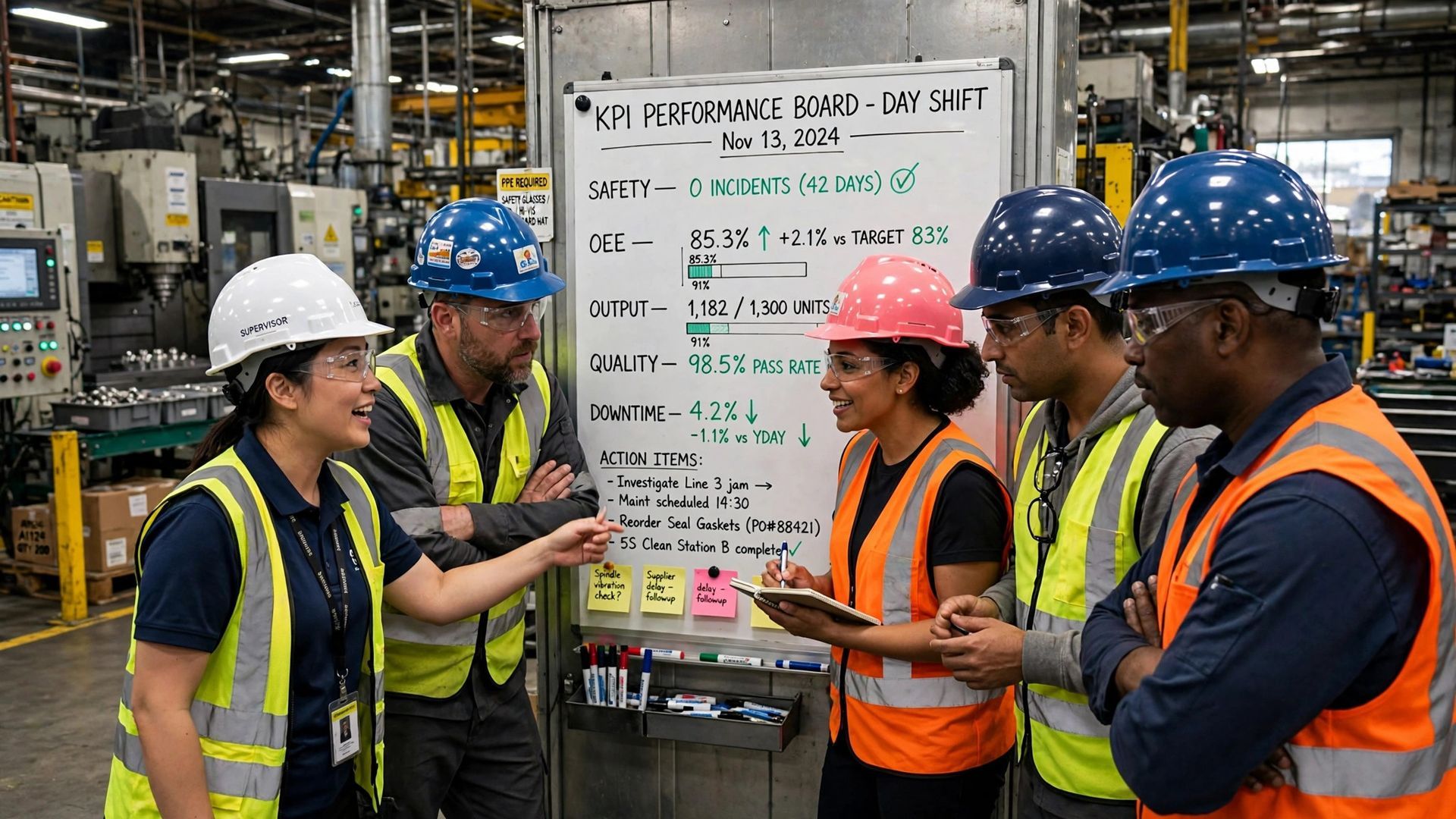
When it comes to the transmission of files from one location to another, there are various methods and frequency considerations that need to be taken into account. A common way to transmit files through the internet is through the use of an FTP server. This can be accessed through a web browser and can be used to send or receive files from a remote location. Uploading a file on a regular basis by using an FTP uploader is one way of ensuring that you are always up-to-date with your files and that they are the most recent version. Uploading the same file every hour, for example, will ensure that you are always at the latest point in time. When sending data for collaboration, it is often necessary to use the same protocol as your collaborator. This can be accomplished by selecting Protocols from the Settings menu. For example, if one historiographer sends a file to another historian who does not work with the OPC UA (a protocol that supports sending files in their entirety) then they might send chunks as any one of an assortment of protocols. Historians need to be flexible and have a wide range of skills so they are prepared to handle all sorts of different applications. In a modern plant, different teams live off the same historian data. Operations use operational data during the shift to spot drift, confirm a line is running to plan and react before a small upset becomes downtime. Engineering teams use historical records and process data for process optimization, comparing machine performance across runs and hunting the early warning signs and signs of potential failures that point to potential failures before they stop production. That work supports predictive maintenance, lower maintenance costs and better resource allocation. Quality teams use production data and historical information to trace which raw material, settings and conditions produced each batch, protecting product quality and giving plant managers evidence, not opinion, when a customer asks what happened. Maintenance, energy and continuous improvement teams also draw on the same source to track energy consumption, production output and operational efficiency.
The answer to what a control system historian is can be different depending on who you ask. If a human resource specialist asks, they would most likely say that it is someone who manages the human resources for a company. However, if you asked an engineer, they would say it is someone who studies and analyzes the mechanical systems of machines or devices. It is possible that the person who wrote this about control systems is an expert in the field, or adata collector. Put simply, the benefits of a historian in manufacturing are practical. Reliable historical data shortens troubleshooting, because teams replay what the process actually did instead of guessing. Trends support predictive maintenance and machine learning and industrial AI projects that depend on clean, time-stamped training data, including work in process manufacturing where small changes in process variables affect product quality. Better production data improves operational efficiency, resource allocation and production output, while historical records support audits, reporting and continuous improvement across plant operations. For readers who want the software side in more depth, our pillar guide on what is a historian software explains how historian software is selected and used, and this article stays focused on the historian's role on the plant floor.
Frequently asked questions about historians in manufacturing. What is a historian in industrial automation? It is a specialised system for data collection and storage of time-stamped process data from industrial equipment and control systems. How is a historian different from a database? A historian is optimised for high-speed time series data acquisition, long retention and fast trend retrieval, while a regular database is optimised for transactions and current business records. What data does a historian store? Historian data includes process variables such as temperature, pressure, flow and speed, plus alarms, events, setpoints, batch context and energy consumption. Who uses historian data? Operations, engineering, quality, maintenance and plant managers use it for monitoring, troubleshooting, predictive maintenance, process optimization and reporting. Why does real-time data management matter? Because decisions on the shop floor are only as good as the operational data behind them, and a historian makes that data complete, ordered and available when it is needed.
You might also like