Alarm Escalation: When and How to Escalate an Alarm
How alarm security work for security?
Alarm security systems monitor properties for unauthorized access or emergencies. When a breach occurs, alarm escalation protocols activate, notifying property owners and authorities. These systems ensure rapid response to potential threats, enhancing safety and deterrence against intrusions or disasters, ultimately safeguarding your home or business effectively.
https://www.pioneersecurity.com/how-choose-router-multiple-security-cameras/
https://www.pioneersecurity.com/custom-monitoring-rules
https://www.pioneersecurity.com/calculate-ups-size-for-cctv-nvr-power-backup/
https://www.pioneersecurity.com/ip-ptz-thermal-camera-comparison/
https://www.pioneersecurity.com/thermal-camera-live-monitoring-deployment/
https://www.pioneersecurity.com/ip-camera-live-monitoring-uses/
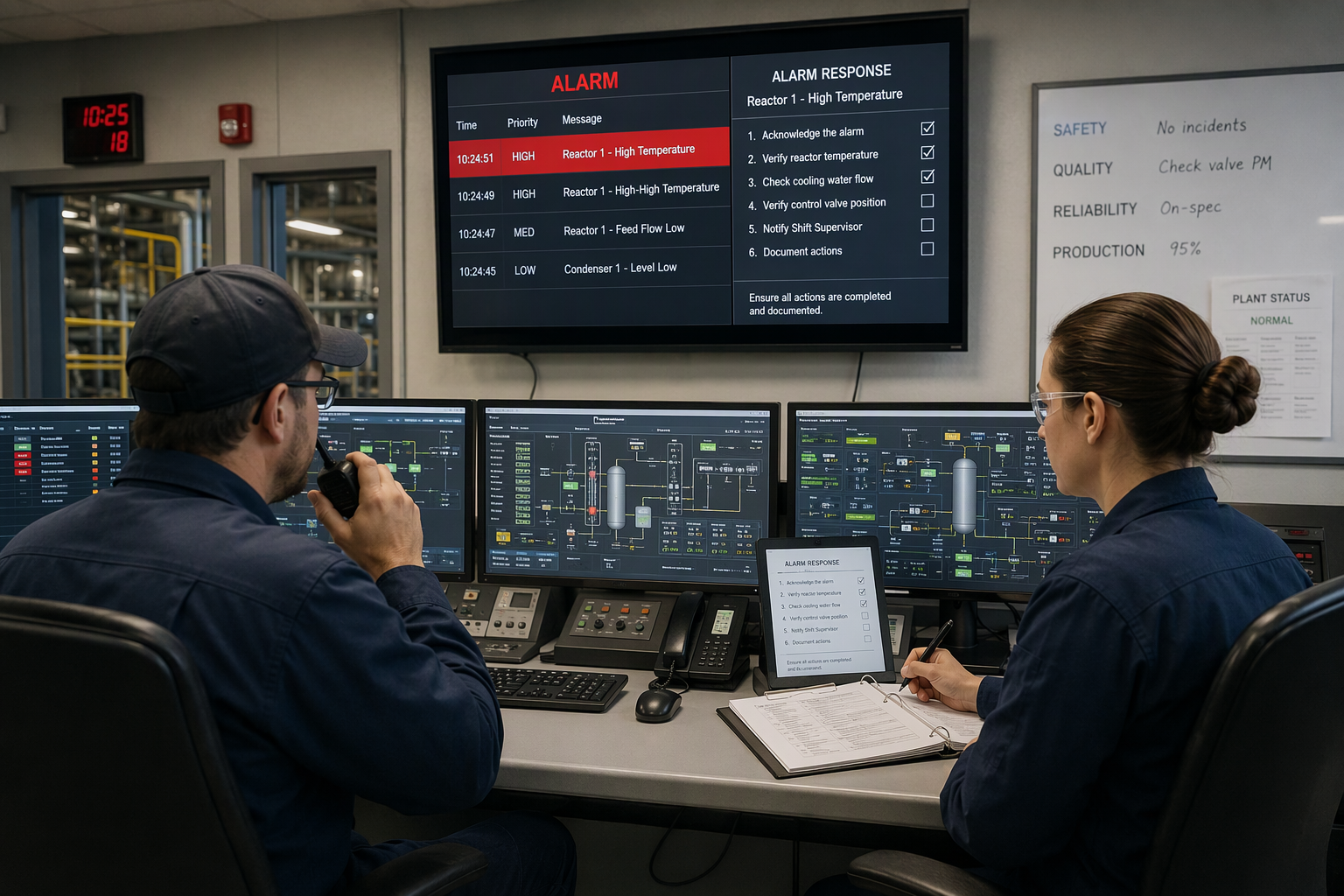
In a plant, an alarm that no one acts on is worse than no alarm at all, because it looks like the plant is protected when it is not. Alarm escalation is the plan that makes sure every critical alert, particularly those of high alert severity, reaches the right people at the right time, even when the first person paged is busy, away, or already handling another upset, ultimately reducing the risk of business disruption. Good escalation policies cut response times, reduce alert fatigue, and follow best practices that keep operators, equipment, and production safe.

Why Alarm Escalation Matters in a Plant
Escalation matters because alarms do not wait for convenient moments. A high-level alarm at 2 a.m. needs the same fast response as one at midday, and the operator on duty cannot always handle it alone. Without a written plan for critical alerts related to CPU utilization or performance degradation, these alerts sit unanswered while the process drifts toward a trip or a safety event. A clear plan moves the alarm up the chain until someone with the right skills and authority takes ownership, so no alarm waits for help that never comes.
What Alarm Escalation Means
Alarm escalation means passing an unanswered or worsening alarm to the next person or team who can act on it. It is not the same as repeating the alarm louder; it is a planned handoff with names, order, and time limits. The operator hands the alarm up when the first response fails, when the cause is unclear, or when the process keeps drifting, which might indicate an authentication issue. Each handoff carries the alarm details, the actions already tried, and the current process state, so the next responder starts informed, not blind. In building automation systems like Niagara N4, alarm escalation is typically managed through configurable workflows that leverage artificial intelligence to automatically notify designated individuals or teams according to preset escalation rules. These rules determine who receives the alarm and when, ensuring that escalating actions are triggered after specific timeframes or conditions if the initial response is insufficient. This structured escalation process helps guarantee a timely and effective response to critical events.
When to Escalate an Alarm
Escalate an alarm when the first response does not work or when the cause is unknown in the cloud infrastructure. Escalate immediately when application errors pose safety risks, when more than one unit is affected, or when a critical alarm stays unacknowledged past its acknowledgment window. Do not wait for a second alarm to confirm the first; one critical alarm that stays active is reason enough. Early escalation costs a phone call, while late escalation can cost a unit, a shutdown, or an injury.
Escalation Levels: From Operator to Management
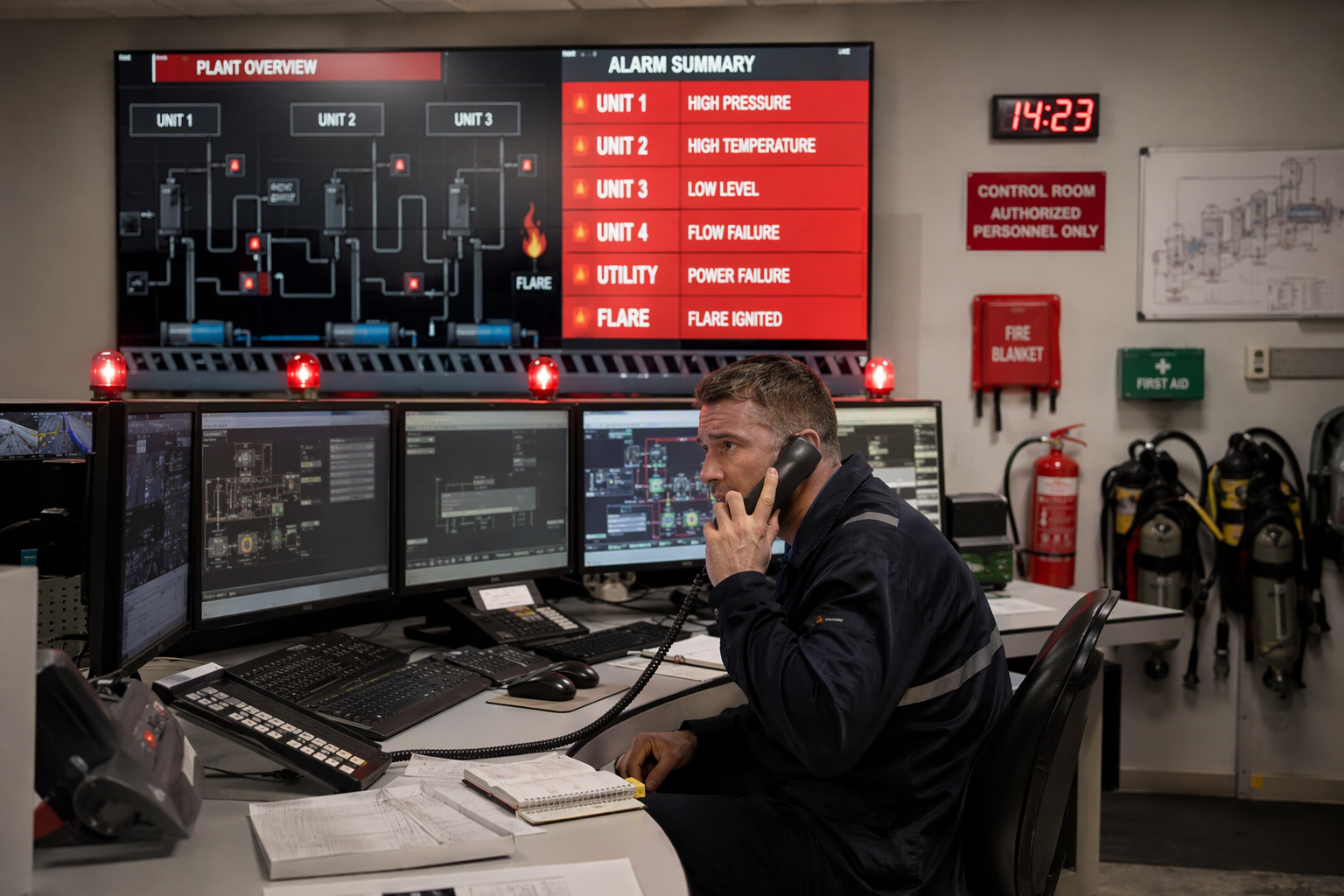
Most plants use three or four escalation levels. Level one is the control room operator, who owns the first response. Level two is the shift supervisor, who takes over when the alarm stays active. Level three is the area manager or process engineer, who can authorize a shutdown. Level four is plant management and the emergency response team, for events that threaten safety or production. Each level has clear triggers, allowing for a broader incident management workflow, so the alarm never waits for someone to guess who acts next.
The Escalation Contact Tree
The contact tree is the heart of any escalation plan. It lists every escalation contact in order, with phone numbers, radio channels, and backup contacts for each role. Post it in the control room and store it in the control system, so operators can reach it in seconds, not minutes, especially when additional help is needed. Review the tree every month and after every staffing change, because a contact tree with a retired supervisor's number is worse than no tree at all. Test it with a call-down drill each quarter.
Time-Based Escalation Rules
Time rules make escalation automatic instead of optional. Set an acknowledgment window for each alarm priority: two minutes for critical alarms, ten for high priority, and thirty for low priority. If the alarm stays unacknowledged past its window, the system moves it to the next contact without waiting for someone to notice, helping ensure that additional responders are notified in a timely manner. Time rules also cover resolution, so an acknowledged alarm that never clears still climbs the chain. Publish the windows with the escalation policy, so every team member knows the deadline before the next person is called and can follow the appropriate runbooks if needed.
Critical Alarms That Escalate Immediately
Some alarms must escalate immediately, with no waiting window. A safety shutdown alarm, a fire or gas alarm, or any alarm that signals a risk to people goes straight to the shift supervisor and the emergency response team. Critical alarms that affect the whole unit, such as a total power loss or a runaway reaction, also skip the queue and are crucial to the criticality of different services and various business functions. Write the immediate-escalation list into the escalation policy and mark those alarms clearly on the control panel, so no operator has to decide under pressure whether this alarm qualifies.
Unacknowledged Alarms and Automatic Escalation
Unacknowledged alarms are the most dangerous kind, because the system assumes someone is handling them when no one is. Automatic escalation removes that risk: if no one acknowledges within the window, the control system pages the next contact on its own, reducing alert noise in the process. This matters most on night shifts, when one operator watches hundreds of points. The business benefits are clear. Configure automatic escalation for every critical alarm, log each automatic step, and review the log weekly to find alarms that repeatedly escalate without acknowledgment.
Communication Channels That Reach People
Escalation fails when the message never reaches an appropriate assigned engineer responder. Use more than one notification channel for critical alarms: the control panel alarm banner, a phone call to the shift supervisor, and a text message to the backup contact. Radio calls work well inside noisy plants, where a phone screen is easy to miss. Test every channel monthly, because a channel that worked last year may fail silently today. Never rely on a single channel for a critical alarm.
Escalating During Night Shifts and Weekends
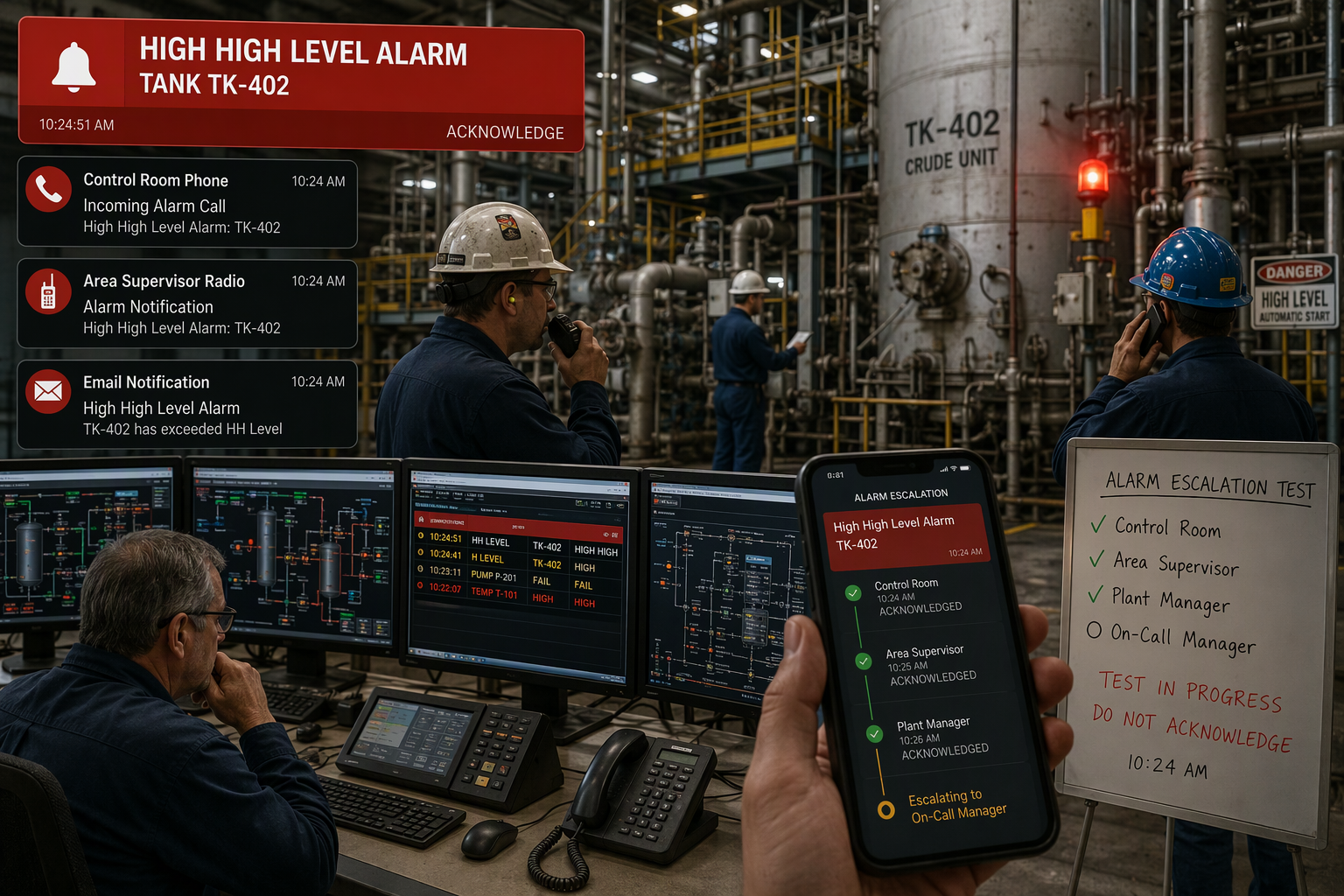
Night shifts and weekends test escalation plans hardest, because fewer people are on site and managers are at home. Keep the night contact tree short and current, with one named backup for every role. Give the night operator direct authority to escalate to the on-call manager without waiting for approval, and make sure the on-call manager answers within the acknowledgment window in the alert management process. After any night escalation, hold a short review the next morning, so the day team learns what happened and the plan improves.
Documenting Every Escalation
Every escalation deserves a record, because the log is how the plant learns. Record the alarm, the time it sounded, who was contacted, when they answered, and what action followed. A complete log shows whether the contact tree works, whether windows are realistic, and whether the same alarms escalate again and again. For critical incidents, a broader escalation should be clearly documented. Review the log monthly with operations and maintenance, and use it to update the escalation policy, the contact tree, and the acknowledgment windows.
Testing the Escalation Chain
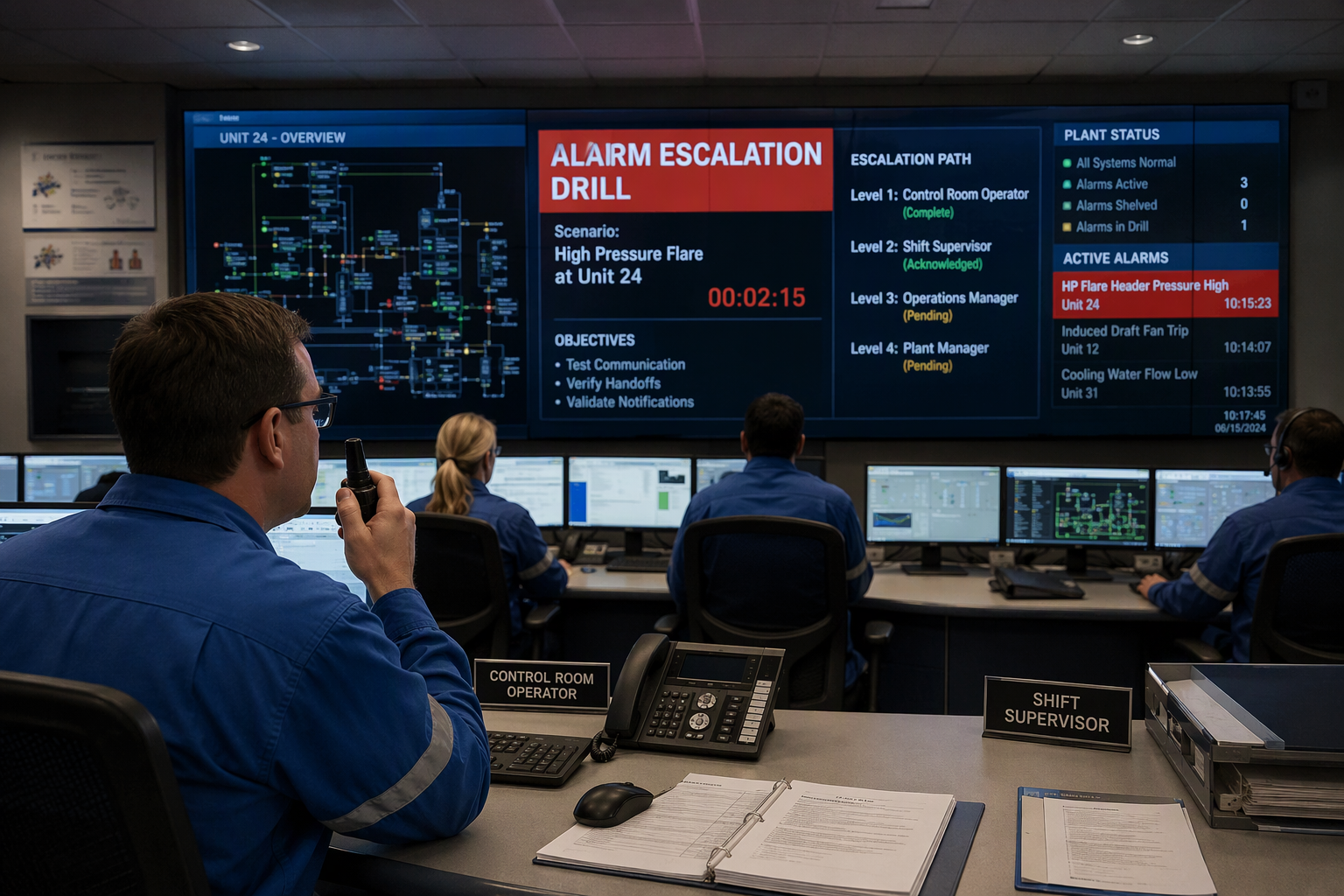
Test the escalation chain before a real event tests it for you. Run a call-down drill each quarter, where the control room pages the first responder and backup responders for a simulated critical alarm and times each handoff. Check that alert notifications reach the correct owners, that manual escalations work when the automatic system is down, and that different escalation paths cover nights and weekends based on the affected service. Fix every failed contact on the spot, and record the drill results with the escalation log.
Common Escalation Mistakes to Avoid
One common mistake is escalating too late, because operators hope the alarm clears on its own. Another is escalating to everyone at once, which creates confusion instead of help. A third is never testing the contact tree, so a changed phone number breaks the chain at the worst moment. Avoid these by writing clear triggers, considering alert characteristics when naming one owner at each level, and drilling the chain each quarter. When the plan is simple and tested, escalation becomes routine instead of a scramble.
A Worked Example: Escalation That Saved a Unit
A chemical plant learned the value of escalation one night when a feed pump tripped and a reactor level began rising fast. The operator acknowledged the alarm, tried the standby pump, and escalated to the shift supervisor when the level kept rising. The supervisor called the area manager, who ordered a controlled shutdown before the high-level trip. The unit lost four hours of production, but avoided a complete production outage. It worked because the contact tree was current and the operator had clear severity definitions for immediate attention, demonstrating an adaptive approach to crisis management.

Reviewing and Improving Escalation Policies
Review the escalation policy after every major incident and at least once a year. Look at the escalation log for patterns: alarms that escalate too slowly, contacts who never answer, and critical incidents where human error played a part. Check system health too, because a control system that pages late undermines even the best policy. Ensure that active notifications reach the appropriate destination promptly. Update the contact tree, the windows, and the immediate-escalation list from what the review finds, and share the changes with every shift.
How Does Alarm Escalation Protect a Plant?
It protects a plant by making sure no critical alarm goes unanswered. When alarm escalation moves unacknowledged alerts up the chain, it also considers the business impact of an incident, ensuring incident response starts sooner and operators get help with the appropriate technical knowledge before small upsets grow. Conditional escalation matches the response to the risk.
Escalate early, escalate clearly, and never leave a critical alarm waiting.
The right people, at the right time, with the right information.
Test the chain regularly.
What Should Plant Alarm Escalation Software Do?
The core components are a contact list, a time rule, and a record of every step, so alert escalation is a continuous progression rather than a single message. In common situations, such as a night shift with one operator on site, intelligent routing should send the message to the on-call supervisor, then to the shift manager, and stop only when a person confirms it. A notification pipeline for a plant should use the control room display first, then a message to the next role, possibly in a Microsoft Teams chat, and it should be tested so alarm fatigue does not bury a real event. Additionally, mobile push notifications can be a valuable communication method for urgent alerts. Set clear limits, a clear escalation policy, a clear endpoint for each step, and clear context in every message, so no one has to guess who acts next.
You might also like