Alarm Logging & Notification Systems Aurora IL
Alarm Logging & Notification Systems Aurora IL
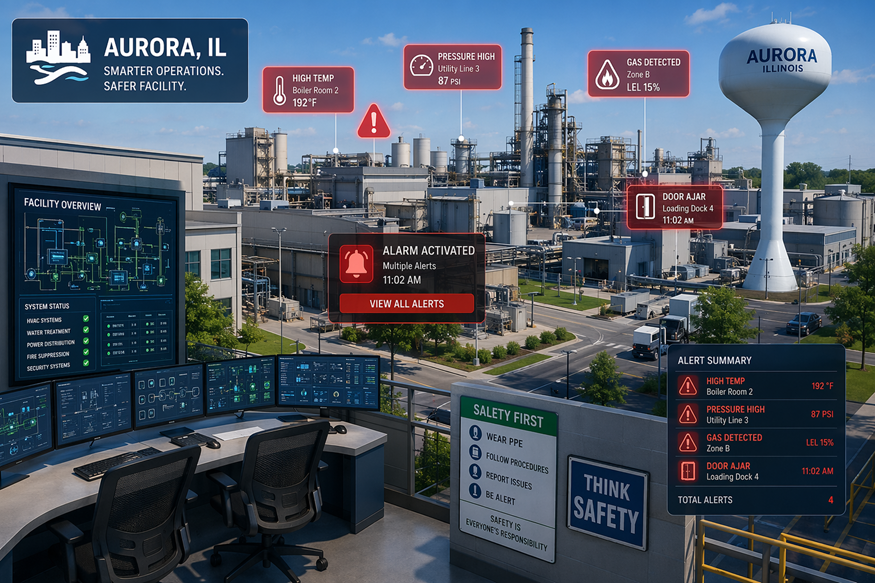
Key Highlights
- Alarm logging captures PLC and HMI activity so you can review what happened later.
- Alarm notifications push real time alerts when conditions occur in automation systems.
- SCADA views bring alarms from many data sources into one place for faster response.
- You can monitor analog and digital signals with limits like high, low, and rate of change.
- Logs can be stored for historical analysis in SQL Server and other open databases.
- Web and .NET tools make alarm management easier across devices and teams.
Introduction
When your automation system changes state, you need to know fast, and you also need a record you can trust. That’s where alarm logging, notification, and alarm notification auditing come in. In Aurora, IL, teams use these tools to spot abnormal process conditions, respond with less downtime, and review alarm history for better decisions later. With the right setup, you can capture alarms from PLC and HMI sources, then send alerts in real time without making operations complicated. Alarm notification auditing refers to the systematic tracking and recording of alarm notifications—who received them, when, and how they responded. This auditing process improves system reliability by ensuring accountability, providing traceable records, and allowing teams to identify and correct gaps in their alarm response procedures.
Overview of Alarm Logging & Notification Systems in Aurora, IL
Alarm logging is the practice of capturing each event across your automation data points and saving it for later review. It matters because it creates history you can use for historical analysis, archiving, and clearer troubleshooting when issues repeat. Alarm notification policies play a key role in reducing false alerts in monitoring systems by setting specific rules and thresholds for when notifications are triggered. This helps ensure that only genuine, actionable alarms reach your team, minimizing unnecessary interruptions and focusing attention on real issues.
In Aurora IL, Alarm Logging & Notification management often means logging alarms to open formats and pairing that record with real time notifications. Next, it helps to see why this is especially valuable for industrial automation and local operations.
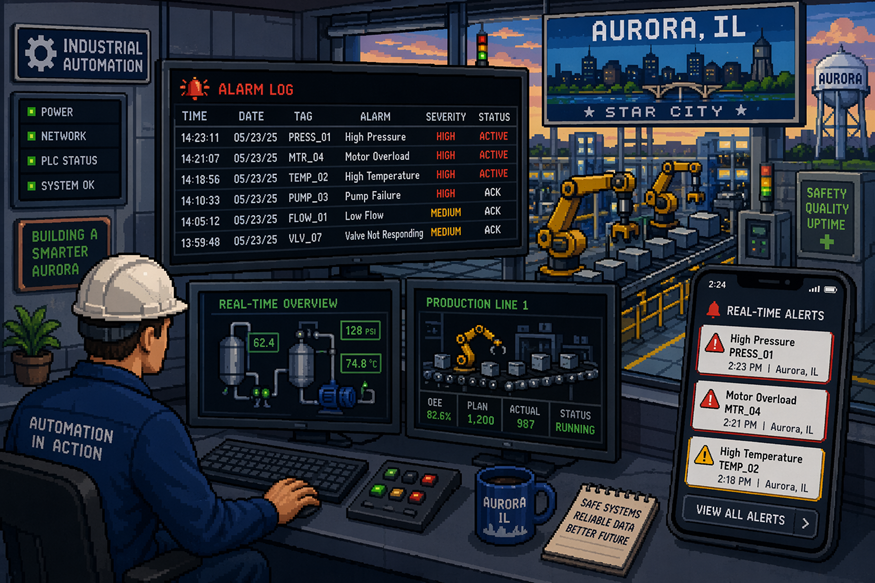
Importance Visualization for Industrial Automation and Local Businesses
In industrial automation, Alarm Logging & Notification management is not just about showing an alert on a screen. You’re monitoring many data sources at once, and you need a consistent way to see what changed, when it changed, and how often it happens.
Over time, alarm logging builds the kind of history that supports historical analysis. That makes offline review easier when you’re trying to understand patterns, confirm operator action, or explain why a process drifted out of range.
For local businesses, reliable monitoring can reduce downtime by helping teams react sooner. It also supports better follow-up because the same events can be viewed later inside web, .NET, or custom applications built around your system needs.
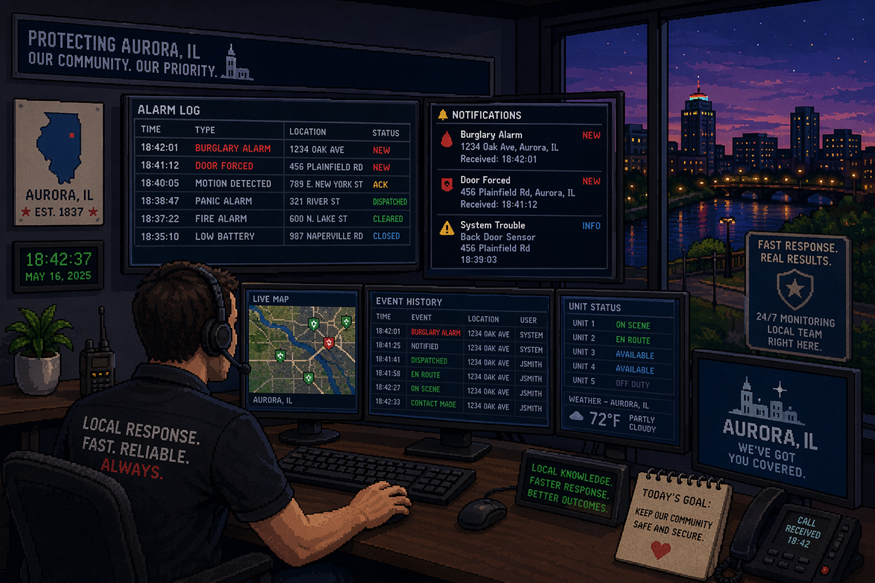
Key Components and Technology Used for Monitoring Downtime and IOT
A practical setup usually combines connectivity, alarm conditions, storage, and a viewer. Many SCADA systems pull in alarms from PLCs, HMIs, and OPC UA sources, then standardize how those events are displayed and acknowledged.
Alarm conditions can be applied to both analog points and digital signals. Common patterns include fixed limits, adjustable ranges, tracking values, dead band filtering, and states like high-high, low-low, on/off, and rate of change.
| Component | What it does in the alarm workflow |
|---|---|
| Device & data connectors | Pulls values from controllers and other data sources |
| Alarm logging | Captures alarm event details with a timestamp for alarm history |
| SQL Server logging | Stores records for historical alarms and analysis |
| Web Alarm product | Shows an interactive table in any web browser |
How Alarm Notifications Work in SCADA, PLC, OPC Server and HMI Environments
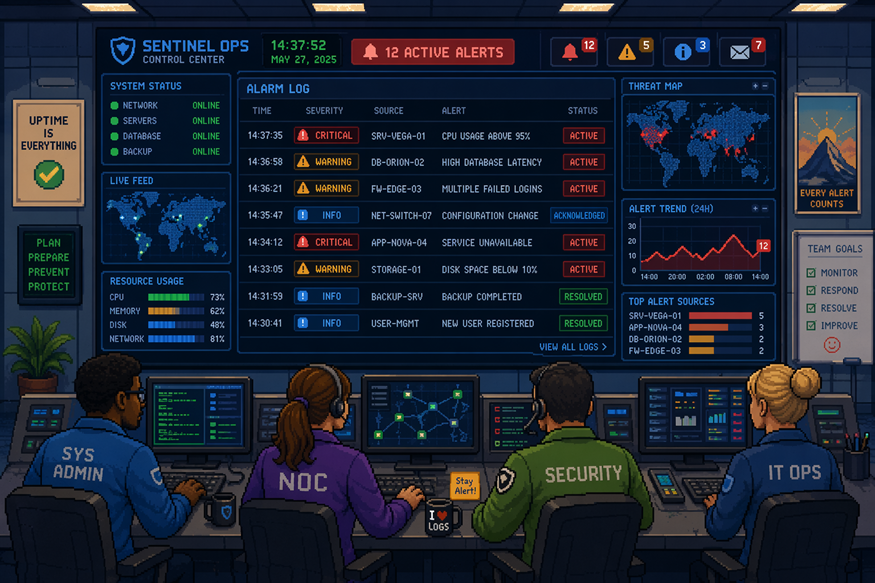
Alarm Logging & Notification start when a PLC tag, HMI point, or connected data source crosses a defined threshold or changes to a specific state. In SCADA, those conditions can be centralized so you see one consistent view across controllers and locations.
Once an alarm event is created, the system can send real time notifications to the right people using configured rules and notification profiles. Up next are the common triggers and event types you should plan for.
Notification Triggers and Event Types
Your triggers should match how your process behaves. Some alarm conditions are best tied to analog values like pressure or temperature, while others come from digital signals like an on/off state or a controller status bit.
To keep responses clear, define event types that reflect what operators can act on. You can also automate enabling or disabling alarms based on time of day or another system value, which helps avoid unnecessary alerts when equipment is intentionally offline.
Common triggers include:
- High-high or low-low limits crossing on analog readings
- Rate of change alarms when a value moves too fast
- On/off state changes from digital signals
- Out-of-range values based on adjustable or tracking limits
- OPC Alarm & Events or OPC UA-driven alarm events
Methods of Delivery: Email, SMS, and Real-Time Alerts
Delivery is usually configured so one alarm can notify multiple groups of people, using one or more methods at the same time. That way, urgent issues reach you quickly, while less critical items can still be recorded for review.
Many teams start with email notifications and SMS because they’re easy to route and simple to test. Voice alerts are also supported when you need a stronger signal for after-hours coverage.
Common notification methods include:
- Email notifications for detailed context and follow-up
- SMS texts for fast real time notifications
- Voice messaging for high-priority alarm conditions
- Real-time alerts viewed inside HMI, web, or .NET alarm screens
- Escalation for unacknowledged alarm states over time
Frequently Asked Questions (FAQ)
Questions usually come up once you start reviewing alarm history and tuning what gets sent out. These quick answers focus on Alarm Logging & Notification, configuration, and management software choices commonly used with industrial automation.
What are best practices for managing alarm logs in Aurora, IL systems?
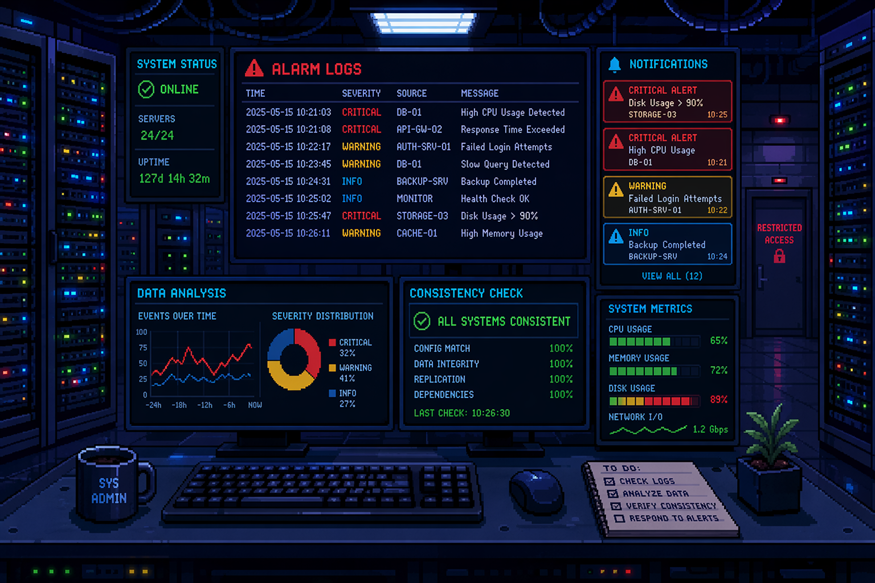
Aim for consistency in tag naming, timestamps, and alarm fields so your server data stays usable over time. Log to open databases such as SQL Server to support analytics, then review historical analysis regularly to spot recurring conditions and improve how alarms are enabled, filtered, and acknowledged.
How can I configure automated alarm notifications for industrial control?
Start by defining alarm conditions for your analog and digital points, then choose who should be contacted. In your notification system, set notification profiles that map priorities to delivery methods like email, SMS, or voice. Use programmatic setup via APIs if you want automated configuration at scale.
Which software solutions are recommended for effective alarm logging and notifications?
Look for alarm management software that can log to open databases, support OPC UA and multiple data sources, and provide visualization for both real time and historical alarms. Options that include Web Alarm views and Alarm .NET controls for WinForm and WPF applications fit well alongside SCADA systems.
Conclusion
In conclusion, alarm logging and notification systems are essential for maintaining efficiency and safety in industrial automation and local businesses in Aurora, IL. By understanding the key components and technologies involved, you can ensure that your operations run smoothly and effectively respond to any potential issues. Implementing best practices for managing logs and configuring automated notifications will not only enhance your system's reliability but also provide peace of mind knowing that you're prepared for any eventuality. If you're ready to take your alarm logging and notification systems to the next level, don't hesitate to get in touch for a free consultation to explore the best solutions tailored to your needs.
You might also like