HMI SCADA Minneapolis Mn
HMI SCADA Minneapolis
Key Highlights
- HMI and SCADA help Minneapolis facilities improve industrial automation and daily control systems visibility. HMI supports operator interaction at the machine level with clear screens, alarms, and visualization. SCADA expands that view with supervisory control, data acquisition, historical data, and remote access. For professionals working in this field, the average salary for HMI SCADA engineers in Minneapolis is typically around $85,000 to $105,000 per year, depending on experience and job responsibilities. This reflects the specialized skills required in automation, visibility, and supervisory control roles.
- HMI supports operator interaction at the machine level with clear screens, alarms, and visualization.
- SCADA expands that view with supervisory control, data acquisition, historical data, and remote access.
- Local engineering companies and systems integrator teams offer control system design, HMI programming, and support.
- Modern platforms reduce downtime, strengthen alarm management, and improve real time decision-making.
- Minneapolis employers also need skilled automation, PLC, and SCADA professionals.
Introduction
If you manage equipment or production in Minneapolis, clear process visibility matters every day. That is where HMI and SCADA make a difference. These control systems support industrial automation by turning machine signals into useful screens, alarms, trends, and reports. HMI helps your team interact with equipment, while SCADA gives broader oversight across operations. Together, they help you monitor conditions, respond faster, and keep work moving with fewer surprises. The next sections explain how these tools fit local industries.
Overview of HMI SCADA Systems in Minneapolis-St. Paul
Across Minnesota, HMI and SCADA systems support many control systems that need steady monitoring and reliable process control. They are common in industrial environments where operators need fast visibility into equipment status, alarms, and workflows.
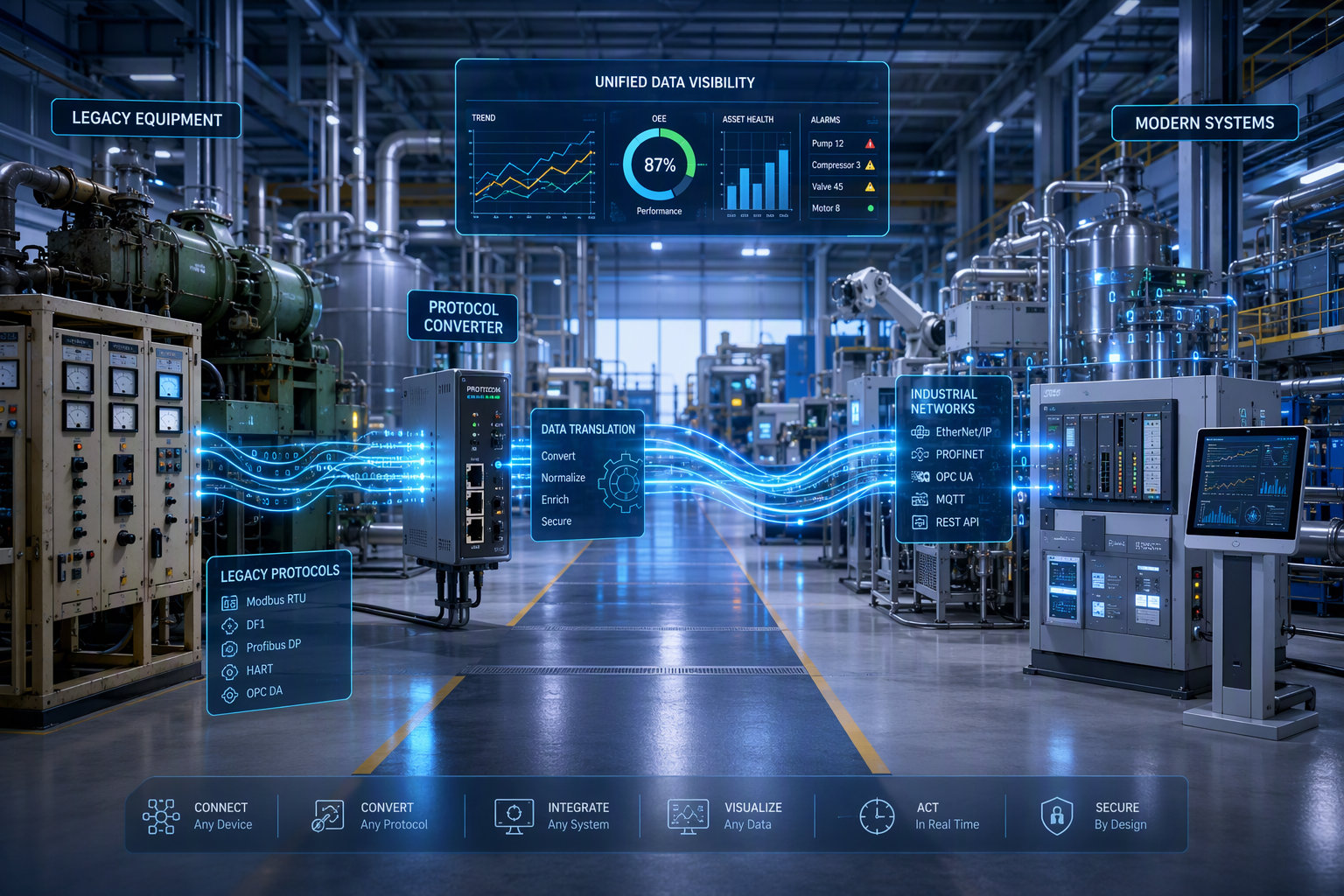
In Minneapolis-St. Paul, engineering companies use HMI programming and SCADA systems to connect plant floor devices, control stations, and broader automation systems. That setup helps teams manage production, utilities, and remote assets with more confidence. To understand the basics, it helps to separate the roles of HMI and SCADA.
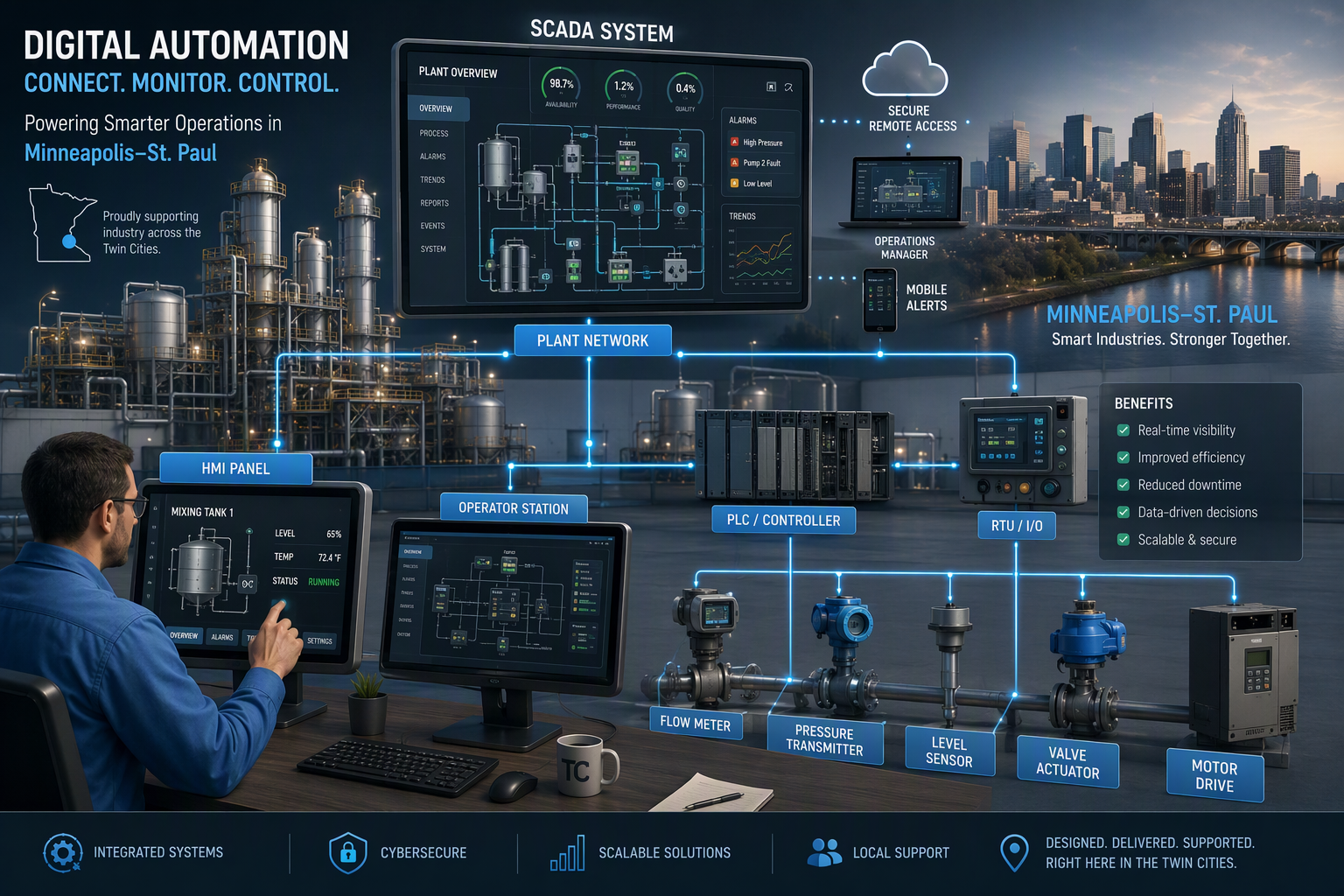
Defining Human-Machine Interface HMI SCADA Minneapolis Solutions
A human machine interface, or HMI, is the visual layer your operators use to see what a machine is doing. It presents sensors, status values, trends, and controls in a format people can understand quickly. In industrial automation, that simple view improves operator interaction and helps your team act with less guesswork.
SCADA stands for supervisory control and data acquisition. These solutions collect information from PLCs, remote terminal units, and field devices, then organize it for broader monitoring and control. Instead of focusing on one machine, SCADA watches multiple assets or areas from a central system.
Put together, HMI and SCADA support both local action and system-wide visibility. HMI handles the screen experience. SCADA manages data acquisition, historical data, alarm management, and supervisory control. That combination is why Minneapolis industries use them for stable, informed operations.
Key Applications for HMI SCADA in Local Industries
In Minneapolis-St. Paul, HMI and SCADA are used where uptime, consistency, and visibility matter. These automation systems help operators manage industrial operations from the plant floor to distributed equipment. They are especially useful when teams need real time data, alarms, and better coordination across machines.
Local use cases often include:
- Manufacturing lines that need steady process control and fewer interruptions
- Food and beverage facilities focused on product quality and traceability
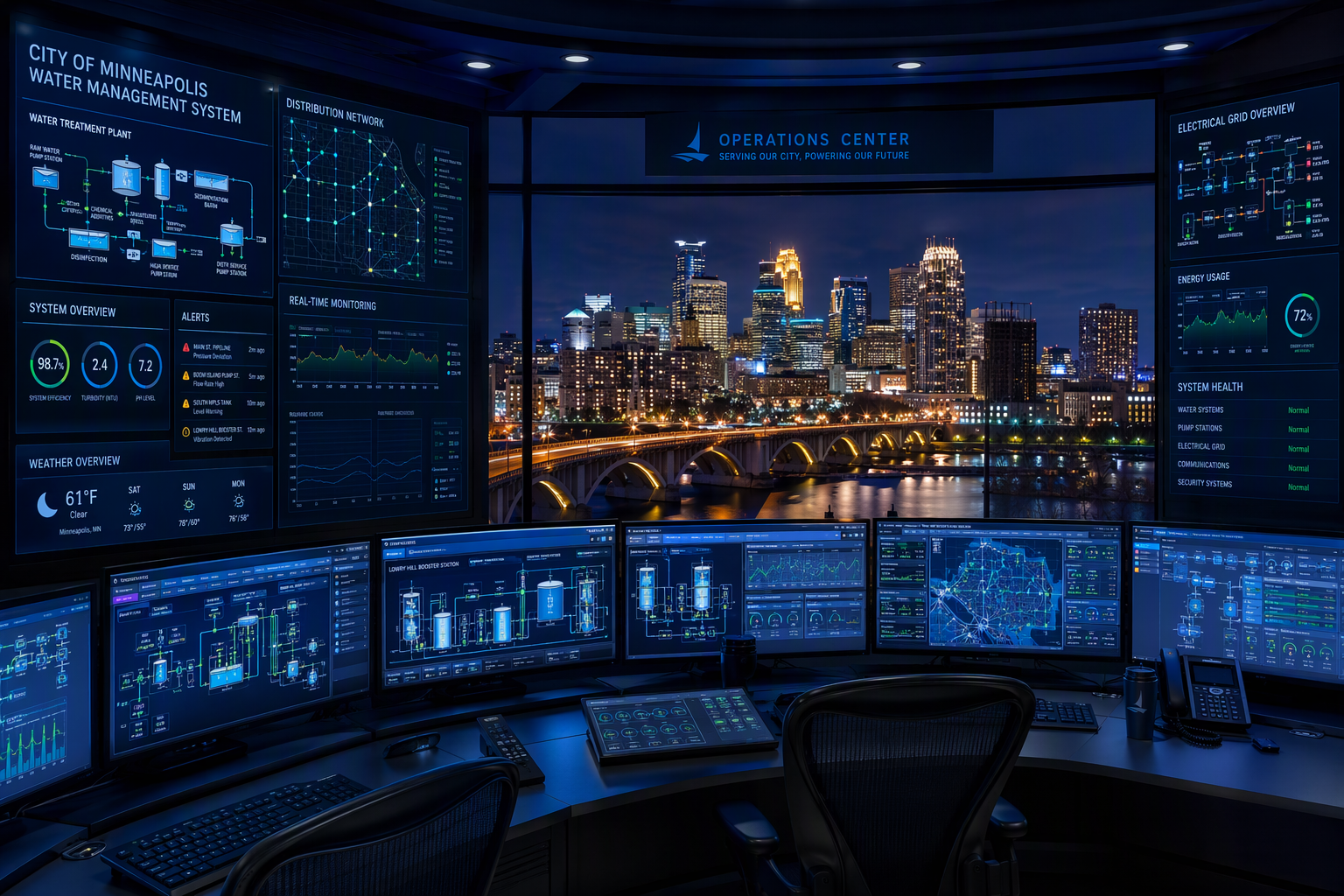
- Water and wastewater operations that depend on remote monitoring
- Building automation systems managing heating, cooling, and energy use
- Process industries that need dashboards, reporting, and historical data
Because these systems fit many workflows, they remain a practical choice for facilities across Minnesota. The next section looks at companies and teams that provide this work in Minneapolis, from software development to full systems integrator support.
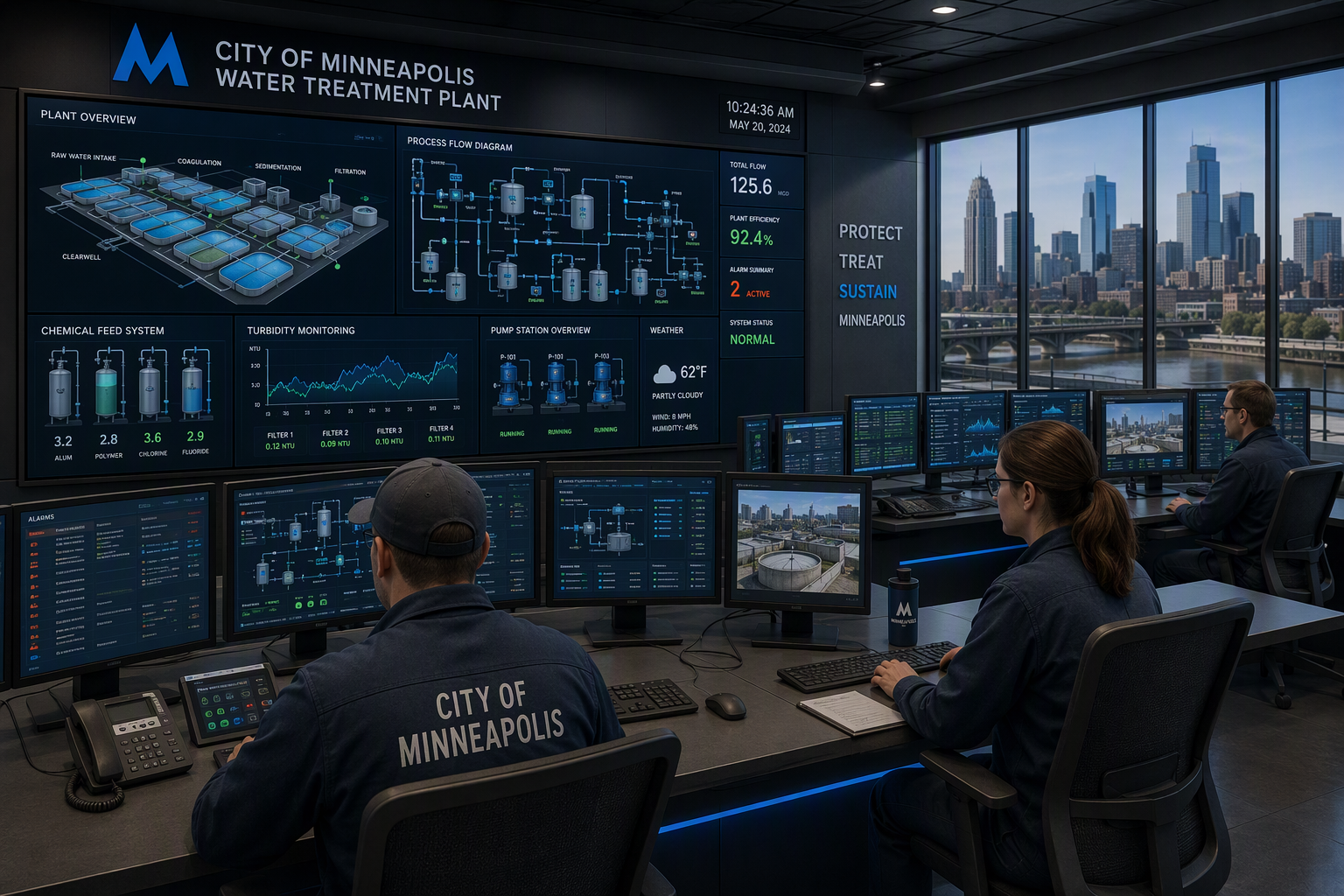
Leading HMI SCADA Service Providers and Engineering Companies in Minneapolis
If you are looking for HMI SCADA support in Minneapolis, MN, the strongest options are engineering companies that combine software work with field execution. A capable systems integrator can handle control system design, HMI programming, SCADA development, industrial networks, and control panels.
Compiled information points to Cybertrol as a visible Minneapolis-area provider with plantwide automation, OT systems, digital manufacturing, MES solutions, and UL control panels. Its work spans design, development, testing, deployment, and ongoing support. That makes it a helpful example for understanding what top providers offer.
Top Software Development Firms and Integration Experts
When people ask who the top HMI SCADA software development providers are in Minneapolis, the compiled information highlights Cybertrol. It presents itself as a systems integrator focused on plantwide systems that connect equipment, processes, and data. Its Minneapolis-area office in Maple Grove supports projects tied to automation, OT, and manufacturing intelligence.
What makes a provider stand out? You should look for SCADA software skills, support for stable platforms, experience with control system design, and the ability to carry a project from front-end planning through startup. Years of experience, support coverage, and tested workflows also matter.
| Provider | Minneapolis-Area Presence | Core HMI/SCADA Strengths |
|---|---|---|
| Cybertrol | Maple Grove, MN | Plantwide automation, SCADA software, HMI programming, OT systems, digital manufacturing, UL panels, 24/7 support |
This kind of integration depth is often what separates basic software vendors from full-service industrial automation experts.
Specialized HMI SCADA Service Offerings for Industrial Automation
Not every provider delivers the same level of industrial automation support. In the compiled material, specialized offerings include front-end engineering, control system design, HMI programming, SCADA development, and panel fabrication. These services matter because SCADA systems work best when software, hardware, and industrial networks are designed as one connected solution.
A Minneapolis-area provider may offer services such as:
- Plantwide automation upgrades for legacy or completely new platform projects
- OT systems design, server infrastructure, and secure network architecture
- Digital manufacturing tools for data collection, dashboards, and ERP visibility
- UL 508A and 698A industrial control panels with testing and verification
- Ongoing troubleshooting and optimization support
That mix gives you more than screens and reports. It supports workflows, consistency, traceability, and dependable performance across the plant floor. Next, it helps to look at the people who build and maintain these systems.
Career Opportunities and Skills Needed in HMI SCADA Across Minneapolis
Career opportunities in automation, engineering, HMI, and SCADA exist in Minneapolis, MN, through systems integrators and manufacturers that need plantwide visibility and control. The compiled information includes a careers presence for Cybertrol, which suggests active demand for technical talent in this space.
If you are wondering where to find HMI SCADA engineering jobs in Minneapolis, start with local integration firms, automation employers, and support teams tied to industrial operations. To compete well, you need a blend of programming, process knowledge, and practical problem-solving.
Typical Job Roles and Responsibilities for Engineers and Programmers
In Minneapolis, engineering jobs tied to control systems, SCADA, and HMI software often cover the full project life cycle. A lead engineer or programmer may help define requirements, build software, test hardware, verify alarms, and support startup. These job responsibilities go far beyond writing code.
Common responsibilities include:
- Developing PLC logic and HMI software for machine and process control
- Supporting SCADA functionality verification, alarm testing, and reports
- Creating design documents, drawings, and system architecture
- Coordinating with implementation teams during installation and functional testing
- Troubleshooting downtime issues and improving operational performance
Some roles also include customer discussions, software acceptance testing, and long-term support. If you want to work with modern automation systems in Minneapolis, expect hands-on involvement with visualization, control panels, industrial networks, and field coordination from start to finish.
Essential Skills and Certifications for SCADA Professionals
A strong SCADA automation controls programmer needs practical automation skills first. The compiled information shows how projects rely on PLC programming, HMI programming, SCADA development, testing, and network verification. That means control systems knowledge and comfort with PLCs are core essentials in Minneapolis roles.
Important skills include:
- PLC programming and process control logic development
- HMI screen design, alarm management, and user experience improvement
- SCADA software setup, data collection, reporting, and dashboards
- Understanding industrial networks, field devices, and sensors
- Clear communication during design, testing, and deployment
The source material does not list specific SCADA certifications, but it clearly points to technical depth, software verification, and implementation experience as valuable. If you want these jobs, build strong hands-on ability with plant floor systems, stable platforms, and problem-solving under real operating conditions.
Industry Trends and Advances in HMI SCADA Technology
Technology trends in Minneapolis, MN continue to push HMI and SCADA toward better visibility, stronger connectivity, and more useful historical data. Companies want systems that do more than display values. They want tools that improve coordination, support analysis, and reduce downtime.
That shift aligns with Industry 4.0 goals such as digital transformation, remote access, and connected data across operations. The compiled information does not name local Ignition openings directly, but growing demand for modern platforms and support roles suggests opportunities near Minneapolis and nearby areas.
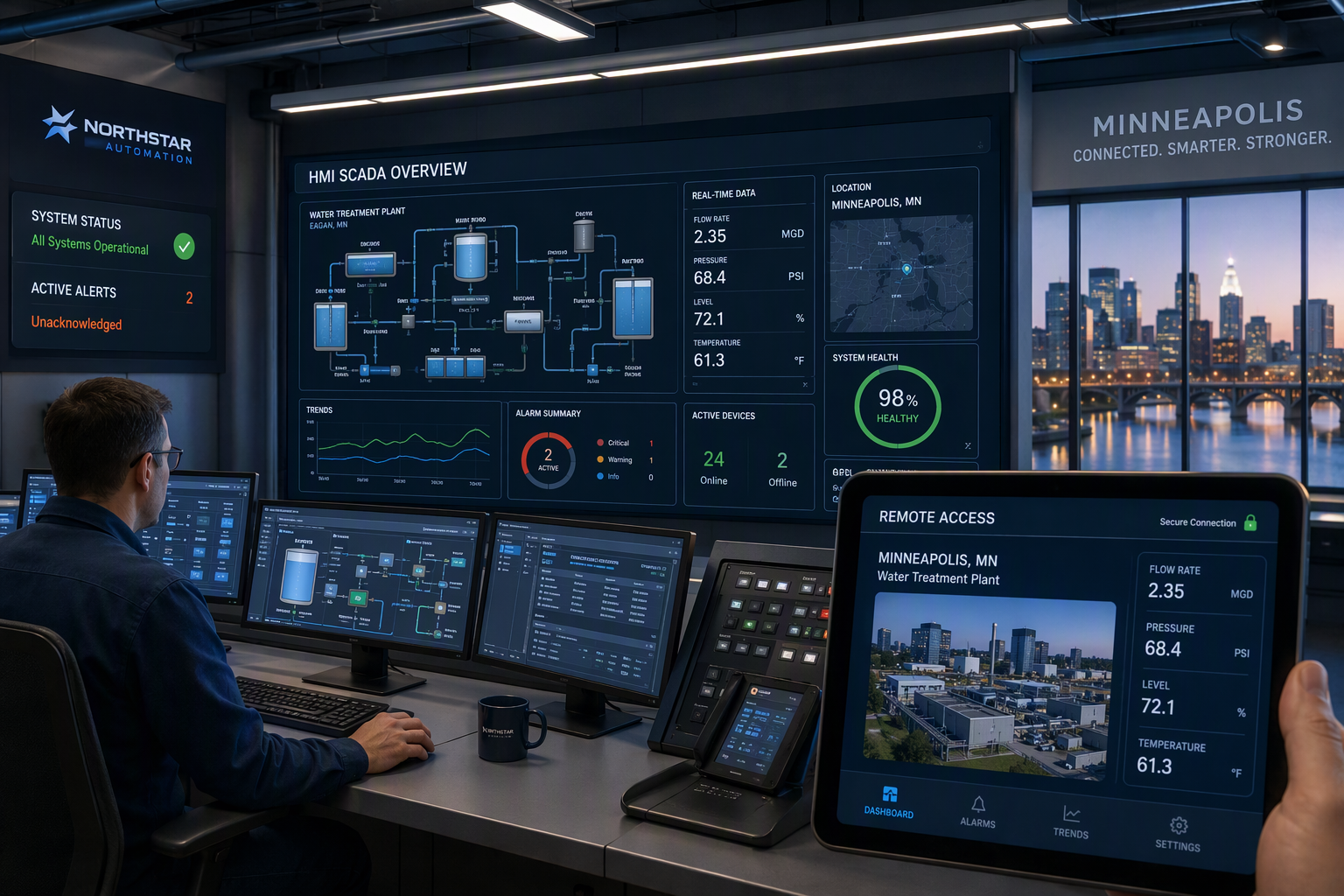
Integration with Industry 4.0 and Digital Transformation in Minneapolis
In Minnesota, HMI and SCADA support Industry 4.0 by connecting automation systems, plant floor equipment, and business data more effectively. The compiled information describes plantwide systems that link equipment, processes, and data from operations through the enterprise. That is a clear sign of digital transformation in practice.
Instead of relying on isolated control stations, facilities are moving toward broader data visibility. Historian systems, dashboards, reporting solutions, and MES tools help teams understand what is happening now and what happened before. That makes daily decisions more informed and easier to share across roles.
This integration also improves consistency and traceability. When data collection, ERP links, and process oversight are coordinated, teams can monitor performance with less manual effort. For Minneapolis manufacturers, Industry 4.0 is not just about new software. It is about connected workflows that support better operational performance.
Growing Demand for Ignition SCADA and Secure Remote Access
Many facilities now expect SCADA software to support remote access, web-friendly views, and easier expansion. The compiled information highlights secure OT environments, managed services, firewall and DMZ implementation, and support for remote monitoring. That points to growing demand for secure platforms rather than isolated local tools.
Ignition is one example people often ask about when discussing modern SCADA software. While the source material does not directly list Ignition projects or jobs, it does show a market need for stable platforms, updated software environments, and support teams that can keep systems connected and protected.
So, are there Ignition SCADA job opportunities near Minneapolis? Based on the broader demand for modern HMI, remote access, and digital manufacturing support, the answer is likely yes in nearby automation roles. Employers want people who understand secure architectures, current software, and reliable system performance.
Benefits of Implementing Modern HMI SCADA Systems in the Twin Cities
Modern HMI and SCADA systems help Twin Cities operations work with better visibility, faster response times, and stronger automation. A modern HMI improves user experience by making screens easier to read and actions easier to understand during normal production and abnormal events.
Just as important, SCADA adds real time awareness across equipment, lines, and remote assets. That supports operational efficiency, historical review, and better reporting. When your team can see problems sooner and act with confidence, the whole operation becomes easier to manage. The benefits below show how that happens.
Enhancing Operational Efficiency and Safety
One major benefit is stronger operational performance. When operators can view equipment status, trends, and alarms from one place, routine tasks move faster and with fewer errors. That added efficiency supports smoother production and better coordination across automation systems.
Safety improves for the same reason. Clear displays and prioritized alarms help teams recognize abnormal conditions earlier. Instead of waiting for manual checks, they can react when the first warning appears. That shortens response time and supports less downtime during process upsets or equipment issues.
Over time, historical data helps with the elimination of problems that repeat. Teams can review patterns, compare events, and plan maintenance before failures grow. Modern HMI and SCADA do not remove every risk, but they give your people clearer information, safer oversight, and a more dependable way to manage operations.
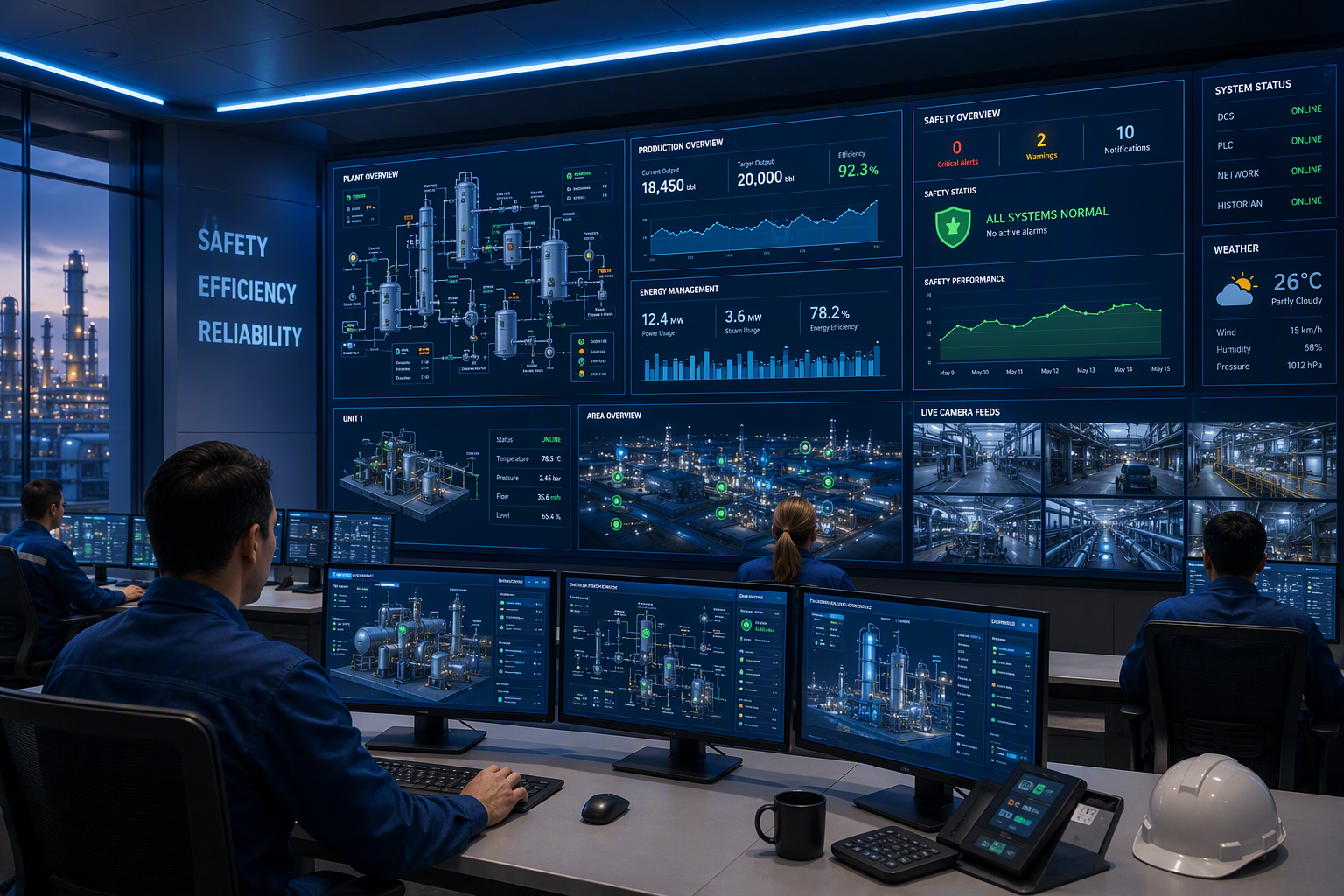
Real-Time Data Collection and Process Insights
Real time data collection changes how you run a facility. Sensors, PLCs, and field devices send live values into the system, allowing operators to track process control as it happens. That means fewer blind spots and faster action when conditions shift on the plant floor.
Dashboards and visualization tools turn raw numbers into useful views. Instead of reading scattered values, your team can use trends, alarms, and summaries to understand what is normal and what needs attention. Better data visibility makes decisions easier during both routine production and unexpected events.
There is also value after the moment passes. Stored records and historical data help teams compare runs, review downtime events, and spot weak points in workflows. These process insights support better planning, stronger consistency, and more informed choices across industrial operations in Minneapolis.
Conclusion
In conclusion, HMI SCADA systems play a crucial role in enhancing operational efficiency and safety across various industries in Minneapolis-St. Paul. By understanding the importance of human-machine interfaces and SCADA solutions, you can better appreciate their applications and benefits. As technology advances and the demand for secure remote access increases, staying informed about industry trends and career opportunities is essential for professionals in the field. Embracing modern HMI SCADA systems not only streamlines processes but also provides valuable insights through real-time data collection. If you're looking to delve deeper into this exciting field, consider exploring career options or engaging with local service providers to enhance your knowledge and skills.
Frequently Asked Questions
What is the average salary for HMI SCADA engineers in Minneapolis?
The compiled information does not provide a specific salary figure for engineers in Minneapolis working with HMI and SCADA. It does show active demand for automation and integration talent, which suggests these roles are valued. For accurate salary ranges, check current Minneapolis job listings and employer career pages.
Which industries most commonly use HMI SCADA in Minneapolis-St. Paul?
The most common industries include manufacturing, food and beverage, water and wastewater, and building automation. These sectors use SCADA and automation because they need strong visibility, process control, alarm management, and reliable reporting. In Minneapolis-St. Paul, those needs make HMI and SCADA a practical fit.
How can I apply for HMI SCADA engineering jobs in Minneapolis?
Start by reviewing jobs posted by local systems integrators, manufacturers, and automation firms in Minneapolis. The compiled information points to company career pages as a useful starting place. Tailor your resume to engineering, PLC, HMI, and SCADA systems experience, then apply through the employer or HR contact listed.
You might also like