Alarms during startup and shutdown: managing transient floods
Alarms during startup and shutdown: managing transient floods
Startup and shutdown are the most predictable times for an alarm flood. Pumps start, levels swing, temperatures move through wide ranges, and a control system that is quiet at steady state suddenly presents dozens of alarms at once. The alarms are not all wrong, but they are not all actionable in that moment either. A good alarms startup shutdown plan separates the signals operators must see from the transient noise that should be held, grouped, or suppressed until the plant reaches a stable state.
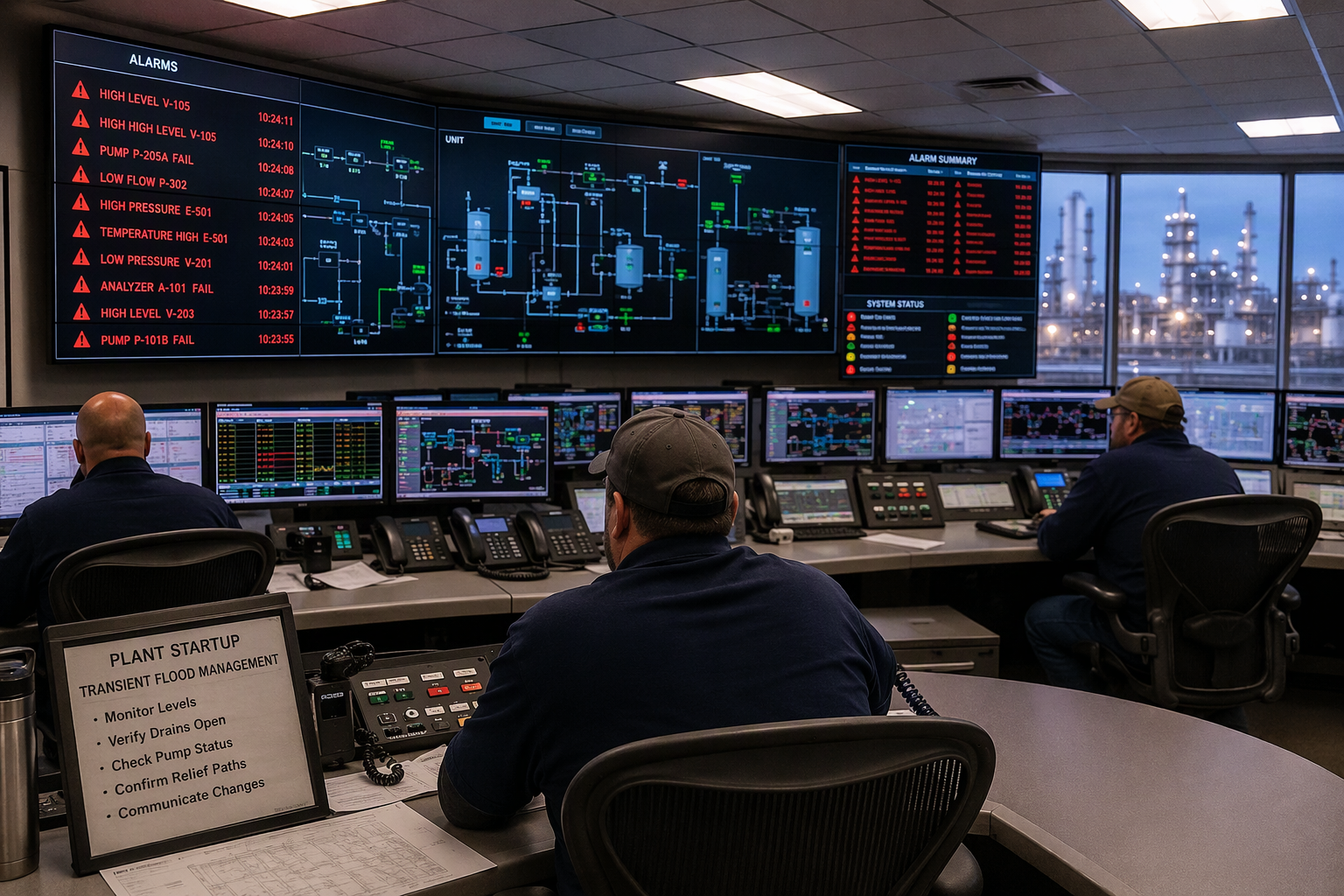
Why transient floods happen
During a system startup, equipment does not reach its normal operating point at the same time. A level may sit low while a pump is still ramping up, a temperature may lag behind its setpoint, and a flow may read zero until a valve opens. Each condition can trigger its own alarm, and those alarms then trigger more alarms downstream. During shutdown the sequence reverses, but the effect is similar: normal values fall away in stages, and the alarm list fills with signals that describe a planned transition rather than a new fault.
Suppress, delay, and group transients
Not every transient signal needs to be removed. Some should be delayed for a short, documented period so the process can settle, some should be grouped into a single summary alert, and only a few should be fully suppressed for a defined state. Document the reason for each choice, the state in which it applies, and the condition that restores the signal. Without that record, a temporary fix becomes a permanent blind spot, and operators lose trust in the list.
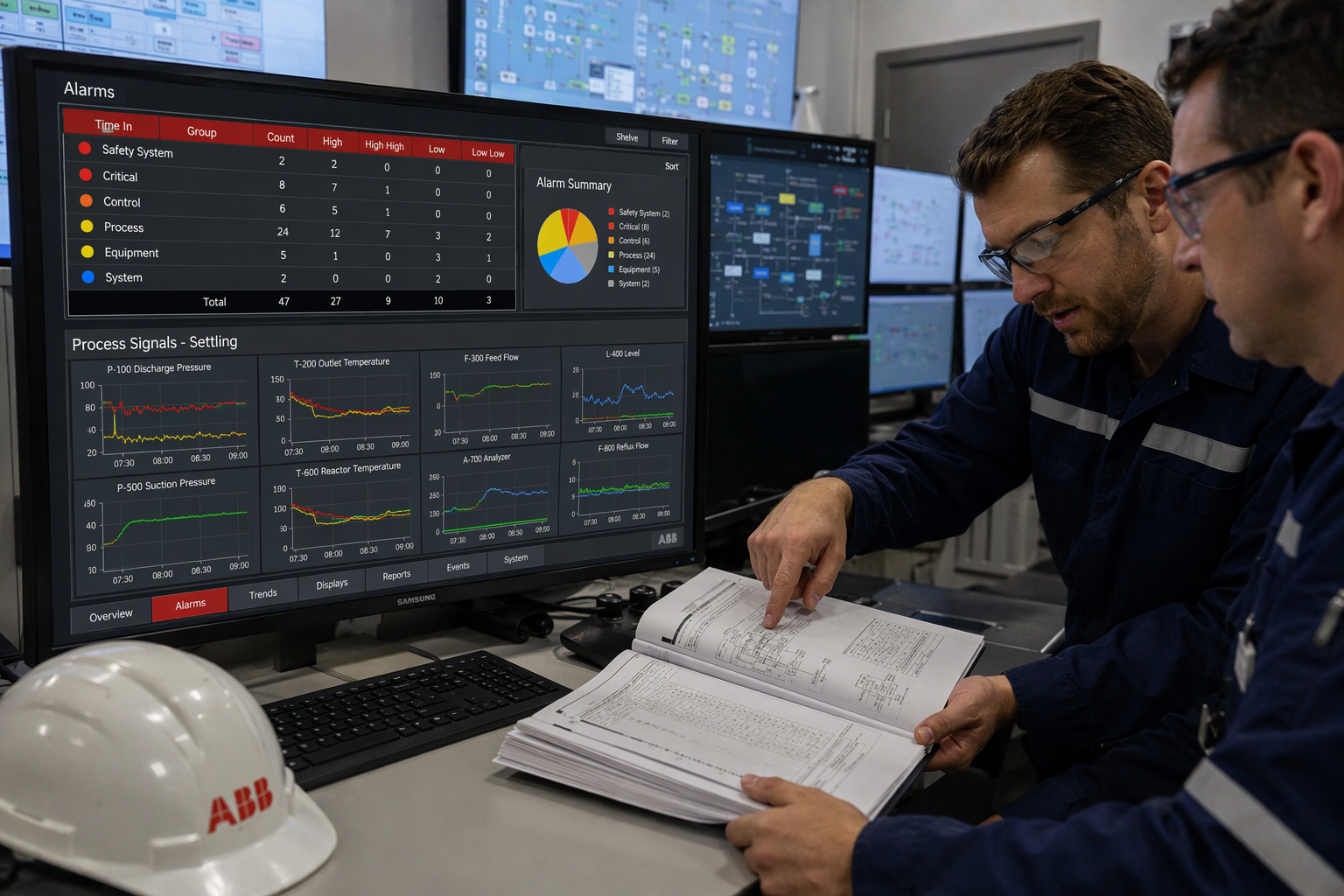
Keep critical alarms visible
Some signals must never be held back, even during a transition. A high-pressure trip, a fire and gas signal, and a loss-of-containment alert belong in front of the operator at all times. Write those exceptions into the plan before any suppression is approved, and review them with operations and safety teams. If a proposed change would hide one of these signals, it should not be approved in its current form.
Operator terminal and server checks
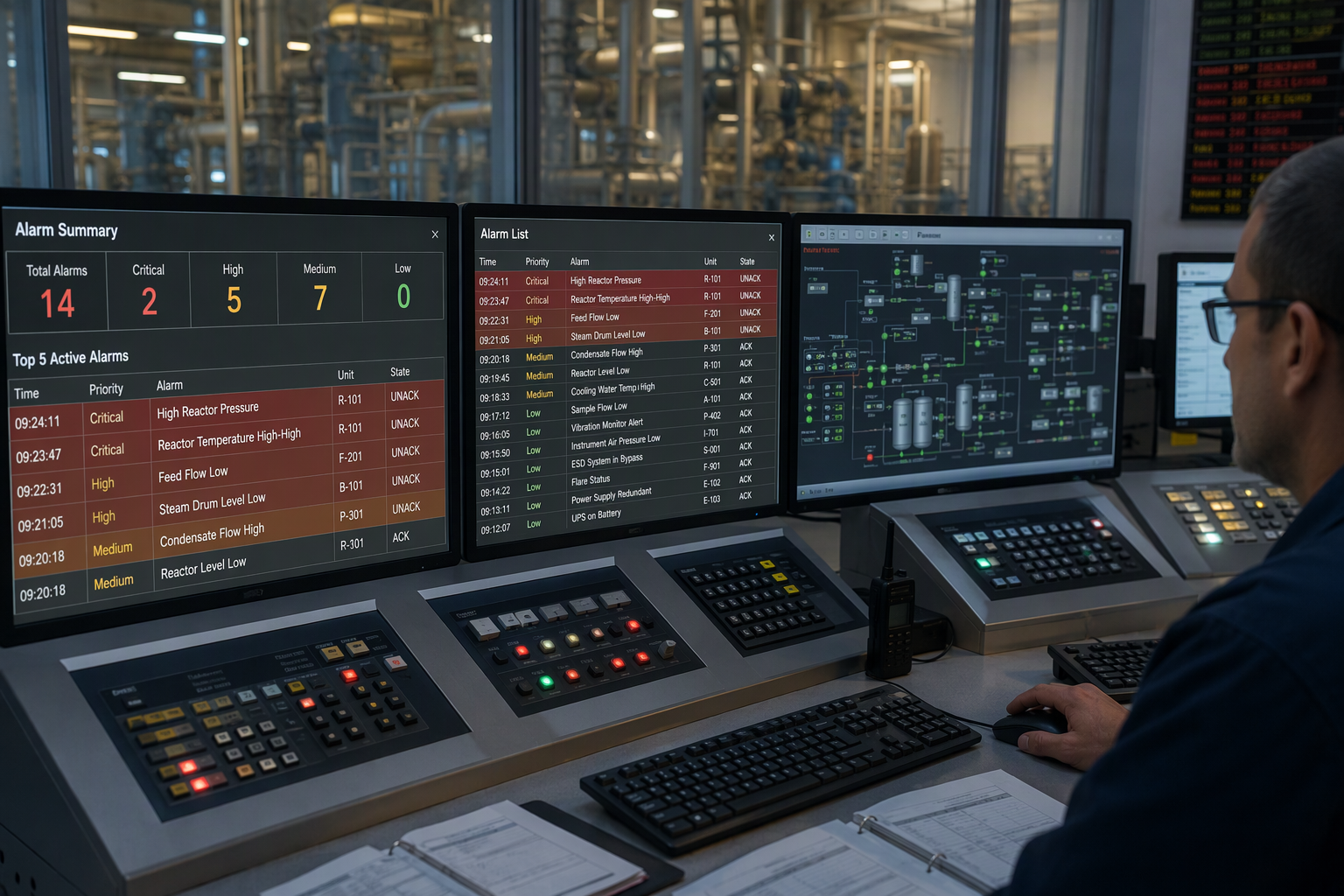
On the operator terminal, check that the default view is still useful during a transition, not just at steady state. The live list, the held-signal record, and any summary at the bottom of the screen should each have a clear purpose. Confirm that the alarm server, the operator PC, and any related app sign in with the correct password and role, so a shift change does not leave the console locked or showing the wrong unit. A console that is hard to read is a second flood, even if the count is low.
System settings and configurations by state
Record one set of system settings and system preferences for each operating state, rather than relying on a single default for all conditions. For each state, note the specified time a delay should last, the specific time at which a held signal should return, and who may change the configuration. When those details are written down, a later review can tell whether a setting was a deliberate choice or an accident left over from a test.
Mac, macOS Ventura, and a notification?
This plant guidance is not about setting a personal alarm on a Mac. On macOS Ventura, a notification, an energy saver schedule, and a day of the week repeat are personal-device settings, not process safety controls. A Mac can remind one person on certain days of the week, but it cannot watch a whole plant, and a command line trick on a personal computer is no substitute for a tested, state-based plant system. Keep personal-device habits separate from plant alarm decisions.
Test at a specific time
Test the plan at a specific time on more than one shift, not only when the usual team is present. Run a system startup check, confirm that held signals return as expected, and check the record against the actual sequence. If a test fails, fix the configuration before the next live transition, and record what changed. A plan that has only been tested once is a plan that has not been tested.
What should a startup and shutdown checklist include?
Before a transition, confirm the operating state and the held-signal list. During the transition, watch the live list for new conditions. Afterward, confirm that alarms startup shutdown settings have returned to normal and review what was held, so alarms startup shutdown planning stays auditable.
You might also like