Is It Time? Diagnosing an Aging SCADA/HMI System
Key Highlights
- An aging scada system often shows warning signs through unstable performance, slow scada screens, and repeated operator workarounds.
- A legacy scada system can create operational inefficiencies long before a major failure shuts down production.
- Old scada software and unsupported HMI PCs increase cyber threats and raise the chance of unauthorized access.
- Obsolete panels, discontinued parts, and weak vendor support can turn small repairs into major delays.
- A practical scada upgrade starts with an obsolescence audit, not guesswork.
- Modernization decisions should balance risk, integration needs, and long-term maintenance costs.
Introduction
Your
scada system sits at the center of supervisory control and data acquisition on the plant floor. When it ages, the impact is rarely limited to one screen or one operator station. You may see slower decisions, more manual effort, and less confidence in what the system is telling you. For manufacturing teams, the real question is simple: is your current platform still supporting production, or is it starting to hold it back?
Identifying Signs of an Aging SCADA System
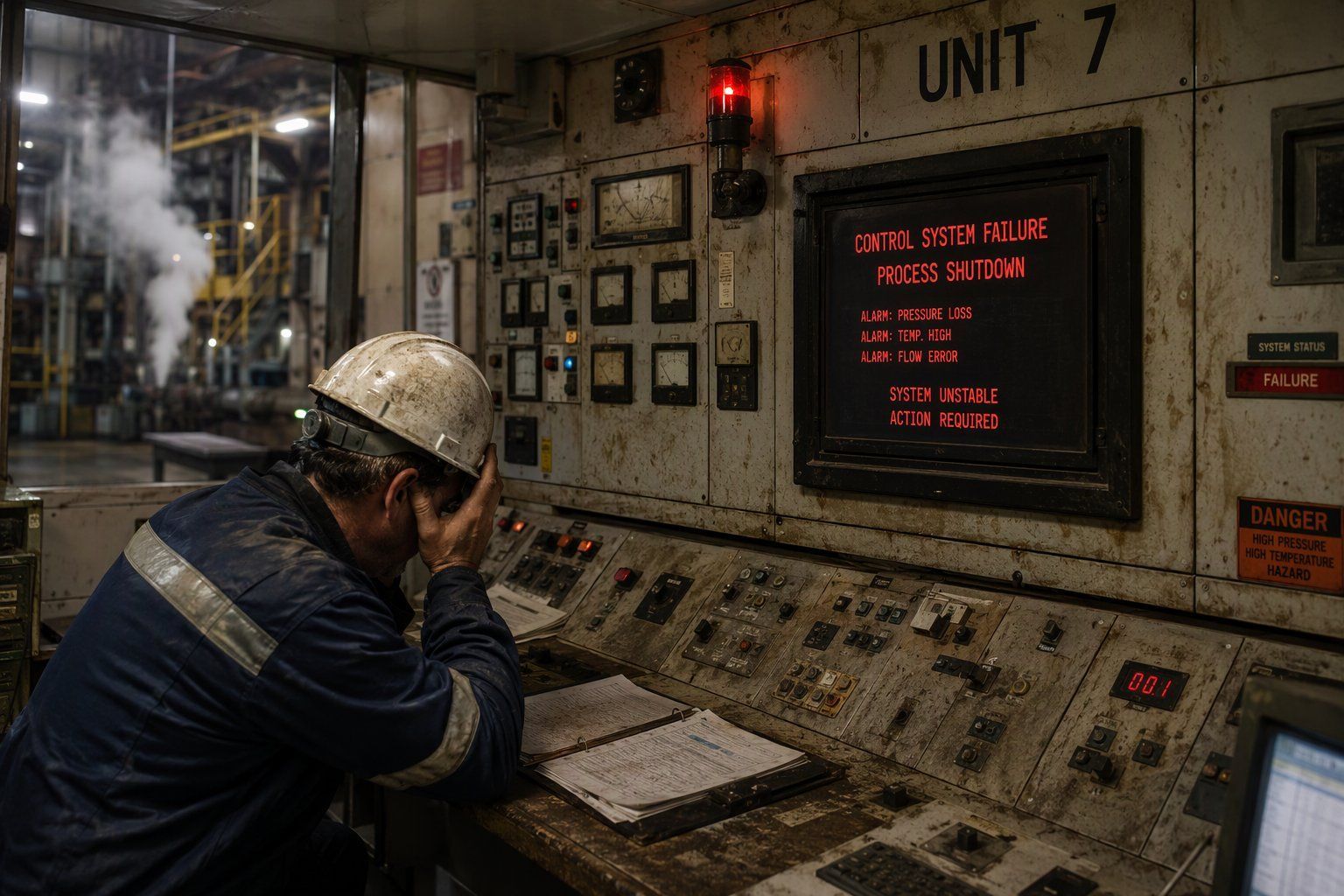
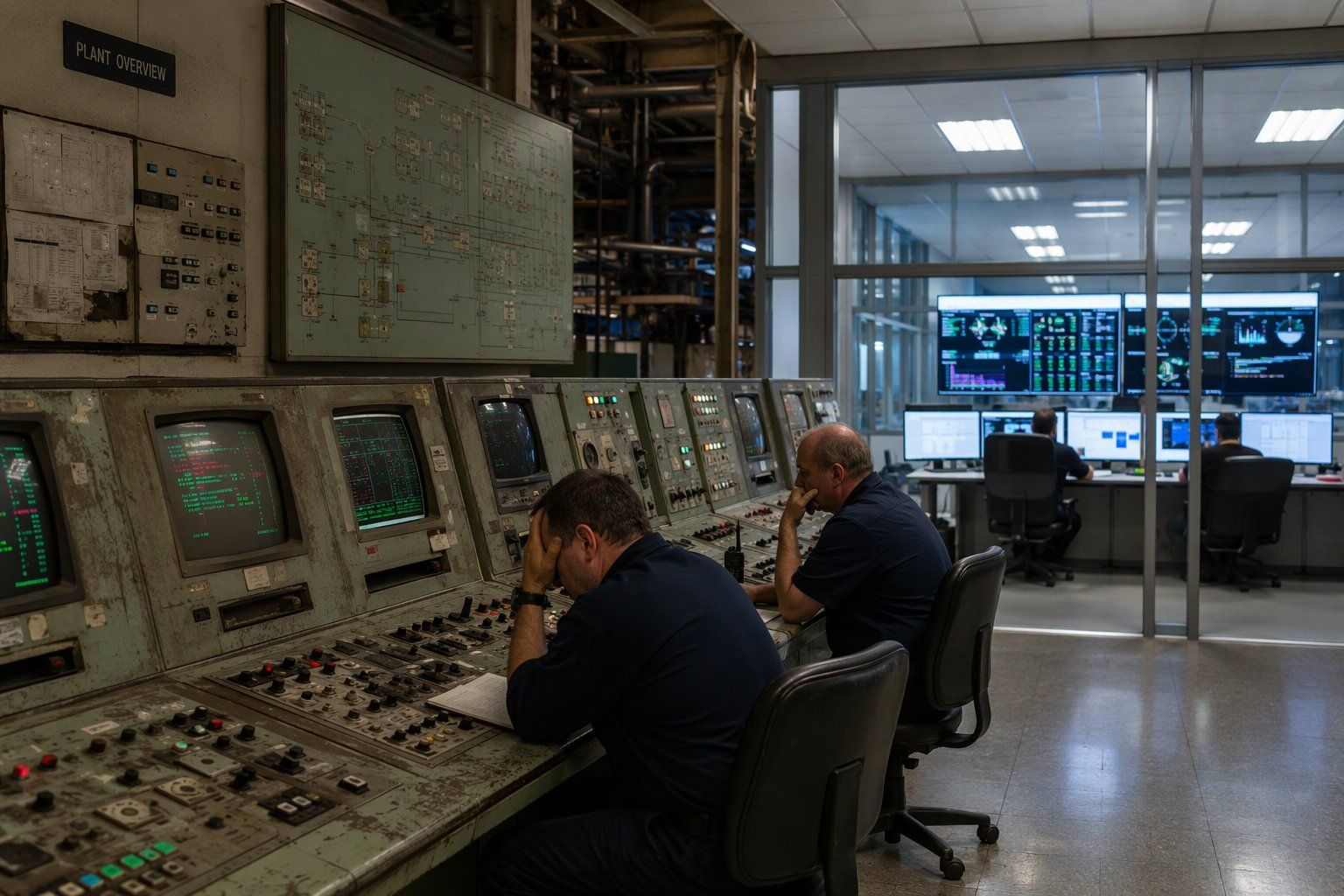
Some warning signs appear gradually. A scada system may start with slow screen navigation, inconsistent alarms, or scada screens that take longer to load. Operators may not call it failure, but they feel the friction every shift.
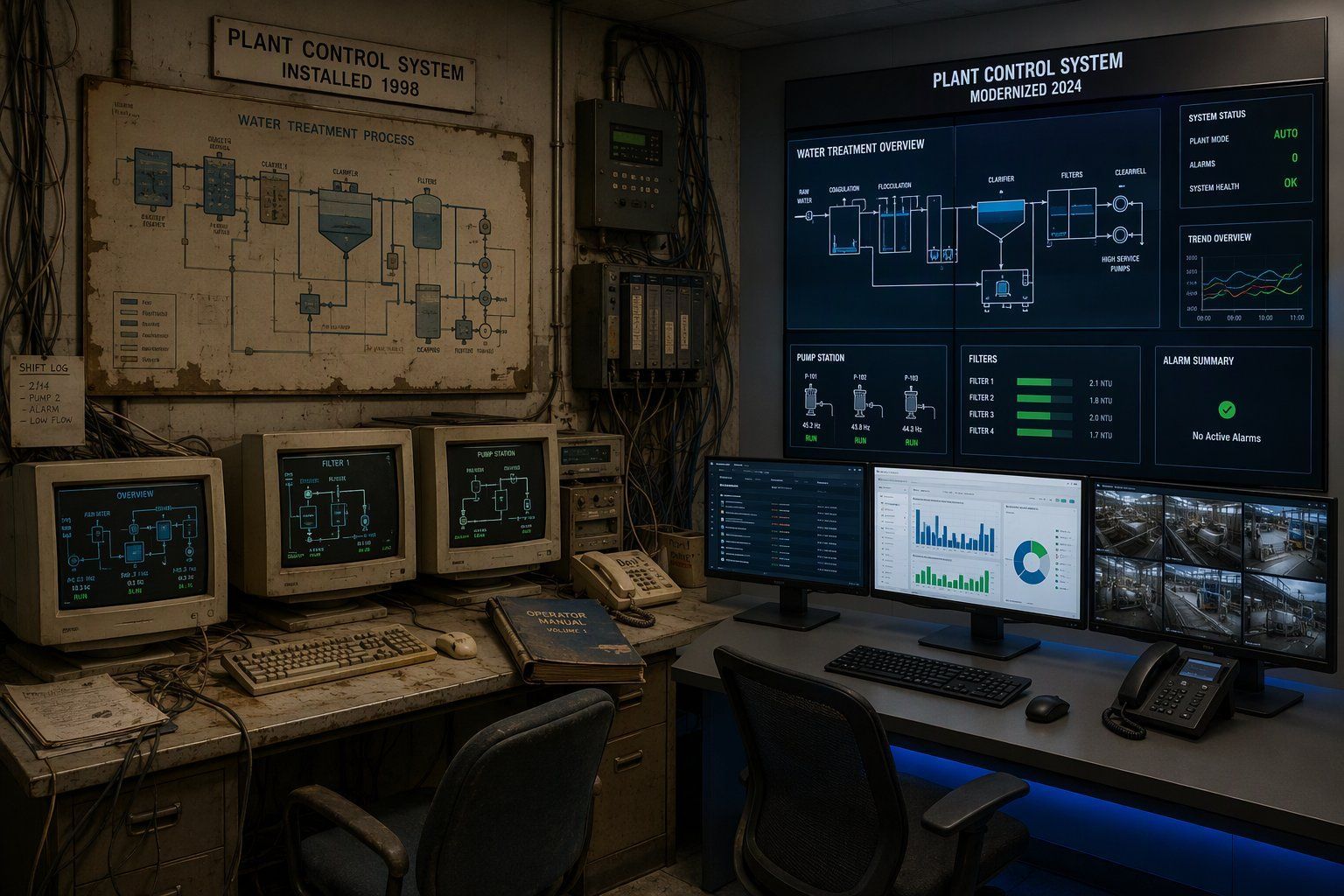
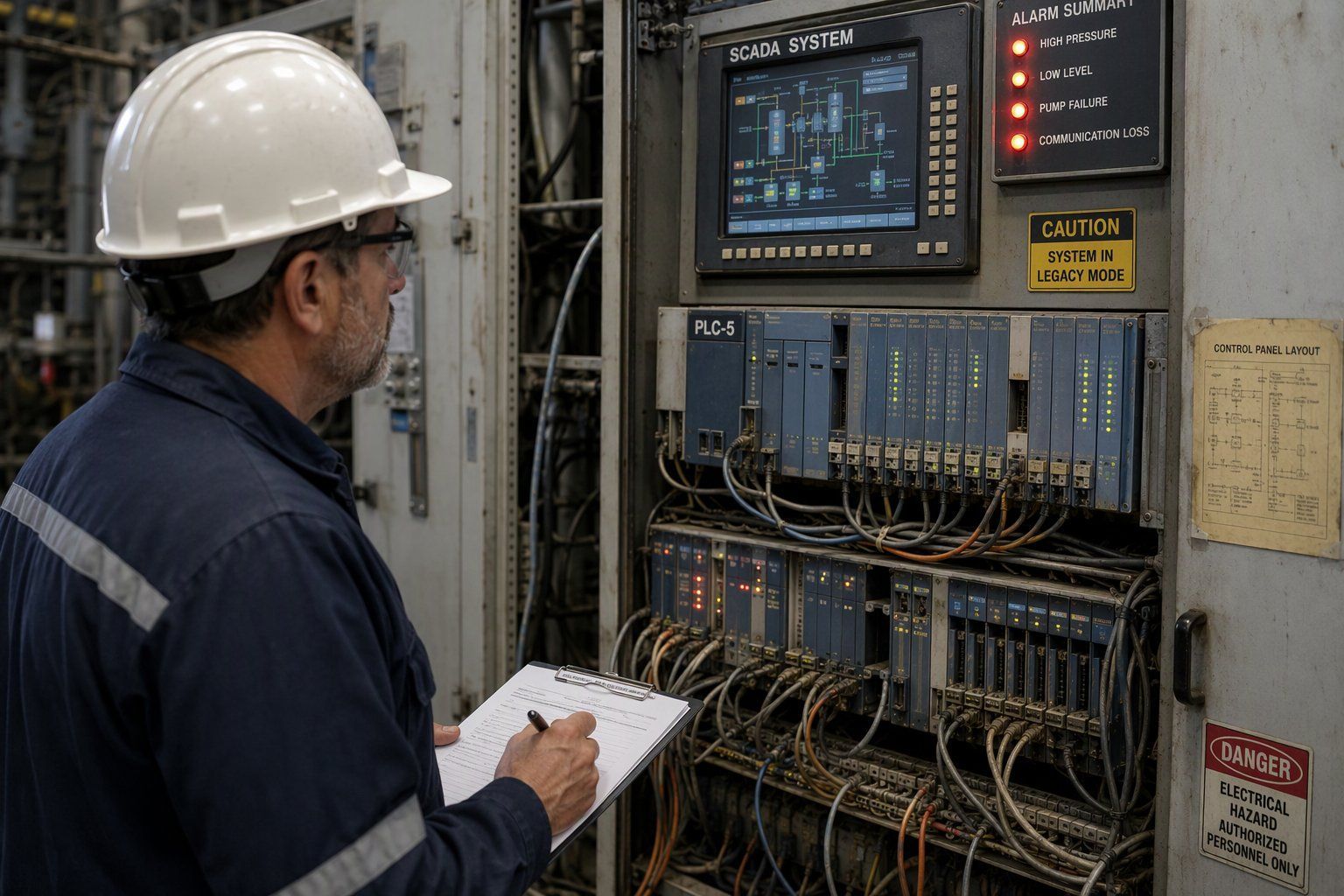
In many plants, legacy systems also show their age through patchwork fixes, unsupported components, and growing scada system struggles during normal production. If your team depends on workarounds to keep visibility and control, your aging scada system likely needs a closer look.
The next signs usually show up in uptime and hardware reliability.
Increased Downtime and System Instability
Frequent downtime is one of the clearest indicators that your platform is past its best years. In older environments, hardware failure becomes more common, and aging scada software can struggle to keep pace with the demands of current industrial operations. What looks like a minor system pause can interrupt visibility, delay response, and create confusion on the plant floor.
Just as important, these disruptions rarely stay small. A brief interruption can turn into costly downtime when operators lose access to live process data or cannot diagnose faults quickly. Historical data may also be incomplete, making troubleshooting slower and less accurate.
Over time, repeated instability creates operational inefficiencies that drain labor, reduce confidence, and increase production risk. If outages are showing up more often, your system is not just inconvenient. It may be actively undermining reliability.
Obsolete Panels and Discontinued Hardware
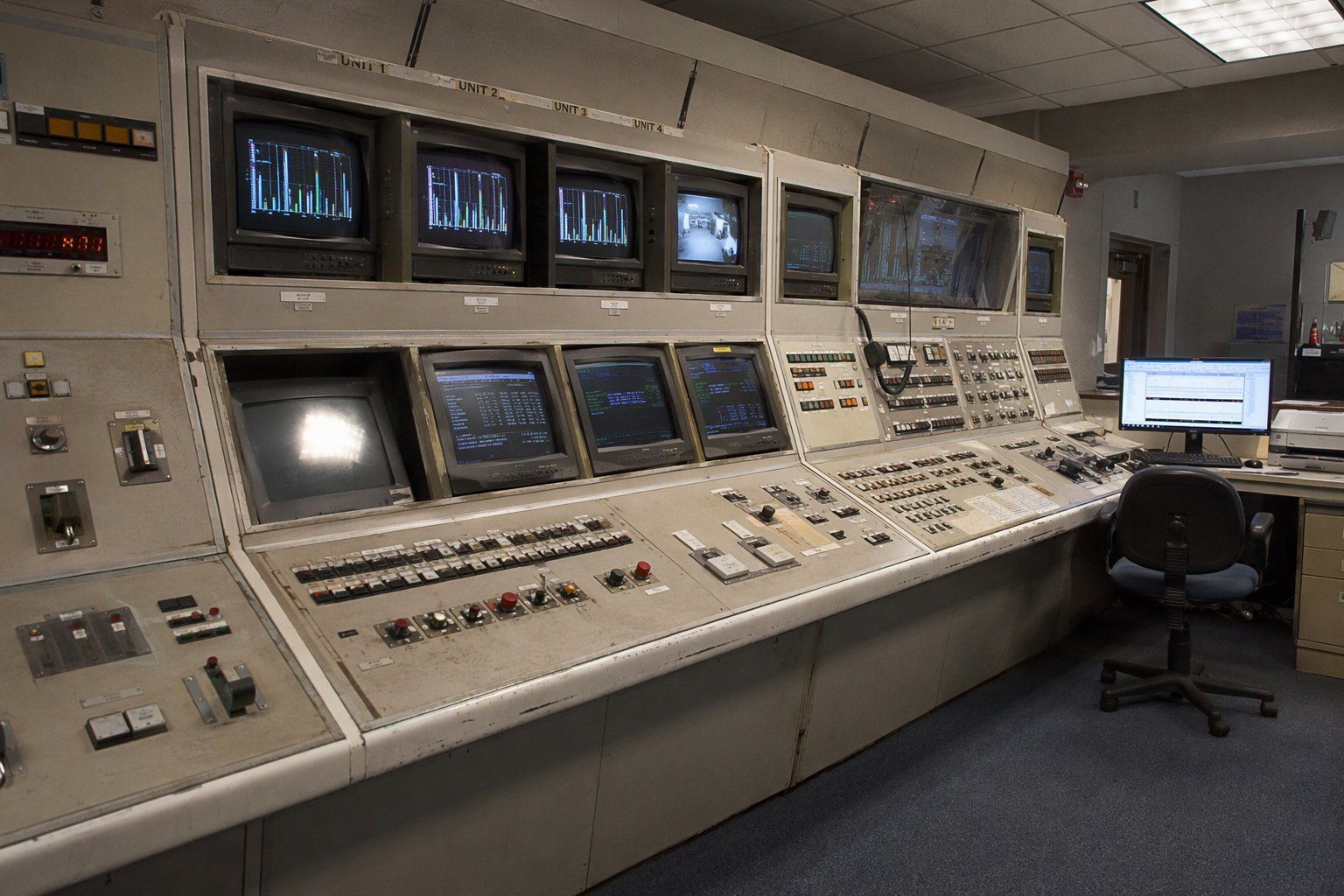
In many plants, the real problem is not only software age. It is the physical layer around it. Obsolete panels, outdated hardware, and unsupported operator stations can keep a plant tied to older scada platforms long after the business has outgrown them.
That creates practical issues every time something breaks or expansion is needed. You may face:
- Limited spare parts for older HMIs, PCs, and panel components
- Reduced vendor support for discontinued drivers or licenses
- Difficulty connecting with modern programmable logic controllers
- More manual effort to maintain mixed generations of automation technology
As systems age, integration becomes harder because legacy designs were often built around specific vendor ecosystems. Newer standards such as OPC UA and MQTT now support broader connectivity, but older equipment may not take advantage of them. If replacement parts are scarce and compatibility is shrinking, an obsolescence audit should move up your priority list.
Security Risks Associated with Old SCADA/HMI PCs
Older operator workstations can become a weak point in any scada system. Many were installed before secure remote access, strong authentication, and current patching practices became standard. That leaves gaps attackers know how to exploit.
When legacy scada software remains on outdated PCs, cyber threats increase along with the risk of unauthorized access. Even if production seems stable today, unsupported systems can expose industrial operations to avoidable security issues. To understand the risk clearly, start with the operating system and then review your compliance obligations.
Vulnerabilities from Outdated Operating Systems
Aging HMI and SCADA PCs often run outdated operating systems that no longer receive regular updates. Once patching stops, known weaknesses remain open. That makes outdated software a direct operational concern, not just an IT issue.
The risk grows when plants add connectivity without modern protections. Email alerts, cloud analytics, and remote support all create value, but they also expand exposure if the platform was never designed for secure remote access. Common issues include:
- Unpatched security gaps that increase cyber threats
- Weak user controls that make unauthorized access easier
- Older third-party components that cannot be maintained properly
This matters because plant systems are now more connected than before. A workstation that still “works” may still be unsafe. If you are relying on old PCs to run production views, your review should include operating system age, patch status, user authentication, and how remote access is currently handled.
Impact on Industrial Cybersecurity Compliance
Compliance becomes harder when your platform cannot meet current security expectations. Many modern scada platforms are designed with stronger protections by default, but older installations may not align with present cybersecurity compliance needs or internal audit requirements.
That gap matters even more in sectors tied to critical infrastructure or strict industry standards. Plants may need stronger user authentication, password controls, directory integration, or support for broader security frameworks. If your current setup cannot support those needs, regulatory compliance becomes a growing concern.
There is also a data integrity issue. When security controls are weak, trust in alarms, records, and operator actions can suffer. Before deciding whether to replace or upgrade, look at your authentication model, patching process, vendor commitment to ongoing security, and whether the current system can support the compliance path your operation now requires.
Assessing Performance and Integration Challenges
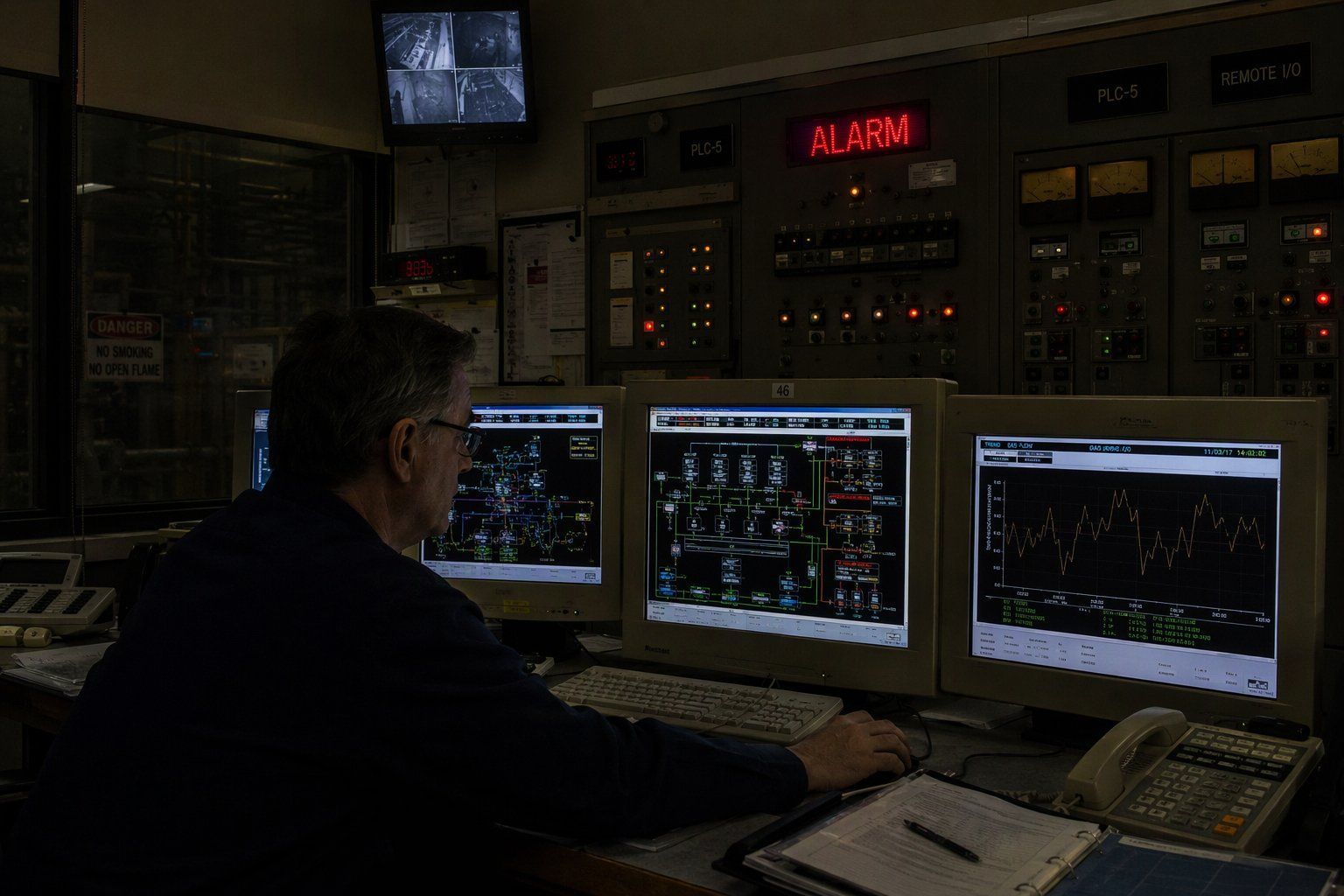
Performance issues do not always begin with downtime. Sometimes the first clue is lag, limited visibility, or trouble handling larger data volumes. As production systems expand, the current platform may stop scaling cleanly.
You can assess the health of your environment by reviewing response time, reliability, historian behavior, and integration challenges with modern scada tools and programmable logic controllers. If your system struggles to connect new assets or share information across applications, the next step is to look at compatibility and data access in more detail.
Limited Compatibility with Modern PLCs and Automation Tools
Legacy scada software was often selected to match one automation vendor. That worked well years ago, but it can become limiting as your plant adds modern technologies, new lines, or mixed hardware. Today, flexible connectivity matters far more than brand lock-in.
Modern scada systems use standards and driver tools that support broader communication across programmable logic controllers, enterprise systems, and other applications. Older scada technology may not handle that shift well. It can require extra middleware, custom fixes, or manual data handling just to keep systems talking.
For manufacturing sites, this creates real expansion limits. You may want to add analytics, connect IIoT devices, or pull data into maintenance and production tools, but the old architecture fights each step. If adding one new machine feels harder than it should, your platform may no longer fit the way your operation is evolving.
Reduced Data Visibility and Connectivity
An aging scada system often limits what your team can see and where they can see it. Plants depend on real time information, but older architectures may struggle with larger data volumes, distributed users, or connections outside the control room.
This reduced data visibility often shows up in practical ways, such as:
- Limited remote access for supervisors and support teams
- Gaps between live data, historical data, and reports
- Weak connectivity to MES, ERP systems, or CMMS tools
- Manual re-entry of process data across separate applications
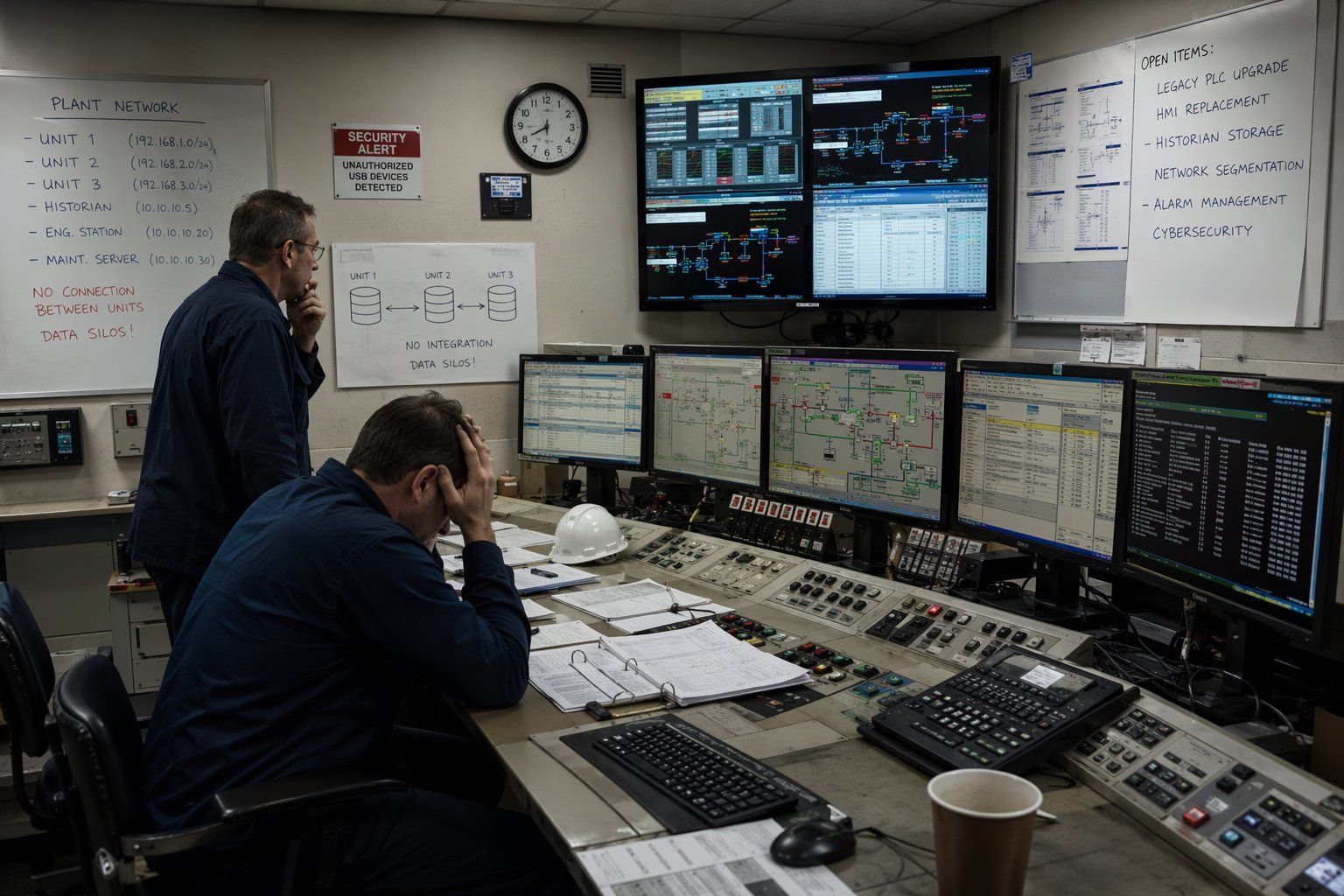
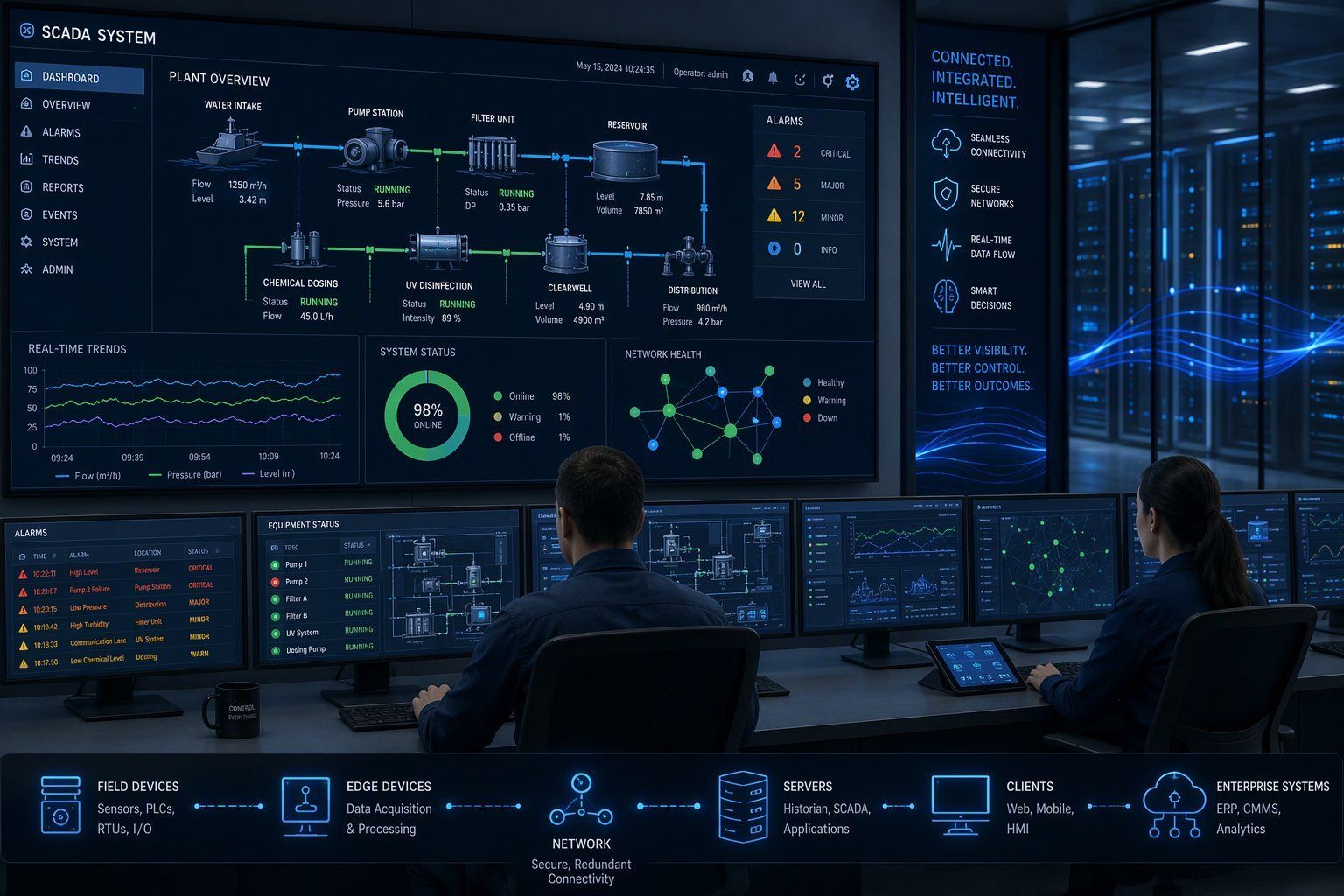
A modern scada platform is built to unify more of this information. It can support browser-based views, stronger historian integration, and easier connections to plant and business systems. If your current environment still creates blind spots or data silos, it is a sign that performance and connectivity need a structured review, not another temporary workaround.
Evaluating Hidden Costs of Maintaining an Aging SCADA System
Old systems rarely look expensive on one invoice. The cost is spread across repairs, delays, troubleshooting, and support gaps that build over time. That is why many hidden costs stay off the original capital plan.
When you evaluate an aging platform, look beyond licensing and hardware. Include ongoing maintenance, lost labor, spare part searches, and avoidable production impact. In many cases, these combined costs make a planned scada system upgrade more practical than continuing to patch the old environment. The biggest cost drivers usually appear in maintenance and asset performance.
Rising Maintenance Expenses and Vendor Support Issues
Maintenance expenses rise steadily when a system moves closer to end of life. Teams spend more time tracking down spare parts, keeping old PCs alive, and working around unsupported components. At the same time, vendor support often becomes limited or disappears completely.
That puts pressure on asset reliability. A plant may keep the system running, but every repair takes more effort and carries more uncertainty. This is where newer scada solutions change the cost picture by reducing dependency on rare parts and unsupported tools.
Cost Area
Hidden Impact on the Plant
Spare parts
Older components are harder to source, slower to replace, and often more expensive
Vendor support
End-of-life platforms may lose updates, driver support, and direct troubleshooting help
Maintenance labor
More engineer time is spent on patchwork fixes and manual recovery steps
Reliability risk
Small failures create larger production risk when recovery options are limited
If support is fading, your real cost is not just repair spend. It is exposure.
Production Losses and Asset Reliability Concerns
The operational impact of an aging platform often shows up as lost output before it appears in a budget review. Production losses can come from slow response, missed alarms, or incomplete process data during faults and startups. That hurts decision-making at the exact moments when speed matters most.
There is also an asset reliability problem. If alarms are poorly managed, historians are inconsistent, or operators cannot trust what the screen is showing, maintenance becomes less precise. Teams react later, and equipment runs with less insight than it should.
In time, data integrity suffers as well. When process data is fragmented or difficult to access, you lose the foundation needed for strong alarm management, maintenance planning, and performance analysis. That is how an aging scada system quietly reduces asset reliability across the plant, even when nothing looks completely broken yet.
Conclusion
In conclusion, recognizing the signs of an aging SCADA and HMI system is crucial for maintaining operational integrity and ensuring cybersecurity. From increased downtime to security vulnerabilities, the risks associated with outdated systems can have far-reaching consequences. Evaluating the performance, integration challenges, and hidden costs will empower you to make informed decisions about upgrades. By addressing these issues proactively, you can enhance productivity and extend the lifespan of your systems. For a more comprehensive understanding and guidance on SCADA modernization, consider exploring our pillar guide. If you're ready to take the next step, don’t hesitate to reach out for a free consultation to discuss your specific needs and solutions. Treat an aging scada system as a decision, not a delay: audit it, price the risk, and plan the replacement before it fails.
Frequently Asked Questions
What is the typical lifespan of a SCADA system before requiring an upgrade?
A scada system can remain in service for many years, but risk rises as it approaches end of life and vendor support drops. Once a legacy scada system shows repeated hardware failure, poor compatibility, or security gaps, it is time to evaluate an upgrade against modern scada systems. An aging scada system needs a plan, not a patch.
How can risks be managed during SCADA system modernization?
Strong risk management starts with planning. Document existing alarms, historian needs, integrations, and user access before any scada upgrade. Then use testing, phased migration, backups, and a qualified systems integrator to protect data integrity and confirm secure remote access is set up correctly.
What steps should plants follow to audit and upgrade their aging SCADA system?
Start with an audit of hardware age, software support, operating systems, alarms, historian setup, integrations, and cybersecurity. Then review connections to computerized maintenance management and other plant systems, confirm vendor support status, and compare replacement options. That approach supports proactive scada modernization and stronger long-term scada solutions. An aging scada system audit is the first step, not the last.
You might also like