How Much Does a SCADA Upgrade Cost? A Realistic Budget Breakdown
Key Highlights
- SCADA system budgets go well beyond the initial investment and scada software purchase.
- Hardware, HMIs, servers, and networking often drive visible early system costs.
- Engineering, integration, and testing can match or exceed upfront software spend.
- Downtime during cutover can reshape total cost faster than expected.
- Training, support, and maintenance affect long-term value, not just startup budgets.
- A realistic plan compares purchase price, labor, risk, and contingency together.
Introduction
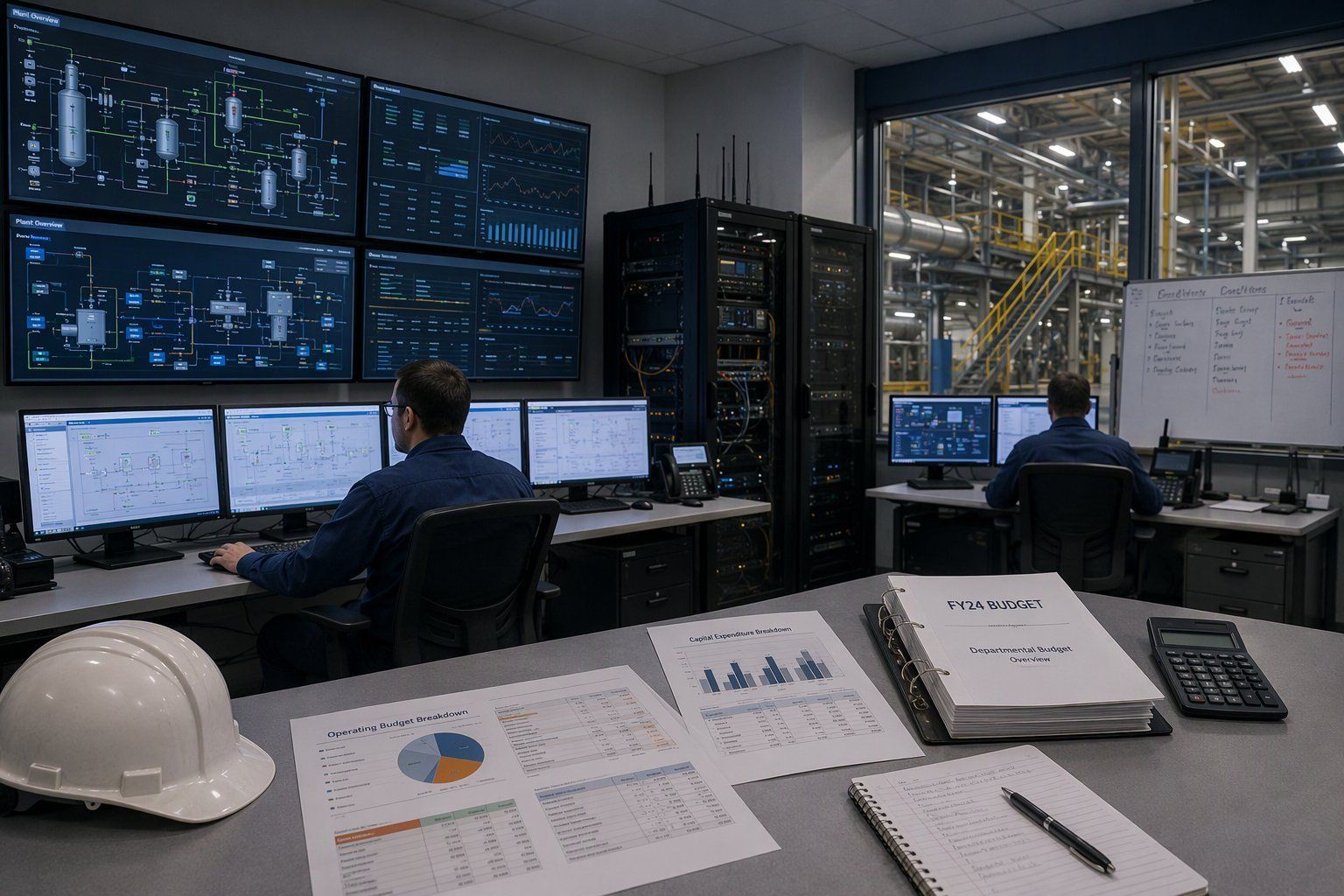
If you are planning a modernization project, the first question is usually simple: what is the scada system cost? In a manufacturing plant, that answer is bigger than software alone. A SCADA platform for supervisory control and data acquisition touches servers, HMI panels, integration work, testing, training, and cutover risk. That means your budget needs to cover both visible line items and the less obvious ones that show up during implementation. A realistic estimate helps you avoid surprises and defend the project internally. The scada upgrade cost is the first number most plants need before they can approve the project.
Key Factors That Influence SCADA Upgrade Costs
Several issues shape a scada system budget. The biggest are the age of your current platform, system size, hardware condition, software licensing model, and how much custom integration already exists. Your operating system path also matters, especially when old applications no longer run cleanly on supported infrastructure.
Just as important, the scada upgrade scope changes the financial impact. A small refresh may keep field assets in place. A broader re-platform can include new servers, HMI replacements, alarm changes, testing, training, and cutover planning. Those drivers set the stage for the detailed cost ranges below. A clear scada upgrade cost estimate helps you compare a partial refresh with a full replacement.
Age and Condition of Existing SCADA Infrastructure
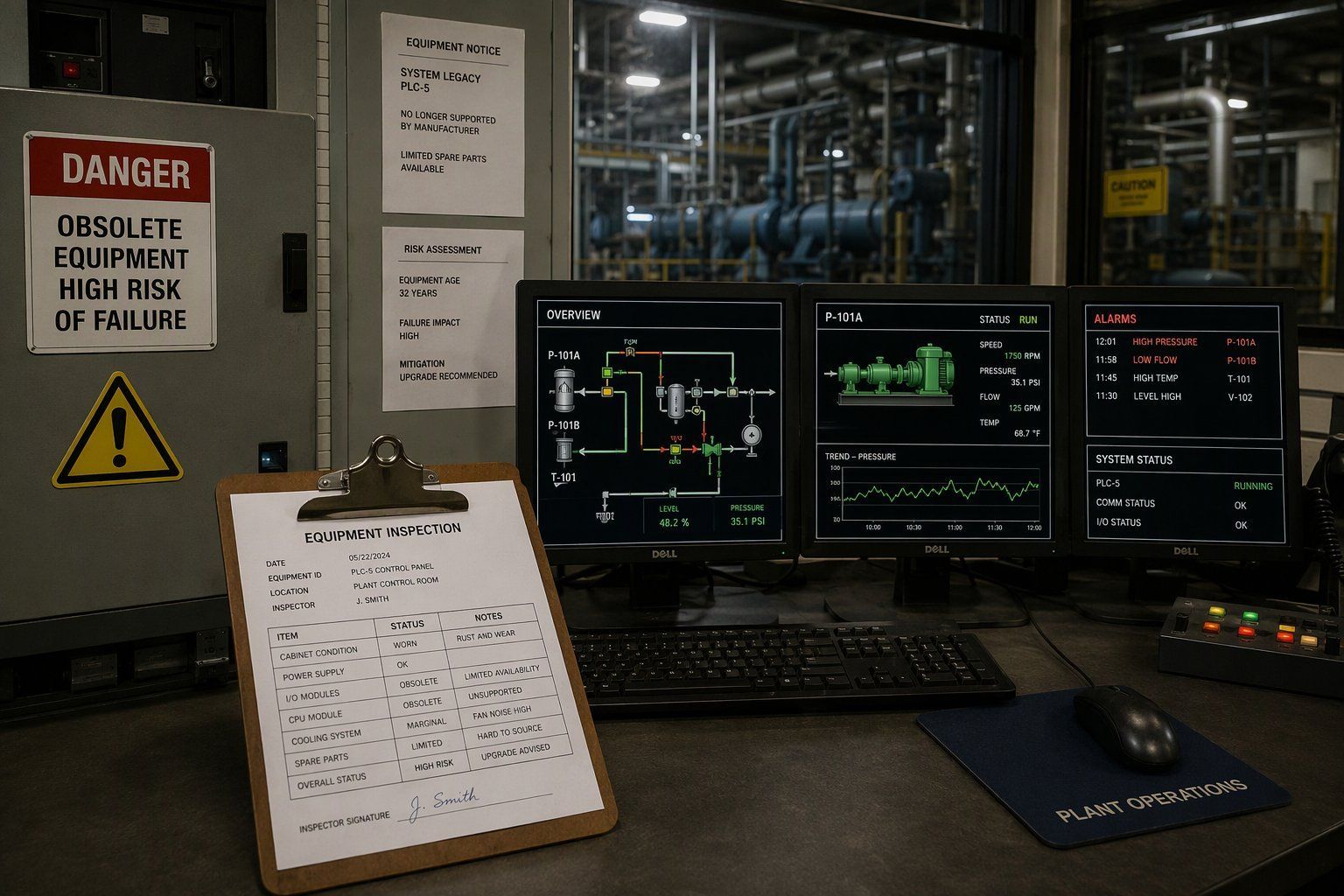
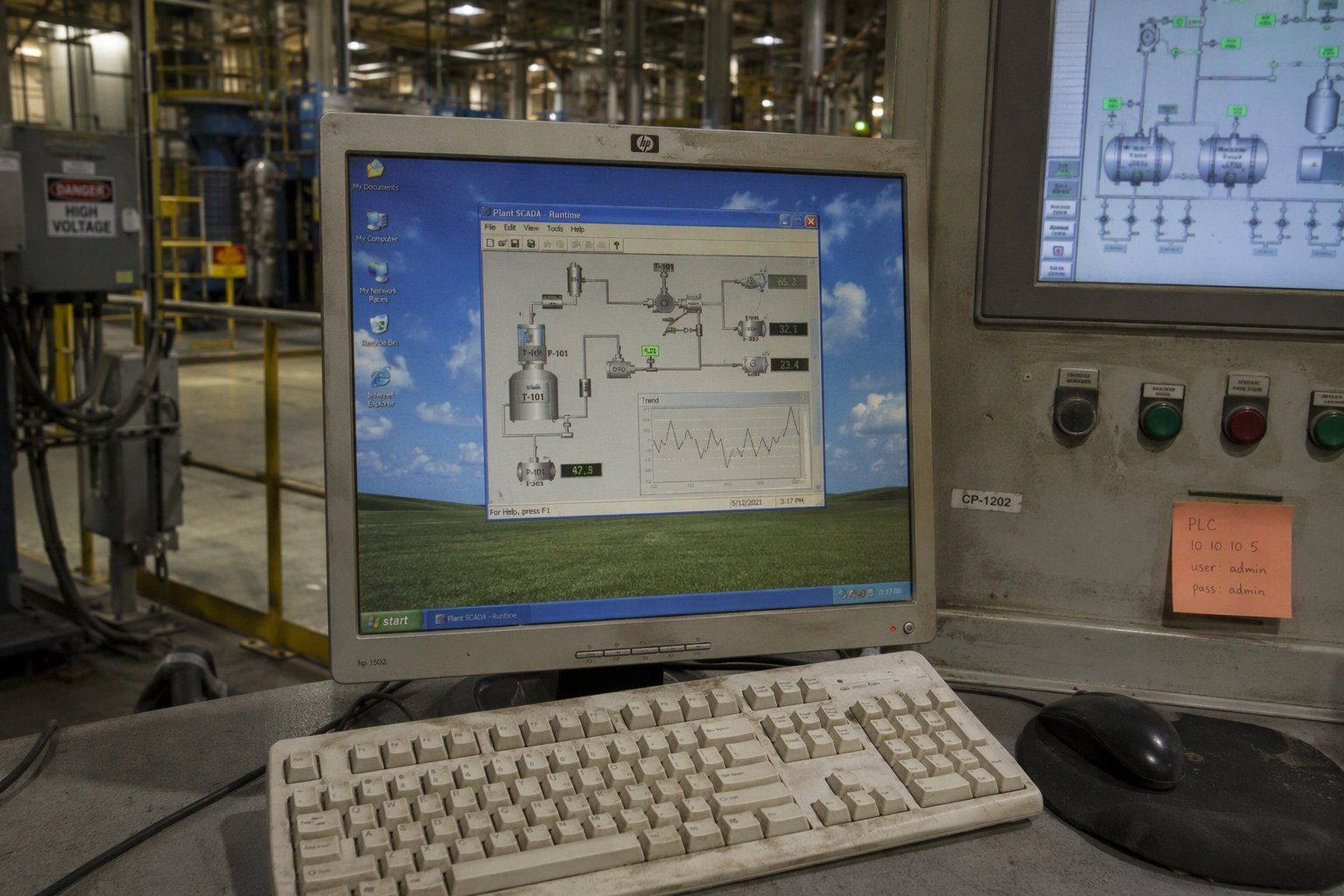
Older infrastructure usually raises system costs because more parts need attention at once. A scada system that has been patched for years may depend on outdated servers, unsupported clients, or custom code that only a few people understand. In industrial automation, that creates both technical risk and budget risk.
You may also find that hardware and software age together. An old application can force replacement of the operating system, database, historian support, and workstation images. If your plant has expanded over the years, system size may be larger than anyone remembers on paper.
That is where practical plant knowledge matters. Teams with years of experience often spot hidden issues early, such as panel PCs near failure or unmanaged switches with no redundancy. The rougher the starting point, the more your upgrade budget needs room for cleanup, rework, and controlled migration. The scada upgrade cost should include the upfront cost of replacing aged servers and panels.
Scope of Modernization: Partial vs. Full Upgrade
A partial upgrade usually costs less up front because you keep more of the installed base. You might replace the server layer, update scada software, and refresh a few operator stations while leaving much of the control interface untouched. That lowers initial investment, at least in the short term.
A full upgrade changes the math. When system size is large, a full upgrade can include architecture redesign, broader HMI rework, historian changes, and more testing. It often improves maintainability and future changes, but it also adds engineering effort and a higher purchase price in year one.
So which route fits your plant? The answer depends on how much risk you are carrying today. If the current platform creates a high level of downtime risk, a low-cost partial upgrade may only postpone bigger spending. In many plants, the right budget balances near-term needs with long-run reliability. Your scada upgrade cost changes a lot between a partial refresh and a full re-platform.
Regulatory and Compliance Requirements
Compliance can move scada system cost fast, even when the software list looks manageable. In regulated operations, validation, documentation, security controls, audit trails, and change approval steps can add meaningful labor. These are not extras. They are part of the job and part of the total cost of ownership.
The impact is clear in industries with strict rules. Pharmaceutical sites working under standards such as FDA 21 CFR Part 11 may face extra validation and documentation work. Electric utilities also deal with reliability and risk exposure that can make downtime and recovery costs much more serious.
That is why architectural decisions matter early. A design that is easier to standardize, secure, and upgrade reduces compliance risks later. If your plant has reporting, traceability, or security obligations, build that effort into the budget from the start instead of treating it as a late project add-on. The scada upgrade cost should include the real cost of a scada system.
Typical Cost Ranges for SCADA Upgrades in the United States
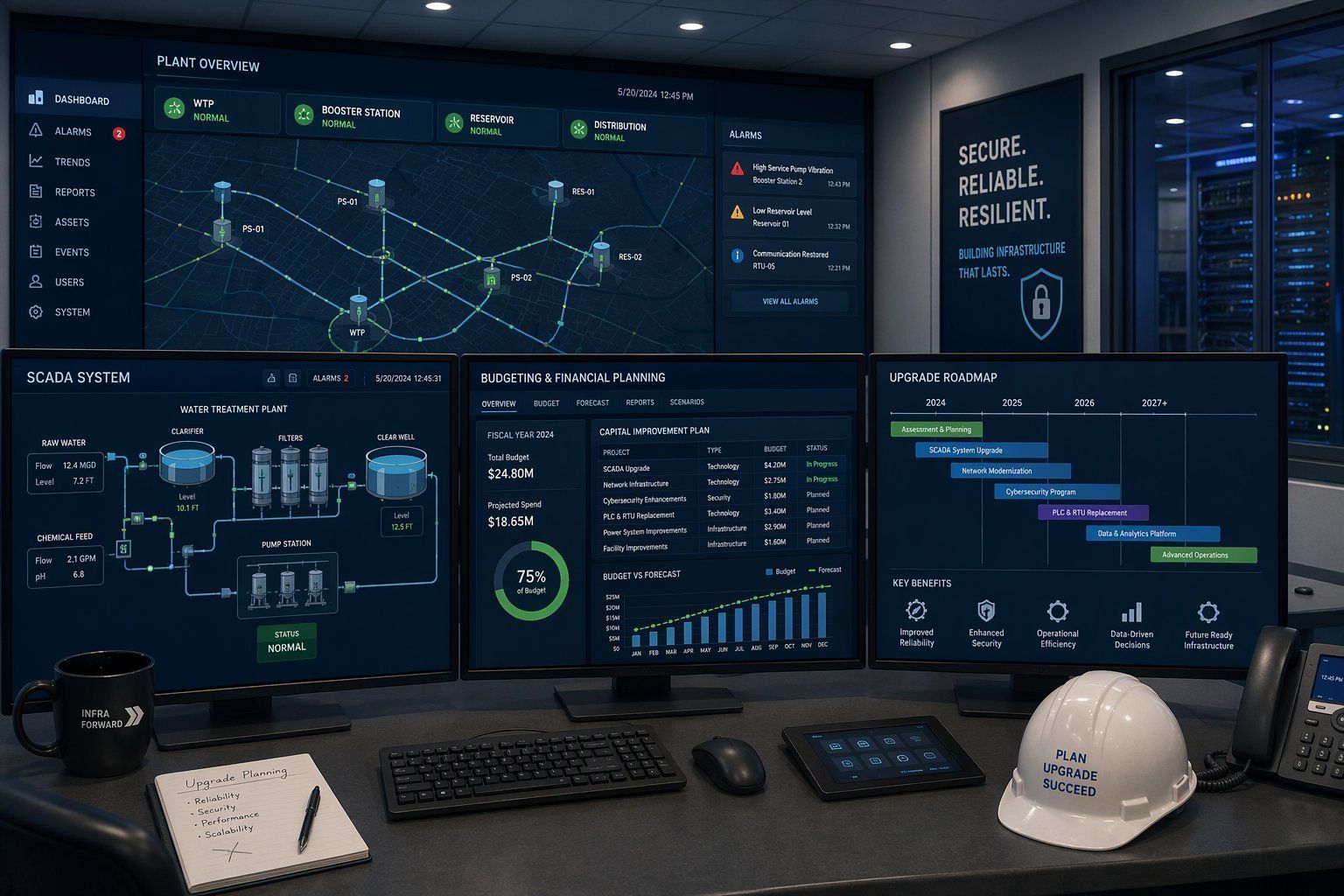
In United States industrial environments, a legacy SCADA upgrade can range from about $50,000 for a small, lightly customized refresh to $500,000 or more for a larger plant-wide modernization. The purchase price of software and hardware is only one slice of that number.
What changes the range? Scope, integration depth, redundancy, compliance needs, and downtime exposure. In many cases, engineering labor, testing, and cutover planning have as much effect on total cost of ownership as the base technology itself. The examples below make those ranges more practical. A realistic scada upgrade cost range starts near $50,000 for a small plant.
Small, Medium, and Large Plant Examples
Here is an illustrative example for manufacturing and industrial automation sites. These are budgetary ranges, not quotes. They show how upgrade cost usually grows with plant scope, integration count, and the amount of redevelopment needed for graphics, alarms, and data flows.
Plant size
Typical scope
Budgetary range
Small plant
1 server, limited clients, few HMI panels, modest tag count
$50,000-$120,000
Medium plant
Redundant server layer, several workstations, multiple lines, historian and enterprise links
$100,000-$250,000
Large plant
Multi-line or multi-area system, broad HMI replacement, major integration, extensive testing
$250,000-$500,000+
For most plants, phasing starts with assessment and design, then hardware and software procurement, configuration, testing, staged cutover, and support after startup. When you ask how much it typically costs to upgrade a legacy SCADA system, the honest answer is that size alone is not enough. Complexity sets the real number. Use the scada upgrade cost table above to set a budget band.
Typical Budgetary Spread by System Complexity
Two plants with similar hardware counts can still land far apart on budget. Why? System complexity changes the implementation effort. A simple scada system with standard objects and clean PLC connections is usually cheaper to modernize than one built around custom scripts, many data sources, and inconsistent standards.
You should expect a wider price spread when these factors are present:
- Multiple enterprise systems or historians that need new interfaces
- Heavy custom graphics, scripts, or alarm management rework
- Redundancy, failover, or cybersecurity management requirements
- Large data growth or expansion plans for new assets
This is one of the best budgeting tips for industrial operations: do not anchor on the initial purchase price alone. Ask what will be needed to build, test, secure, and support the system after startup. In many cases, that practical assessment gives you a more useful budget than a software quote ever will.
Hardware Modernization: What to Expect and Budget For
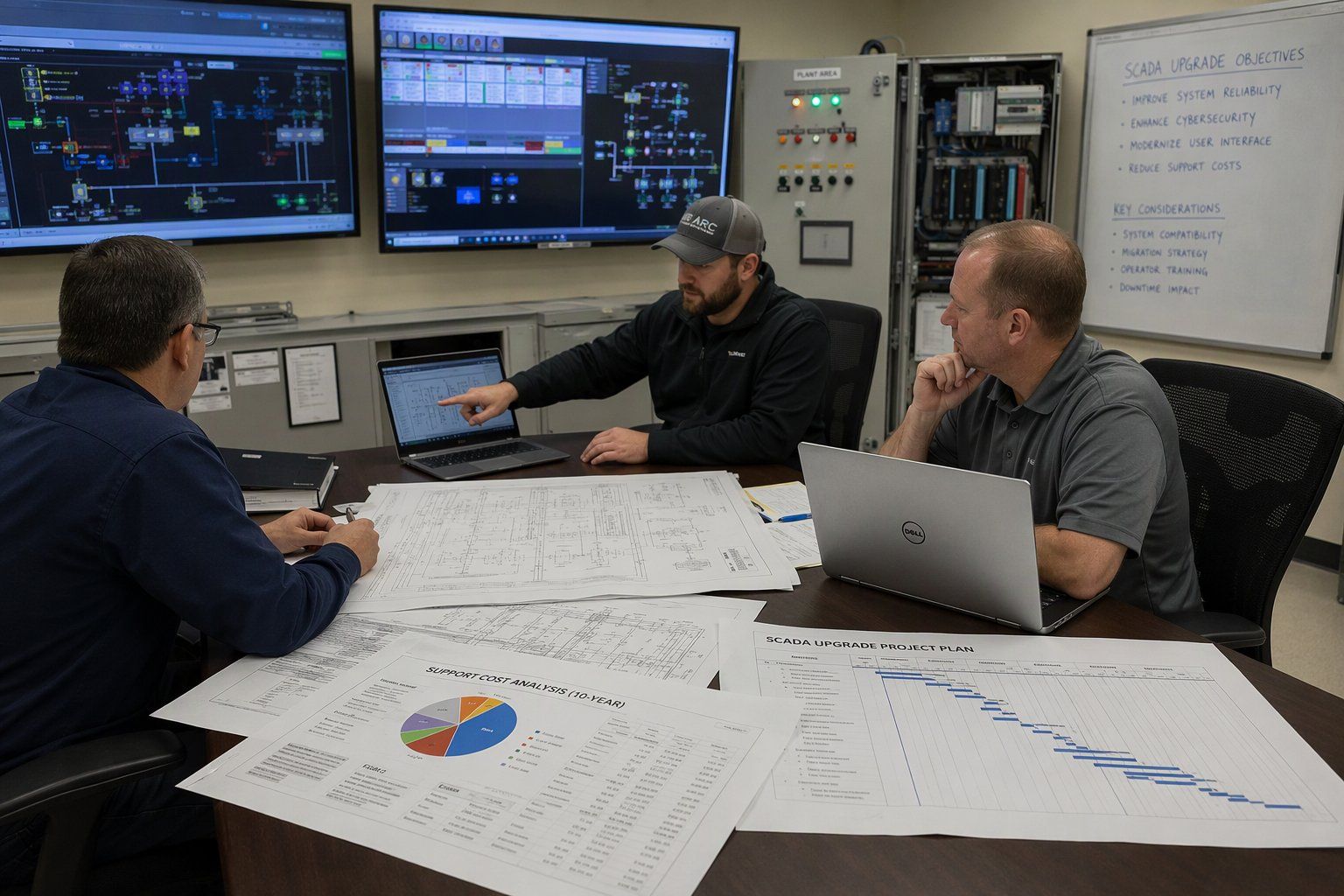
Hardware modernization is often the most visible part of a scada system project. Servers, storage, virtualization, network gear, workstations, and HMI panels all carry initial costs. If your plant plans to add new assets, you may also need more capacity than today’s system uses.
Still, hardware is only part of the picture. The right budget covers not just devices, but installation, migration, configuration, and how the new platform supports future operational growth. That starts with the server and network backbone, then moves to operator-facing equipment on the plant floor. The scada upgrade cost for hardware covers servers, storage, networking, and panels.
SCADA Server and Network Equipment Replacement
For a typical manufacturing site, scada server and network equipment replacement often lands in the $15,000 to $20,000 range for supporting infrastructure, based on the compiled simplified example. That can include servers, virtualization, storage, and networking. Plants with redundancy or distributed areas may spend more.
The initial investment rises when you need separate application, historian, and development environments or when the new scada system requires stronger segmentation and failover. Industrial automation teams also need to account for switch replacement, client connectivity, backups, and patching strategy.
Do not treat infrastructure as a commodity line item. If the architecture is hard to update or scale, your plant may pay for that later through more downtime risk and higher maintenance effort. A solid server and network base usually saves money over time by reducing troubleshooting and making upgrades easier. The scada upgrade cost should include the initial system costs for servers and network gear.
HMI Panel and Workstation Upgrades
On the plant floor, HMI panel and workstation costs can vary widely because hardware type, enclosure needs, and graphics redesign all change the number. Refreshing a few operator stations may be modest. Replacing many aging panels across production areas can quickly raise initial costs and labor hours.
The pricing difference between upgrading and replacing a SCADA system often shows up here. If existing hmi scada panels are still usable, you may keep some hardware and update software, images, or clients. If screens are obsolete, dim, failing, or too slow for modern platforms, full replacement becomes more likely.
There is also a usability side to the budget. New panels with intuitive interfaces can reduce operator confusion and shorten training time. That does not always cut the purchase price, but it can improve operator effectiveness, alarm response, and maintainability in the long run.
SCADA Software Licensing and Upgrades
Scada software is usually the first number people ask for, but software costs are only one layer of the budget. Licensing cost depends on platform structure, support agreements, and how the system will scale over time. In the compiled example, year-one licensing is around $30,000 for a mid-sized operation.
Does a software upgrade cost less than hardware work? Sometimes yes, but not automatically. A software upgrade may still require new operating system support, database changes, redevelopment, and testing. To budget accurately, you need to understand the licensing model and the integration effort behind it. The scada upgrade cost for software starts with the initial software purchase price.
Pricing Models: Perpetual, Subscription, and Cloud-Based Options
Licensing models shape cash flow more than they settle total value. A perpetual license may mean a higher upfront payment. A subscription model can reduce day-one spend and spread costs across years. Cloud platforms may change infrastructure needs, but they still require engineering, security, and support planning.
Different licensing approaches come with different advantages:
- Perpetual license: higher initial purchase, longer asset-style ownership
- Subscription model: lower upfront investment, recurring annual expense
- Cloud platforms: less local infrastructure in some cases, ongoing service dependence
- Flexible licensing model: easier to start small, but growth can change scada software costs
A practical budgeting tip is to compare five-year totals, not just year-one pricing. Ask how the model affects support, expansion, and version changes. The cheapest entry point is not always the best fit if the plant expects future operational growth or broader deployment later. Compare the scada upgrade cost over five years, not just year one.
Version Compatibility and Integration Challenges
Version compatibility is one of the most common budget traps in a SCADA upgrade. You may plan for a software move, then discover that drivers, databases, historian connections, or thin clients do not align with the new release. That pushes more implementation effort into the project than expected.
Integration complexity also grows when the platform talks to many enterprise systems and plant data sources. Each connection needs review, testing, and sometimes redesign. If the current system depends on custom interfaces, old scripts, or fragmented architecture, the labor number usually climbs.
This is a core part of total cost of ownership. The software license itself may look manageable, yet the real work sits in validation, interface updates, patch coordination, and long-term support. If you want a realistic budget, include money for compatibility checks before you lock the project plan. The scada upgrade cost can rise when industrial analytics software needs new interfaces.
Engineering and Integration Labor Costs
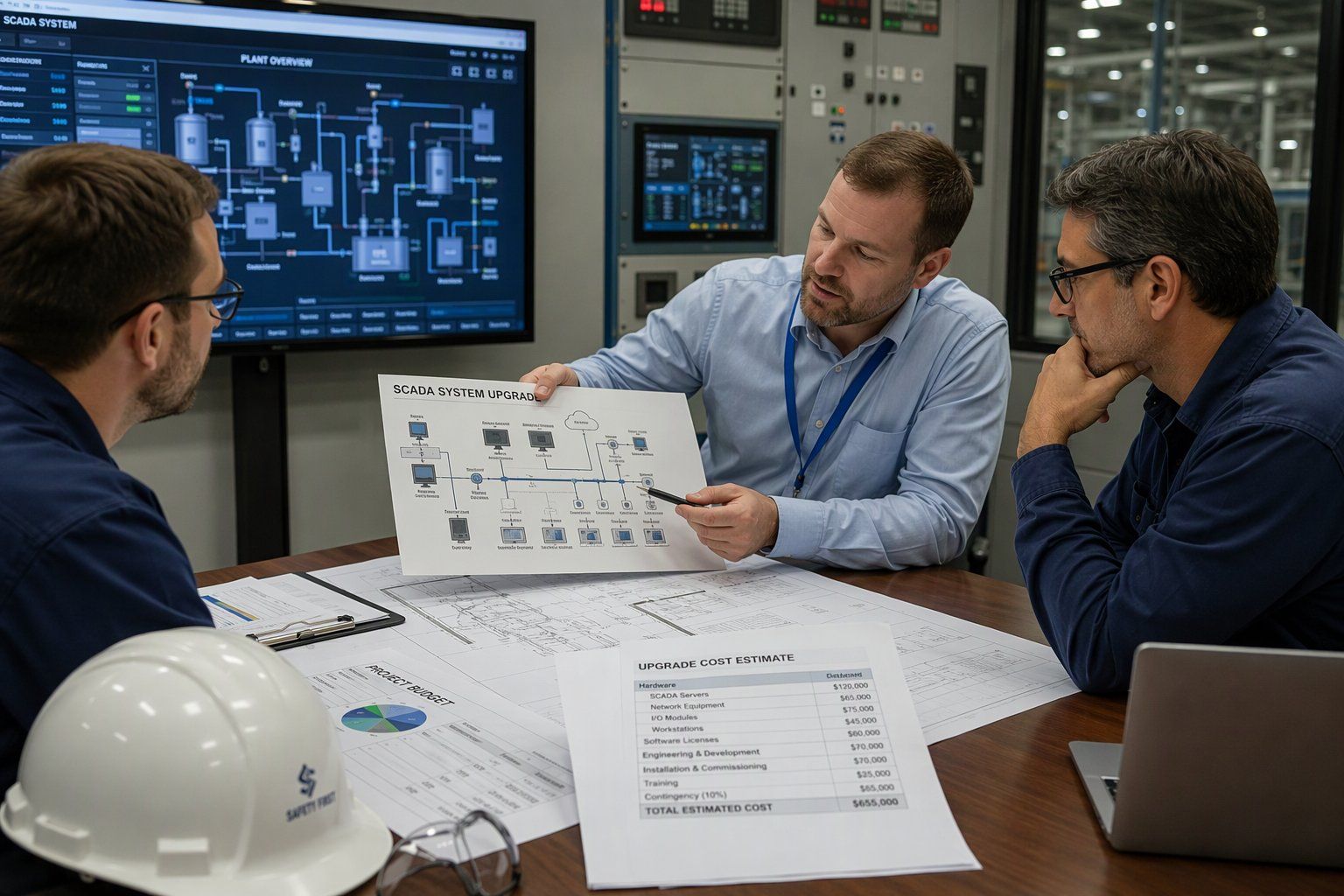
In many projects, labor is the biggest line item after you add everything up. A scada system upgrade needs design, configuration, alarm review, graphics work, interface mapping, testing, and startup support. That means integration costs can equal or exceed the initial investment in software and hardware.
The compiled example shows implementation and integration at roughly $40,000 to $70,000 in year one for a mid-sized operation. If implementation complexity is high, expect more. The next two sections break labor into design work first, then testing and commissioning. The scada upgrade cost for labor often matches or exceeds the software spend.
SCADA System Design and Configuration Expenses
System design is where your plant either builds future efficiency or creates future rework. A scada system budget should include architecture review, tag strategy, alarm structure, graphics standards, user roles, and interface mapping. These configuration expenses are not just startup tasks. They influence ongoing maintenance for years.
Plants sometimes underestimate this work because it is less visible than hardware. Yet good system design reduces duplicate effort, supports scalability, and makes industrial software easier to modify later. Poor standards do the opposite. They increase troubleshooting time, slow onboarding, and raise the cost of every future change.
This is why ongoing maintenance expenses are tied to upfront decisions. A low initial purchase price can look attractive, but if the configuration is hard to update, the plant pays more over time. In practice, clean design often delivers better value than the cheapest entry number.
Testing, Validation, and Commissioning Services
Testing, validation, and commissioning protect the plant from expensive surprises at startup. For a scada system upgrade, this phase checks graphics, alarms, communications, security roles, failover behavior, and historian flows. The higher the implementation complexity, the more planned test time you will need.
A strong budget usually includes:
- Factory or bench testing before plant cutover
- Site acceptance, validation, and documented punch-list resolution
- Commissioning support during startup and early production runs
Can this work help the project pay back faster? Yes, because better testing reduces repeat failures, recovery effort, and production disruption. ROI usually improves when the system stabilizes quickly and operators can trust it. In many plants, the fastest way to damage payback is to underfund testing and then fight avoidable startup issues. The scada upgrade cost should include factory testing, site acceptance, and commissioning.
Downtime, Cutover, and Hidden Costs
This is where many budgets go sideways. Hidden costs often sit around downtime risk, shutdown coordination, temporary workarounds, and the labor needed to support cutover windows. If production is tight, even a short outage can outweigh a planned software or hardware savings.
That is why downtime belongs inside total cost of ownership, not outside it. Production losses, scrap, recovery time, and schedule disruption can be some of the largest real costs in a modernization effort. The next sections focus on shutdown planning and the people side of change.
Planning for Shutdowns and Minimizing Production Losses
Cutover planning is where a practical budget earns its keep. In industrial automation, shutdown windows are usually short and expensive. A strong plan reduces downtime risk by defining what happens before, during, and after changeover. It also helps you separate technical tasks from production-critical decisions.
Good planning often includes:
- Preloading and testing configurations before the shutdown
- Clear rollback steps if cutover issues appear
- Extra staffing for controls, IT, and operations during startup
- A staged cutover when one big switch is too risky
Production losses are often the hidden cost people notice too late. Even a few hours of disruption can create lost output, scrap, overtime, and recovery effort. If your plant runs high-value product or tight schedules, it is smart to budget conservatively here rather than assume everything will go perfectly.
Dealing with Unexpected Change Management Issues
Not every upgrade problem is technical. Change management issues can add cost when operators, maintenance, IT, and engineering are not aligned on screens, alarms, permissions, or startup roles. A new scada system may work as designed and still cause delays if people are not ready for the new workflow.
That adds implementation effort in subtle ways. More meetings, extra revisions, retraining, and approval loops can extend schedules. In regulated plants, compliance risks increase if documentation, validation, or user access processes fall behind the technical work.
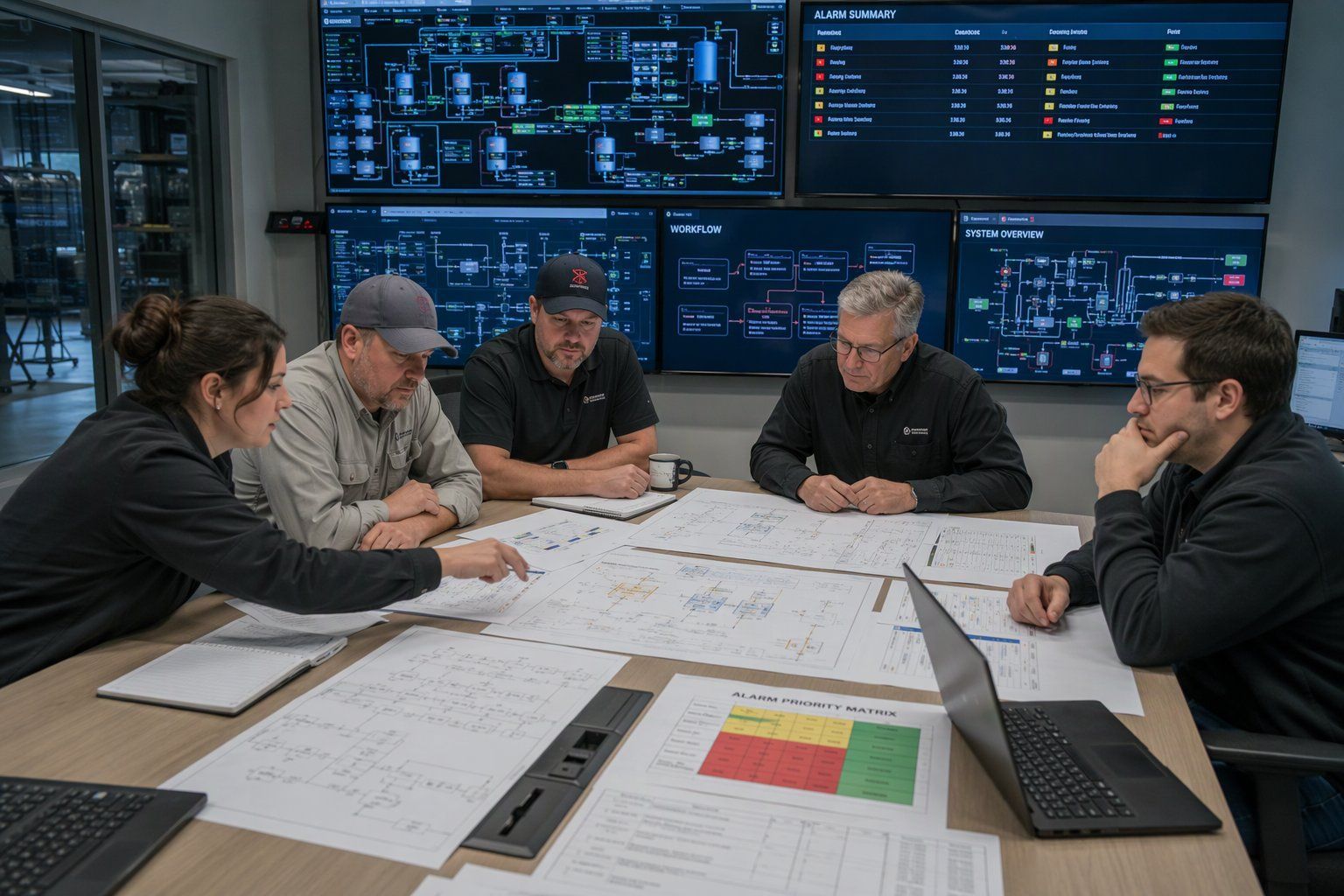
The plant-floor answer is simple: involve end users early. Review graphics, alarm priorities, and response workflows before startup. When teams see the changes ahead of time, you reduce confusion, limit production losses, and avoid costly redesign late in the project. Hidden costs often show up through people, not just through technology.
Training, Documentation, and Post-Upgrade Support
A scada system upgrade is not finished when the screens come alive. Operator training, maintenance handoff, documentation, and technical support all affect how well the plant runs after go-live. These items are a real part of total cost of ownership and should be budgeted early.
Good documentation and support also reduce ongoing maintenance effort. When your team can troubleshoot alarms, clients, and communication issues quickly, the system becomes easier to live with. That is why post-upgrade planning matters just as much as the build itself.
Operator and Maintenance Team Training Costs
Operator training is easy to underbudget because it looks small next to hardware and software. In reality, a new scada system changes how people respond to alarms, navigate graphics, and diagnose issues. If users are not comfortable, maintenance costs often rise after startup through extra calls, mistakes, and slower response.
Training should cover more than button clicks. Operators need alarm management context, navigation logic, and what changed from the legacy platform. Maintenance staff need backups, patching steps, workstation recovery, and common troubleshooting paths. That makes the initial investment work harder after go-live.
Ongoing maintenance expenses are lower when the plant can support routine issues internally. Better training shortens the learning curve and improves operator effectiveness. It also reduces dependence on outside specialists for everyday tasks, which helps the upgrade hold value over time. The scada upgrade cost should include training on alarms, navigation, and historical data.
Ongoing Technical Support and Maintenance Contracts
Support costs continue after year one, so they belong in the budget from day one. The compiled example shows ongoing operation and maintenance at roughly $15,000 to $25,000 per year in years two and three, with higher ranges later as the system expands. That is part of the full lifecycle cost of a scada system.
Typical support spending may include:
- Annual technical support and software maintenance contracts
- Updates, patches, troubleshooting, and backup verification
- Added help for expansion, new assets, or version changes
These costs matter because they shape long-term reliability. A scada system that is easy to update and standardize usually holds ongoing maintenance lower. One that depends on fragmented architecture or custom rework tends to cost more every year. If you want a realistic budget, carry post-startup support as a planned operating expense.
Conclusion
In summary, budgeting for a
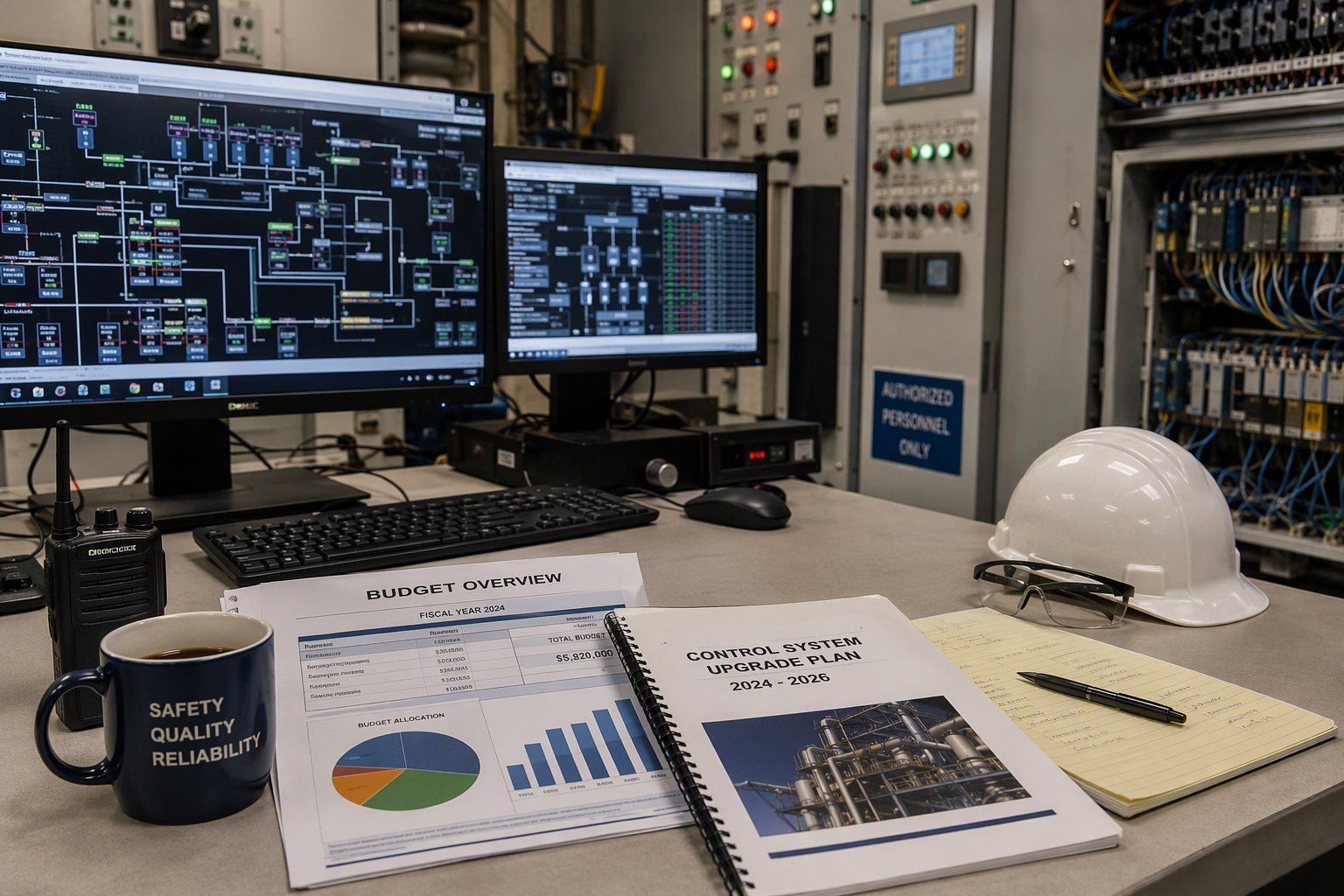
SCADA upgrade requires careful consideration of various factors that can significantly impact costs. From the condition of your existing infrastructure to the scope of modernization and regulatory requirements, each element plays a crucial role in defining your financial plan. By understanding hardware and software needs, labor costs, and potential downtime, you can create a realistic budget that minimizes surprises. Remember, investing in a SCADA upgrade not only enhances operational efficiency but also contributes to long-term savings. If you’re ready to take the next step, reach out for a free consultation to discuss your project and ensure a smooth transition to an upgraded system. A realistic scada upgrade cost plan compares purchase price, labor, risk, and contingency together.
Frequently Asked Questions
What is included in the total cost of ownership for a SCADA upgrade?
The total cost of ownership for a scada system includes more than the purchase price. It covers initial costs for software, hardware, engineering, integration, testing, training, and cutover, plus ongoing maintenance, support, updates, cybersecurity management, expansion, and downtime-related risk over the system lifecycle.
How does upgrading software compare in cost to hardware upgrades?
Scada software changes can cost less than hardware upgrades in some projects, but not always. Software costs may look lower at first, yet compatibility work, testing, and integration can raise the initial investment. If the scada system also needs supported servers or clients, hardware upgrades quickly add to the total.
How long does it take for a SCADA upgrade to deliver ROI?
ROI depends on reduced downtime, easier maintenance, and better operator effectiveness. A scada system usually pays back over the long run rather than instantly. If the initial investment cuts repeat failures, speeds recovery, and lowers system costs tied to support and disruption, returns become clearer over time.
You might also like