Windows XP SCADA Security and Windows 7 PCs: The Risk Sitting on Your Plant Floor
Key Highlights
- Windows XP and Windows 7 still appear across many plant-floor legacy systems.
- Their unsupported systems status leaves known gaps without current security updates.
- In a SCADA network, that increases security risks from malicious software and lateral movement.
- This matters most in critical infrastructure, where availability and safety come first.
- Many plants keep these PCs because old SCADA software and vendors limit change.
- You can reduce risk with segmentation, controlled remote access, monitoring, and staged upgrade plans.
Introduction
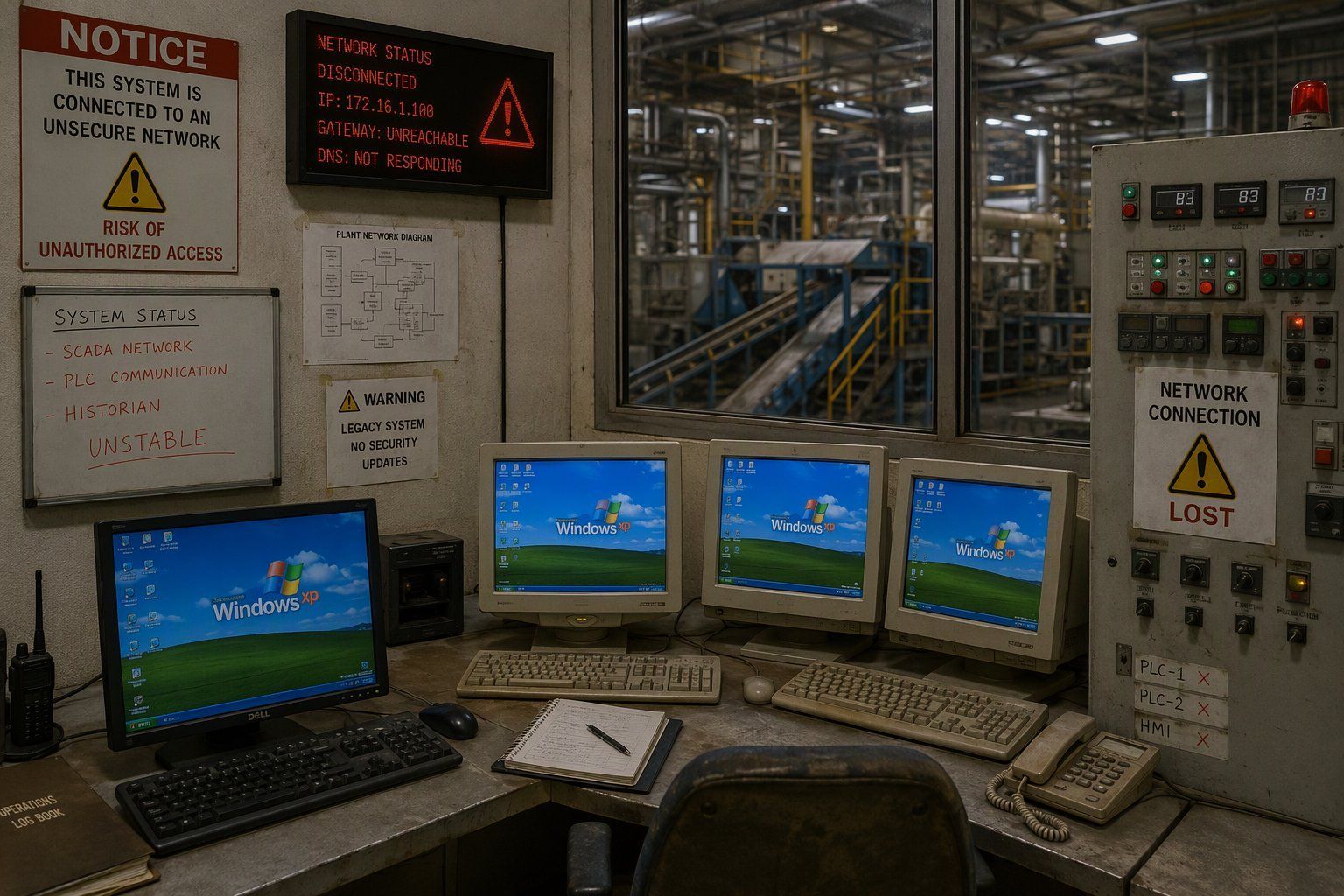
Windows XP and Windows 7 SCADA PCs are still common on the plant floor, even inside critical infrastructure. That can feel normal because these machines often run stable scada systems tied to data acquisition, HMI screens, and plant operations. The problem is simple: age does not equal safety. Once an operating system reaches end of support, known weaknesses stay open. If your facility still depends on these PCs, you need a practical plan that protects production while lowering risk. Windows xp scada security planning should start with a full inventory of every old host.
Why Windows XP and Windows 7 Still Linger in SCADA Environments
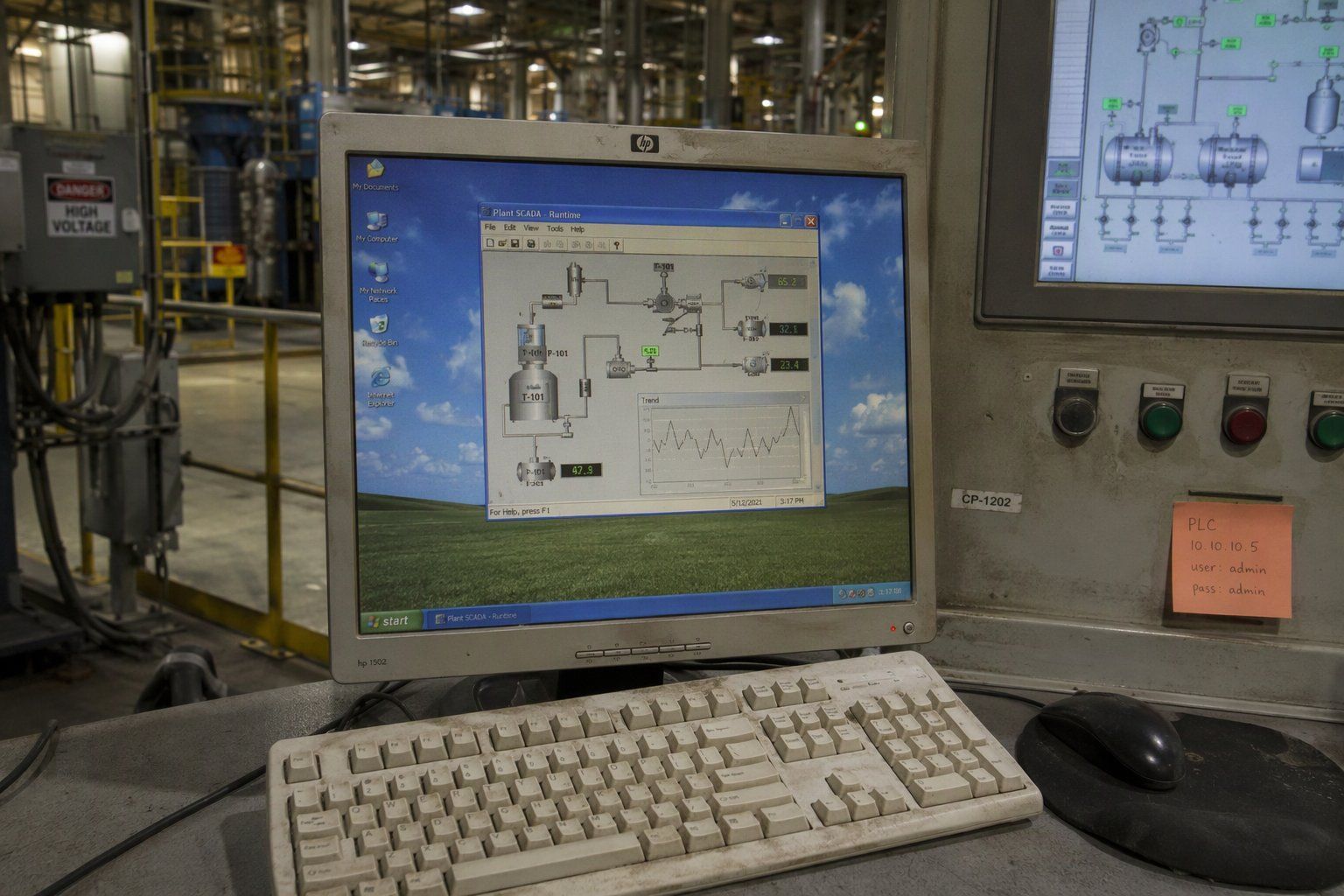
On many sites, windows xp and Windows 7 remain in the scada network because the operating system is tied closely to legacy systems and old scada software. A plant may have an HMI, historian, or engineering workstation that has worked for years without obvious trouble. Windows xp scada security gaps grow when old hosts stay on the plant network.
Just as important, these PCs often support mission-critical production job functions. Software vendor approval, proprietary details, and the risk of breaking a control system make change slow. To understand why they stay, it helps to look at dependence and upgrade barriers on the plant floor.
Legacy System Dependence in Industrial Control Systems
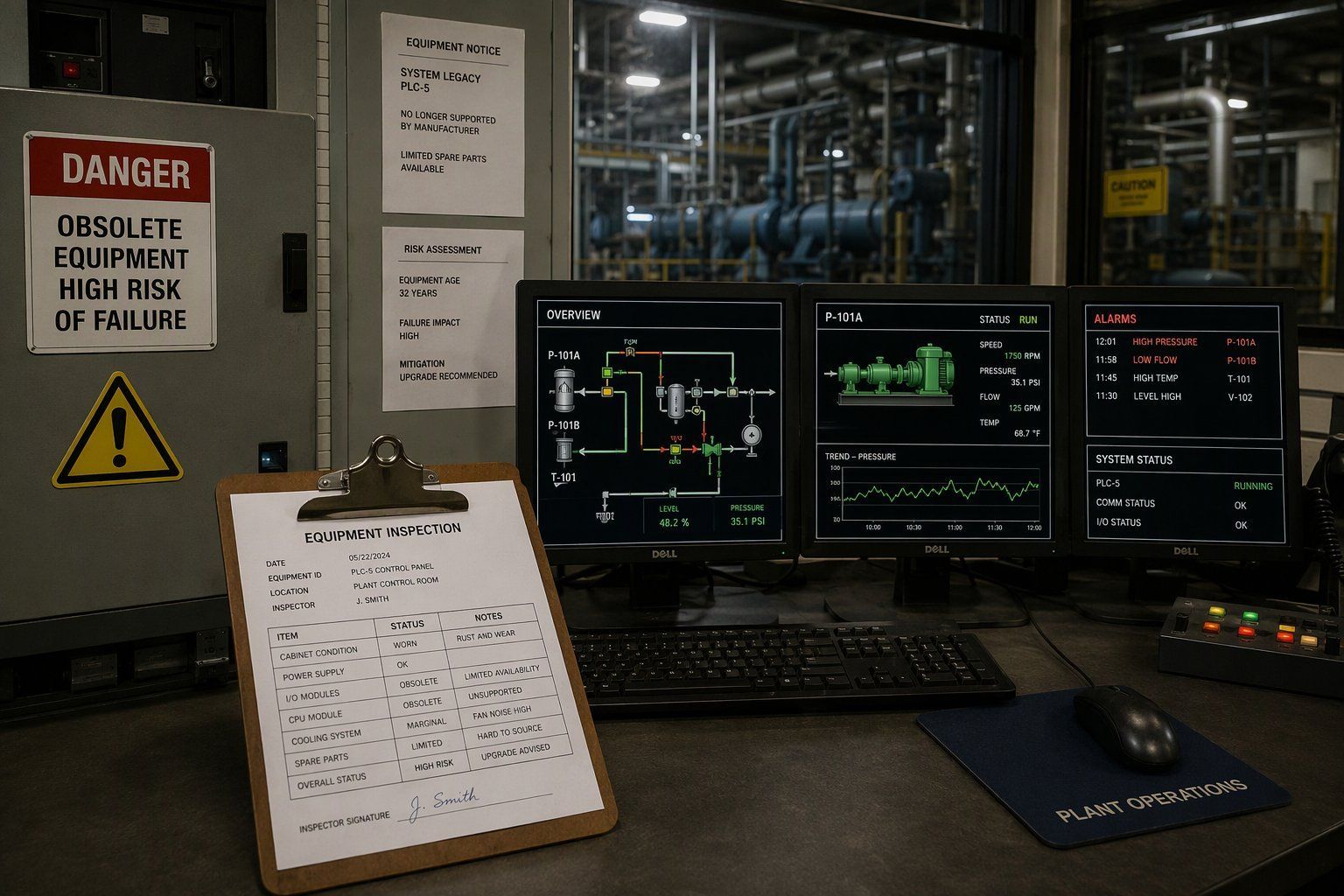
Many legacy systems were built for reliability, not modern it security. In a plant, one xp machine may support an HMI, an engineering tool, or a scada part tied directly to a control system. If it still starts every day and drives production, people are careful about touching it. Windows xp scada security is weakest where OT environments still rely on one old node.
There is also a point of detail that matters to engineers: some critical systems rely on proprietary details that were validated only on specific versions of windows. Old OPC DA links, drivers, and alarm packages may not work on a modern os without a lot of review. That makes an upgrade more than a simple PC swap.
In many facilities, the scada network grew over a long time. One old node supports the rest of the network, so replacing it can affect outside communication, data acquisition, and operator workflow. That is why Windows XP is still used in many ICS environments today.
Challenges of Upgrading Mission-Critical Plant Floor PCs
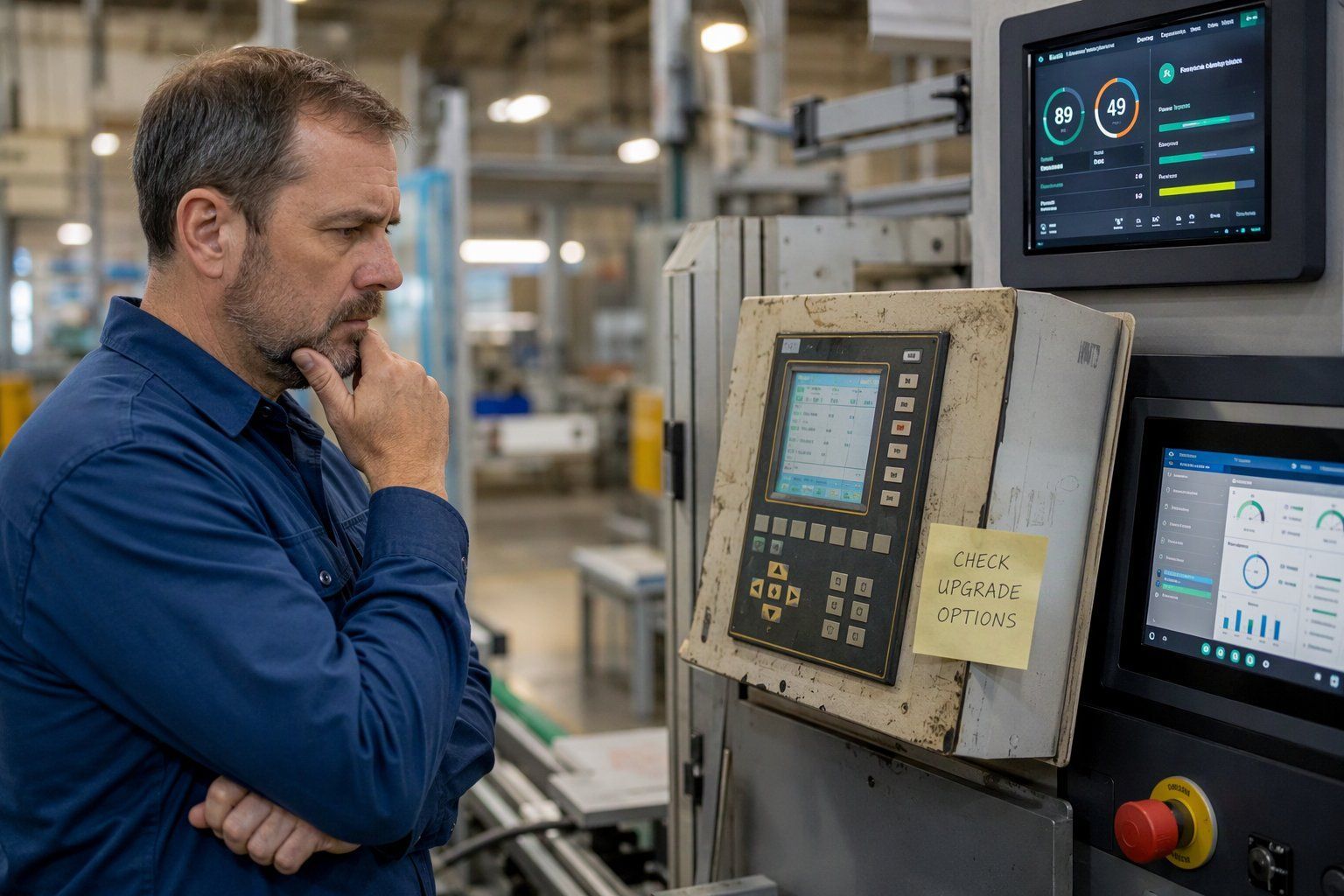
Here is the hard part: a mission-critical upgrade on the plant floor can create downtime, validation work, and new failure points. Even when a replacement computer is ready, the software vendor may require testing, license changes, or a full replacement system instead of a simple image restore. Windows xp scada security needs network monitoring that can see old hosts.
You may also face cost and timing issues. In some organizations, the government appropriations process or annual capital cycle slows replacement. That leaves teams balancing a reasonable thing now against the real fix later.
- Confirm what scada software, drivers, and interfaces depend on the old PC.
- Ask the software vendor which software updates are supported and which are not.
- Build a staged replacement system in parallel before you cut over.
- Keep a tested rollback plan in case the new system creates a potential issue.
If your SCADA installation relies on XP machines, start with inventory, vendor coordination, and a phased plan that protects production.
Security Risks of Unsupported Windows Operating Systems
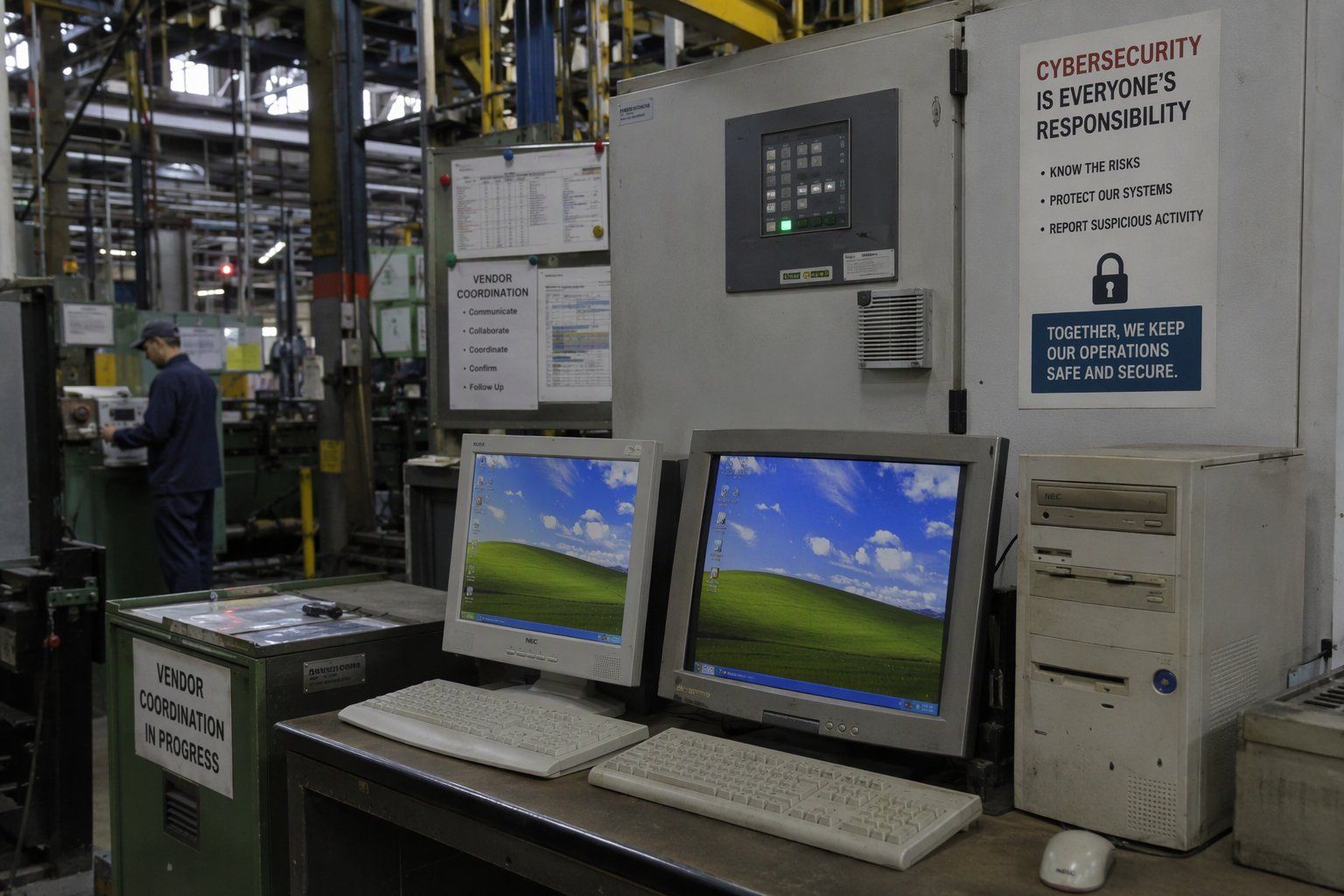
Once windows xp and Windows 7 reached end of support, their operating system weaknesses stopped getting normal fixes. That changed scada security on the plant floor. Known flaws became permanent openings, which increased the attack surface for anyone who could reach the machine. Windows xp scada security planning belongs in every lifecycle review.
In a scada network, the main risks are unpatched vulnerabilities, weak security features, and easier spread of malicious software. Add flat network architecture or poor remote access, and one old HMI can become a path into more valuable OT assets. The next sections show where that risk grows fastest.
Unpatched Vulnerabilities in Windows XP and Windows 7
The end of support had a direct effect on it security in OT. XP and Windows 7 no longer receive normal security updates, so unpatched vulnerabilities remain in place. If a plant cannot patch because of vendor limits, those exposures become part of daily operation.
That does not mean every old PC will be compromised tomorrow. It does mean patch management becomes a risk decision instead of a routine task. On unsupported systems, you are often left with compensating controls rather than a true software fix. Windows xp scada security matters most as part of critical infrastructure protection.
Area
Windows XP / Windows 7 Impact on SCADA PCs
Security updates
No current fixes for newly found issues after end of support
Patch management
Testing may be impossible if vendor support is gone
Attack persistence
Known weaknesses stay available to attackers for years
IT security options
Modern tools may have limited support on old hosts
Operational result
Plants rely on segmentation, whitelisting, and monitoring
For many sites, that is the clearest impact of end of support on plant network security. Windows xp scada security starts with segmentation and replacement software planning.
Windows XP SCADA Security and Network Exposure
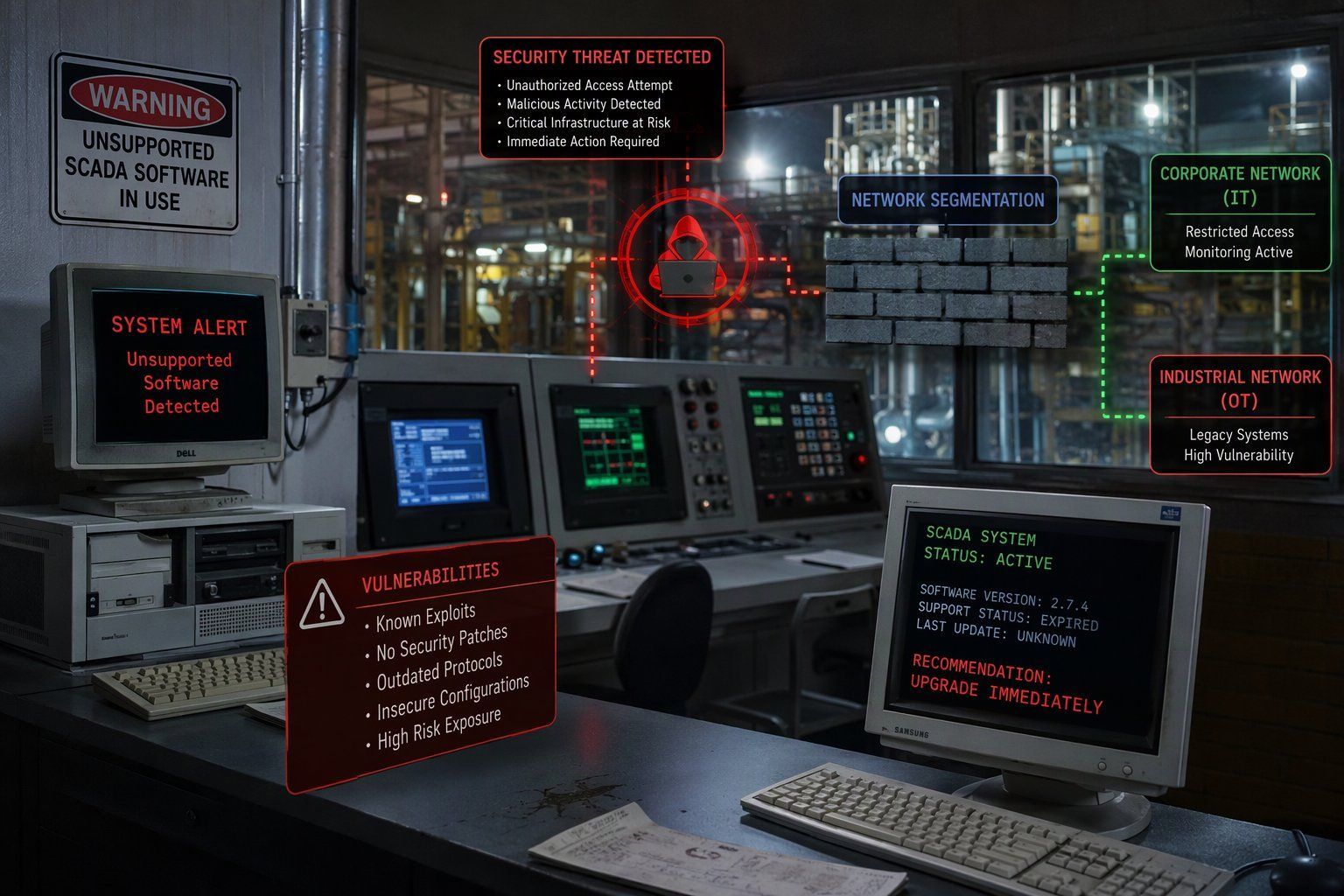
Risk grows when an old HMI or server has more network exposure than the team realizes. Many plants still believe the OT network is isolated, but shared servers, vendor links, and remote access create paths that connect old hosts to the rest of the network.
From there, threat vectors multiply. A compromised office PC, unsecured TeamViewer session, exposed RDP service, or even a maintenance laptop can open a route toward unsupported SCADA assets. In weak network architecture, attackers can move laterally from low-value systems to control assets.
- Direct or indirect links between IT and the ot network increase reachability.
- Remote access without tight controls creates a fast path to old HMIs.
- Flat segments allow movement from one infected host to another.
- Plaintext industrial traffic gives weak visibility into harmful commands.
These are the main security risks of running Windows XP in SCADA environments: access, movement, and limited containment. Windows xp scada security should drive your staged upgrade plan.
Real-World Impact on SCADA and Operational Technology
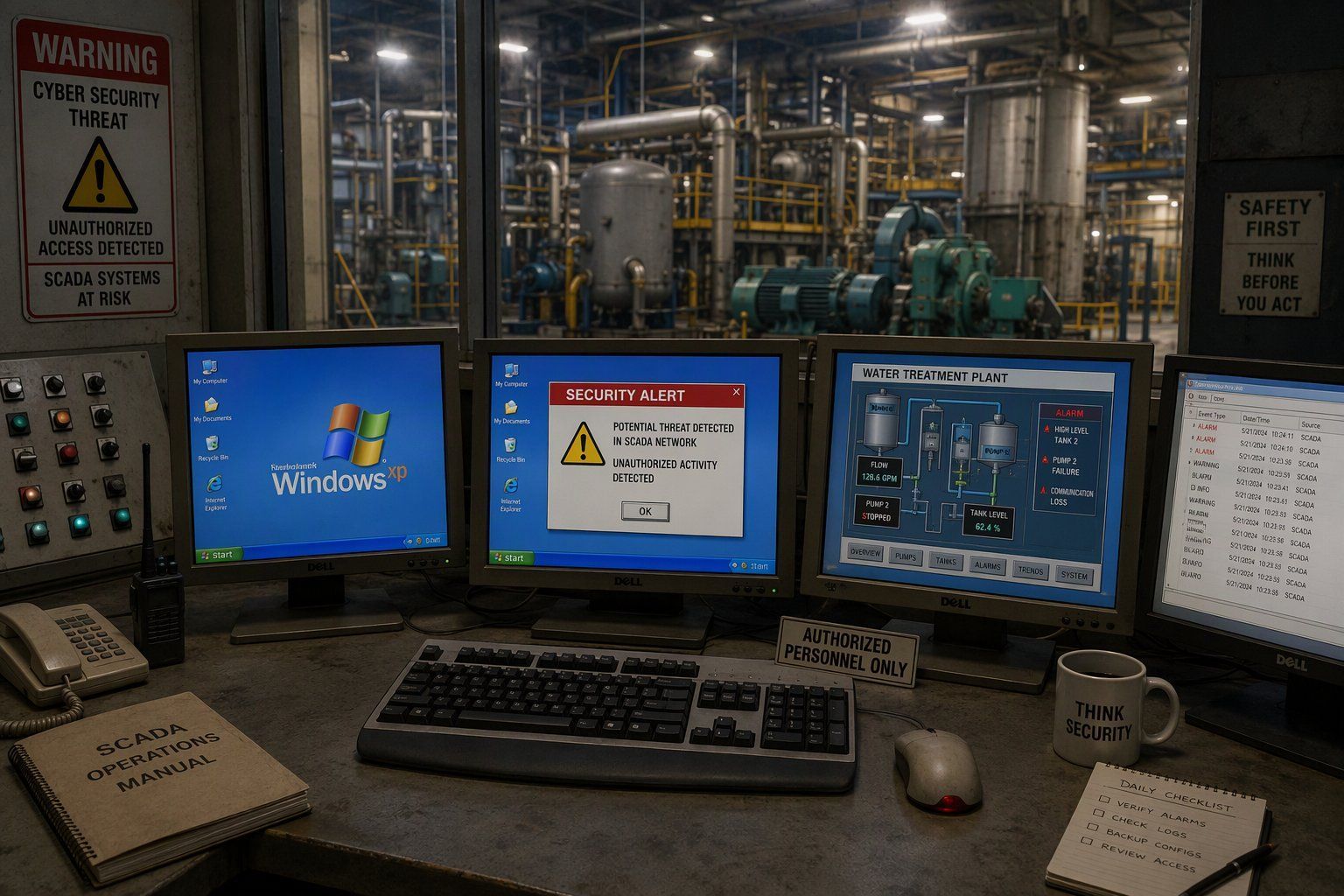
The effect is not limited to cyber dashboards. In scada systems, unsupported PCs can disrupt operational technology by affecting operator visibility, historian access, alarms, and data acquisition. A single weak endpoint can create plant-wide consequences when it supports a key HMI or engineering task.
For critical infrastructure, XP long life has kept old dependencies in service far past modern expectations. That increases strain on plant safety, maintenance planning, and recovery readiness. Looking at incident patterns helps show why these risks matter on the floor, not just in policy documents.
Case Examples of Security Incidents Involving Legacy Windows SCADA PCs
Public industrial security incidents show what happens when old assumptions meet connected operations. In power, water, and pipeline environments, attackers have used weak remote access, limited visibility, and broad attack surface paths to reach systems tied to operations. These events are not all about one scada pc, but they show how fragile legacy systems can be.
The Oldsmar water incident highlighted insecure remote access to an HMI. The Colonial Pipeline event showed how cyber disruption can shut down operations across a major service area. Ukraine’s grid attacks proved that industrial environments can be intentionally targeted.
- Weak remote connections can let an outsider interact with HMI functions.
- Poor segmentation can spread impact beyond one workstation or server.
- Limited monitoring delays detection of unusual data acquisition or control activity.
For critical infrastructure, XP longevity keeps these same exposure patterns alive longer than they should be. Windows xp scada security reviews should cover every legacy HMI.
How Unsupported Systems Compromise Plant Safety and Productivity
Unsupported systems create a safety problem because OT priorities start with availability and stable control. If an old HMI fails, locks up, or is misused through the scada network, operators can lose visibility into alarms, trends, and process status. That weakens plant safety even before you think about a full incident.
Productivity suffers too. One outdated node can slow change control, force manual workarounds, and create hours alerts for maintenance and controls staff. Instead of improving throughput, teams spend time protecting a fragile asset that should already be on a lifecycle plan.
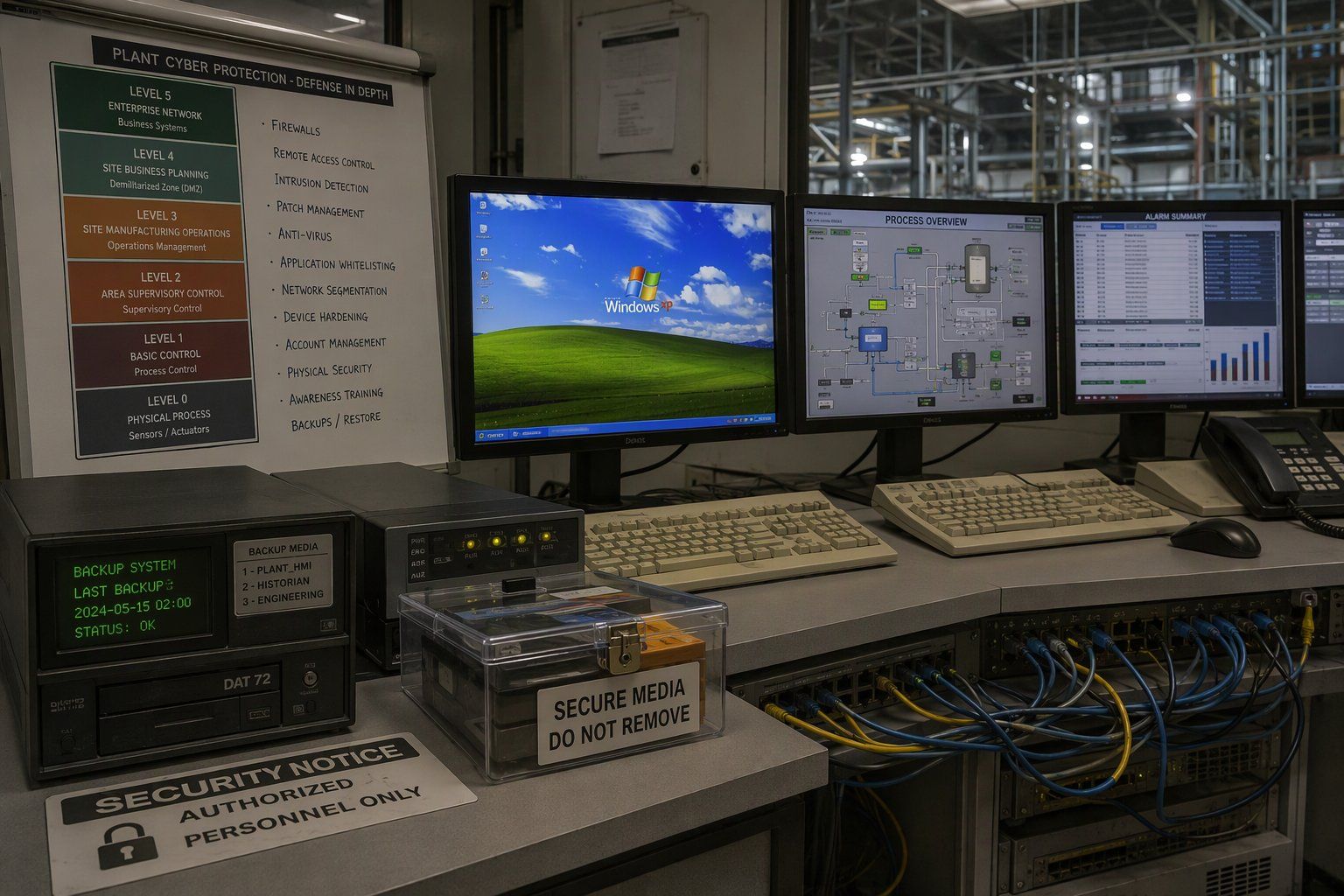
If your HMI is still on XP, begin with a risk assessment. Reduce exposure through segmentation, strict remote access, application whitelisting, host-based monitoring, and validated backups. Then plan recovery and migration in stages so production continues while risk drops.
Conclusion
In summary, the presence of Windows XP and Windows 7 SCADA PCs on your plant floor poses significant security risks that can compromise both safety and productivity. With these operating systems no longer supported, they are prone to unpatched vulnerabilities and increased network exposure, creating multiple threat vectors. While upgrading may seem daunting, it is essential for safeguarding your operations. By focusing on practical mitigation strategies, you can ensure that production continues without interruption. Don't wait for a security incident to make changes; take proactive steps today to protect your industrial environment. If you need assistance in navigating these challenges, consider reaching out for guidance on
effective upgrade paths that suit your specific needs.
Frequently Asked Questions
What endpoint protection tools are suitable for Windows XP-based SCADA servers?
Choose endpoint protection only if the software vendor supports it on the xp machine and it does not disrupt the scada network. In many plants, modern security features are limited on Windows XP, so teams often rely more on application whitelisting, host-based monitoring, and strict network controls ..
Can modern devices connect securely with legacy SCADA HMIs?
Yes, but only with careful network architecture. A modern system can exchange data with an old hmi if you control remote access, avoid direct exposure, and place boundaries between legacy systems and newer assets. The goal is to limit trust and keep the old node from becoming a bridge into the wider environment.
What practical steps can engineers take to mitigate risks while planning upgrades?
Start with a risk assessment of each scada part that still depends on old Windows hosts. Coordinate patch management and software updates with the vendor, segment the asset, tighten remote access, validate backups, and build a parallel replacement system. That approach reduces exposure now while giving you a controlled migration path later.
You might also like