Manual vs Automated Downtime Tracking
Manual vs Automated Downtime Tracking
Every manufacturer tracks downtime in some way, even if the "system" is a whiteboard by the line and a supervisor with a good memory. The real question is not whether to track it, but how. Manual methods are cheap to start and flexible. Automated methods are accurate and always on. Each has a place, and choosing between them well can save you from either overspending on technology you do not need or continuing to make decisions with numbers you cannot trust.
This guide compares manual and automated downtime tracking honestly. We look at how each one works, where each one shines, where each one breaks down, what they really cost, and how to decide when it is time to move from clipboards to connected data. Many plants end up with a hybrid, and we will show how to build one that gets the benefits of both.
How Manual Downtime Tracking Works
Manual tracking relies on people to observe, time, and record every stop. Common forms include:
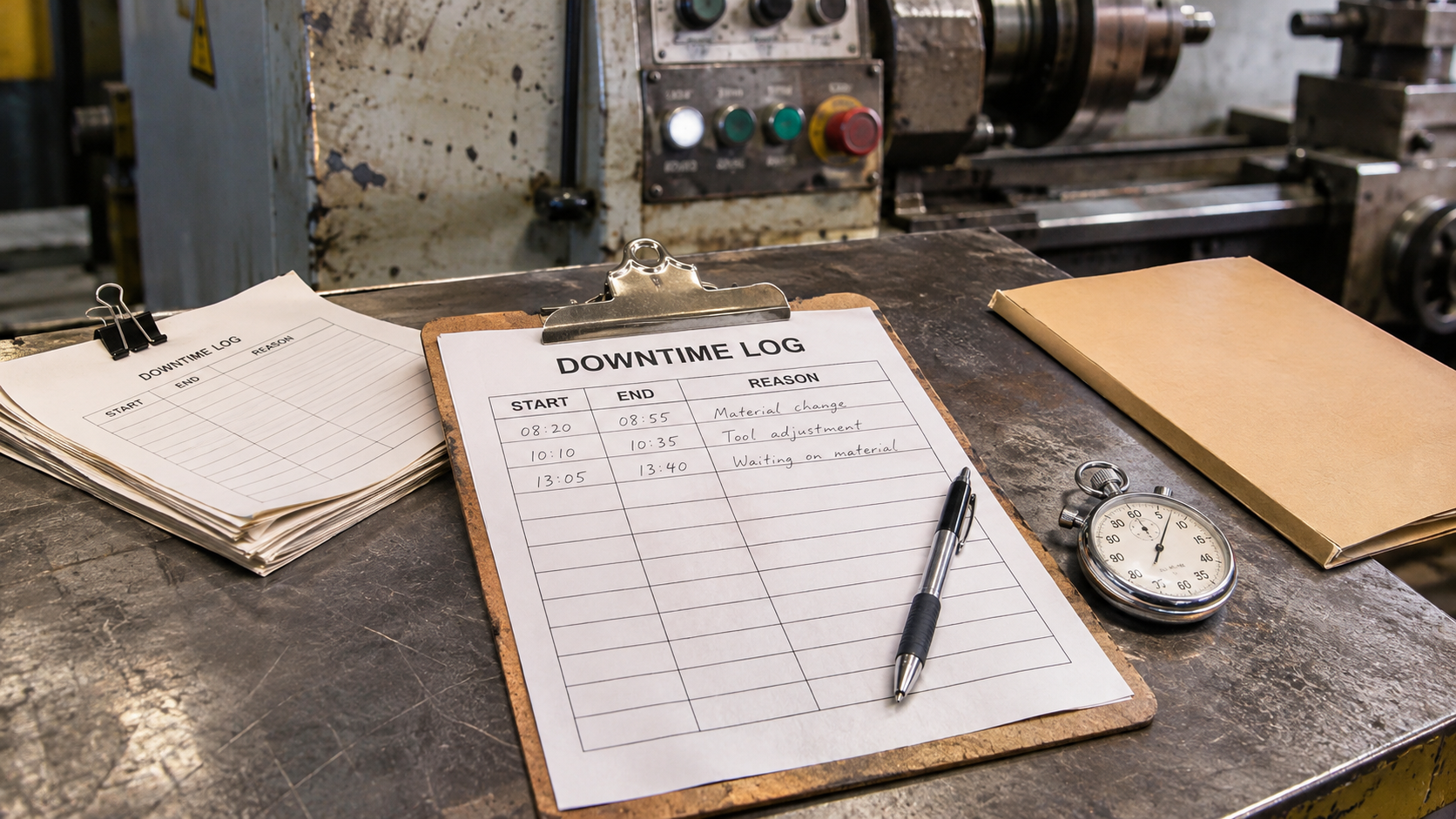
- Paper log sheets. Operators write the start time, end time, and reason for each stop on a form kept at the machine.
- Whiteboards and tally boards. Hour-by-hour boards at the line where operators note output and stoppages.
- Spreadsheets. Supervisors or clerks enter data from paper sheets, or operators type directly into a shared file.
- Shift reports and handoff notes. Free-text summaries of what went wrong during the shift.
- Stopwatch studies. An engineer or observer times a machine for a set period to build a sample of how it behaves.
This approach needs almost no technology investment. A form, a pen, and a rule that everyone fills it in is enough to begin. That low barrier is why manual tracking is nearly universal and why many plants never move beyond it.
The Strengths of Manual Tracking
It is worth being fair to manual methods. They exist everywhere for good reasons.
- Low upfront cost. There is no hardware, software, or integration work.
- Fast to start. You can begin tomorrow with a printed form.
- Works on anything. It does not matter whether the machine is brand new or fifty years old, or whether it has a network port.
- Captures human context. A person can note things no sensor sees: a bad lot of material, a new operator, a strange noise before the failure.
- Builds awareness. Asking operators to log stops can make them more conscious of what is slowing the line.
- Flexible. Forms can change in minutes when needs change.
For a small shop with a few machines, or for a first investigation of where to focus, manual tracking can be a sensible and sufficient choice.
The Weaknesses of Manual Tracking
The trouble appears as complexity grows.
- Missing short stops. Brief stops are the hardest to catch and the easiest to forget. Yet small stops, repeated many times a shift, are often among the largest hidden losses.
- Estimated and rounded times. Entries like 10 or 15 minutes are guesses. Real durations vary, and rounding erases the patterns analysis depends on.
- Delayed entry. Records filled in at shift end rely on memory and tend to be tidier than reality.
- Inconsistent reasons. Without enforced codes, different people describe the same cause in different words, making grouping and ranking unreliable.
- Transcription errors. Moving data from paper to a spreadsheet adds typos, illegible entries, and missing sheets.
- Delayed insight. Reports arrive days or weeks after the event, too late to catch a developing issue.
- Labor cost. The time operators and clerks spend writing, collecting, and typing adds up, and it comes out of time that could be spent on production or improvement.
- Bias and trust problems. When people are recording their own downtime, there is a natural pull to under-report or to assign blame elsewhere.
An honest comparison of manual logs against machine data often shows that manual records capture only a fraction of the actual stops. The shortfall is not carelessness. It is simply that people cannot watch a machine every second.
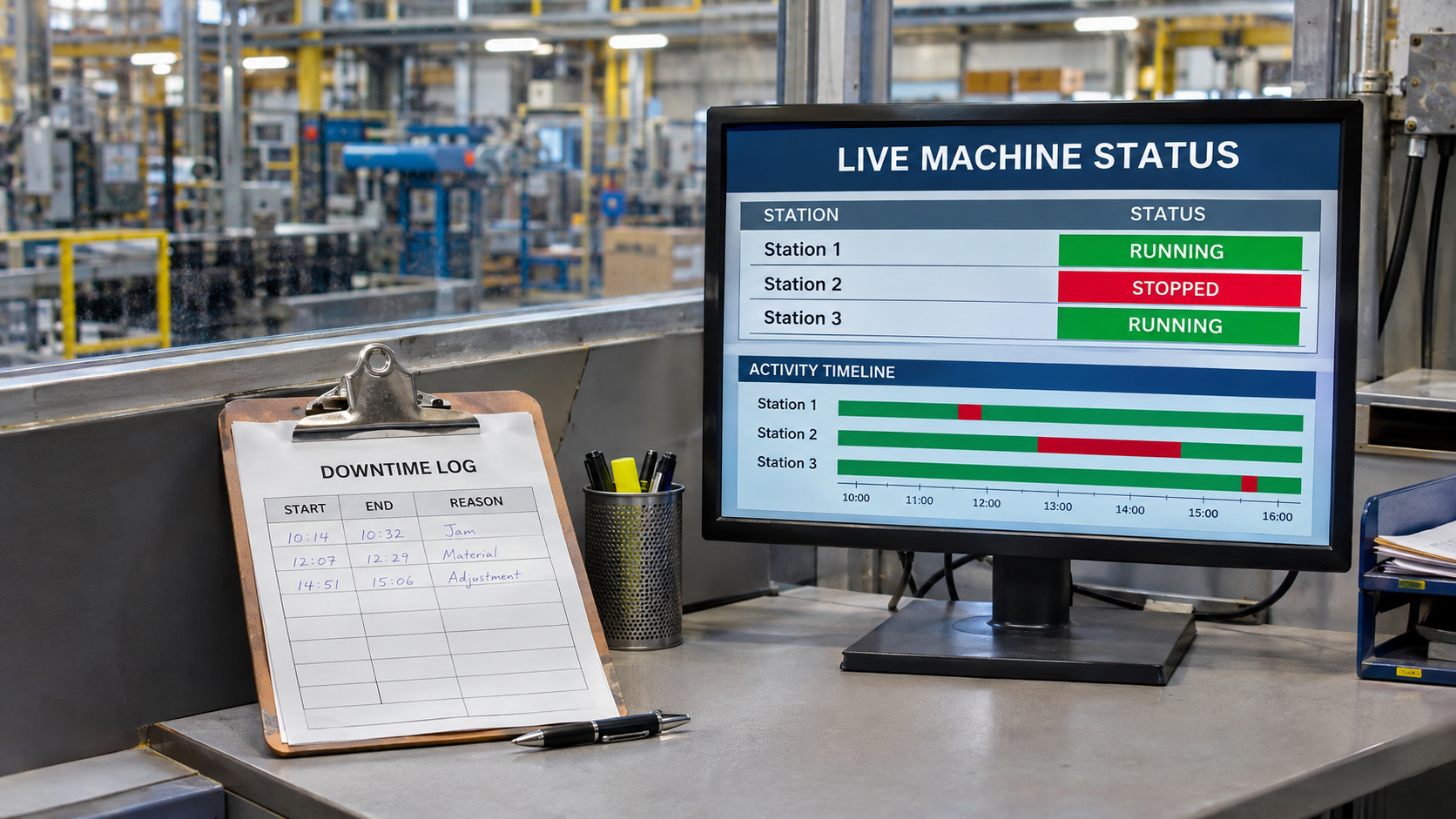
How Automated Downtime Tracking Works
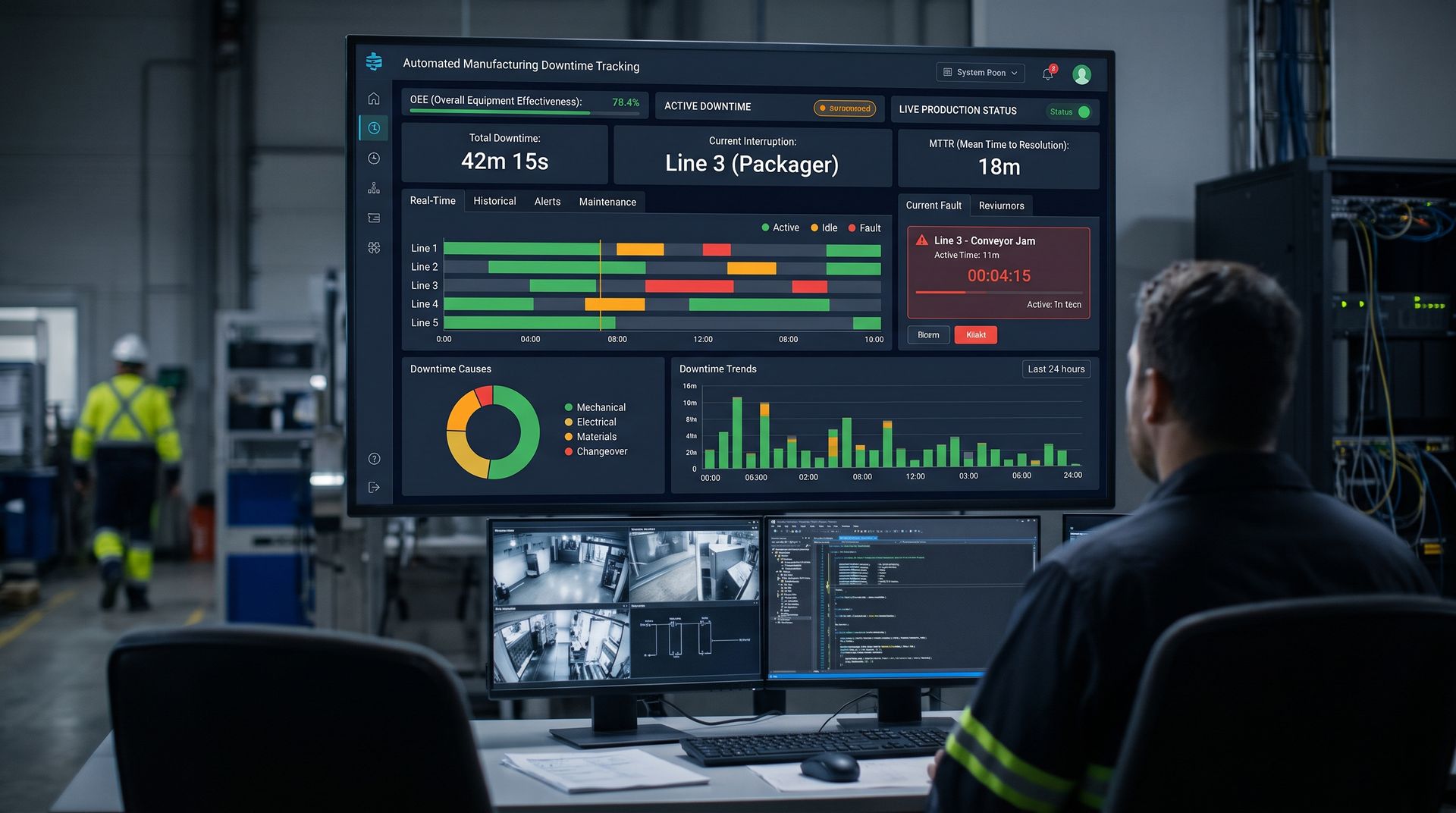
Automated tracking reads signals directly from equipment, interprets them, and records stops without anyone writing anything down.
- Connect. A data connector reads tags from PLCs, CNC controls, sensors, or I/O modules.
- Detect. Rules based on run status, cycle counts, and speed decide when the machine is running, stopped, or idle.
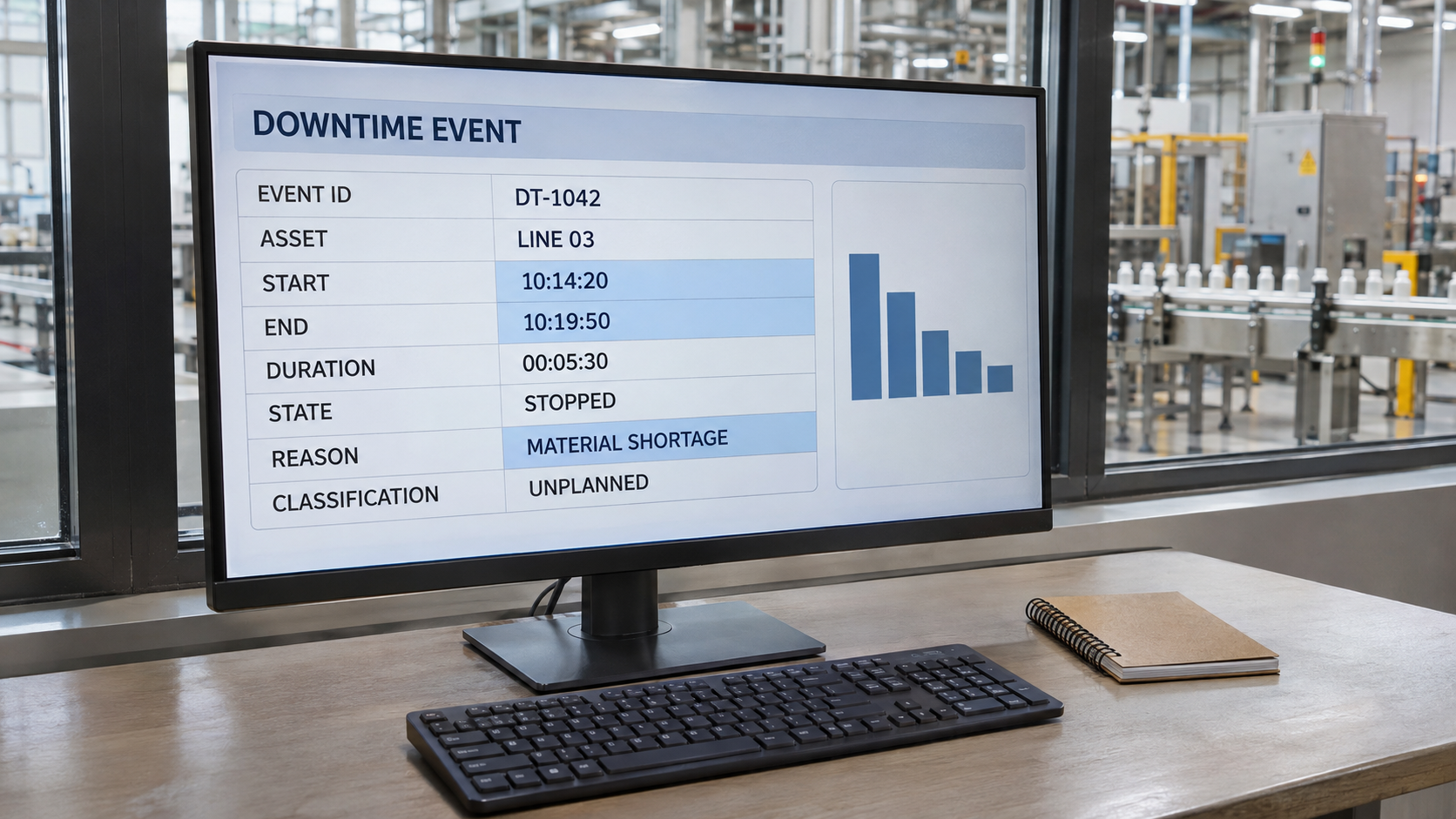
- Record. Each stop is stored as an event with precise start and end times and the asset it belongs to.
- Classify. Fault codes assign reasons automatically where possible, and operators confirm or select reasons for the rest, usually with a tap on a touchscreen.
- Store and analyze. Events go into a historian and feed dashboards, reports, and alerts.
The result is a continuous, timestamped record that does not depend on anyone's memory or availability.
The Strengths of Automated Tracking
- Accuracy. Times are recorded to the second, so every stop counts, including the short ones.
- Completeness. The system watches around the clock, across every shift, without gaps.
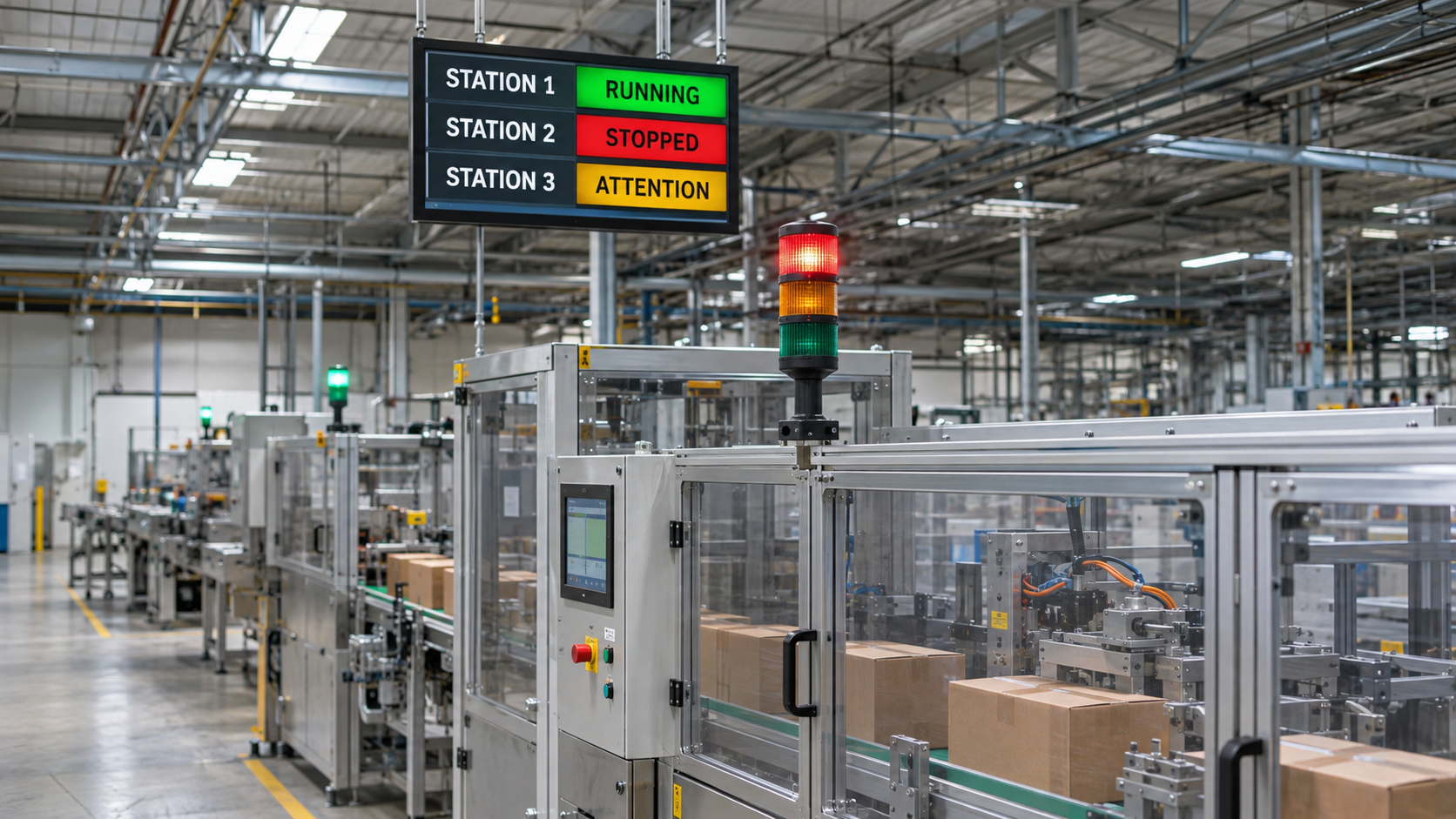
- Real-time visibility. Supervisors and maintenance see stops as they happen and can respond immediately.
- Consistent data. The same rules apply on every shift and every machine, so comparisons are fair.
- Rich context. Because data lives in a data historian, you can look at process values before and after a stop to find root causes.
- Less administrative work. No clipboards to collect and no data entry to perform.
- Scalability. Adding more machines is a matter of connecting them, not hiring more clerks.
- Ready metrics. Availability, OEE, MTBF, and MTTR calculate automatically from trusted data.
The Limits of Automated Tracking
Automation is not magic, and a fair comparison should say so.
- Upfront effort and cost. You need connectivity, configuration, and sometimes small hardware additions for older machines.
- It sees signals, not reasons. A machine can say it stopped, but not that the cause was a late forklift delivery. Reasons still need a person or a good fault code.
- Garbage in, garbage out. Poorly chosen signals or sloppy logic produce confident but wrong numbers.
- Change management. Operators may distrust a system that watches them. Without good communication, adoption suffers.
- Maintenance of the system. Tags change, machines get modified, and rules need occasional updates.
- Legacy machines. Very old equipment may need creative sensing to produce a usable signal.
These limits are manageable and mostly come down to planning and rollout, but they are real and should be part of the decision.
Suggested in-article image: comparison diagram of manual log flow versus automated data flow.
Accuracy and the Problem of Micro-Stops
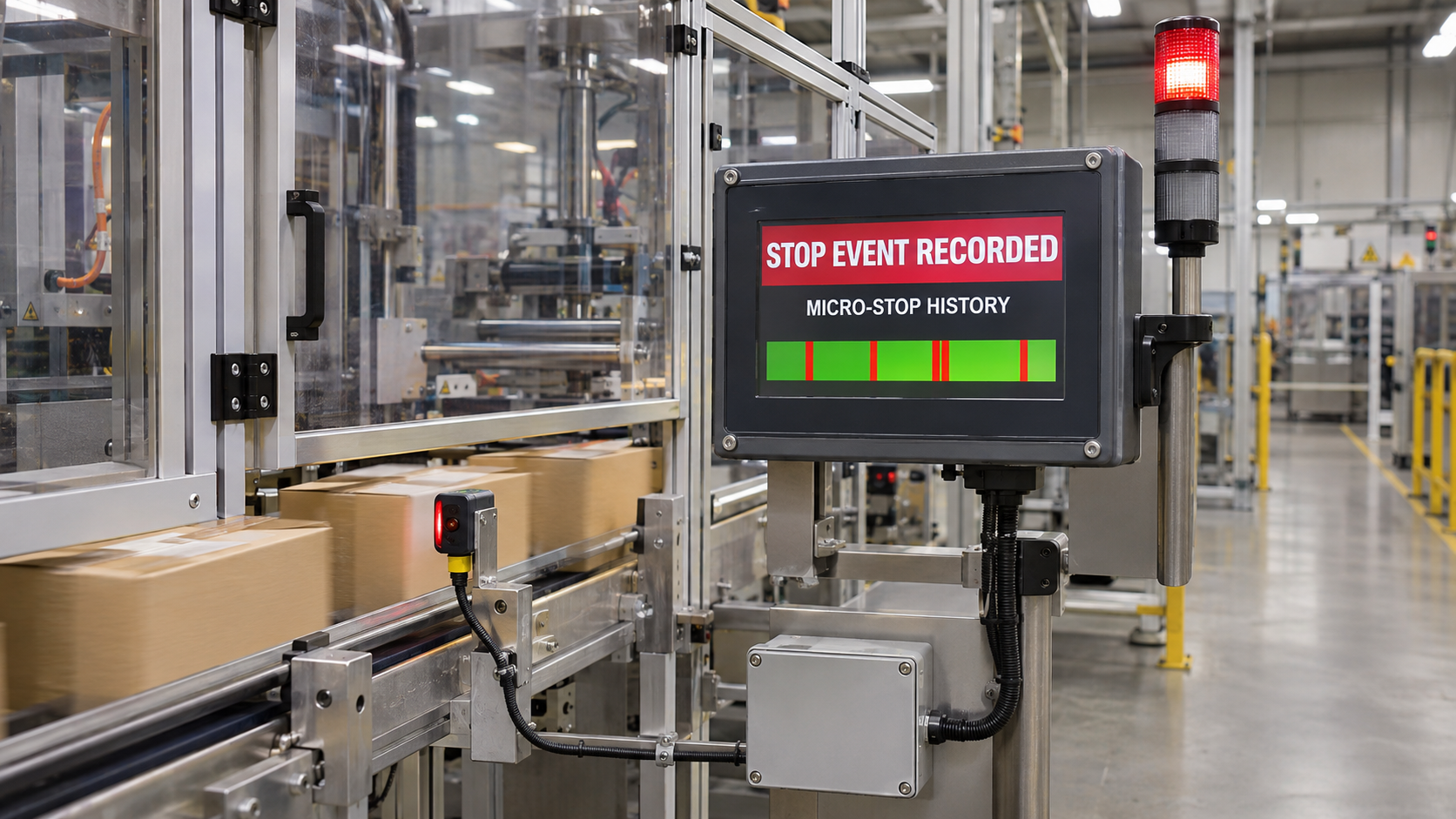
If there is one place where the comparison is decisive, it is short stops. Consider a packaging machine that stops for 30 seconds about 40 times per shift. That is 20 minutes of lost production, but each individual stop is so brief that few operators would write it down, and many would not even notice it consciously. A paper log shows two or three entries. An automated system shows all forty.
This effect explains a pattern many plants experience when they first turn on automated tracking: the downtime number is much larger than anyone expected. That is not because the machines got worse. It is because the real losses were finally visible. The surprise, while uncomfortable, is the point. You cannot improve what you cannot see.
Reason Codes: Where People Still Matter
Automated systems do not replace human judgment about why. They change when and how that judgment is captured.
In a manual system, the operator writes the reason in their own words, often after the fact. In an automated system, the operator is prompted at the moment of the stop to choose from a short list, usually on an HMI or tablet, while the cause is still fresh. Many stops need no prompt at all, because a fault code or an E-stop state already explains them.
The result is typically better reason data than manual tracking produces, even though operators do less writing. A short, hierarchical list of about ten primary categories, with optional details underneath, keeps selection fast and the data consistent.
Real Cost Comparison
Compare cost over a realistic time horizon, not just the first week.
Manual tracking costs include printing and supplies (small), operator time spent recording (more than people assume), clerk or supervisor time for transcription and report building, delayed decisions caused by slow reporting, and the cost of lost production that was never visible.
Automated tracking costs include connectivity hardware and software licensing, configuration and integration time, small I/O modules for older machines, training, and light ongoing maintenance.
To estimate the value side, take a conservative view. If automated tracking reveals even a modest amount of previously unseen downtime, and your team recovers some of it, the output gained from a constraint machine often outweighs the system cost quickly. The exact payback depends on your product value and your constraint, so run the numbers for your own plant instead of relying on generic claims.
Operator Buy-In and Culture
Technology choice affects culture, and culture determines whether either approach works.
- Manual tracking asks operators to do extra work, which can create resentment, and the results can feel like blame, so entries are often vague or missing.
- Automated tracking removes the writing burden, which most operators welcome, but it can feel like surveillance if introduced badly.
The fix for both is the same: be open about the purpose. Explain that the goal is to find and remove obstacles that slow the line, not to grade individuals. Show operators the first fixes that came from the data. Let them help choose the reason codes. When people see tracking as a tool that helps them, accuracy and cooperation rise.
The Hybrid Approach: Best of Both
For most plants the practical answer is not either-or. A hybrid model automates what machines do well and keeps people where they add the most value.
- Machine collects the facts: when it stopped, how long, how often, and which fault code appeared.
- Operator adds the why: a quick reason selection when the system cannot decide.
- Supervisor reviews and coaches: unassigned stops and recurring causes in a short daily meeting.
- Paper remains as backup: a simple form for machines not yet connected or for system downtime.
- This approach lets you start automated tracking on your most important machines while continuing manual tracking elsewhere, then expand as you prove value.
When Manual Tracking Is Enough
Manual tracking can be the right answer when:
- You have a small number of machines and one or two shifts.
- You are doing a short-term study to decide where to invest.
- Stops are long and infrequent, so short-stop blindness matters less.
- Equipment is so unusual that connection is not practical yet.
- You are early in building a continuous improvement habit and want to start simply.
Even in these cases, standardize your reason codes and definitions so the data is useful and you can migrate smoothly later.
Signs It Is Time to Automate
Consider moving to automated tracking when:
- Numbers from different shifts or supervisors do not agree.
- You suspect many short stops are going unrecorded.
- Reports are late and decisions are based on last week's problems.
- Data entry is consuming noticeable labor.
- You are preparing for OEE, lean, or continuous improvement programs that depend on trusted data.
- You are adding lines, shifts, or sites and cannot scale manual collection.
- Customers or auditors ask for traceable, reliable production records.
If several of these sound familiar, the cost of not knowing is probably already higher than the cost of a system.
How to Migrate from Manual to Automated
1. Standardize first. Agree on definitions of downtime, minimum stop length, and a short list of reason codes, even on paper.
2. Pick a pilot machine. Choose a constraint or a problem line where better data will matter most.
3. Connect and validate. Link the machine signals through a data connector, build the stop-detection logic, and run it side by side with manual logs for a few weeks.
4. Compare and explain. Review the differences with operators. The automated number will often be higher, and the conversation about why is valuable.
5. Introduce reason capture and displays. Add the operator prompt and a live status view using visualization tools so the data is used on the floor.
6. Retire paper gradually. Remove manual logs on the pilot machine once confidence is high, and keep a simple backup procedure.
7. Expand in waves. Replicate the pattern on other machines and lines.
Industrial Data and Production Monitoring
Whether you start with paper or software, the destination is the same: dependable industrial data about machine downtime, cycle time, and production efficiency. Automated data acquisition from PLCs, SCADA systems, and IoT devices supports real-time monitoring, OEE calculation, predictive maintenance, and root cause analysis, helping manufacturing teams move from reactive firefighting to continuous improvement.
How do you decide between manual and automated downtime tracking?
Use manual tracking for a small operation or a short study, and choose automated tracking when you need accurate short-stop data, real-time visibility, or consistent reporting across shifts and lines. Many plants start with a hybrid: automate the constraint machines and keep manual logs elsewhere until the value is proven.
Manual vs Automated Downtime Tracking: A Quick Review
Use this review to confirm your choice.
- Manual is cheap and flexible but misses short stops and scales poorly; automated is accurate, real time, and scalable.
- A hybrid of machine-collected times with operator-selected reasons is the most practical path for most plants.
Frequently Asked Questions About Manual vs Automated Downtime Tracking
1. Is automated downtime tracking always better than manual?
Not always. For a very small operation or a short investigation, manual tracking can be enough. As machines, shifts, and reporting needs grow, automated tracking becomes more accurate and far less labor intensive.
2. Why is the downtime number higher after we automate?
Because automated systems capture short stops and gaps that people miss or round away. The higher number reflects reality finally being measured, not worse performance.
3. Will operators still need to enter anything?
Often a quick reason selection on a touchscreen for stops that fault codes do not explain. This takes seconds and is usually less work than writing and signing a paper log.
4. Can older machines be tracked automatically?
Yes. A small I/O module reading a relay, stack light, limit switch, or counter can provide a useful signal even when the machine has no network connection.
5. How long should I run manual and automated tracking side by side?
A few weeks across multiple shifts is usually enough to validate the logic and build trust. Review differences with operators to confirm the automated data matches what actually happened.
6. What is the biggest mistake when switching?
- Skipping standardization. If definitions and reason codes are not agreed before you automate, you will faithfully collect inconsistent data. Standardize first, then connect.
Move from Guesswork to Real Downtime Data with Empowered Automation Solutions
If your downtime numbers depend on memory, rounded times, and late spreadsheets, you are leaving production on the table. Empowered Automation Solutions provides industrial data software that connects to PLCs, CNC controls, and plant-floor devices, records every stop to the second, stores it in a high-performance historian, and delivers live dashboards and alerts to the people who can act. Our engineers speak controls, so we can help you decide what to automate first, connect even older equipment, and design a hybrid process your operators will use.
Whether you want to automate one critical machine or standardize across multiple sites, start with a conversation. Take advantage of our free connectivity assessment to see what your equipment can already tell you, or explore our HMI SCADA and alarm logging and notification tools to see how real-time downtime data comes together. The sooner you measure it accurately, the sooner you can start getting it back.
You might also like