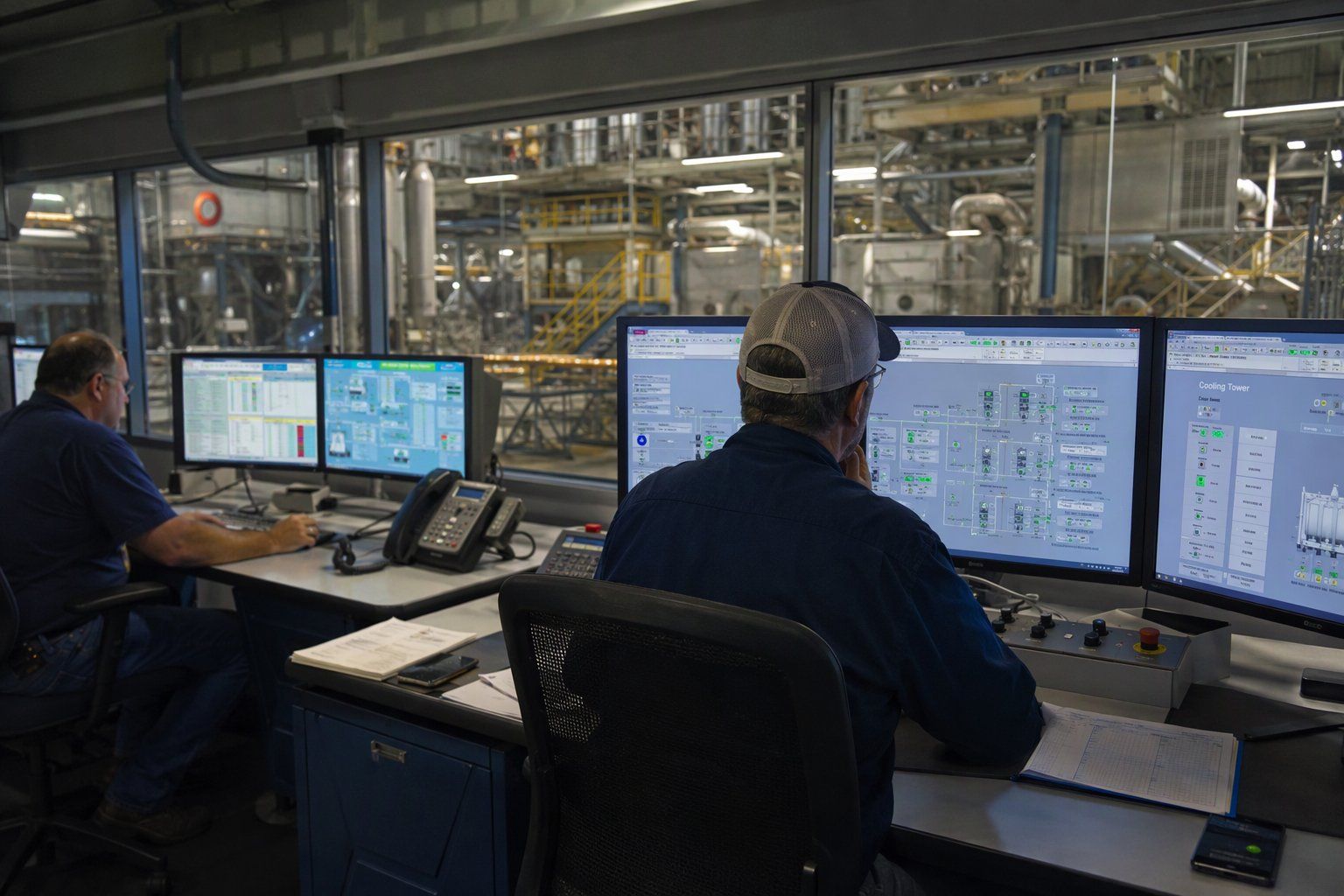
Redundant SCADA Servers: When Failover Is Worth the Cost
Every SCADA vendor will offer you redundant SCADA servers, and every quote with redundant SCADA servers on it will cost noticeably more than the same quote without them. The question is not whether failover works — it does when it is set up and tested properly. The question is whether your plant needs it, and what you are actually buying when you pay for it, especially regarding your operational efficiency. Common challenges when implementing redundant SCADA servers include ensuring proper synchronization between servers, regularly verifying failover functionality, managing increased complexity in network architecture, and performing thorough testing to avoid unexpected downtime. These issues can impact maintenance procedures and operational efficiency, so it is crucial to plan and monitor redundant systems carefully.
Redundancy is often sold and bought without that conversation. A plant that runs one shift with buffers between processes may be spending money it will never recover. A continuous plant that loses visibility for an hour may be risking far more than the cost of redundant scada servers, especially when it comes to protecting critical process data. This article works through what redundancy is, what it costs, what it does and does not protect against, and how to decide.
That decision belongs inside your overall [SCADA modernization](https://www.empoweredautomation.com/scada-modernization) planning, not as a checkbox on a quote. Adding redundant scada servers later is more work than building it in at the start — but paying for it regardless of need is waste. In real-world applications, hot-standby redundant SCADA servers function by having an active server manage operations while a second, identical server is kept ready in the background. If the primary server fails, the hot-standby seamlessly takes over, ensuring continuous system reliability and minimizing downtime.
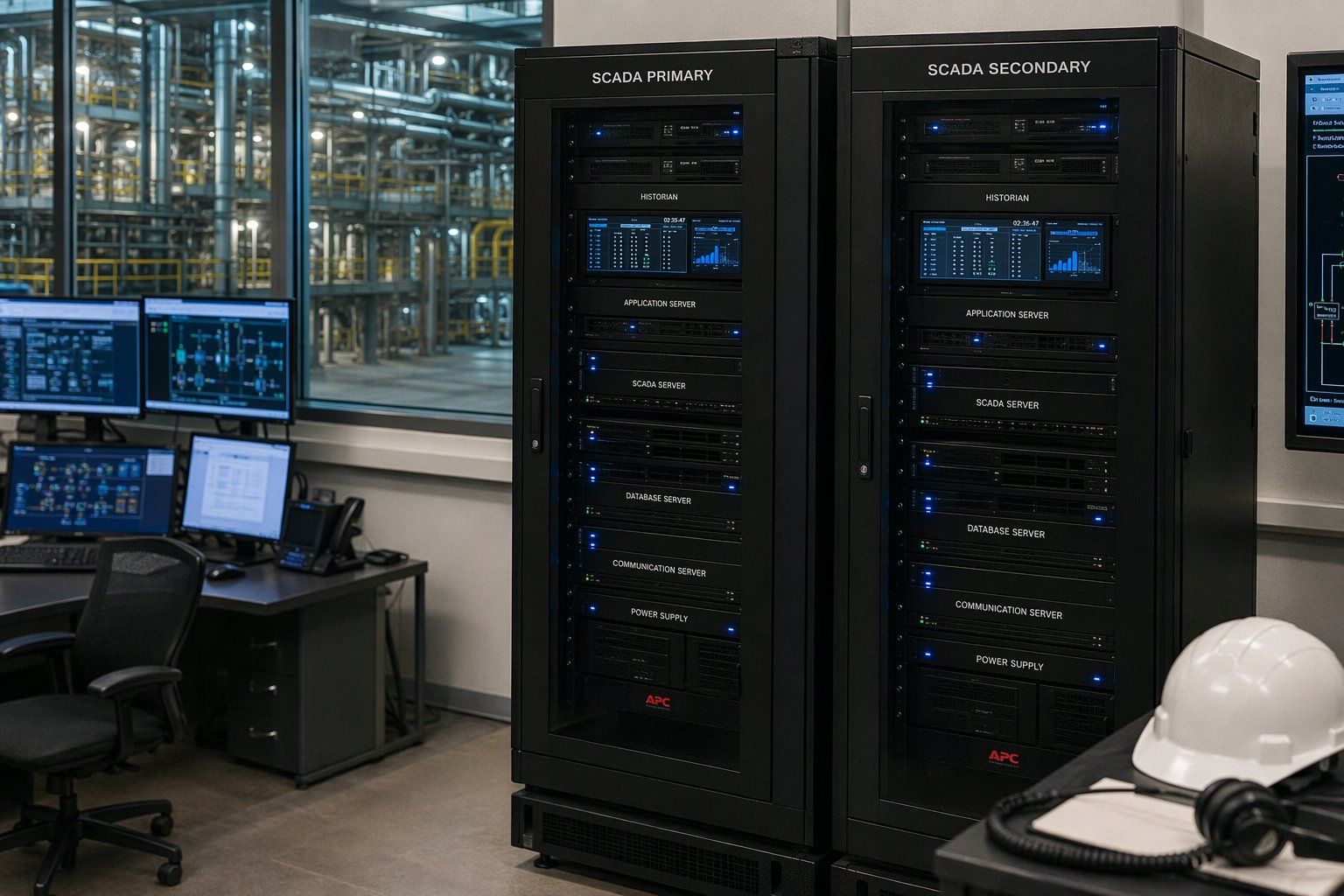
What Are Redundant SCADA Servers and How Does Failover Actually Work?
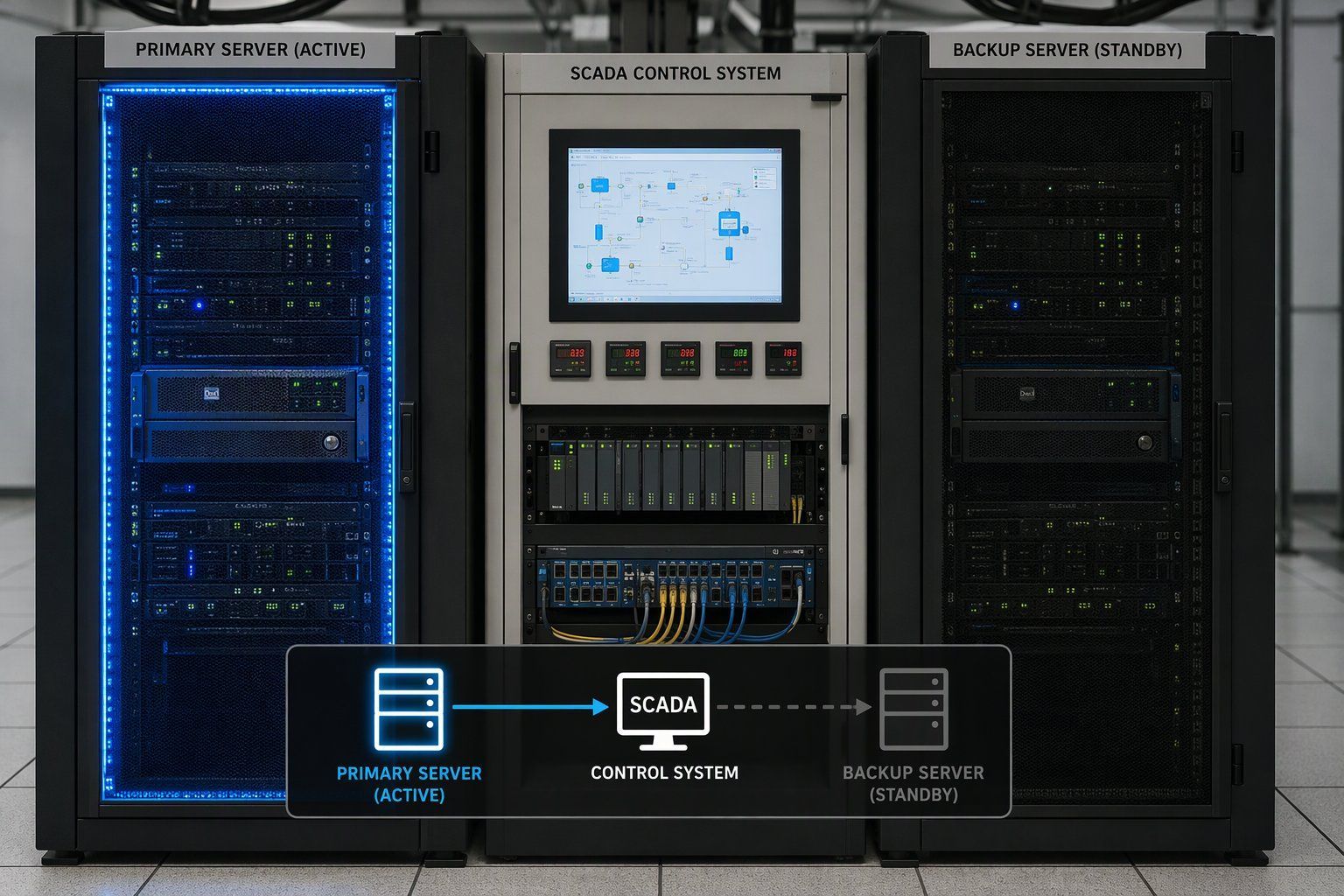
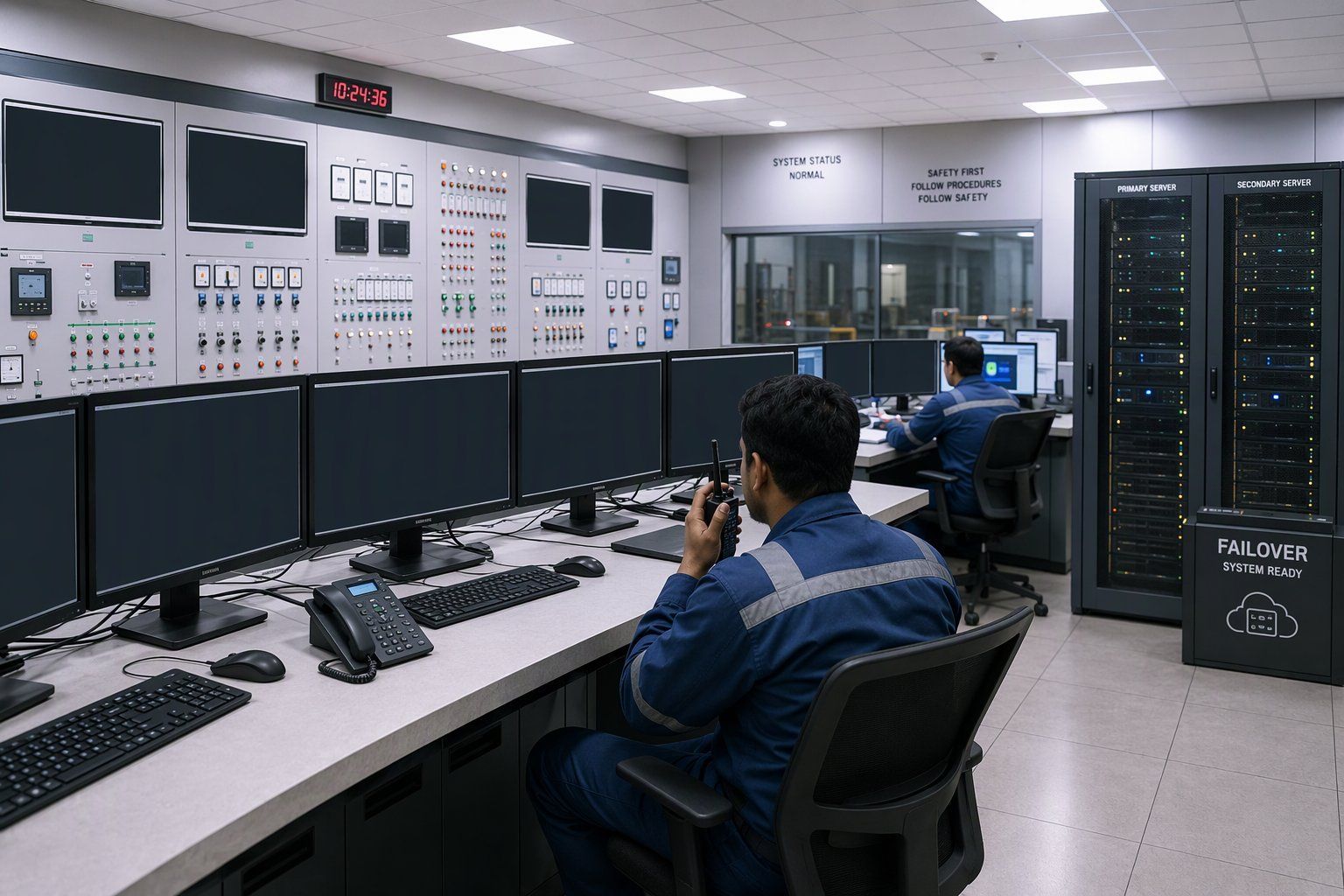
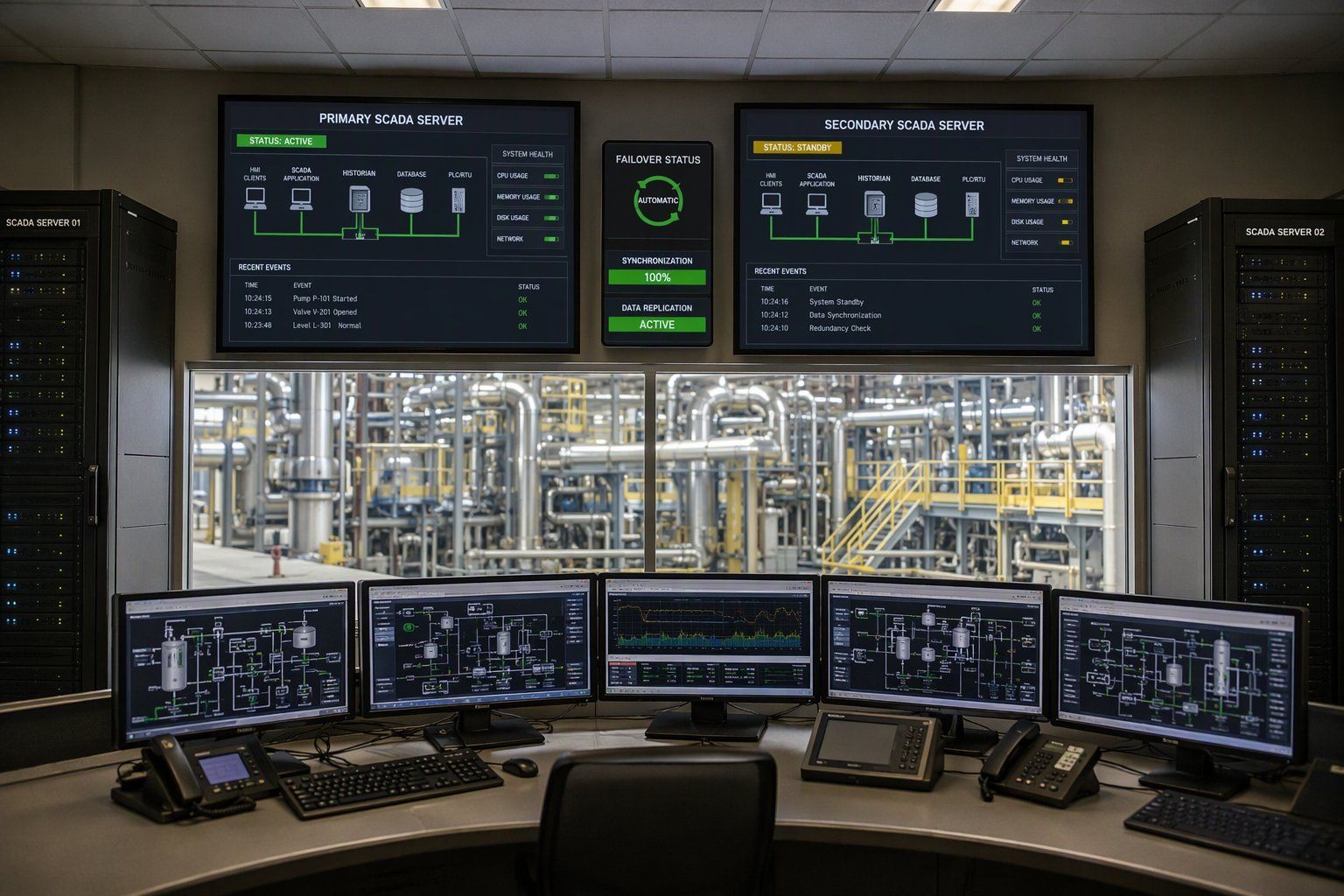
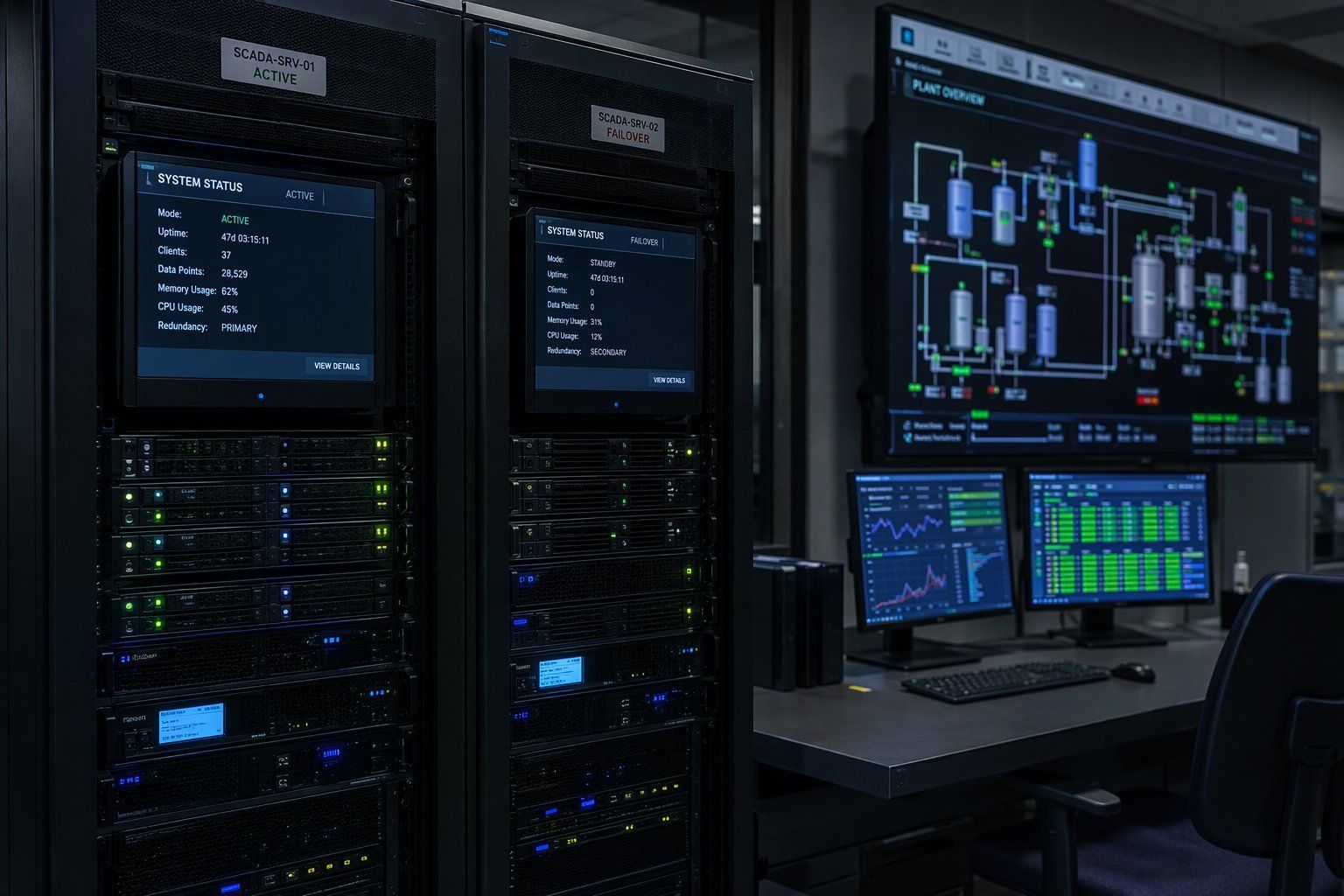
In a typical setup, redundant SCADA servers means a pair: a primary server and a backup server running the same SCADA application. Both communicate via TCP/IP with the same PLCs, or the backup monitors the primary and the PLCs, ready to take over.
When it is working as designed, the pair stays synchronized. Tags, alarms, and history are kept in step between the two machines, user accounts and screen files match, and clients — the operator stations — connect to whichever server is active. If the primary fails, the secondary server backup takes over automatically. That switchover is the failover. Operators may see a brief pause or a client reconnect, but they should not lose their screens, their alarm list, or their ability to control the process for more than a short interval.
Failover can also be planned, not just emergency. You can switch to the backup on purpose to patch, reboot, or service the primary, then switch back. For many plants, that planned use is where redundancy earns its keep most often, not in a dramatic hardware failure.
Details vary by platform — synchronization, historian handling, failover time, and data loss during a switch all depend on the software and its configuration. When you are [choosing a new SCADA platform](https://www.empoweredautomation.com/choosing-a-new-scada-platform), ask for those specifics in writing, including any necessary documentation, and test them, rather than assuming "redundant" means the same thing from every vendor.
A redundant pair is not the same as a backup. A backup is a copy you restore from after a failure. Redundancy is a live second system ready to run now. That difference — minutes versus hours to recover — is what you are paying for.
What Redundancy Costs: Hardware, Licensing, and Testing Time
The cost is more than a second computer, and it helps to break it down honestly. First, hardware: redundant scada servers of similar specification to the primary, plus storage, and in some designs additional network connections to the same switches and PLC networks. If your servers are virtualized, this may be a second host or additional capacity rather than a second physical box, but it is not free either way. When building a redundant SCADA architecture, key design considerations include ensuring scada servers can seamlessly take over operations if one fails, maintaining consistent communication with PLCs and RTUs, and selecting reliable failover mechanisms. Network topology and data synchronization strategies should allow swift recovery and minimal disruption, while licensing choices and proper testing processes are critical to verify redundancy works as intended.
First, hardware: redundant scada servers of similar specification to the primary, plus storage, and in some designs additional network connections to the same switches and PLC networks. If your servers are virtualized, this may be a second host or additional capacity rather than a second physical box, but it is not free either way.
Second, licensing. Depending on the platform, redundant scada servers may need a full license, a reduced-cost redundant license, or specific redundancy options for the server, historian, and alarm functions. Ask for each line separately. Plants are sometimes surprised that the historian or reporting piece they rely on is licensed differently from the core server. In addition to licensing considerations, there are best practices for transitioning between primary and backup scada servers to maintain system reliability, such as regularly testing failover mechanisms, ensuring synchronized configuration and data, and training operators on switch procedures. Implementing these practices minimizes downtime and ensures the redundancy functions as intended.
Third, configuration and testing time: building redundant scada servers, configuring synchronization and client failover, testing under load, and documenting how staff will know a failover happened. Fourth, ongoing maintenance — two machines to patch, back up, monitor, and replace. Count the full cost, not just hardware, when you compare it to downtime.
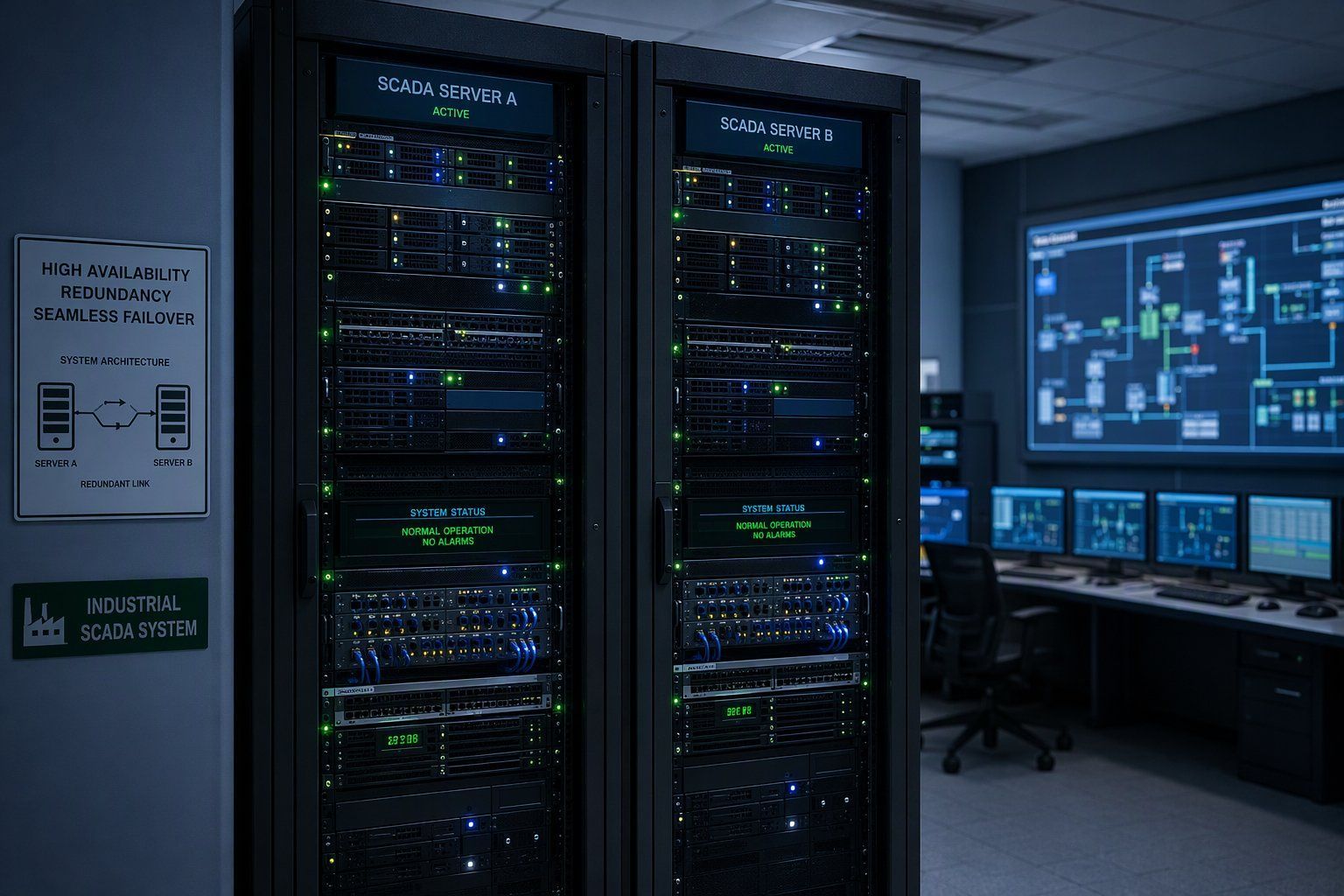
What Failover Protects Against — and What It Does Not Cover
Redundancy protects against a specific set of failures, including redundant network paths. Being clear about that set prevents both overconfidence and wasted spending.
It does protect against server hardware failure: a failed drive, power supply, memory fault, or motherboard on the primary does not take SCADA down if the backup takes over cleanly. It protects against operating system problems that require a reboot, and it makes routine Windows patching and reboots practical without a SCADA outage — you fail over, patch the idle machine, fail back or stay put, then patch the other. It also protects against a bad software update to one server, provided you update one machine at a time and test before updating the second. That one-at-a-time discipline is essential; update both at once and you have removed the protection.
It does not protect against PLC failure. If the controller running a line goes down, both SCADA servers lose that line in the same way. It does not protect against a network switch failure if both servers connect through the same switch and that switch fails — redundancy at the server layer does not fix a single point of failure at the network layer unless you design the network redundantly too. It does not protect against a bad application change pushed to both servers. If someone deploys a broken screen, a wrong tag configuration, or a faulty alarm change and synchronizes it to the backup, both machines now carry the same fault. Redundancy replicates good configuration and bad configuration with equal efficiency. In SCADA systems, hardware redundancy typically involves duplicating physical components such as servers, network switches, or PLCs to ensure that a backup device can take over if the main device fails, thereby reducing the impact of a single point of failure. Software redundancy, on the other hand, focuses on duplicating applications and configurations, so backup SCADA servers can run the same software, providing continuity in case of software crashes or errors. While hardware redundancy protects against physical failures, software redundancy is aimed at application and data integrity.
It also does not protect against power loss to the whole control room, a historian database problem that replicates, or an operator error. Those need different controls: UPS and power design, backups and database practices, and training and procedures.
List your actual failure modes before you buy. If your last three SCADA outages were network and PLC related, server redundancy would not have prevented any of them, and the money may be better spent there first.
The Real Question: What Does One Hour Without SCADA Cost Your Plant?
The decision comes down to one question, answered with your numbers: what does one hour of SCADA downtime cost this plant?
Be precise about what "downtime" means here. In most plants, losing SCADA is not the same as losing control. PLCs keep running the process on their last program and setpoints. What you lose first is visibility and the ability to adjust: operators cannot see the process centrally, cannot acknowledge and track alarms in the usual way, may not be able to change setpoints or start equipment from screens, and history and reporting develop a gap.
For some plants that is an inconvenience for an hour. For others it is a stop. If operators cannot run safely or within specification without SCADA visibility, production stops or must be curtailed, even though the PLCs are still running. If your process requires frequent operator intervention, tight quality control, or documented alarm and history records, an hour without SCADA can mean lost product, scrap, a compliance gap, or a full line stop.
Put numbers to it where you can: production value per hour on the affected lines, labor standing idle, scrap or rework from running blind, and any reporting or traceability loss you would have to explain to a customer or auditor. Then compare that hourly figure, times how many hours a server failure might cost you without redundancy — including diagnosis, repair or restore, and restart — to the full cost of redundancy over its life.
If one avoided outage pays for the pair, the decision is usually straightforward. If you would need ten avoided outages to pay for it and you have had one server failure in eight years, it probably is not.
Also count the planned benefit. If redundancy lets you patch and maintain servers during production instead of waiting for shutdowns, include the shutdown time or overtime it saves each year. For 24/7 plants, that alone can justify it.
Plants That Need Redundant SCADA Servers — and Plants That Do Not Need Them
Patterns are consistent enough to use as a starting point, then adjust for your own downtime cost.
Plants that usually need redundancy run continuous processes, such as pipeline systems, where stopping is expensive or difficult — chemical, utilities, water and wastewater, food processes that cannot pause mid-batch without loss, and similar operations. Regulated plants where alarm and history records must be continuous, or where running without documented visibility is not acceptable, also lean strongly toward redundancy. So do 24/7 operations with no regular window to patch, reboot, or repair a single server, and plants where a single SCADA system serves many lines, so one server failure blinds the whole site.
Plants that often do not need it run a single shift, or batch processes with buffers — tanks, hoppers, or inventory between steps — that let production coast for a few hours while a server is restored. If operators can run locally at panels for a shift, if history gaps are an inconvenience rather than a compliance problem, and if you have a tested restore that gets you back in an hour or two, a single well-maintained server may be the right economic choice. The money saved can go to a better backup system, a spare, or network improvements that address more likely failures.
Size alone does not decide it. A small continuous plant may need redundancy more than a large single-shift plant. Decide by process type, operating hours, and downtime cost, not by tag count.
If you are between the two, discuss partial options with your vendor — but partial redundancy that is not tested can be worse than a clear single-server plan everyone understands.
Test Failover and Monitoring on a Schedule, Not Just at Install
An untested redundant system is a hope, not a protection. Most failover failures are discovered during a real outage, when a configuration drift, a licensing problem, a synchronization error, or a client that was never set up to reconnect turns a supposed five-minute switchover into hours of troubleshooting.
Test at install, under realistic conditions: pull the primary during production-like load (in a planned window), confirm clients reconnect, alarms and history continue as documented, operators can control from the backup, and data loss, if any, is within the tolerance you accepted. Record how long it actually took.
Then test on a schedule — quarterly is common, twice a year at a minimum for plants that rely on it. Rotate the test so you also run production on the backup for a period, not just fail over and immediately fail back. Running on the backup proves it can carry the plant, keeps both machines exercised, and surfaces patch or configuration differences. Include patching in the rhythm: fail over, patch the idle server, test it, then repeat for the other.
After every application change, ask whether the change was applied and verified on redundant scada servers. Add that check to your change procedure. Keep a short failover log: date, reason (test, patching, real failure), duration, and any issues related to the primary system. That log is how you know whether your investment is still working a year later.
Alternatives to Full Redundancy: Backup and Cold Spare Options
If full redundancy does not pay for your plant, you still have options that cut recovery time without the full cost. Choose one deliberately and test it, rather than having no plan.
Fast restore from backup is the most common disaster recovery strategy. Keep current, tested backups or images of the SCADA server — application, configuration, and operating system where practical — on separate storage, with a documented restore procedure and the license files and installers you will need. The key word is tested. A backup you have never restored is not a recovery plan. Time a restore in a planned window so you know whether it is one hour or six.
A cold spare is a second machine, loaded or ready to load, sitting powered off or on standby. It costs less than live redundant scada servers in licensing and synchronization effort, but recovery is manual: someone has to bring it up, restore or confirm the current application, and reconnect clients. For a single-shift plant, that delay may be acceptable.
Virtualization snapshots and replicated virtual machines sit between the two. Snapshots help you roll back a bad update quickly, and virtual machine replication with SCADA redundancy to a second host can shorten hardware-failure recovery. They still need careful handling for historian data and licensing, and a snapshot is not a substitute for a backup — a corrupted application captured in a snapshot is still corrupted. Discuss the design with IT and test recovery the same way you would test failover.
Whichever you choose, keep spares for parts most likely to fail, keep dated copies of the application and configuration, and write recovery steps down where night shift can find them.
Making the Call: Weighing Uptime, Cost, and Risk
Start with your failure history and your downtime cost, not with the quote. List what has actually taken SCADA down in the last five years, how long each event lasted, and what it cost. Check which of those events redundant SCADA servers and proper database synchronization would have prevented or shortened. Add the value of patching and maintenance without an outage if you run around the clock.
If the numbers support redundancy, buy it completely: both servers properly licensed, synchronization and client failover configured, failover tested at install and on a schedule, and updates done one server at a time. Half-built redundancy gives you the cost without the reliability.
If the numbers do not support it, say so plainly, invest in a tested restore, a spare strategy, and the network and PLC weaknesses that are more likely to stop you, and revisit the decision if your hours, process, or regulatory requirements change, ensuring high availability. That is not cutting corners. It is spending the maintenance and capital budget where it reduces your real risk most.
Either way, decide on purpose and document it. The worst outcome is drifting into a single point of failure no one chose, or paying for failover no one tests.
Talk Through Your Server Plan With Our Automation Team
Empowered Automation Solutions helps manufacturers design SCADA systems with the right level of redundancy for their process, set up and test failover, and put tested recovery plans in place where a full redundant pair does not pay — if you are weighing redundant servers for a new or upgraded system, talk with our team about what downtime actually costs your plant.
You might also like