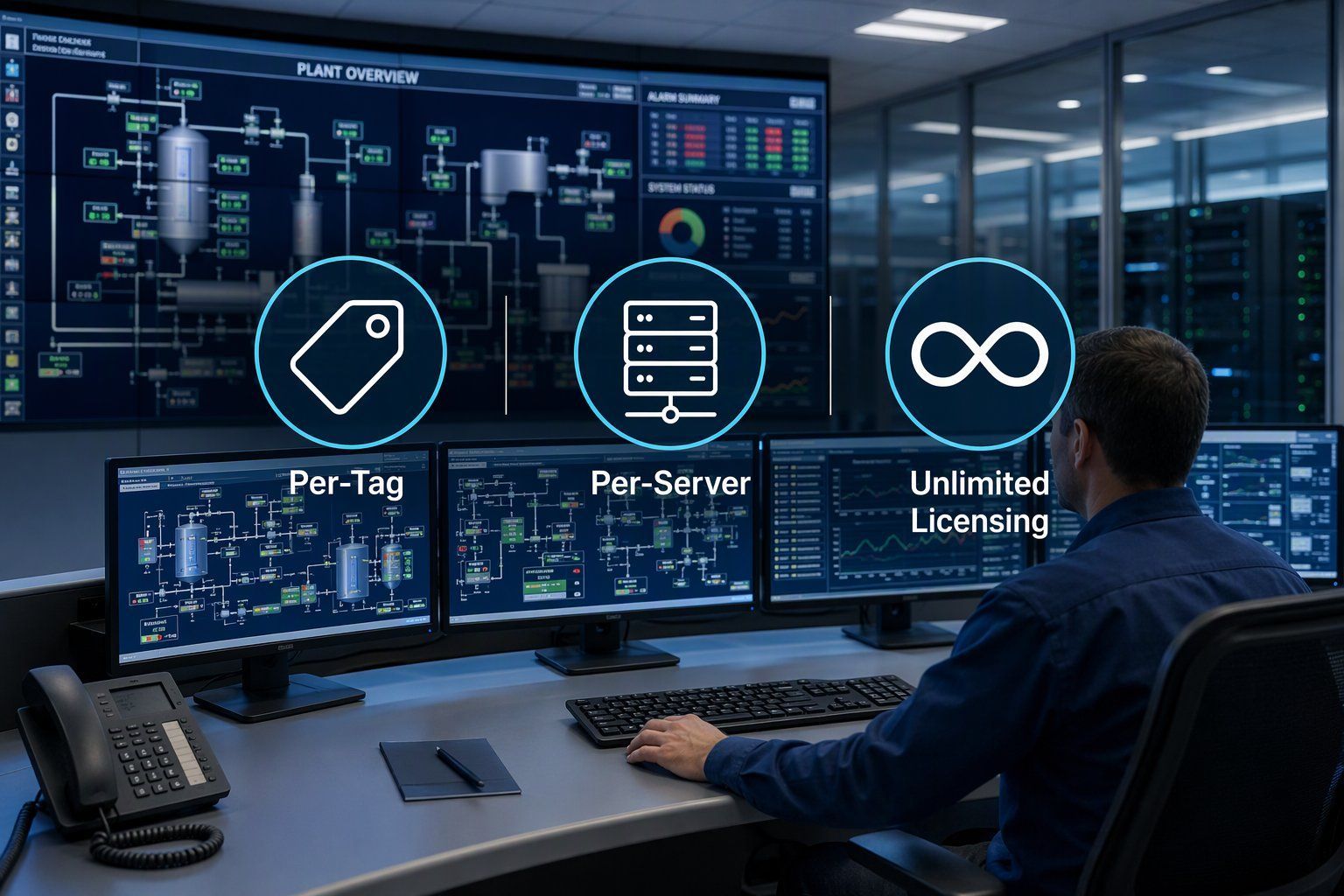
SCADA Pilot Project: How to Test a New Platform on One Line Before You Commit
Replacing a SCADA system touches operators, alarms, history, reporting, and the PLCs that run your lines under supervision. Once you roll it out plant-wide, rolling it back is painful and expensive. A SCADA pilot project lets you test a new platform on one line, with real data and real operators, before you sign a plant-wide license or commit to a cutover date.
A pilot is not a demo. A demo shows what the software can do in a sales environment. A pilot shows what it will do in your plant, on your network, talking to your controllers, with your tag naming, your alarm load, and your shift patterns, helping train operators to understand the system better. That difference is the whole point.
This fits inside a broader SCADA modernization methodology plan, but keeps the first step small and reversible. If it fails, you have spent weeks, not months. If it passes, you have numbers and operator buy-in for the next phase.

Why Run a SCADA Pilot Project Before a Full Rollout?
Most SCADA problems do not show up in the first hour. They show up on night shift, during a changeover, when a PLC reconnects after a power blip, or when someone tries to pull a historian report after three weeks of running, especially if there are firmware issues. A vendor demo will not catch any of that.
A pilot reduces three kinds of risk. First, technical risk: whether drivers connect cleanly to your Allen-Bradley, Siemens, or other controllers, whether tag updates keep up under load, and whether alarm handling matches what operators expect. Second, cost risk: list pricing and tag counts on a quote are estimates, while a pilot gives you an actual tag count and a clearer picture of client, historian, and remote access licenses. Third, people risk: operators who have used the same screens for ten years will spot problems a controls engineer will miss, and they will resist a system they had no part in testing.
Skipping the pilot does not save time. It just moves the learning to the plant-wide rollout, when changing direction costs the most.
Picking the Right Line for Your Pilot
Line selection makes or breaks a pilot. Pick the wrong line and you learn nothing useful, or you put production at risk for no good reason.
Look for a line that is representative but not the plant's most critical. Representative means it uses the same PLC families, network segments, and operating patterns as the rest of the plant. If most of your plant runs ControlLogix over EtherNet/IP, do not pilot on the one small machine that runs a MicroLogix over serial. What you learn will not transfer.
Not most critical means you avoid the bottleneck line that stops the whole plant if it stops, a line under audit next month, or a line with a known PLC fault you have been nursing along. You want normal production pressure, not a crisis.
Good candidates run regularly, have a mix of digital and analog tags, some alarms, at least one recipe change, operators who will give honest feedback, and a historian need so you can test data quality, not just screens. A test bench PLC is useful for a first driver check, but it is not a pilot — it has no real alarm load, network traffic, or production pressure. Check scheduling before you lock in the line, so you can run through changeovers and downtime, not pause around them.
Start in Read-Only and Shadow Mode
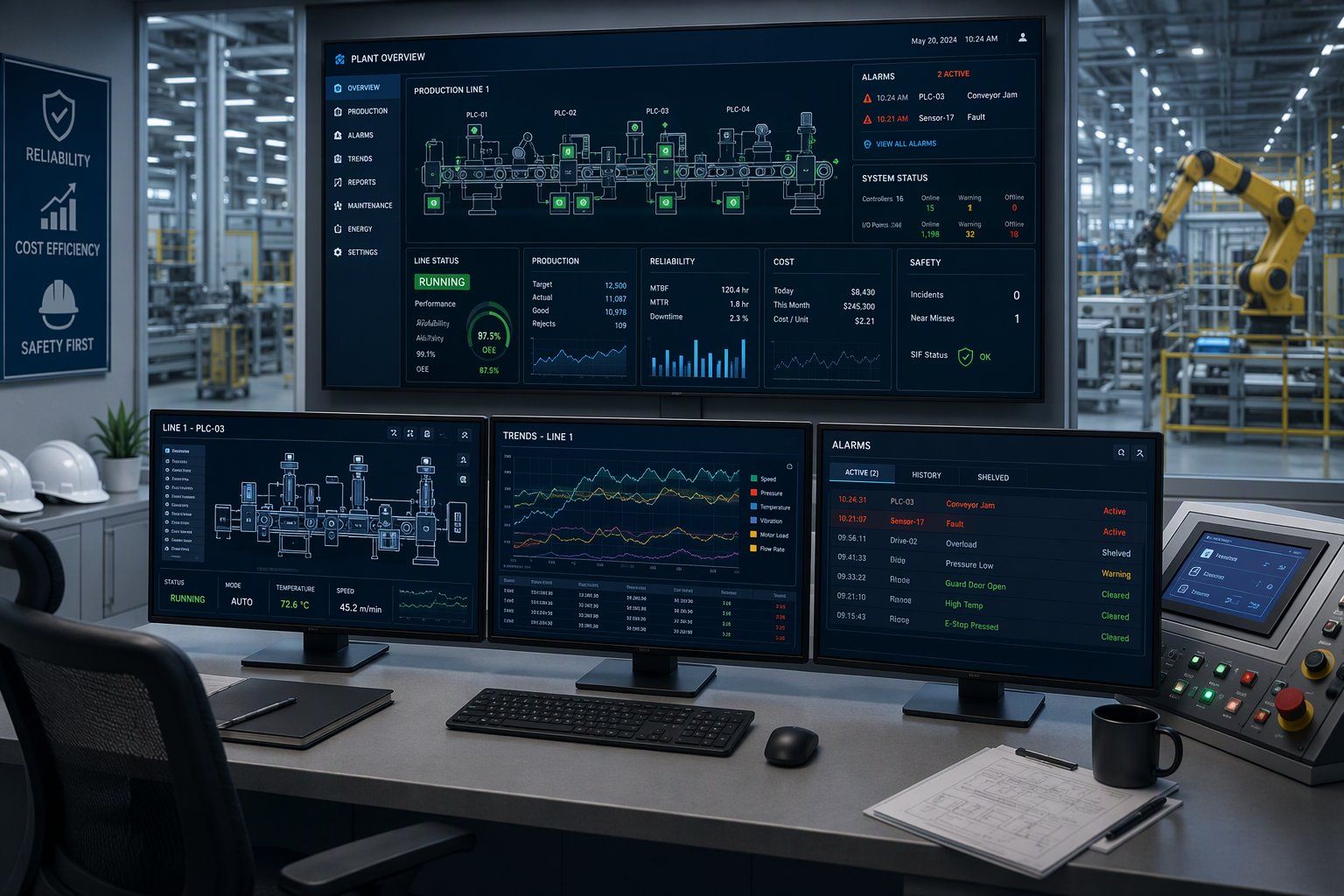
The safest way to start a SCADA pilot project with improved connectivity is read-only. The new platform reads the same PLCs as your existing SCADA, displays the same data, and logs the same tags, but it does not write to the controllers and does not control the process.
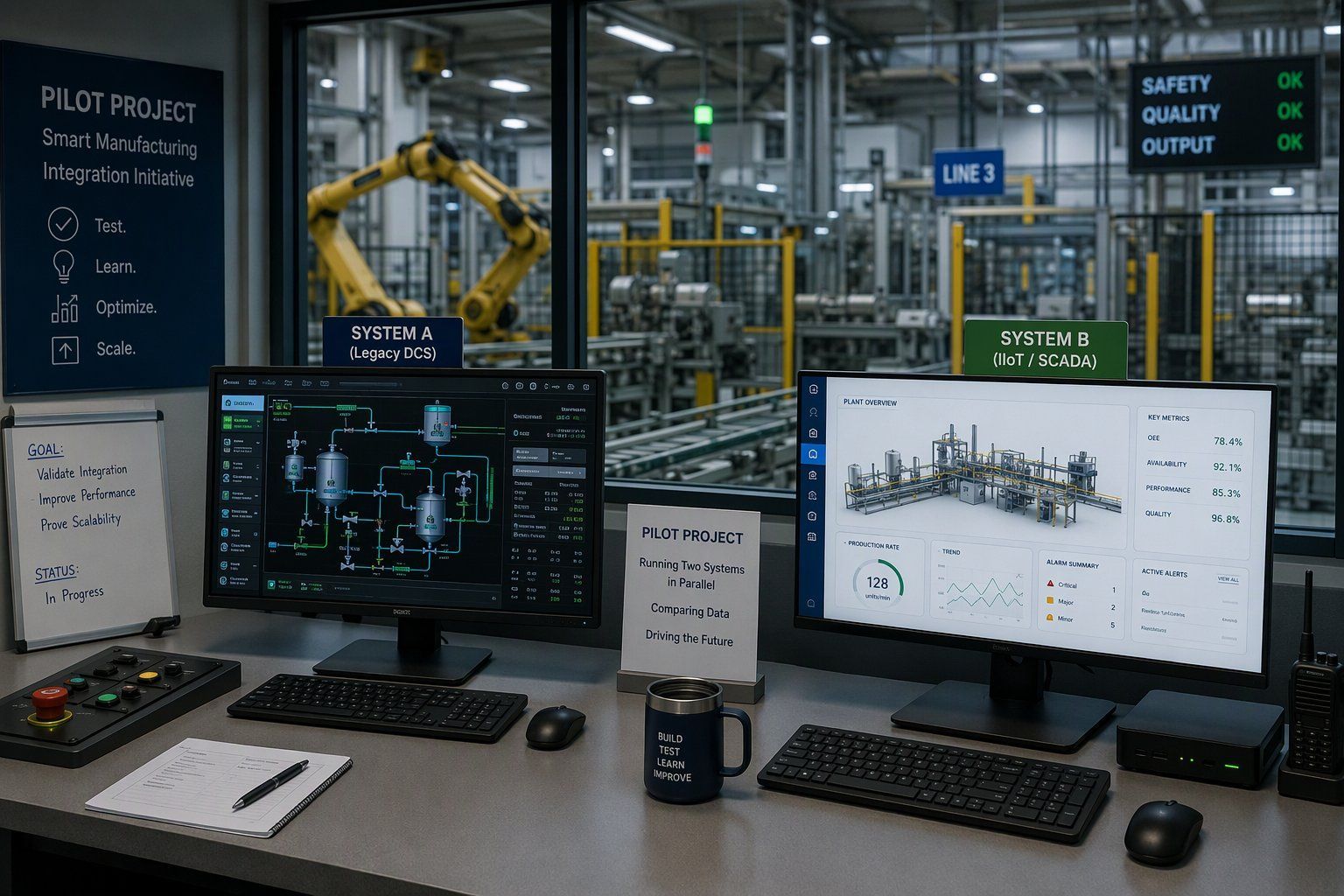
This is often called shadow mode. Both systems run side by side. Operators keep running the plant on the existing system. The new system shadows it, so you can compare values, alarms, and history screen by screen.
If the old system shows a tank level at 62 percent and the new system shows 61.2, you can investigate scaling or update timing without production consequences associated with the control system. If alarms fire on one system and not the other, you can trace the configuration before anyone depends on it. Confirm which tags are read-only, disable or restrict writes in this phase, and document it so everyone knows the new screens are observation only.
Run shadow mode through several shifts so all crews see it. If data matches, alarm behavior is understood, and performance is stable, you can move to a limited control phase on the same line — for example, allowing setpoint changes from the new system on day shift with the old system still available as a fallback, while ensuring the network topology is clearly defined. Do not jump from shadow mode straight to removing the old system.
This staged approach also helps when you are still [choosing a new SCADA platform](https://www.empoweredautomation.com/choosing-a-new-scada-platform), because you can compare platforms on identical live data instead of comparing brochures.
What to Measure During the Pilot
A pilot without measurements is just an opinion contest. Decide before you start what you will track, how you will track it, and who owns each item.
Tag Counts and Licensing Reality
Count tags the line actually uses, not an estimate from an old project file. Include system, alarm, and historian tags if they count separately, and note scan rates. Applied across the plant with allowances for larger or smaller lines, this is the basis for a realistic license quote. Many plants find their estimate was 20 to 30 percent low once alarming and history are configured as they actually want them.
Update Rates and Performance
Measure screen update time, trend query time, and server CPU and memory at peak production — not on a quiet morning — and test floor and remote RTU clients too. Log tag timeouts, driver errors, and stale data. A pattern tied to a specific PLC or switch is a problem to solve before rollout.
Alarm Behavior
Compare alarm counts, timing, and priority between old and new systems over the same period, based on functional specifications. Does the new system handle a burst during an upset the same way, or does it flood or suppress differently? Check shelving, acknowledgment, and history. If alarm behavior changes in ways operators do not understand, trust will drop fast.

Historian Data Quality
Do not just check that the historian is recording. Pull the reports quality, maintenance, and event management actually use. Check for gaps, flat-lined values, wrong timestamps, and compression that hides short events, and compare historian values to PLC values during a known event like a batch start. If data is used for compliance, have the person who signs those reports review it.
Operator Feedback
Use a short form after each shift for the first two weeks, not just a meeting at the end. Ask what was easier, harder, missing, or confusing, and whether they would trust the system on night shift. Repeated comments from different operators usually point to a real design process issue. Keep everything in one pilot log — date, shift, condition, observation, follow-up — as evidence for the pass/fail decision.
How Long Should a SCADA Pilot Project Run?
A useful pilot runs long enough to see normal variation, not just a good day, ensuring scalability in operations. For most mid-size manufacturers, that is four to eight weeks. Shorter than that and you miss too much. Longer than that and the pilot drags and the team loses focus.
At a minimum, run through a product changeover and a planned downtime with restart. A changeover tests recipes, setpoints, screen workflows, and alarm behavior when operators are changing products under time pressure. Many issues hide in steady-state running and appear only in transition.
A planned downtime and restart tests recovery. Do tags reconnect cleanly? Does history resume without a gap you cannot explain? Do alarms come back in the right state? What you learn here predicts what will happen after a power outage or a server reboot during full production.
If a major product runs only monthly, try to include that cycle; if it would stretch the pilot to three months, note it as a known gap instead of pretending you tested it. Set the end date up front, then review criteria and either expand, fix and retest, or stop.
Involving Operators Early — Not at the End
Operators are not an audience for the pilot. They are part of the test team.
Involve lead operators from each shift in line selection and screen design. Screens should use real tag names and alarm priorities and a layout close to a final system, so feedback is meaningful. Give operators a clear channel — a logbook, a form, or a daily five-minute check-in — and close the loop when they report an issue. Pilot training is orientation only: navigate, acknowledge alarms, pull a trend, and tell live from shadow. Keep it short and hands-on. Watch quiet operators too; the person who stops using the new screens after day two has given you feedback — ask why.
Define Pass and Fail Criteria Up Front
Before the pilot starts, write down what success looks like in measurable terms and have operations, controls, plant management, and IT agree to it. If you set criteria after you see the results, you will move the goalposts to fit whatever happened.
Useful criteria are specific. For example: driver communication to all pilot PLCs with no unexplained tag timeouts for seven consecutive days of production; main overview screen updates in two seconds or less on floor clients during peak production; alarm count and priority match the existing system within an agreed tolerance over two weeks, with differences explained in writing; historian has no unexplained gaps during running production and the three key reports match source data; lead operators on all shifts rate the system as usable for daily tasks with no blocking issues left unresolved.
Also define what stops the pilot: repeated data loss, a control write that should have been blocked in shadow mode, or performance that degrades the existing network. Naming stop conditions protects production and protects the team from pressure to keep going when they should pause.
Include vendor support: were questions answered in reasonable time, and was documentation accurate for your PLC models? At the end, score each criterion pass, pass with fixes, or fail, and require fixes to be retested, not just promised.
What the Pilot Tells You About Cost, Network, and Training
A good pilot answers budget questions a quote alone cannot.
On licensing, you learn true tag count, peak client needs, whether you need redundant servers or more historian capacity, and how features are licensed. Build the plant-wide estimate line by line and flag exceptions instead of using a flat average. On network load, you see added traffic and whether polling rates are sustainable — work with IT during the pilot on firewalls, remote access, accounts, patching, and servers, not after it. On training, you learn how long operators take to get comfortable and what your controls team must learn to maintain the system. Integrator hours in the pilot also give you an honest ratio for estimating rollout effort.

Common Pilot Mistakes to Avoid
The first mistake is piloting on a toy system. A test bench proves a driver can connect. It does not prove the platform works in your plant.
The second is having no success criteria. Without criteria, the pilot ends with opinions — engineering likes it, one shift does not, management is unsure — and no clear decision. Months pass and the old system stays by default, not by choice.
The third is leaving IT out. SCADA touches networks, servers, backups, cybersecurity, and remote access. If IT first sees the platform when you ask for a server and firewall rules for the plant-wide rollout, you have created an avoidable conflict. Bring IT in at kickoff, give them the architecture and port requirements, and let them test backup and patching on the pilot server.
Other costly mistakes: no rollback plan, changing screens every day so feedback cannot be compared, testing only on day shift, and treating vendor defaults as final settings. Do not hide problems — a pilot that finds them has done its job. The expensive outcome is not a failed pilot, it is a plant-wide rollout that fails the same way at ten times the cost.

Next Steps After the Pilot
Write a short summary: what you tested, what passed, what needs fixes, what plant-wide cost and timeline now look like on real numbers, and what you recommend, with the pilot log attached. If you move forward, use the pilot line as the template and roll out line by line. If you test another platform, use the same line and criteria. However it ends, a scada pilot project gives you evidence instead of assumptions — worth the few weeks for a decision you will live with for ten years or more.
Talk Through Your Pilot Plan
Empowered Automation Solutions helps manufacturers plan and run SCADA pilots, evaluate platforms, and modernize line by line without betting the whole plant on an untested change — if you are weighing a new platform and want to test it properly on one line first, talk with our team about what a pilot should look like for your plant.
You might also like