SCADA Licensing Models Compared: Per-Tag, Per-Server, and Unlimited
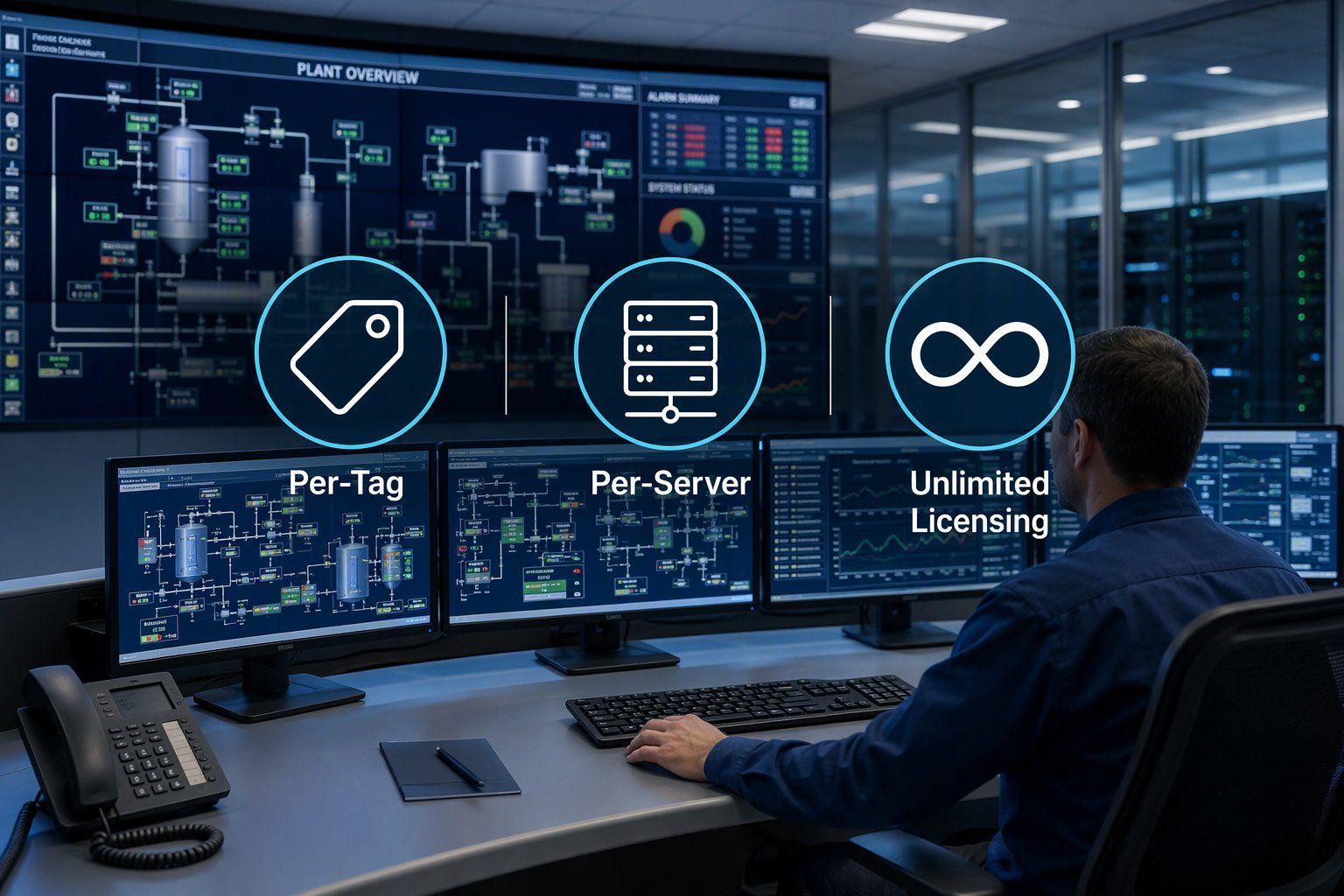
How Does Per-Tag Licensing Work?
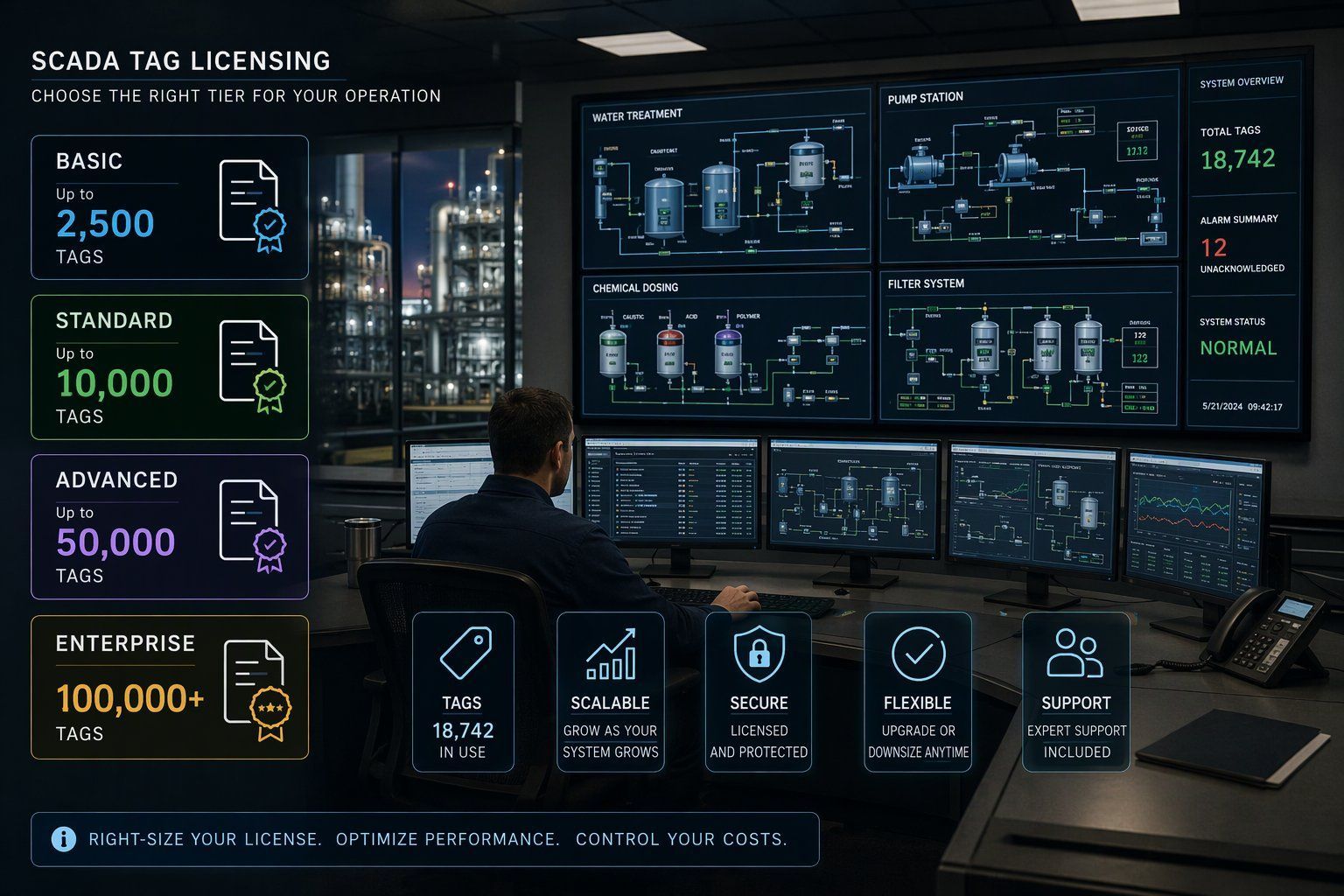
Per-tag licensing is the oldest and still one of the most common structures in SCADA solutions. You buy the right to use a set number of tags — 500, 1,500, 5,000, 10,000, or whatever tiers the vendor sells. A tag is generally a single data point the system reads, writes, or logs: a motor status, a temperature, a setpoint, a counter, an alarm value.
On paper it sounds fair: a small plant pays for a small tier, a large plant pays for more. In practice, counting is where it gets complicated. Vendors do not all count the same way. Some count only tags that communicate to a PLC. Others also count internal, derived, alarm, and historian tags. A calculated OEE value that never touches a PLC might consume a license tag on one platform and not on another. Therefore, the right choice between two quotes that both say "5,000 tags" may not cover the same system.
Tags also multiply faster than most estimates allow. A single motor looks like one point in a spreadsheet. In a working system, it often becomes five or six: run command, run feedback, fault, runtime hours, start count, and manual/auto status. Modern authentication systems can enhance the management of such data. A temperature loop can be process value, setpoint, output, high alarm, low alarm, and deviation alarm. Multiply that across a line and a 1,200-tag estimate becomes 2,800 tags before the first expansion.
Where Tag Creep Bites
Tag creep is the slow, normal growth of a system as people ask it to do more, including data acquisition needs and user access. It bites in three places. First, historian points: plants log more over time — first critical process values, then energy, downtime reasons, and quality checks. On some platforms a logged point counts against your tier even if you already paid to collect it. Second, adding a line or machine: a new OEM skid arrives with 400 points to integrate, and if you are at 4,700 tags on a 5,000-tag license, that one skid forces a jump to the next tier. Going from 5,000 to 10,000 tags can cost several thousand dollars, even though you only needed 400. Third, integration outside the original scope — pushing data to maintenance, reporting, or a corporate dashboard — often requires additional tags or a separate data server.
None of this makes per-tag licensing a bad choice. For a stable plant within the growing SCADA market, with a well-defined scope and little expected growth, it can be the lowest entry price and perfectly predictable. The risk is buying a tier sized exactly for day one, with no headroom, and then paying tier-jump prices for every normal improvement for ten years.
Per-Server Licensing: Pay for the Computer, Not the Count
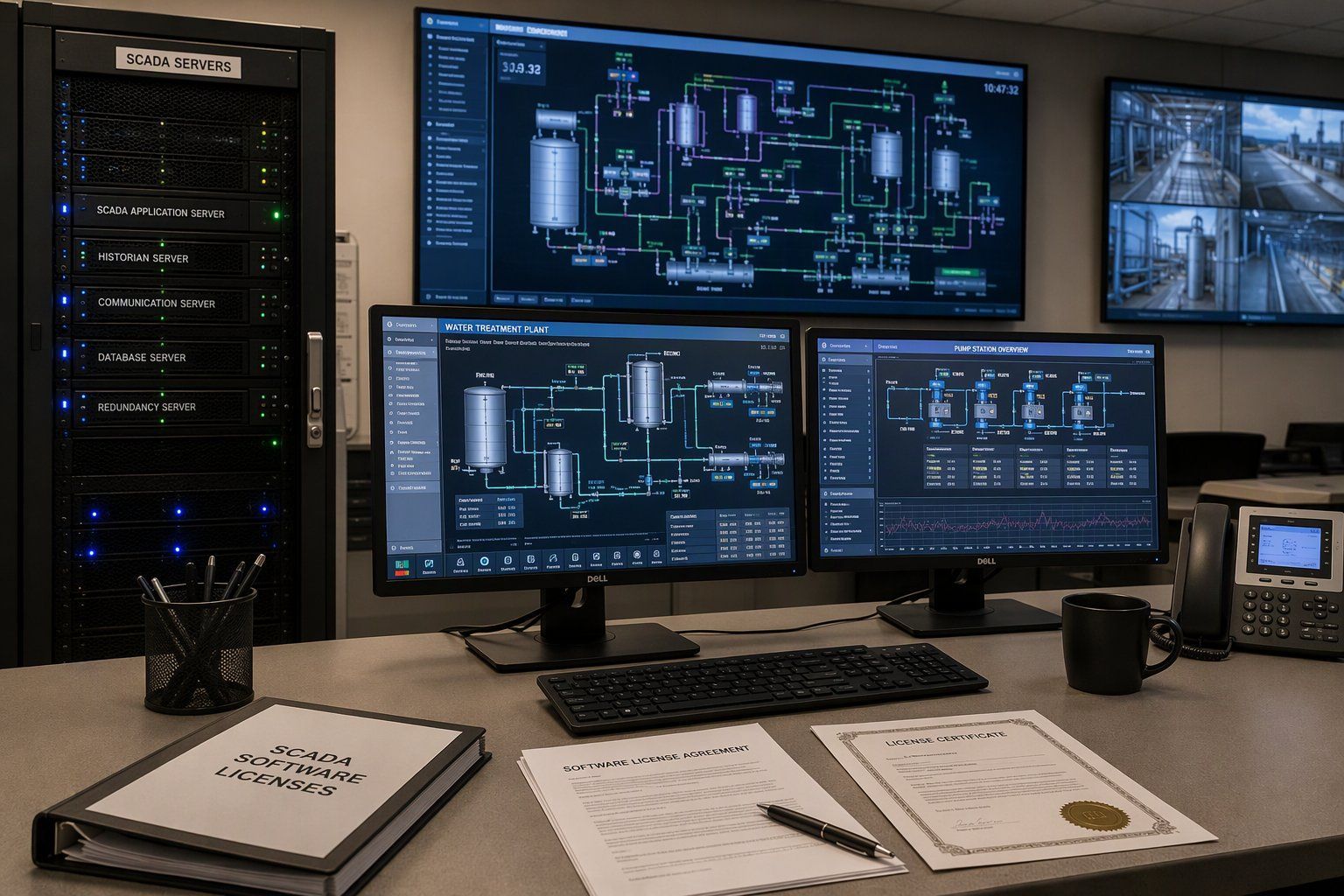
Per-server licensing flips the measure. Instead of counting every large tag, you license each SCADA server. A plant with one production server and one backup buys two server licenses, whether that server handles 2,000 tags or 20,000.
This simplifies estimating. You do not need a perfect tag count for a firm price, and engineers can add points during commissioning without checking a license meter every afternoon. It also changes the design conversation regarding HMI/SCADA deployments. Instead of 'can we afford to trend that?' the team asks 'does trending that help us run the plant?' — the better question.
There are still limits to watch regarding client licensing. A per-server license may cap connected devices, PLC connections, or client sessions, even if tags are not capped. Some vendors tier servers by scale — standard for a single line, enterprise for a multi-line plant — so ask what pushes a server into the next class. Price redundancy explicitly: a hot standby is a second server on most price lists, not a free copy.
For plants consolidating several older systems onto one or two modern servers, per-server pricing often pencils out well. For a very small application — one machine, one screen, a few hundred points — a full server license can cost more than a small per-tag tier, and that adding a client license premium may buy nothing the plant will use.
Unlimited-Tag Models: What Unlimited Actually Means
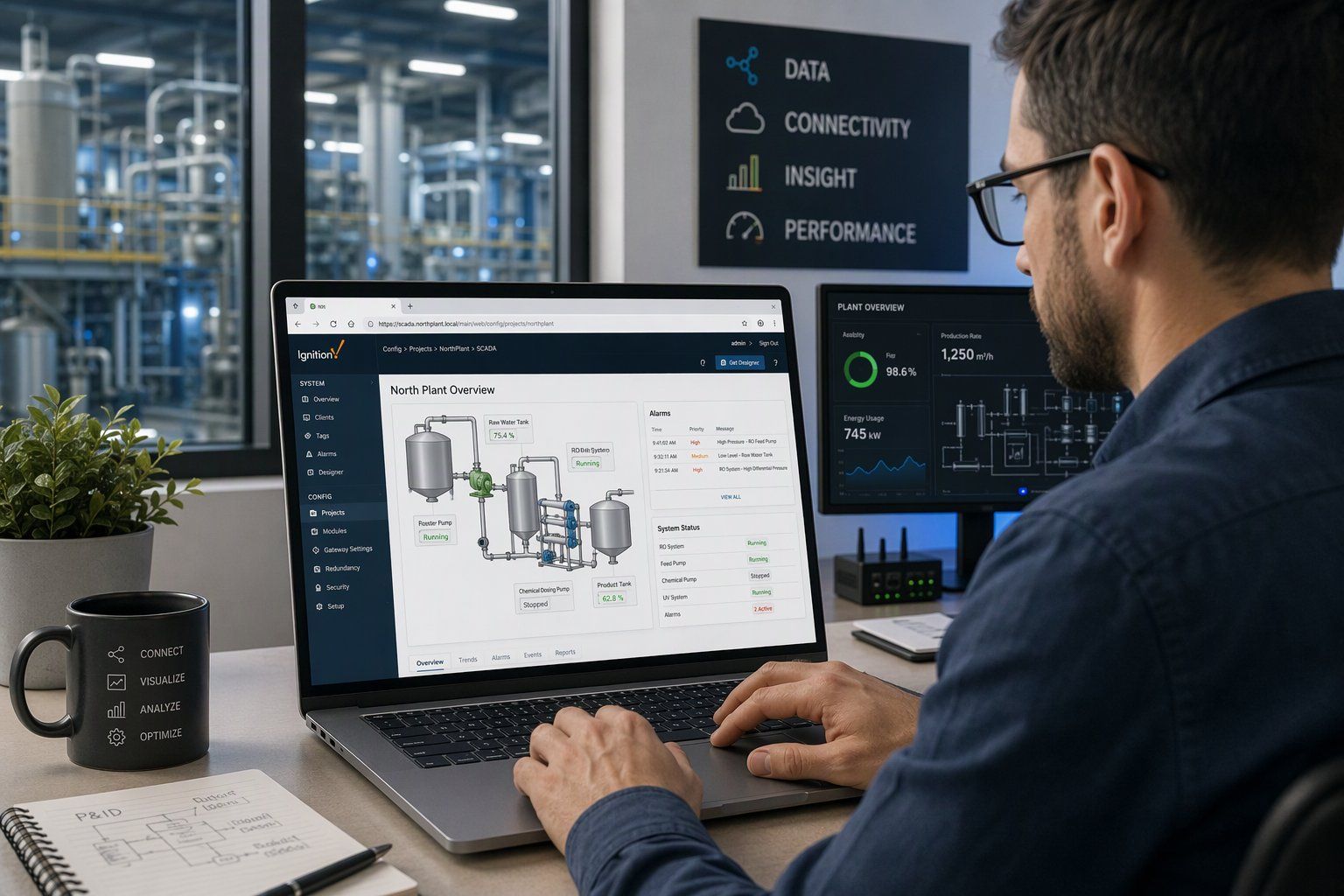
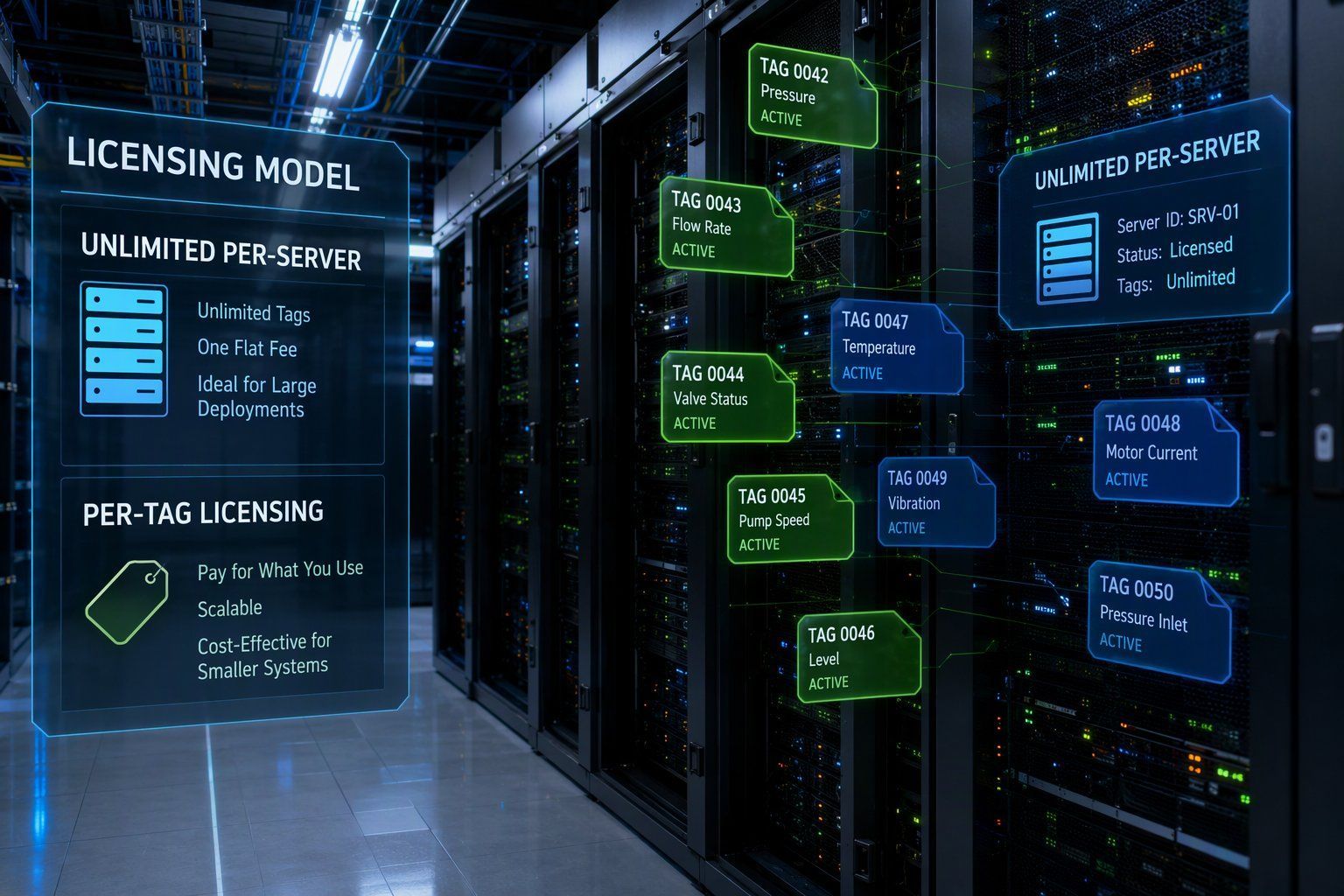
Unlimited-tag models take per-server licensing a step further and remove the tag ceiling on a licensed server. Inductive Automation's Ignition is the best-known example: you license the server and its modules, and you can build as many tags as the hardware and good design will support. Other platforms, including Open Automation Software (OAS), also offer configurations where the practical limit is driven more by server capacity and architecture than by a small tag tier.
Unlimited does not mean everything is included — the point most often misunderstood in sales conversations. You still pay for modules and functions you use: alarming, historian, reporting, database connectivity, specific drivers, or web access may be separate line items. You still need hardware that can handle the load, and you still need to design sensibly. Unlimited on one server does not automatically cover a second plant, a second server, or a separate historian server.
What unlimited removes is the penalty for visibility. When a supervisor asks to trend a motor current that was not in the original scope, the answer is a configuration change, not a purchase order. Plants with tight tiers learn to ration data. Plants without them tend to collect what they need and make better decisions from it. The tradeoff is entry cost: an unlimited license usually costs more upfront than a small per-tag tier. If your plant grows or is actively expanding data collection, that higher first price is often the cheaper five-year price. If the application is genuinely small and and stable, you may pay for capacity you never use.
Subscription vs. Perpetual
Separate from how a vendor counts is how you pay over time.
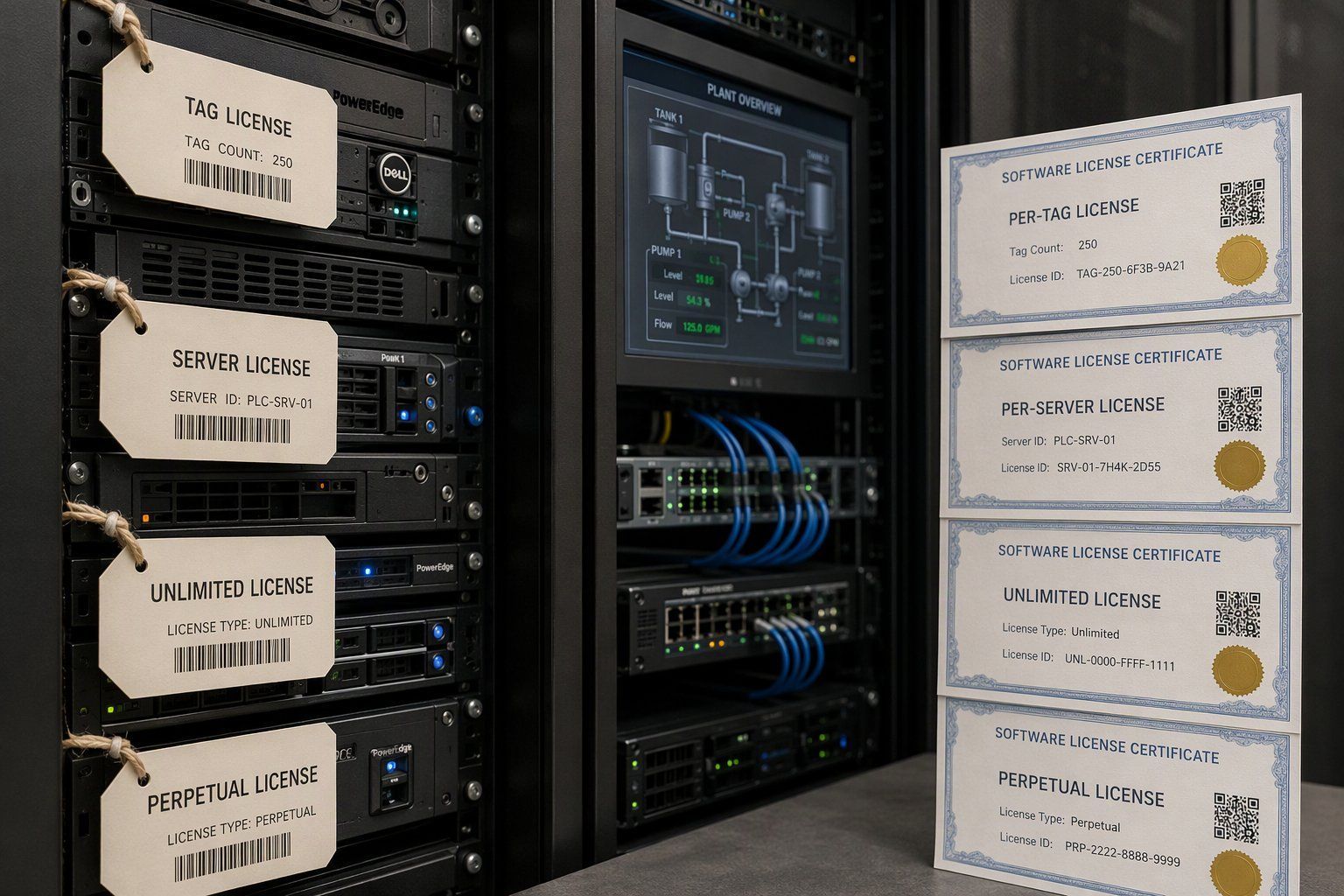
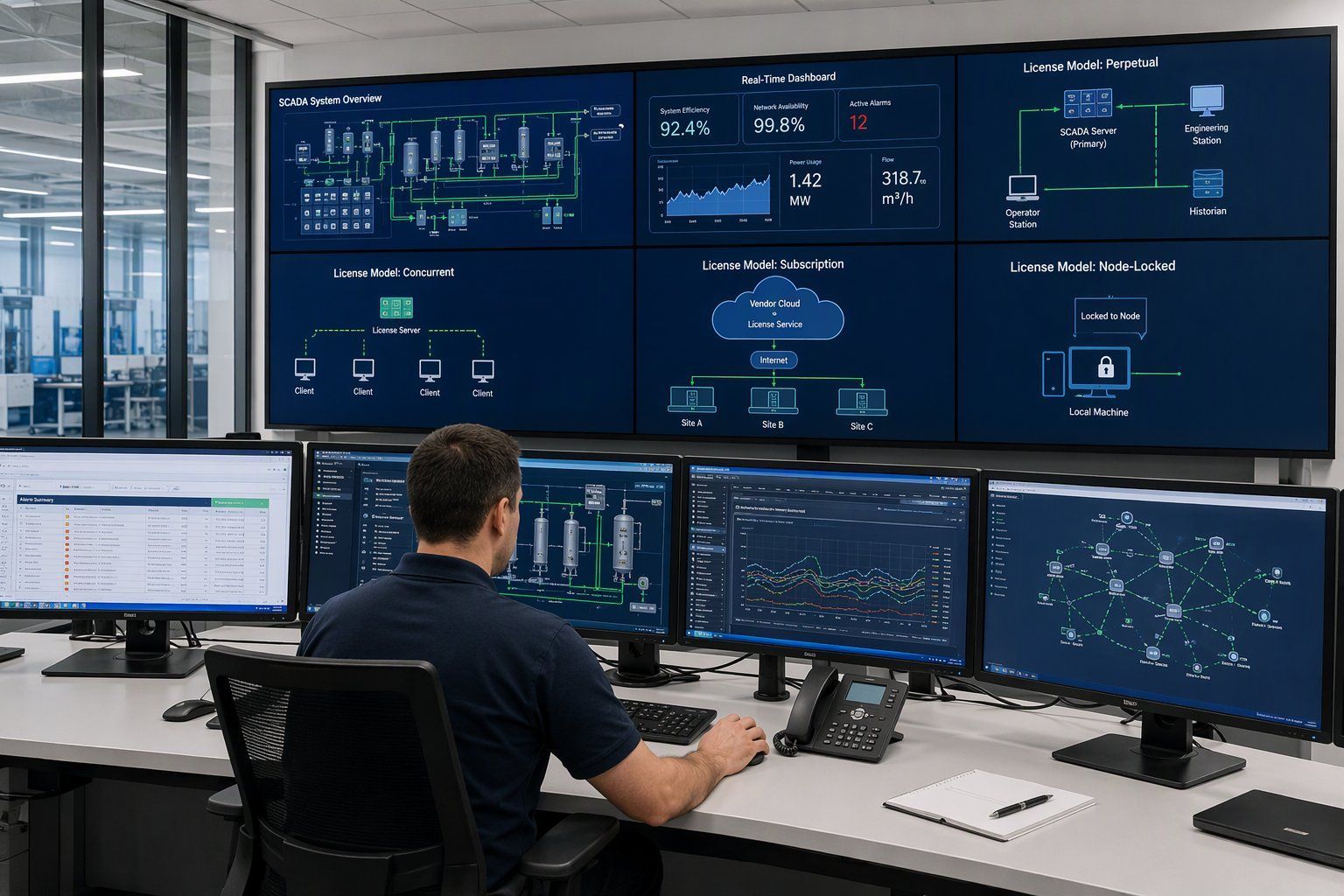
A perpetual license is a one-time purchase. You own the right to run that version, usually with an annual support fee — often 15 to 20 percent of license value — for updates and support. Stop paying support and the software generally keeps running, but you lose upgrades and may lose support access. For plants that run a stable version for years, perpetual makes sense and is easier to capitalize as a project cost.
A subscription spreads the cost as an annual or monthly fee that includes support and upgrades while you keep paying. First-year cost is lower, which helps a tight project budget. The risk is clear: stop paying and, on most terms, you lose the right to run the software. That is very different from letting support lapse on a perpetual license, and accounting needs to understand it as well as engineering.
Run the math past year three. A subscription that looks inexpensive in a capital request can pass the perpetual-plus-support total between year three and year five. That does not make subscription wrong — staying current on versions and security patches has real value — but it should be a deliberate choice. Ask in writing whether a subscription can be converted to perpetual later, and what a version upgrade costs after time off support.
Client and Viewer Licensing: The Cost People Forget
Servers run the system, but people use clients — operator screens, supervisor dashboards, and engineering workstations. How those are licensed varies widely and is easy to undercount.
Some platforms include a set number of runtime clients and charge for each additional concurrent client. Some license by named workstation. Some separate full runtime clients from cheaper view-only clients. Web and mobile access may be included, licensed per concurrent session, or sold as a separate module.
Count real use, not just the control room. A typical mid-size plant might need two operator stations on the floor, one in the control room, one for the shift supervisor, one for maintenance, one for the plant manager, and remote access for the controls engineer — seven clients before anyone asks for a dashboard in the production meeting room. A quote built for three clients will grow once the system proves useful. Also clarify what counts: Does a read-only TV dashboard count the same as a station that can start equipment? Does a manager opening a trend for ten minutes consume a full concurrent license? Does an engineering workstation need a runtime license too? These definitions can change the true count by a factor of two.
How SCADA Licensing Models Affect Cost in Year 1 vs. Year 5
The cleanest way to compare scada licensing models is to price the same plant twice: the system you need today, and the system you will plausibly need in five years. Build the year-five version honestly — the line you expect to add, the historian points quality and maintenance will request, the extra clients supervisors will want, and the redundant server you may add once production depends on the system.
Take a plant starting with about 3,000 tags, one server, and five clients. Under per-tag, year one might be cheapest — a 5,000-tag tier with clients included up to a limit. By year five it has added a line and expanded trending to 6,500 tags, forcing the 10,000-tag tier, plus three clients beyond the included count, plus higher annual support because support is a percentage of the now-larger license value.
Under per-server or unlimited, year one costs more. By year five, the same growth may cost little or nothing in new license fees. The added line is a configuration and hardware cost, not a tier jump. If the plant never adds the line, per-tag was cheaper the whole time. If it adds two lines, unlimited wins by a wider margin. The exercise forces the growth assumption into the open. Vendors quote the year-one system you describe. Only you can describe year five, and licensing is where that description changes price the most.
This is why licensing belongs in a broader SCADA modernization
plan
, not a single purchase. A phased modernization interacts with licensing at every phase. A model that charges at each phase boundary taxes a phased project repeatedly, while a server-based model may let later phases build on a license you already own.
Questions to Ask a Vendor Before You Sign
Bring these questions to every quote review, and get answers in writing on the quote, not just in a sales call.
- What exactly counts as a tag? PLC tags only, or also internal, derived, alarm, and historian tags? How are OEM skid tags counted?
- What happens when we exceed our tier? Does the system warn, stop adding, or stop running? What is the exact price of the next tier today?
- What is included with the server license? Which drivers, alarming, historian, reporting, and database functions are included, and which are separate modules?
- How is redundancy priced? Is a standby server full price, discounted, or included? What about a separate historian server?
- How are clients counted? Concurrent or named? Do view-only, web, mobile, and large-screen dashboards count the same as operator stations?
- What does support cost in year three? Ask for the renewal percentage and whether it is based on list price or purchase price.
- If this is a subscription, what happens if we stop paying? Is there a perpetual conversion option?
- What does a version upgrade cost? Can we skip versions, and is there a penalty for lapsed support?
- Can we move the license? If server hardware fails, how is the license transferred, and how long does that take on a weekend?, especially considering the need for high availability?
- What will this cost when we add a line? Ask the vendor to price your year-five scenario as a second column on the same quote.
A vendor who answers clearly is not necessarily the cheapest, but you will know what you are buying. Vague answers on counting rules are a warning sign, because counting rules are where future invoices come from.
Think in Total Cost of Ownership, Not License Price
License price is one part of ownership. The full picture includes server hardware and replacements, engineering time to build and modify screens, operator and maintenance training, support renewals, upgrade projects, and downtime when a license or activation problem stops a system from starting after a power outage or reboot.
Some of those costs favor simpler licensing. Engineers who do not have to ration tags spend less time redesigning around a limit. Plants that can add a client for a new supervisor without a purchase order get value sooner. On the other hand, a lower-priced license on a platform your team already knows may save more in engineering and training than an unfamiliar unlimited platform saves in fees.
Weigh activation and downtime risk too. Is the license tied to a dongle, a file, a cloud account, or a machine ID? What is the recovery path if that server dies on a holiday weekend? The cheapest license is expensive if the line waits two days for a reactivation code. A practical tool is a simple five-year spreadsheet: license, modules, clients, support each year, expected tier upgrades, and one hardware refresh. In most comparisons the five-year ranking looks different from the first quote page — and five years is less than half the life most plants expect from a SCADA system.
You might also like