Running Old and New SCADA in Parallel: Planning a Cutover That Can't Fail
Most SCADA cutovers do not fail because the new software is bad. They fail because the new system was never tested against the plant as it actually runs — changeovers, a fouled sensor, an alarm flood at shift change. Bench testing catches wiring and scaling errors. It does not catch the rest. A SCADA cutover plan built on parallel running does: put the new system live, next to the old one, reading the same controllers, while the old system still runs the plant. Moreover, understanding the cost of downtime is crucial for proving it under real production. Only then hand it control.
This is not extra work. It is the part that makes the migration safe. It costs a few weeks of running both systems and some attention from operators and engineers. What it buys is evidence: when you reach the cutover window, you have watched the new system work, side by side with the system it replaces, through normal days and at least one bad one.
In a parallel run, the new SCADA system connects to the same PLCs and devices as the old system and polls the same data at the same time, making it an essential part of any SCADA replacement strategy. Both systems show live values. Both log alarms and history. From the control room, it looks like duplication — because it is, on purpose.
The Core Idea: Same PLCs, Two Systems, One in Control
In a parallel run, the new SCADA system connects to the same PLCs and devices as the old system and polls the same data acquisition at the same time. Both systems show live values. Both log alarms and history. From the control room, it looks like duplication — because it is, on purpose.
What is not duplicated is control authority. A good scada cutover plan keeps that distinction clear at every stage: Stage 1 — Read-only. The new system reads everything and writes nothing. Control commands, setpoint changes, and starts and stops are disabled or blocked, ideally both in the application and, where practical, at the user-permission level. Operators run the plant from the old system exactly as before. The new screens sit on a separate station, or a second monitor, for comparison. In water and wastewater facilities, a cutover plan is applied to SCADA systems by gradually transitioning control and monitoring tasks from the old system to the new, ensuring reliability and continuity during the process. This methodical approach minimizes operational risks by maintaining full control with the old system until the new system demonstrates stable and accurate performance.
Stage 1 — Read-only. The new system reads everything and writes nothing. Control commands, setpoint changes, and starts and stops are disabled or blocked, ideally both in the application and, where practical, at the user-permission level. Operators run the plant from the old system exactly as before. The new screens sit on a separate station, or a second monitor, for comparison.
Stage 2 — Supervised control. After read-only comparison looks clean, test control from the new system in planned, supervised moments — a low-risk line, a utility system, a single machine during a downtime window, with an engineer present and the old station ready. Every command type gets tested: starts, stops, setpoint writes, mode changes, resets, recipe downloads if you use them.
Stage 3 — Cutover. Operator stations switch to the new system as the primary. The old system stays running, warm and current, as the rollback. It is no longer used for control unless a rollback is declared.
That staging matters because it separates two kinds of problems. Read-only running finds data problems: wrong scaling, swapped tags, missing alarms, bad history. Supervised control finds command problems: a button that writes to the wrong register, a faceplate that allows a start in the wrong mode. You want to find both kinds before the whole plant depends on the new system. A scada cutover plan for a scada upgrade uses both stages.
Parallel running is a central part of [migrating SCADA without stopping production](https://www.empoweredautomation.com/migrating-scada-without-stopping-production), and it sits inside the wider work of [SCADA modernization](https://www.empoweredautomation.com/scada-modernization) — the new application, drivers, historian, and network all get proven together, in production conditions, not one piece at a time in a lab.
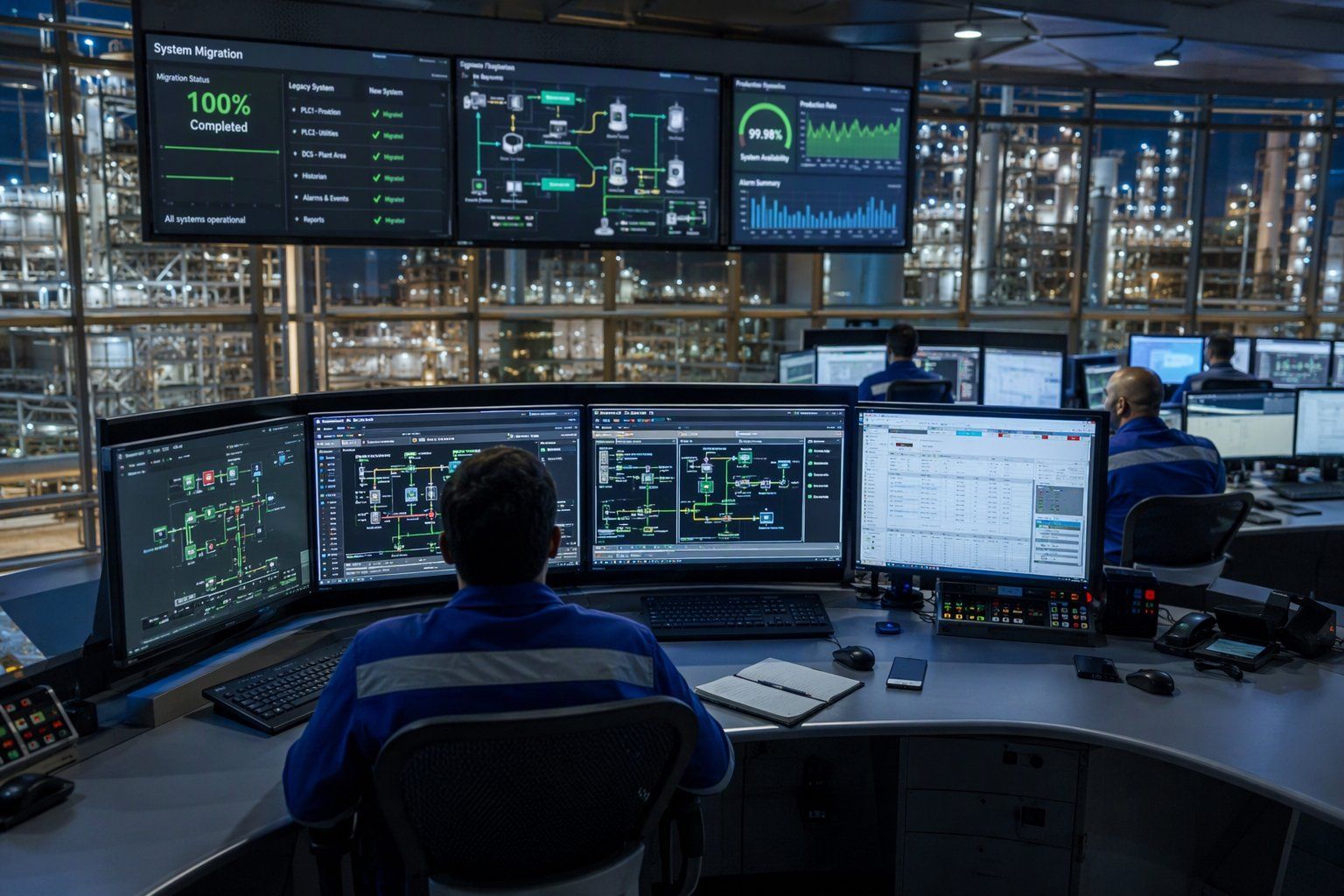
Two systems polling the same controllers using SCADA software is not free. Check the load before you connect the second system, not after controllers start dropping communications.
Two systems polling the same controllers is not free. Check the load before you connect the second system, not after controllers start dropping communications.
Older controllers are the concern. ControlLogix and CompactLogix processors have finite connection resources, and produced/consumed connections, HMI connections, programming software, and other clients all draw from the same pool. SLC, PLC-5, older Modbus devices, and serial gateways have tighter limits still. Count current connections, check how many the new drivers will add, and confirm there is headroom. Look at scan classes too: if the new system polls 3,000 tags every second because that was the default, you have added real network and controller load for no reason. Match scan rates to need — fast for control and key process values, slower for slow-moving temperatures, levels, and status.
Check the network as well. Are the old and new servers on the same switch and VLAN as the PLCs? Will historian queries share that path? Find a marginal switch or duplex mismatch in week one, not during cutover.
Label stations clearly — "OLD — IN CONTROL" and "NEW — READ ONLY" prevents an operator making a change on the wrong screen. Use a different banner on the new system during the parallel period, and remove it at cutover, not before.
What to Compare During Parallel Running
Running both systems and glancing at them occasionally is not testing. Assign the comparisons, write down what was checked, and log every discrepancy — even small ones, because a small mismatch in a total or a timestamp often points to a bigger configuration error and potential update behaviour issues.
Live values
Pick a set of critical tags for each area — flows, pressures, temperatures, levels, speeds, counts, and key statuses — and compare old against new at set times each shift, considering the impact of time zones. Values should match within the expected scan difference. Investigate any value that is consistently off: scaling, raw range, engineering units, or a tag mapped to the wrong address are the usual causes. Also compare totals and calculated values at shift end. A flow that reads correctly but totalizes differently will become a production-report argument in the first week if you do not catch it here.
Alarms
Alarm lists should match closely: same alarms, same priorities, and arrival times within a few seconds. Run a daily alarm comparison during the parallel period. Look for alarms present in the old system and missing in the new, alarms in the new system that never existed before, and priority or group differences. Check acknowledgement behavior too — if an operator acknowledges on the old system, decide what the new system should show, and make sure everyone understands that during parallel running the two alarm lists, tag names, and behaviors are managed separately. Alarm floods deserve special attention. If the plant has an upset, compare counts and first-out behavior in both systems afterward.
Trends and historian data
Pull the same trend in both systems for the same period and overlay them in review, even if only visually. Gaps, flat lines, compression differences, and time offsets show up quickly this way. Confirm the new historian is storing at the intended rates and retention, and that the values used for reports, environmental records, or customer documentation match the old records within an agreed tolerance. If the old data related to process event will be needed after cutover, decide now how it will be accessed — archived, imported, or kept on a read-only station — rather than after the old server is gone.
Event timing and sequences
For batch steps and time-stamped events, compare timing and order. Did both systems record the step change, valve feedback, and alarm in the same sequence? Small timestamp differences from scan rates are normal; events out of order or missing can sometimes happen at the wrong time, which is not acceptable.
Keep a single discrepancy log for the whole period, with an owner and status for each item. It becomes a key input to the go/no-go decision.
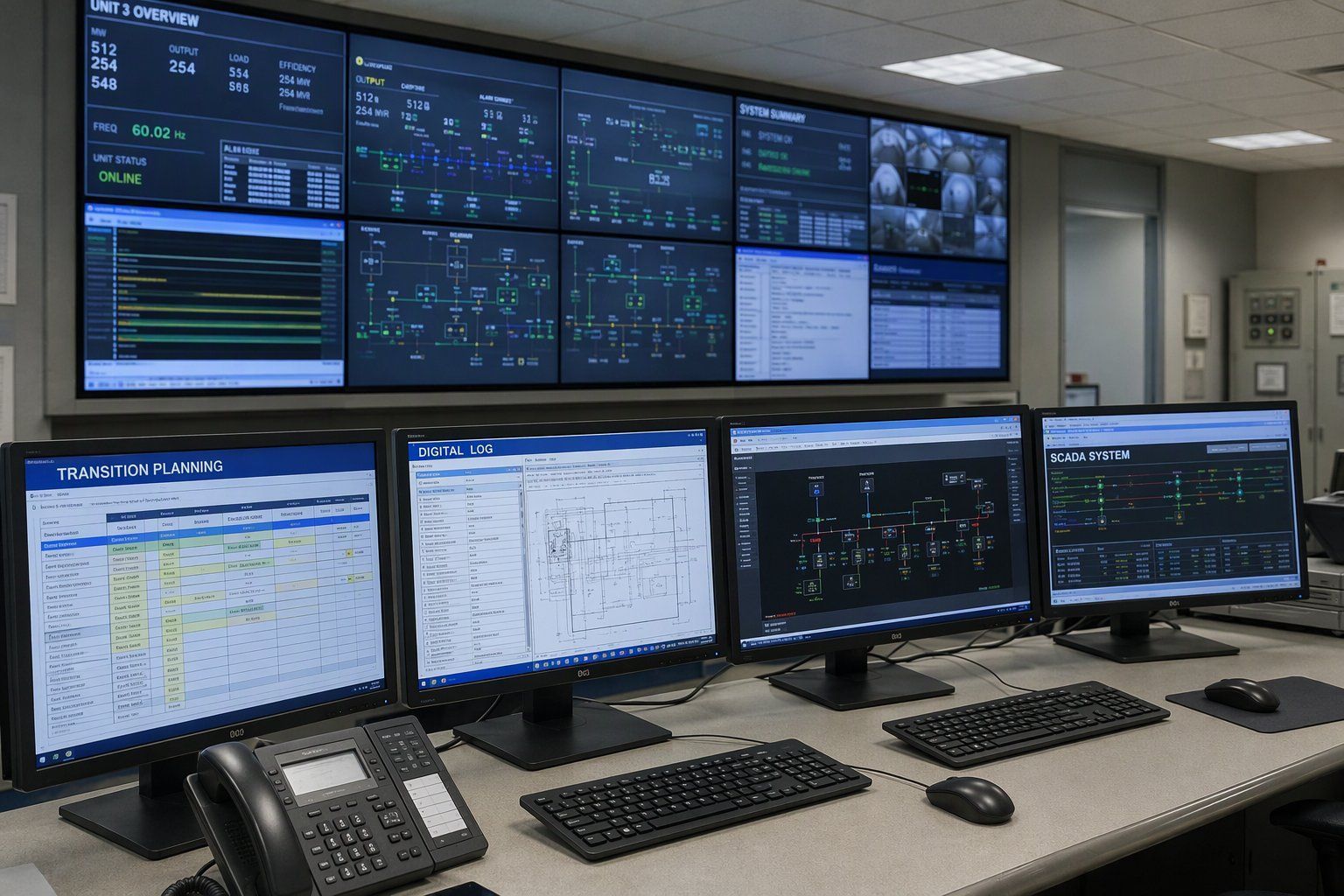
How Long Should You Run the SCADA Cutover Plan in Parallel?
There is no universal number of days, but there is a clear standard: long enough to see the plant as it really operates, through its normal cycles and its abnormal ones. At minimum, the new system should see:
- Normal production at full rate, on all shifts — not just the day shift with the most support, along with a supported upgrade path for new processes.
- Every major product, grade, or recipe changeover the line normally runs. That is what a scada cutover plan is for.
- Planned starts and stops, including a washdown, sanitation cycle, or maintenance restart if those are part of normal operation during designated maintenance windows.
- At least one real upset — a jam, a trip, a utility dip, an alarm flood, a sensor failure. You cannot schedule an upset, which is one reason parallel periods stretch. If two or three weeks pass with no upset at all, consider testing failure behavior in a controlled way, such as simulating a device failure during downtime, rather than cutting over untested.
For many mid-size plants that works out to two to four weeks. A continuous process may need longer; a simpler packaging line may prove itself faster. Do not fix the cutover date first and shorten the parallel period to fit it. If the criteria below are not met, the date moves — get management agreement on that before the run starts.
Use the parallel period for operator training as well. Operators can learn the new screens while the old system still runs the plant, without production pressure. Short, shift-based sessions work better than one long classroom day. By cutover, no operator should be seeing a production screen for the first time. A scada cutover plan includes time in a test environment so operators learn the new screens safely.
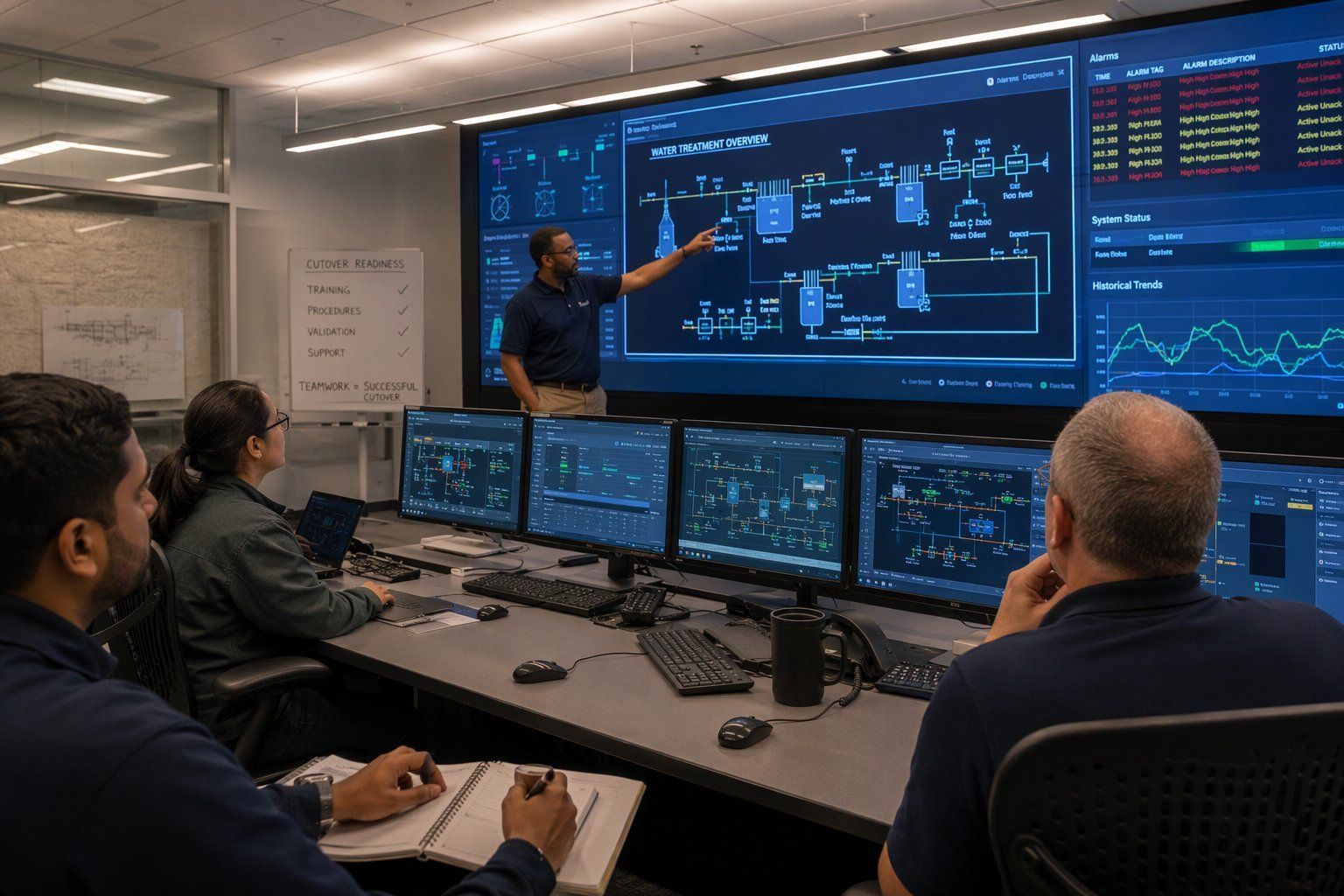
A SCADA cutover plan needs to include a named decision-maker and written criteria for the selected versions. "It looks pretty good" is not a criterion.
A scada cutover plan needs a named decision-maker and written criteria. "It looks pretty good" is not a criterion.
Typically the decision sits with operations — the plant manager or production manager — with engineering and maintenance confirming technical readiness. Name one person who makes the final call, and name who can stop the cutover at any point. That authority should include the shift supervisor on duty during the window.
Write the criteria before the parallel period ends. A workable list that includes historical data looks like this:
1. Critical live values match the old system within agreed tolerance for a defined number of consecutive days.
2. No open high-severity items on the discrepancy log; lower items have a documented workaround and an owner, ensuring the integrity of the runtime archives.
3. Alarm comparison is clean — no missing critical alarms in recent checks.
4. Historian and report outputs have been verified against the old system for at least one full reporting cycle, ensuring a smooth SCADA change transition.
5. Supervised control tests have passed for every command type and every area.
6. Rollback steps are written, staffed, and the old system is confirmed healthy. Review access and network interfaces during these steps.
7. Operators scheduled for the cutover window have completed training on the new system.
Hold a short go/no-go meeting, record the decision and any exceptions, and sign it off. If an exception is accepted — say, a non-critical report that will be fixed the following week — write down who accepted it. That record prevents confusion later about what was known at cutover. The project team signs off together.
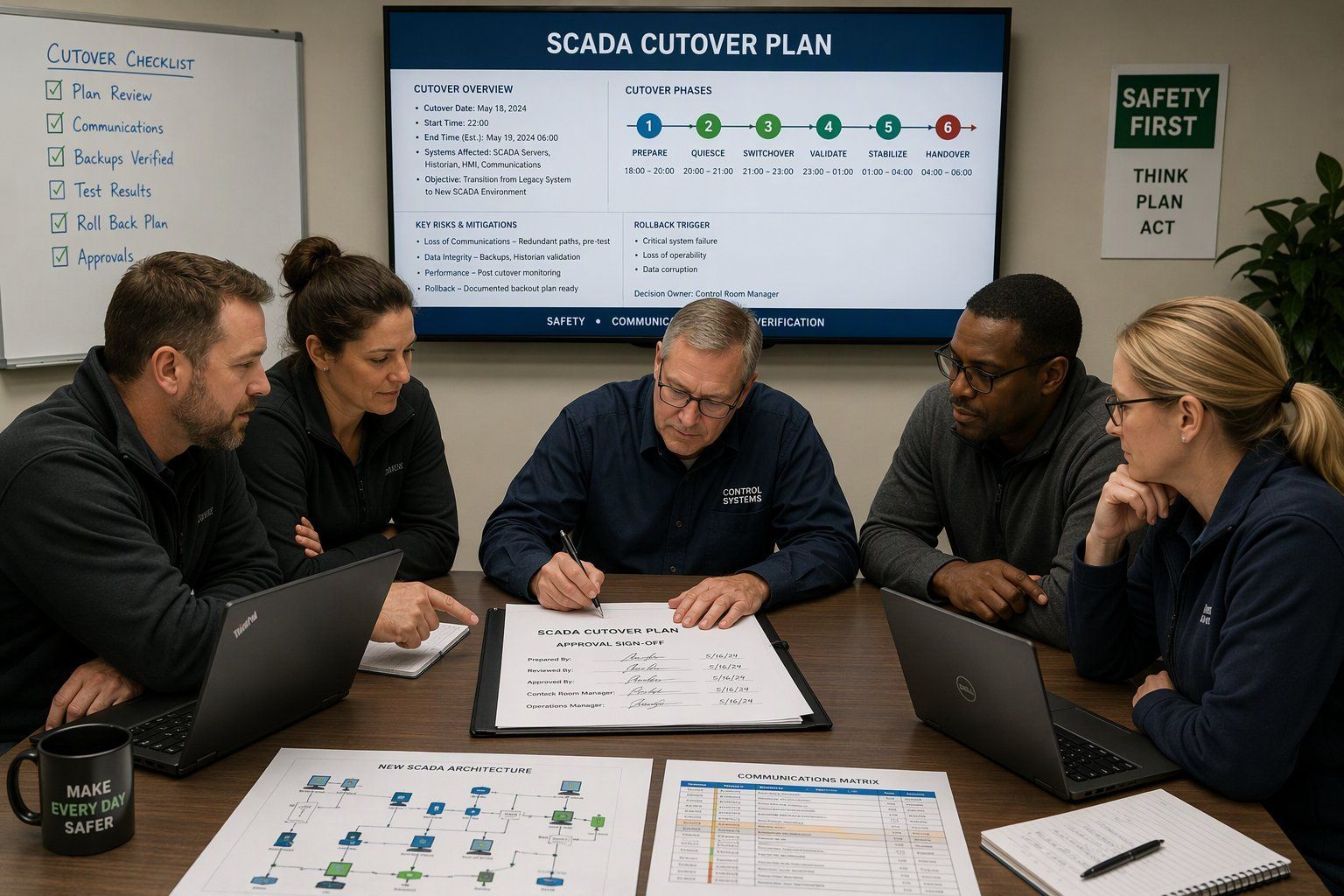
Cut over in a planned window, not in the middle of a production run if you can avoid it. A shift change, a planned downtime, or a changeover is usually the right moment. Staff it properly: an engineer who knows the new system, team members including an operator lead, and someone who can make the rollback call without phoning three people.
Cut over in a planned window, not in the middle of a production run if you can avoid it. A shift change, a planned downtime, or a changeover is usually the right moment. Staff it properly: an engineer who knows the new system, an operator lead, and someone who can make the rollback call without phoning three people.
A typical sequence:
1. Confirm go/no-go sign-off and that the old system is healthy and backed up.
2. Announce the switch to all shifts and areas affected, including maintenance staff and supervisors who monitor from other stations.
3. Switch operator stations to the new proposed environment as primary. Change the station labels and banners at this moment, so there is no doubt which system is in control.
4. Enable full control on the new system and place the old system in monitor-only or standby — still running and logging, but no longer the station operators use.
5. Watch the first hours closely. Walk the areas, confirm faceplates and setpoints behave as tested, check alarms as they come in, and keep the discrepancy log open for new items.
6. Confirm reports and historian data at the first shift end after cutover.
Do not decommission, unplug, or reassign the old hardware during the cutover window. Its job for the next stage is to be available.
Rollback: Defined in Advance, Not Improvised
Rollback is not failure. It is a planned outcome if certain things happen, and defining a fallback plan in advance is what makes a SCADA cutover plan credible to operations. Every scada cutover plan needs a fallback plan.
Write the triggers down before cutover. Examples: loss of control or unreliable commands in any critical area; missing or wrong data for critical process values with no quick fix; critical alarms not arriving; historian failure where records are required; or operator inability to carry out a required task on the new system. Set a time rule as well — for example, if a critical problem is not diagnosed within an agreed period during the window, roll back and investigate off-line rather than troubleshooting live on production.
Rollback steps should be short and rehearsed: switch stations back to the old system, restore its control authority, disable control on the new system, announce the change, and log what happened. Because the old system was kept warm, rollback should take minutes, not hours. Test that it still controls correctly as part of the cutover checklist.
After a rollback, fix the cause, return to parallel running, and re-run the go/no-go criteria. Do not cut over again the next day on verbal assurance that it is fixed. A scada cutover plan treats a rollback as data, not defeat.
Documentation and Training During the Parallel Period
Update tag and I/O lists to as-built status, and document driver and scan class settings, alarm configuration, historian rates, user accounts, and backup procedures for the new system, ensuring to include the same live data as the old system. A short note on what differed between old and new, and why, saves a future engineer from reopening settled questions. A scada cutover plan documents the new scada platform, including supervisory control settings.
Finish operator training in this period: how alarms are acknowledged and shelved, how trends are built, how logins work, and what to do if a station fails. Update operating procedures and station quick-reference sheets, and complete any management-of-change paperwork during parallel running, not after cutover.
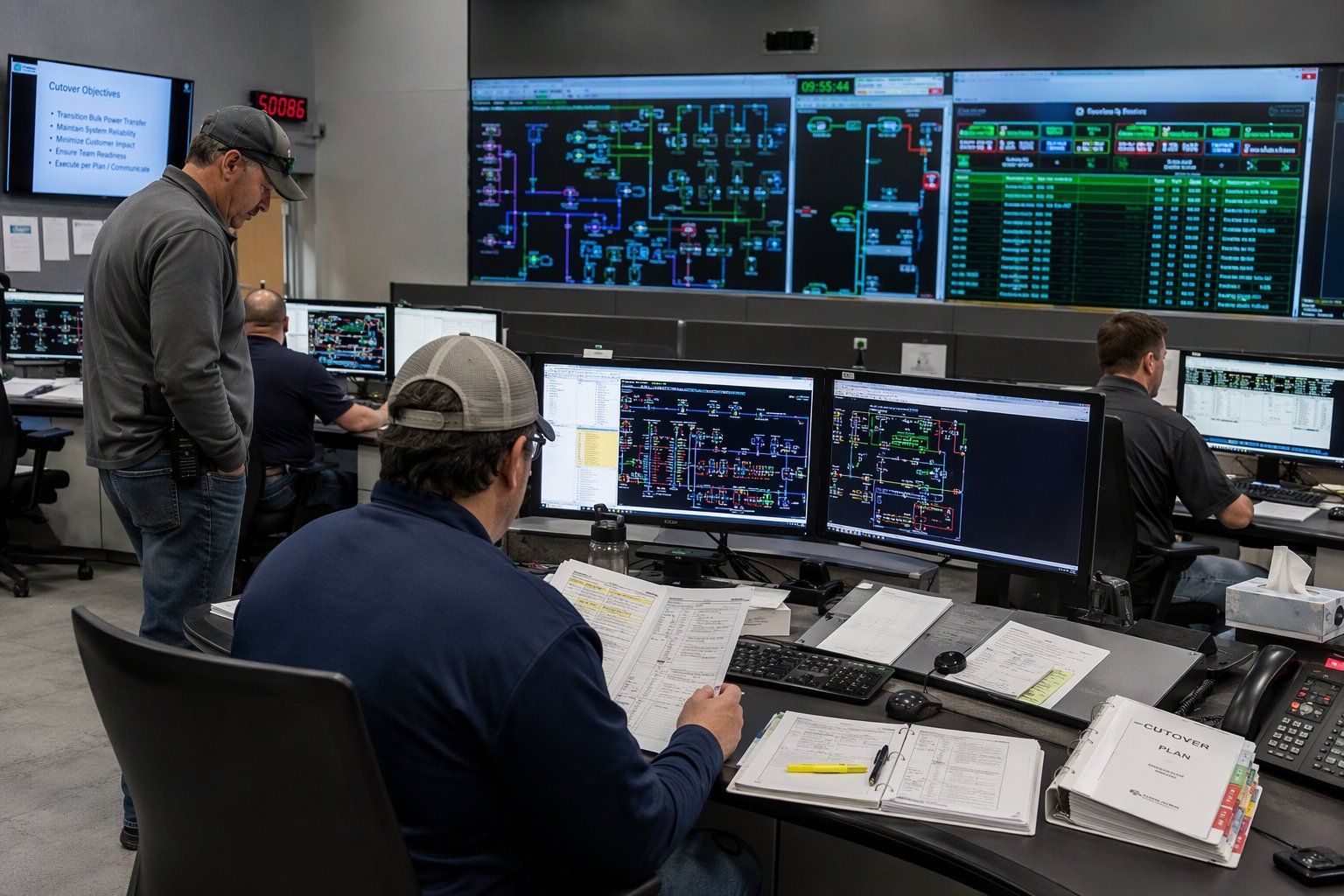
After cutover, run the new system alone for a soak period — commonly two to four weeks, or at least one full production and reporting cycle. The old system stays powered, in monitor mode where practical, and untouched, so you still have a comparison point and a fallback, operating until a point of no return is reached.
After cutover, run the new system alone for a soak period — commonly two to four weeks, or at least one full production and reporting cycle. The old system stays powered, in monitor mode where practical, and untouched, so you still have a comparison point and a fallback.
Only after a clean soak should you decommission: back up the old project, tag database, alarm and history archives, and license files somewhere other than the old PC; then remove the old stations, free the network addresses and controller connections, and update drawings and asset records. Keep the backup — plants regularly need an old value or recipe months later. That is the final step of a scada cutover plan.
Decommissioning is the end of the cutover, not the cutover itself. Treating cutover, soak, and decommission as separate steps with their own sign-offs keeps a routine modernization from becoming an emergency. A scada cutover plan covers cutover, soak, and decommissioning as one cutover process.
Plan the Cutover With the Rollback Included
Empowered Automation Solutions does this work for manufacturers — building new SCADA systems, running them in parallel, and cutting over with written criteria and a real rollback — and we are glad to talk through what a cutover plan for your plant would need. Ask us about your scada cutover plan and the best practices we follow for a legacy scada migration. Many of these projects replace legacy systems that have run for decades.
You might also like