PanelView Replacement: When Your Application Converts and When It's a Rebuild
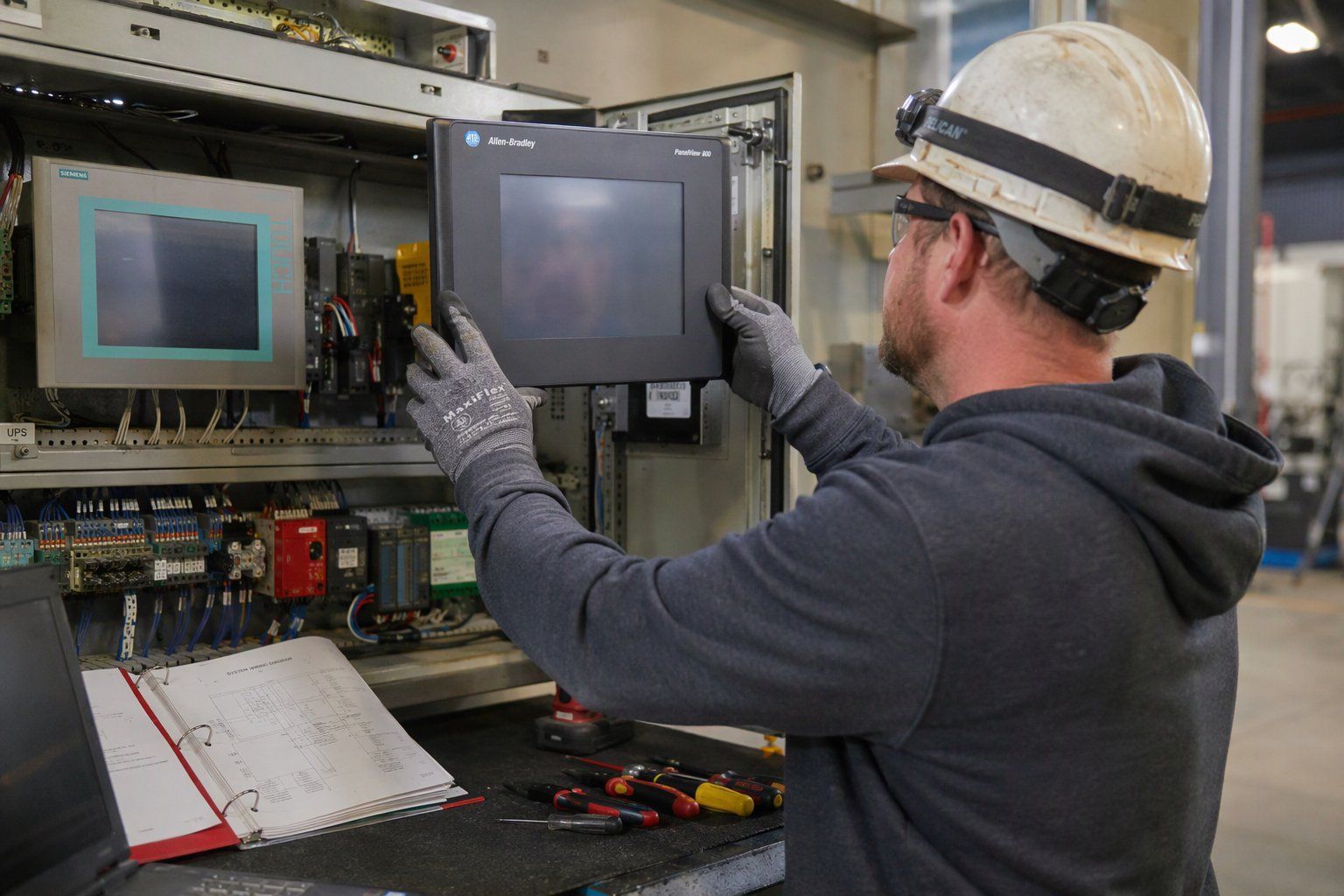
Every plant has one: a PanelView or PanelView Plus terminal that has run for fifteen years over standard EtherNet/IP networks, now with a dim screen, a touchscreen that misses presses in one corner, or a backlight that flickers on cold mornings. The machine behind it still runs fine. The terminal is the problem, and everyone knows the next failure will not give much warning. For DIY repairs or replacements on PanelView parts, start by safely powering down the terminal and documenting all connections. Replace a dim screen or faulty backlight by sourcing compatible parts and following manufacturer instructions, ensuring any new components are securely installed. For touchscreen issues, cleaning the surface or recalibrating may restore functionality, but if the problem persists, replacing the touchscreen panel is recommended. Always check for software compatibility after replacing any hardware to avoid operational disruptions.
A PanelView replacement sounds simple — swap the box, load the application, and follow this simple migration procedure to run the machine. Sometimes it is close to that simple. Often it is not, and the difference almost always comes down to two things: whether you still have the source application file, and how much custom work the original application contains. If you need replacement screens or parts for PanelView 600 models, these are typically available through authorized Rockwell Automation distributors, online industrial suppliers, or specialized electronics repair services.
This guide walks through how to tell which situation you are in for a panelview replacement before you buy hardware: what file you need, what typically converts cleanly, what typically breaks, and when a rebuild is honestly the better call than a conversion.
Why PanelView Replacements Are Coming Due Now
The original PanelView standard terminals have been out of production for years. The PanelView Plus 6 line, which many mid-size plants standardized on, has been discontinued, and new old-stock units and reliable SLC repairs get scarcer and more expensive every year, especially on systems using the data highway plus.
The terminals, including modern PanelView Plus terminals, are also wearing out in predictable ways: touchscreens lose accuracy or develop dead areas, memory cards fail, and screens dim until operators shade them with a hand to read a value. For a responsive HMI, the PLC and machine can still run — but an operator who cannot see or change a setpoint stops production just the same, underscoring the need for a transparent communications bridge to enhance operational efficiency. When upgrading from PanelView Plus 6 to Plus 7, it's important to consider compatibility issues such as different software requirements, firmware versions, and hardware interfaces. You should ensure that existing projects are fully supported on the new terminal, account for potential differences in supported communication protocols, and verify that application files migrate correctly to avoid unexpected downtime or configuration errors.
Planning a PanelView replacement while the old terminal still works is a different job than replacing one that died on a Tuesday. While it runs, maintenance teams can document screens, test a converted application, and schedule the HMI replacement swap. After it dies, you work from whatever files you can find, under time pressure. Do this panelview replacement work before you need it.
Step One: Find Out Which File You Actually Have
Before discussing replacement hardware at all, answer one question: do you have the .APA file, or only the .MER file?
The .APA file is the FactoryTalk View ME project archive — the source. It holds the editable application: screens, tags, alarms, macros, and settings you can open in FactoryTalk View Studio, modify, and recompile for a different terminal. With a current .APA that matches what is running on the machine, you have options: import it, fix what breaks, adjust for a new screen size, and test before anyone touches the machine.
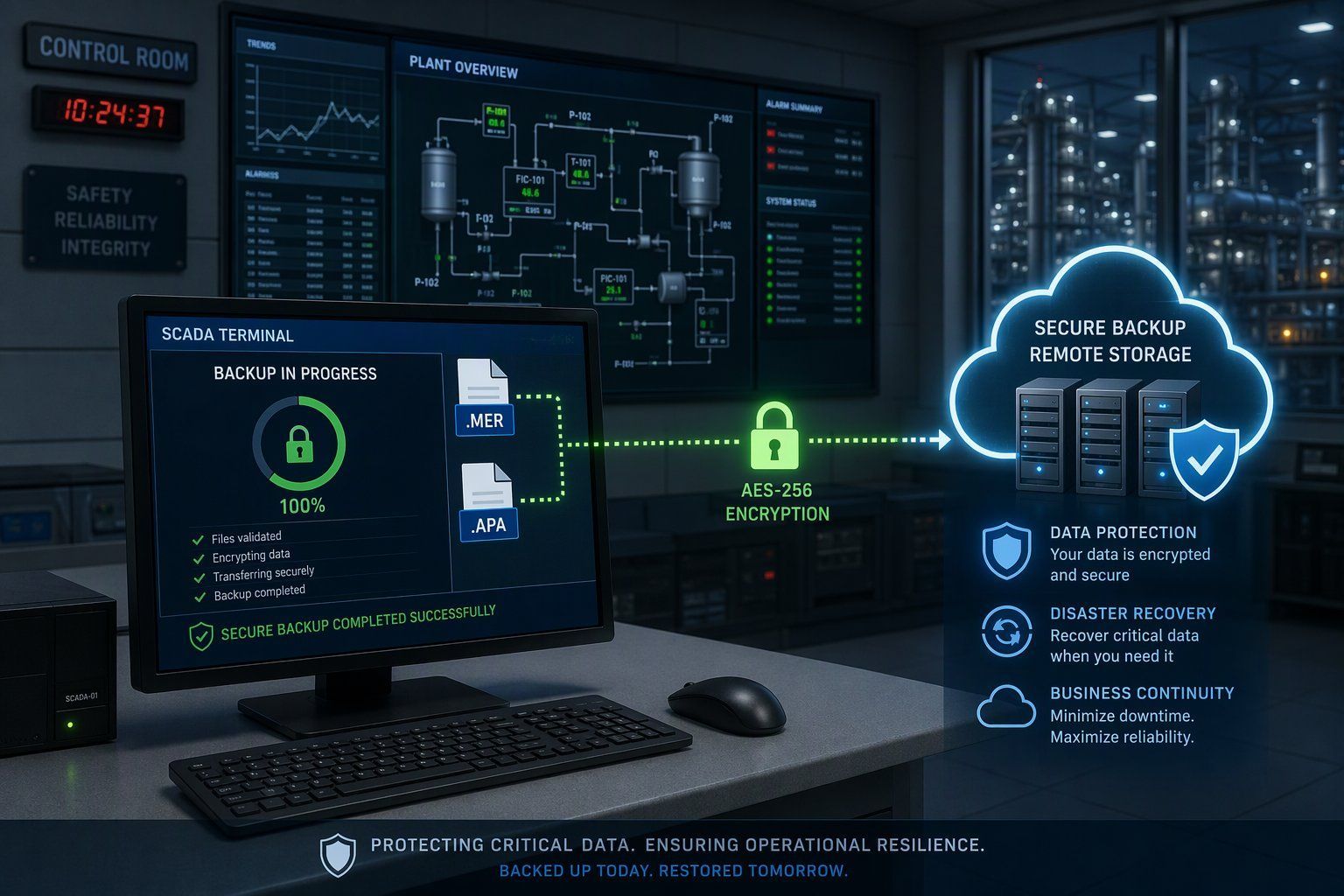
The .MER file is the compiled runtime loaded on the terminal. Some .MER files can be restored into a partially editable project, depending on the version and whether restore was enabled when it was compiled. Many older .MER files cannot be restored at all, and even restorable ones may come back missing comments or settings. A .MER-only situation is not hopeless, but it narrows your paths: you may be limited to compatible hardware, or to rebuilding from observation.
Go find the files now — engineering workstation, plant server, shared drive, builder backup media. Compare dates against what is running. An .APA from 2012 for a machine modified in 2019 is better than nothing, but the gap will show up as missing changes during conversion. If the terminal still runs, upload and document the running application while you can. With a good .APA, any competent integrator can quote the panelview replacement work. Without one, the first phase of a panelview replacement is recovery work, and quotes that ignore that are not realistic.
The Main Conversion Paths for a PanelView Replacement
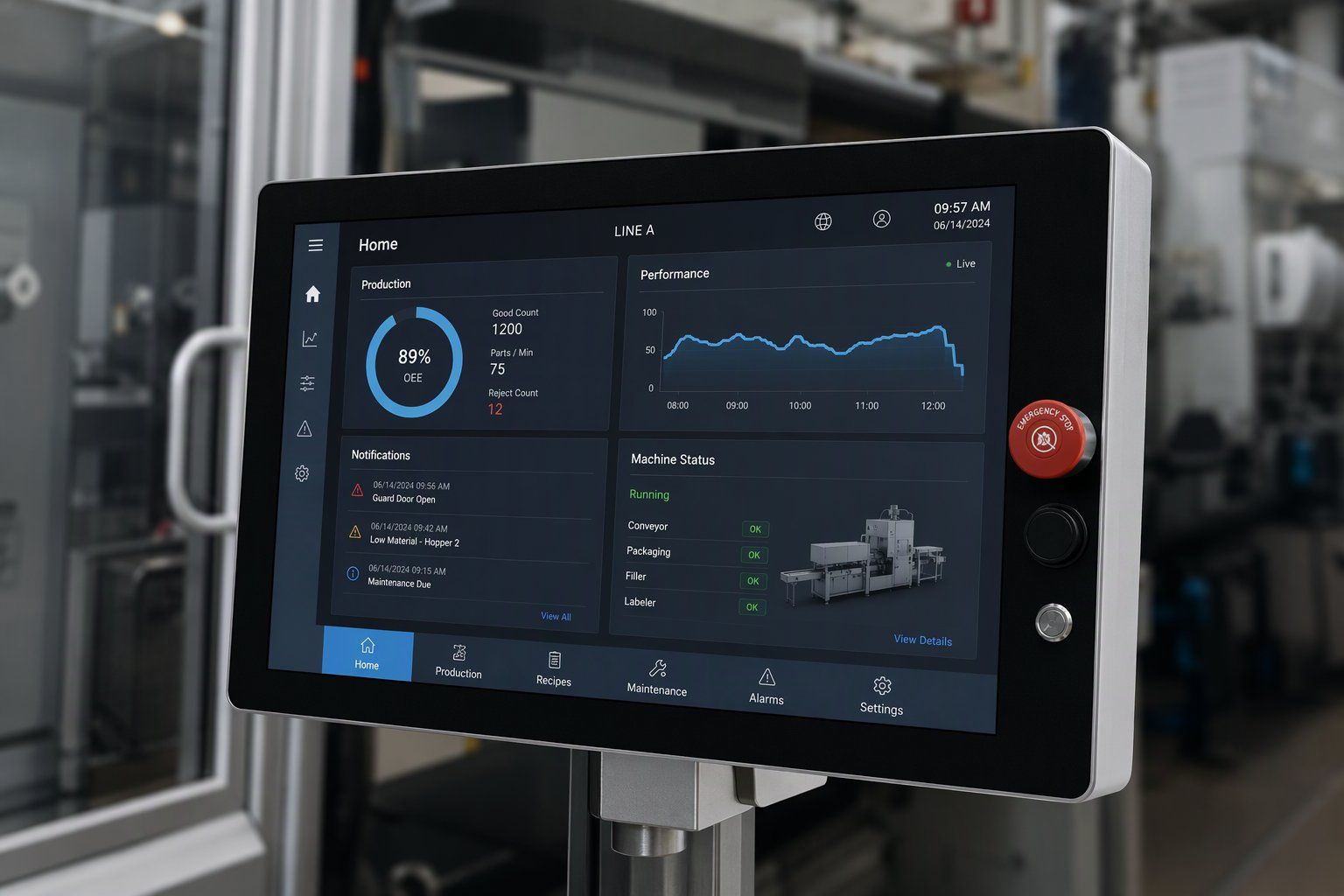
Assuming you have a usable source file, there are three common paths for a panelview replacement. Each has a different cost, lifespan, and risk profile.
Stay in the family: PanelView Plus 7. The most direct path is importing the FactoryTalk View ME application for a PanelView Plus 7, Rockwell's current line supporting legacy PLC systems. FactoryTalk View Studio supports importing applications from earlier PanelView Plus terminals, and for a straightforward application this preserves the most: same software environment, same communication to Allen-Bradley controllers, familiar behavior for operators. It is usually the lowest-risk conversion for a panelview replacement when you intend to stay with FactoryTalk View ME, minimizing the need for ladder logic rewrites. Some plants also use the replacement to standardize on a different size or performance class in the Plus 7 range, or to move from keypad to touch-only — same import-and-fix process, with extra attention to resolution, covered below.
Move to a third-party HMI panel. Several manufacturers make industrial HMI panels that talk to Allen-Bradley controllers over EtherNet/IP at lower hardware cost or with better availability. This is not a conversion — the application must be rebuilt in that vendor's software, even if the screens end up looking similar. It can be the right choice if you are already moving away from FactoryTalk, but price it as a rebuild, not an import.
Which path fits depends on your broader plans. A one-off panelview replacement on a machine that will run ten more years in a Rockwell plant points to the Plus 7 import. A plant already engaged in wider [SCADA modernization](https://www.empoweredautomation.com/scada-modernization) may treat a failed terminal as the trigger to move that machine to the new platform. Decide the platform question first, because it determines whether conversion work is an investment or a sunk cost.
What Typically Converts Cleanly
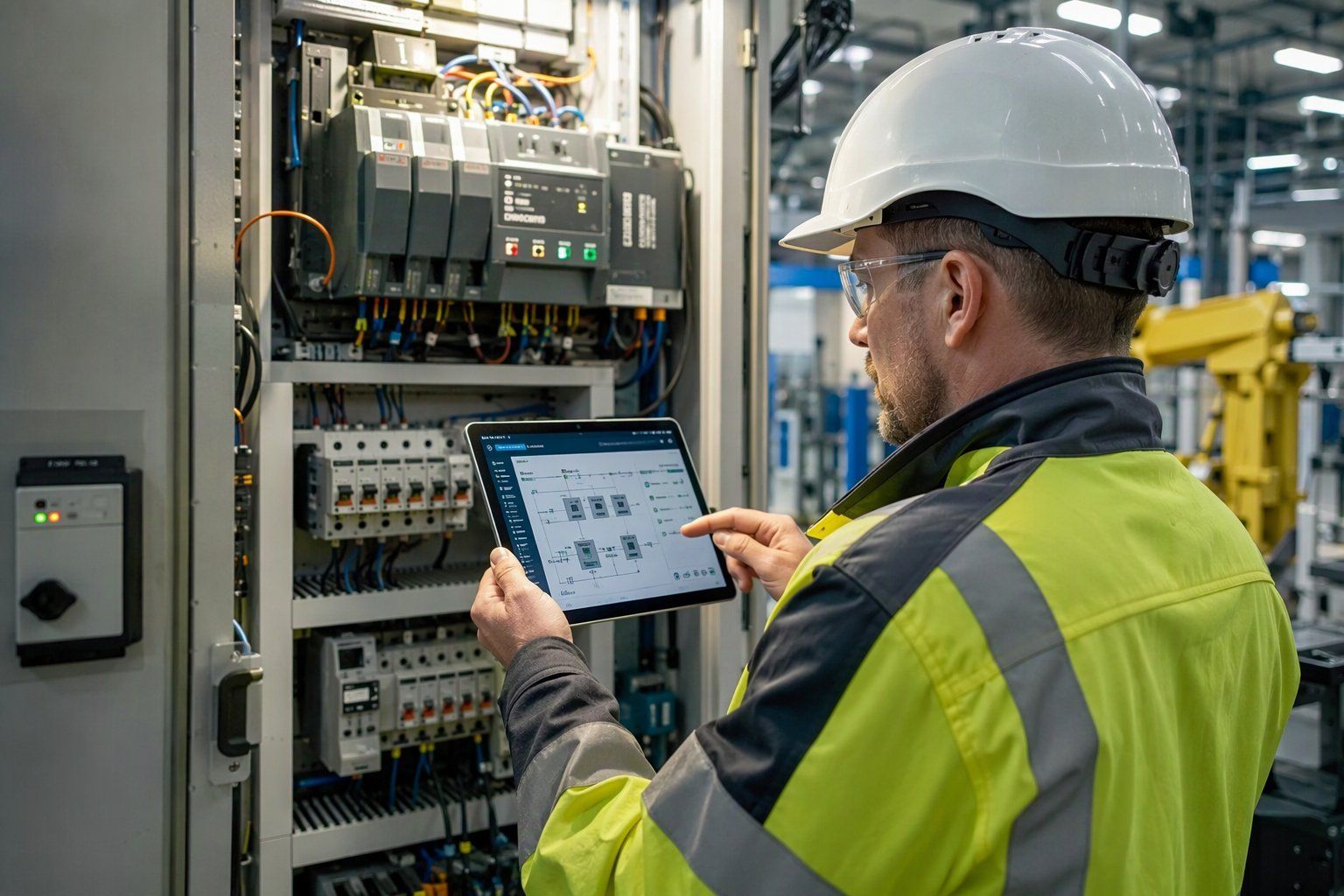
For a conventional application imported for a PanelView Plus 7 during a panelview replacement, a solid core usually comes across intact, enabling a seamless read of the imported elements.
Basic screens and navigation generally import without drama. Momentary and maintained pushbuttons tied directly to PLC tags, multistate indicators, and pilot lights usually convert with tag connections intact. Numeric and string displays and entry fields, simple bar graphs, basic trend objects, and text labels also tend to survive.
In short, standard objects pointed at PLC tags are what conversion handles best. If your application is mostly that — many machine-level applications are — an import gets you roughly 80 percent of the way there, with the remaining work in the areas below.
What Typically Breaks or Needs Rework
The remaining 20 percent is where PanelView replacement projects actually spend their time. Plan testing and rework effort around these items, especially considering the need for extra DH when working with complex setups involving an IP device and understanding the differences in EtherNet/IP vs TCP/IP.
Alarm setups. Triggers, messages, and display behavior do not always survive import exactly, especially with elaborate filtering, custom alarm displays, or older alarm methods. Verify every trigger against the PLC, confirm message text, and test the banner and history. Check the full list — do not sample.
Macros. Macros on screen open, button press, or startup are a frequent casualty. Parameter passing, tag assignments, and startup macros that set initial values all need individual verification. A macro that fails silently is worse than one that errors visibly, because the screen looks right while a value behind it is wrong.
Global objects. If the application uses global objects with linked copies across screens for a new application — common for faceplates and headers — check the links after import. Broken links may not be obvious until you change the base object and the copies no longer follow.
Fonts and scaling at a different resolution. This is the most visible problem in most conversions. A new terminal usually has a different resolution or aspect ratio, so the application must be scaled or re-laid out. Automatic scaling stretches text, distorts graphics, and can shrink touch targets. Fonts from the old terminal may not exist on the new one, and substitutes change text fit in buttons and alarm messages. Budget time to walk every screen at the new resolution and fix layout by hand where it matters.
Communication shortcuts. The FactoryTalk Linx and RSLinx Enterprise communication setup needs verification and often reconfiguration for the new terminal utilizing standard ControlLogix routing architecture with Ethernet communication drivers and ensuring the correct IP address configuration. Confirm the shortcut points at the right controller and path, for both design-time and runtime. Communication problems after a swap are often shortcut problems, not wiring problems.
Security and users. Runtime accounts and screen security do not always carry over cleanly. Recreate and test each operator, maintenance, and supervisor login before the terminal goes to the floor.
None of this makes conversion a bad path for a panelview replacement. It makes it a path with a known punch list — the plants that get surprised assumed the import of proprietary DH was the whole job.
When a Rebuild Is Honestly the Better Call
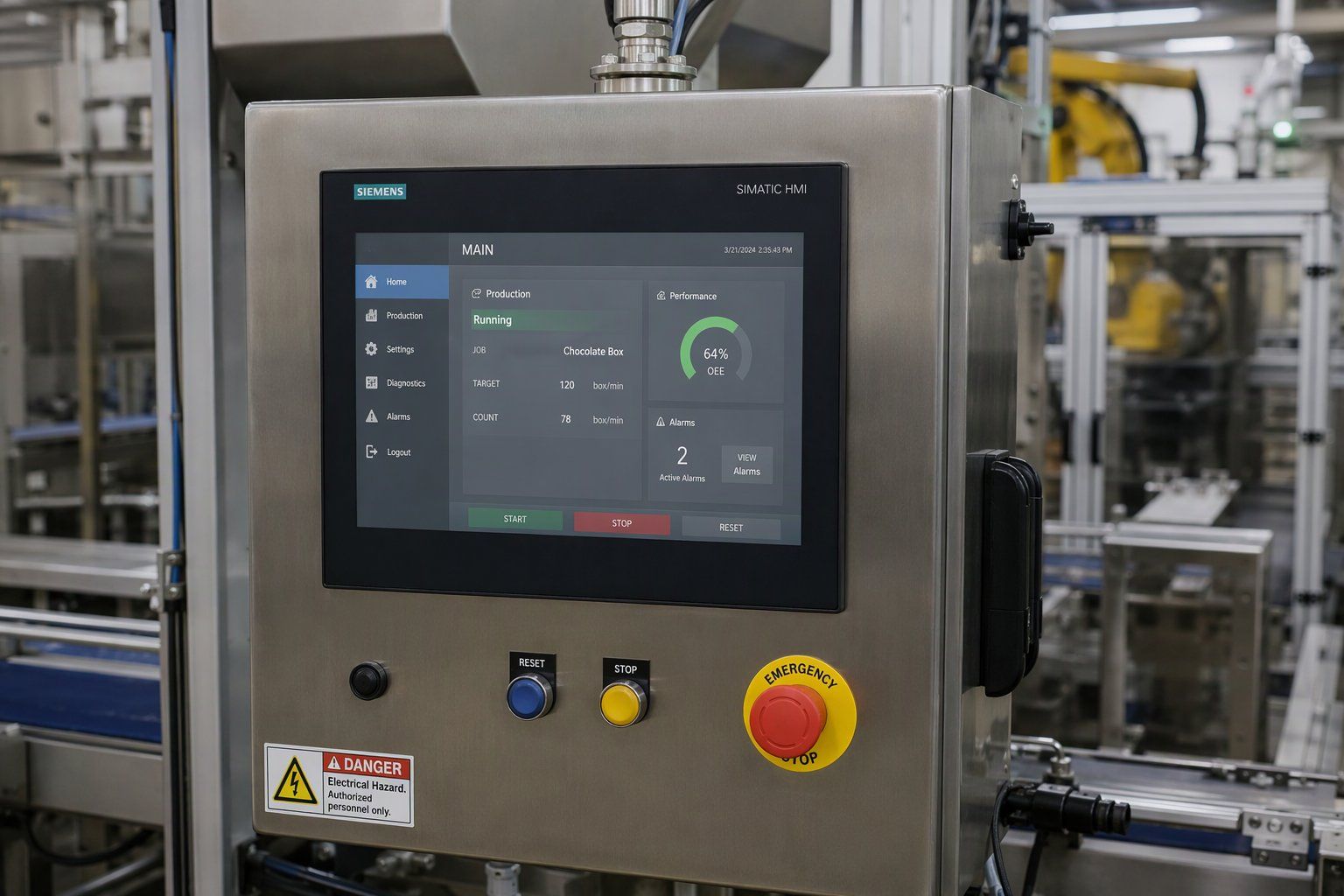
Sometimes the right answer is to stop trying to convert and rebuild. That is not a failure — for the right machine, a rebuild costs less over its life than nursing a compromised conversion. Consider a rebuild when any of these is true.
The application is heavily customized, especially for legacy PanelView Standard systems. Dense macros, extensive global objects, custom alarm handling, recipes, and logging workarounds layered over fifteen years can make conversion verification as expensive as rebuilding — with a worse result, because you inherit every old compromise.
You only have a .MER, and it will not restore. With no usable source, you are rebuilding from the running application whether you call it that or not, considering the lack of native DH support. Documenting each screen, tag, and alarm and building clean is the simplest way to beat salvaging fragments.
The platform is dead for your purposes, or changing anyway. If the machine's controls are being upgraded, the plant is leaving FactoryTalk View Machine Edition, or this machine is scheduled to move from legacy PanelView terminals to modern platforms — as part of [migrating SCADA without stopping production](https://www.empoweredautomation.com/migrating-scada-without-stopping-production) or a controls upgrade — converting into the same environment buys a short horizon. Rebuild once, on the modern Ethernet PanelView Plus platform you intend to keep.
The screens need redesign regardless. If operators struggle with the layout or alarms are poorly organized, system integrators note that conversion faithfully preserves those problems at a new resolution. A rebuild fixes the application while the work is already funded.
Price the conversion including verification and rework for a panelview replacement, then price the rebuild. For simple applications, conversion wins clearly. For complex, old, or source-less applications, the rebuild is often closer in cost than expected — and it leaves you with clean source files, which is how you avoid repeating this in five years.
Sizing the New Terminal and Planning Resolution
Choose the terminal on fit first, then application needs. Measure the existing cutout: some modern replacement operator terminals, like PanelView Plus 7, sizes are close replacements for older cutouts, others need an adapter plate or panel work. The smart solution is to confirm cutout, mounting depth, and enclosure clearance before ordering — and check heat, since a newer terminal in a sealed enclosure may need ventilation the old one never required, especially when considering the new HMI power supply.
Match performance class to the application in industrial automation. A standard terminal handles a typical machine application; a performance model earns its cost on large applications with many screens, heavy trending, or logging. Check memory and storage against application size with room to grow.
Decide the resolution approach before conversion. A new terminal with the same resolution and aspect ratio as the old one, such as a PanelView Standard operator terminal, sharply reduces layout rework. When that is not possible — common as 4:3 displays give way to widescreen — choose per screen: scaling is faster and acceptable for secondary screens, while main operating screens and alarm displays deserve re-layout at native resolution. Review every screen on the actual hardware, because a layout that looks fine in design software can be hard to use with gloves, glare, or a poor viewing angle, which could present an immediate challenge.
Confirm the easy-to-overlook basics too: power voltage matches the panel, Ethernet suits your network, and any serial communication the old terminal used has support or a planned alternative.
Test the Converted Application on the Bench First
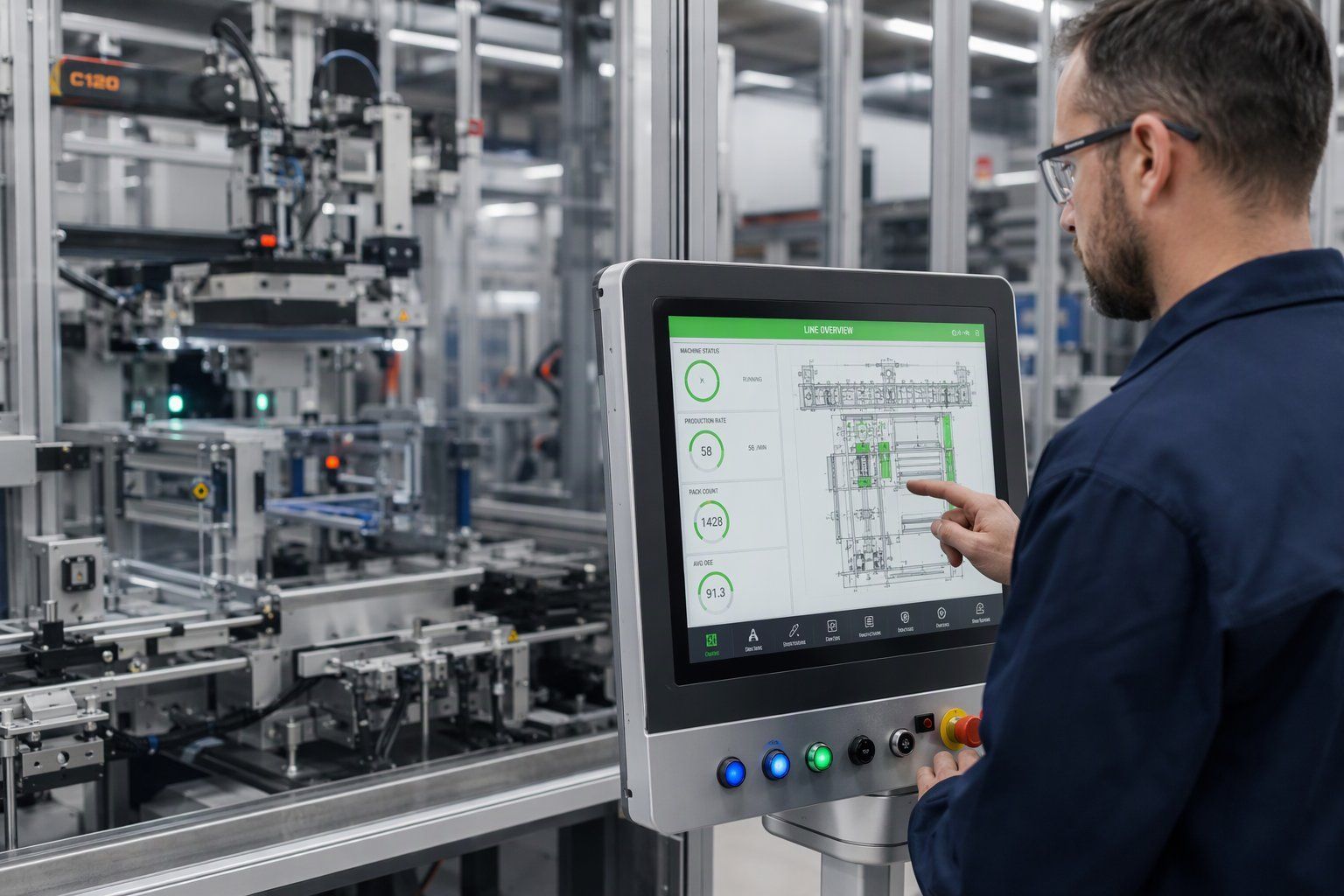
Whether you converted or rebuilt, do not let the first full test be on the machine during production. Bench-test on the new terminal, connected to the actual controller or a spare, before the swap.
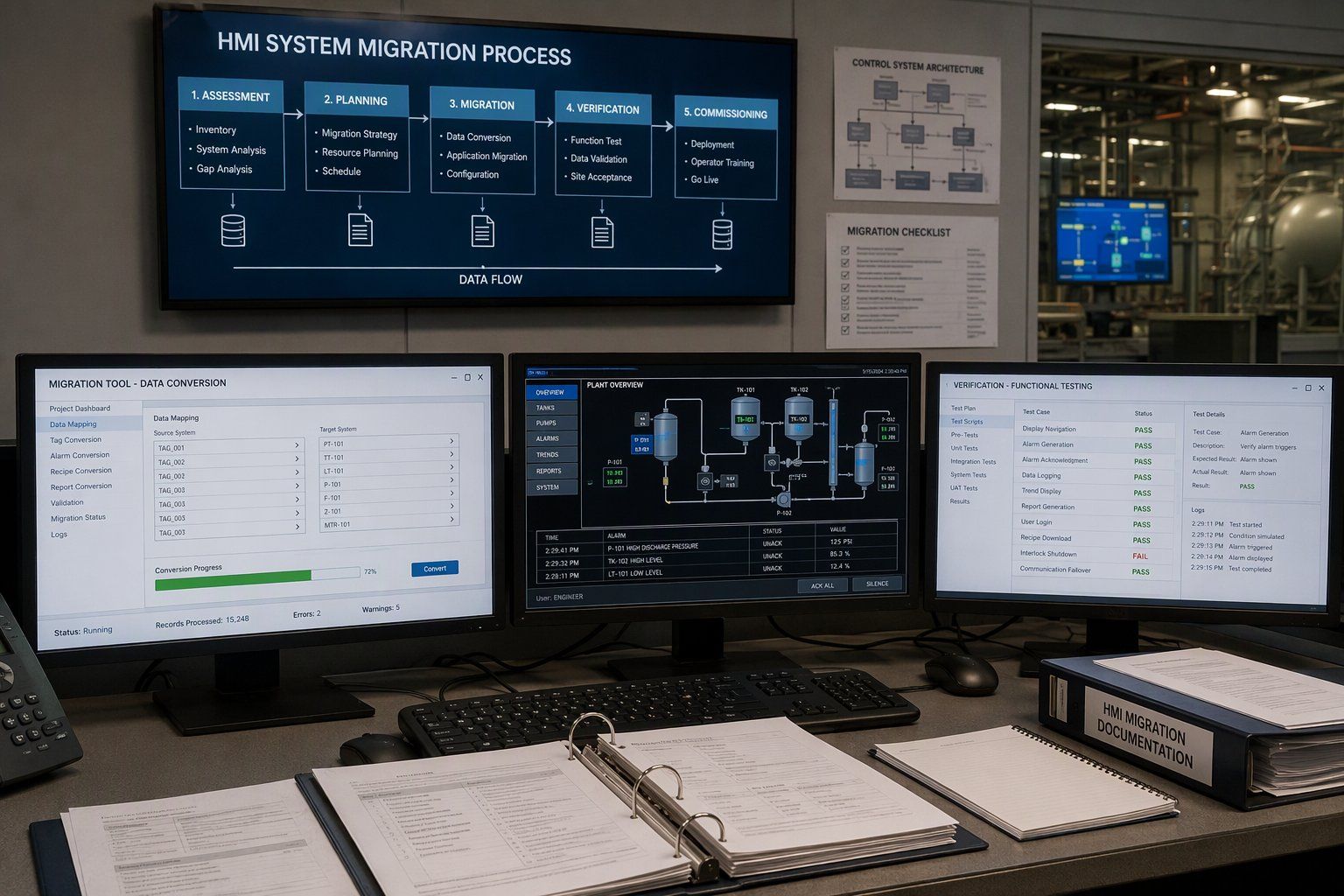
Work through a test list built from the application. Navigate every screen. Press every button and confirm the correct PLC tag changes, and that maintained buttons, interlocks, and permissives behave as before. For a performance tip, enter setpoints at minimum, maximum, and out-of-range values and confirm limits and scaling while minimizing wait time. Trigger each alarm that can be safely forced and verify messages and priorities. Check trends, logging, recipes if present, and every user login. Power-cycle the terminal and confirm it loads the right application, connects without intervention, and lands on the right initial screen.
Have an operator do part of this testing, not only the engineer who converted it. Operators catch practical problems: a button too small to press reliably, a value that moved off the main screen, a label that no longer fits in its substituted font. On the bench those cost minutes; after the swap they cost a second panel opening and a frustrated shift.
Keep the old terminal intact through all of this. Do not overwrite its application or borrow its parts for the bench setup. Until the new modern Ethernet terminal from Rockwell Automation has run the machine, the old one is your fallback — and a modified fallback is not a fallback.
The Swap Itself, and Your Spare Strategy Afterward
With bench testing complete, the swap is the shortest part of the job. Schedule it in a planned stop. Photograph wiring and connections before disconnecting anything, load the tested application, and run a shortened checklist on the machine — key screens, a start/stop cycle if conditions allow, alarms, setpoint entry, and confirm the node address of your SLC — before handing it back. Keep the old terminal, labeled with machine and date, on the shelf for the first weeks.
Then close the gaps that made this replacement risky, because a new PanelView Plus replacement should leave you better positioned than it found you, ensuring that the PanelView Plus talks effectively with your systems.
Archive the source. Store the final .APA, the .MER, and the software and firmware versions in at least two places, not just one engineer's laptop, labeled with machine and date. This archive is the difference between a routine replacement and a recovery project next time.
Keep a spare deliberately. For critical machines, stock one configured spare of the new model, loaded with current applications. Update it whenever a machine application changes — a spare that still needs application work during a breakdown is only half a spare.
Track remaining exposure. List every aging PanelView left in the plant, with machine, model, and whether you hold a current .APA. That list turns future replacements into scheduled work and shows which file recovery to do now, while those terminals still run.
Standardize going forward. Fewer terminal models means fewer spare types, one process your team knows, and a consistent interface for operators from machine to machine.
You might also like