Alarm Delay Timers: Reducing Nuisance Trips Without Missing Real Events
Alarm Delay Timers: Reducing Nuisance Trips Without Missing Real Events
In a plant, a short spike should not trip an alarm, but a real problem must not be hidden. Alarm delay timers help operators tell the difference. They add a short wait before an alarm sounds, so a brief spike clears on its own, while a real problem stays long enough to trigger a response.
Why Alarm Delay Timers Matter
Without a delay, every brief spike creates a nuisance trip, and operators learn to ignore the alarm. A nuisance trip is an alarm that does not need action, and too many of them cause alarm fatigue. With a delay, operators see fewer false alarms, and they trust the alarms that do sound. The goal is not to hide problems, but to show only the alarms that need action.
How a Delay Timer Works
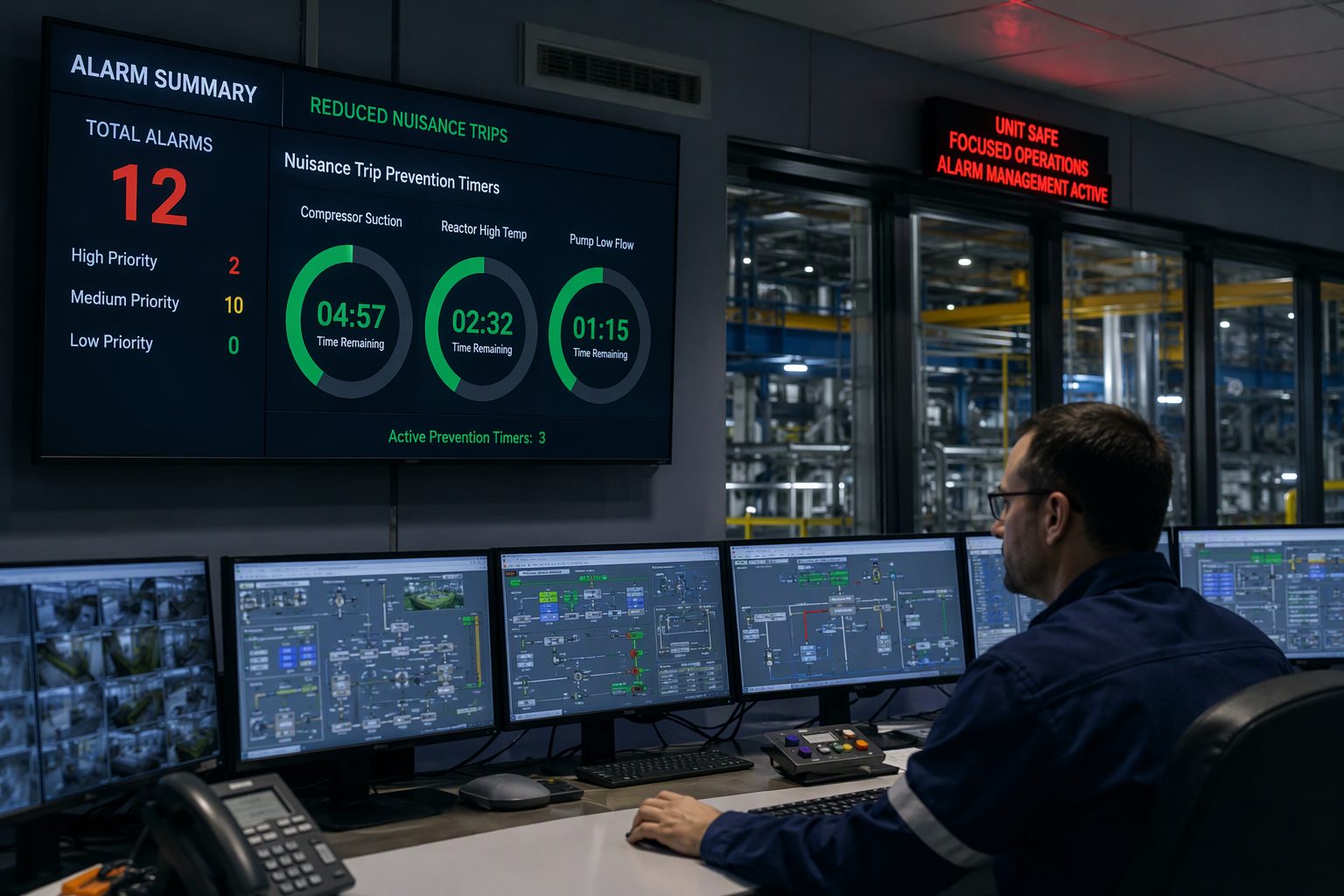
A delay timer starts when a signal crosses a limit, then waits a preset time delay before activating the alarm. If the signal returns to normal before the time runs out, the timer resets and no alarm sounds. If the signal stays past the limit for the full delay, the alarm activates. This simple wait filters out short spikes from pumps, valves, and process noise.
On-Delay, Off-Delay, and Other Timer Types
An on-delay timer waits after a signal crosses a limit before it sounds an alarm. An off-delay timer keeps an alarm active for a short time after a signal returns to normal, so operators see the full event. Other timer types include interval timers, which sound for a fixed time, and repeat timers, which cycle on and off. The right type depends on the process and the alarm response plan.
Choosing the Right Delay Time
Choose the delay from process behavior, not from a guess. Look at how long normal spikes last, how fast a real event can cause harm, and how much time operators need to respond. A delay that is too short still creates nuisance trips, while a delay that is too long hides a real event. Start short, test with plant data, and record the reason for each delay time on the alarm list.
Testing a Delay Timer
Test a delay timer with real process data, not just a bench test. Simulate a short spike and confirm no alarm sounds, then simulate a sustained event and confirm the alarm sounds after the delay. Record the test date, the delay time, and the result, and repeat the test after any change to the alarm list. Testing proves the timer works and builds trust in the alarm system.
Common Mistakes With Delay Timers
A common mistake is setting the same delay for every alarm, even when processes behave differently. Another is hiding a delay from operators, so they do not know why an alarm is late. A third is forgetting to review delay times after a process change, which can leave a delay that no longer fits the plant. Avoid these mistakes by documenting each delay, telling operators, and reviewing the list on a schedule.
A Worked Example From a Plant
A pump pressure signal spiked for two seconds during startup, then returned to normal. Without a delay, the alarm sounded every startup, and operators ignored it. With a five-second delay, the spike cleared before the alarm sounded, and the alarm list stayed clean. When a real pressure drop lasted longer than five seconds, the alarm sounded, and operators acted in time. The delay cut nuisance trips without hiding a real event.
Reviewing Delay Settings Regularly
Review delay times when the process changes, after an incident, and on a regular schedule. Look at alarm data to find alarms that still trip too often, and alarms that sound too late. Ask operators which alarms they trust, and which ones they ignore, then adjust the delays with data, not opinion. A regular review keeps the alarm list useful.
When Not to Use a Delay Timer
Do not use a delay timer on a fast safety alarm, where every second matters. Do not use a delay to hide a known problem, or to reduce alarm counts without fixing the cause. Do not set a delay longer than the time operators have to respond to a real event. In these cases, fix the process, the sensor, or the alarm limit, instead of adding a delay.
Getting the Team to Agree on Delay Times
Get operations, maintenance, and safety to agree on each delay time in a plant control room. Show the process behavior, the test results, and the first action for a real event, and ask what could go wrong if the delay is too long or too short. When the team agrees, operators follow the alarm list with confidence.
Checking Your Delay System Works
Check the whole system, not just one timer. Review alarm counts, operator feedback, and incident reports to see if nuisance trips fell, and if real events still sound in time. If alarm counts fell but operators missed a real event, the delay is too long. If counts stayed high, the delay is too short, or the process needs a fix. Use the data to adjust, and record each change.

How Do Alarm Delay Timers Reduce Nuisance Trips?
Alarm delay timers reduce nuisance trips by waiting a set time delay before alarming, so brief spikes in a plant do not trip an alarm. If the signal stays out of rang
e for the duration of the delay, no alarm is triggered, allowing operators to focus on real issues. This prevents unnecessary distractions that can lead to desensitization towards alarms, ensuring that critical alerts are not overlooked.
Additionally, by filtering out transient disturbances, delay timers enhance the overall efficiency and responsiveness of plant operations. However, it's crucial that these timers are designed thoughtfully; they must strike a balance between minimizing nuisance trips and ensuring timely responses to genuine alarms. Continuous monitoring and regular reviews of the alarm system ensure that it remains effective and relevant in addressing both operator needs and operational safety. The alarm delay timers then activate, so sustained faults are still reported to operators in the control room.
Delay timers cut nuisance trips safely. In industrial settings, common applications include machinery start sequences and machine control applications where interval timers, interval delay timers and instantaneous transfer timers are set with great precision. A timer with an lcd display helps operators check the set value, its power consumption, and whether the contact has returned to its normal position after the previous cycle. The function of time delay here is simple: current flow starts the timing element, and after the set length of time the electric relay changes state, moving from its normal position to its new position. Different types of time delay relays include on-delay, off-delay and interval types, and in different situations the choice depends on whether the output must hold after the signal ends or reset with manual resetting. Compare kinds of timers by mechanical life and electrical life, electrical load, and delay precision, and check the flashing effect on the indicator when the timing element is active.
How Do You Configure the Delay Time on an Alarm System?
Start from the process record, not a copied value: note the normal spike length, the control switch that starts timing, and the ambient temperature range in degrees C. Set adjustable time delays in the plant control system, check the application of power and the initiation of current flow, and confirm activation of a circuit only after the full delay period. For potential applications that use microcomputer control, record the setting for each electrical device, test cycling of a load and cycle timers, and check that the output returns to a different position than the field device after a reset, so accidental circuit activation cannot restart the timer.
For voltage and timing range, choose the relay for the panel supply and the process, not for a generic catalogue value: in an automatic control system the alarm controls should accept a universal input, compare it with the set point, and work with a temperature controller where heat is the measured variable. Bypass timing timers can be supplied as part of complete equipment packages, and automatic control should be tested across the full timing range, from seconds for fast loops to minutes for slow process changes, before the setting is approved. Record these alarm delay timers in the plant alarm database as alarm delay timers, with the set point and timing range noted for each loop. A jsz3 time delay relay is a great option for commercial applications in industrial facilities where a standard timer relay is needed, and if the rating is unclear, seek further assistance from the relay supplier before approving the setting.
You might also like