Signs Your SCADA System Needs Modernizing (Legacy Migration Checklist)
Key Highlights
- Slow screens and delayed alarms often show a scada system is falling behind daily plant needs.
- Frequent downtime in legacy scada can hurt operational efficiency and make troubleshooting harder.
- Obsolete panels, unsupported hardware, and missing spare parts raise risk and maintenance costs fast.
- Older platforms often lack the protections needed against current cyber threats and secure remote access demands.
- A modern scada approach improves visibility, reliability, alarm handling, and integration.
- Early scada modernization planning helps you avoid rushed replacements and production disruption.
Introduction
Your scada system may still be running, but that does not mean it is supporting your plant the way it should. Many manufacturing sites continue to rely on legacy scada because it feels familiar and keeps basic functions alive. Still, digital transformation is changing what operators, maintenance teams, and managers need from industrial systems. If screens are slow, downtime is rising, or parts are hard to source, those are signs scada needs modernizing before a forced replacement creates bigger problems.
Understanding Signs SCADA Needs Modernizing
Some warning signs are easy to spot. A scada system with slow graphics, unstable communications, limited visibility, and poor alarm response usually cannot keep up with modern operational technology demands. Legacy scada systems also become harder to support as software ages and vendor options shrink.
Just as important, you should look at how the system fits the plant today. If operators struggle with the interface, if data stays trapped in silos, or if security gaps are growing, scada modernization becomes a practical operations decision. The next sections break down what those signs look like on the plant floor.
What Is a SCADA System and Why Is Modernization Important?
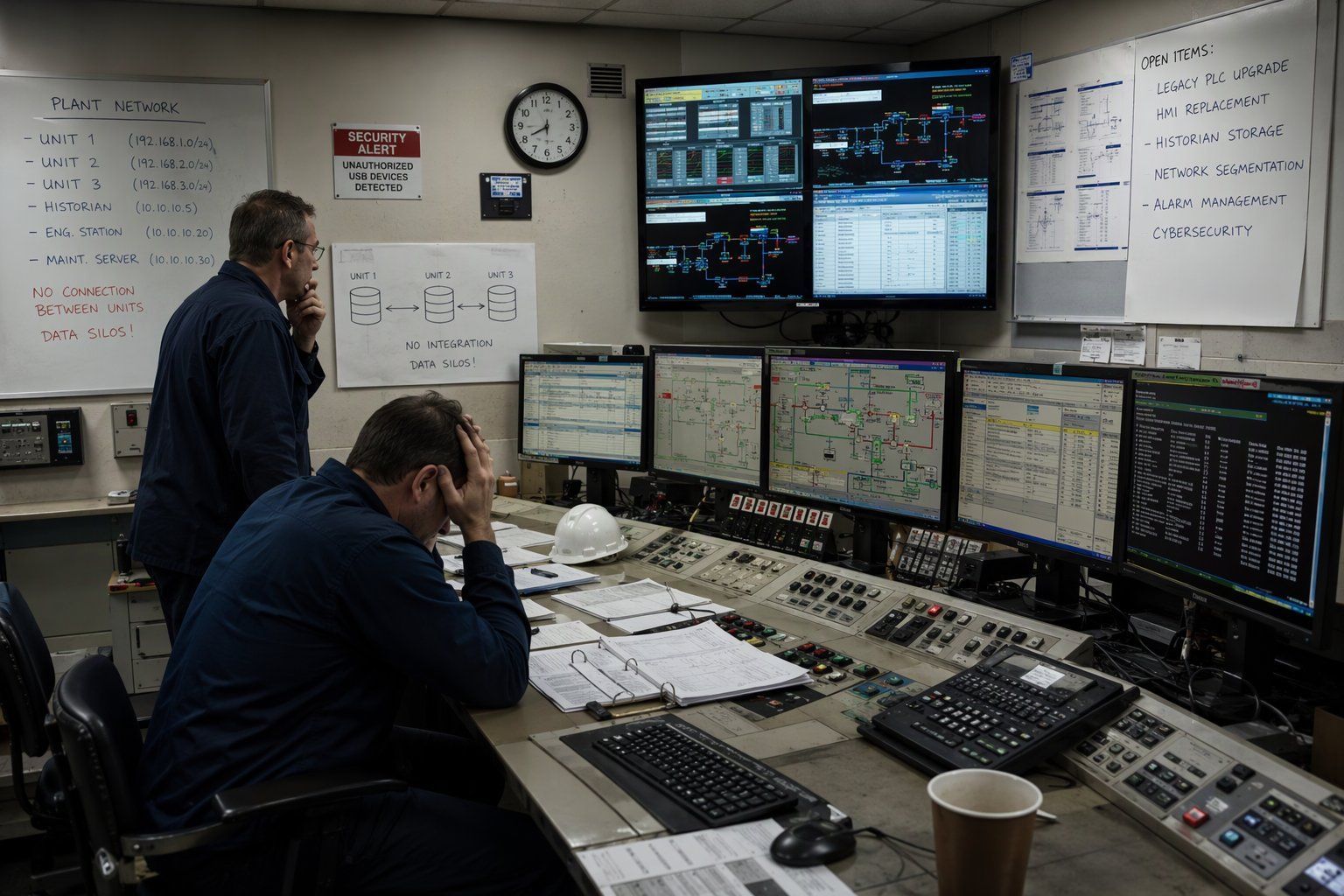
A scada system supports supervisory control and data acquisition across industrial operations. It gives operators visibility into equipment status, alarms, process conditions, and production performance. In many facilities, it is the main layer connecting the control room to real-time plant activity.
The challenge is that older platforms were built for a very different environment. They often worked well when systems were less connected, data volumes were smaller, and business users did not need broad access to operations data. That gap becomes more obvious as plants push digital transformation goals.
A modern scada platform matters because it improves reliability, usability, and access to information. It can support stronger alarming, better reporting, improved integration, and more resilient infrastructure. For manufacturers, modernization is not just about new software. It is about giving your team a system that matches current production, maintenance, and decision-making needs.
Common Warning Signs in Aging SCADA Systems
Many plants wait too long because legacy scada still appears functional. Yet an outdated scada system often creates hidden losses long before total failure. You may see more operator frustration, slower troubleshooting, and rising effort to keep control systems available.
Common signs include:
- Frequent downtime or unstable communications during normal production
- Obsolete hardware or software with little vendor support
- High maintenance costs tied to patchwork fixes and aging components
- Weak visibility into alarms, trends, and asset performance
- Difficulty connecting to newer systems or enterprise tools
If several of these apply, the issue is no longer minor upkeep. High maintenance costs and reduced flexibility usually mean the platform is nearing the point where planned migration is safer than reactive repair. That is one of the clearest signs scada needs modernizing in a manufacturing environment.
Operational Inefficiencies as Key Indicators
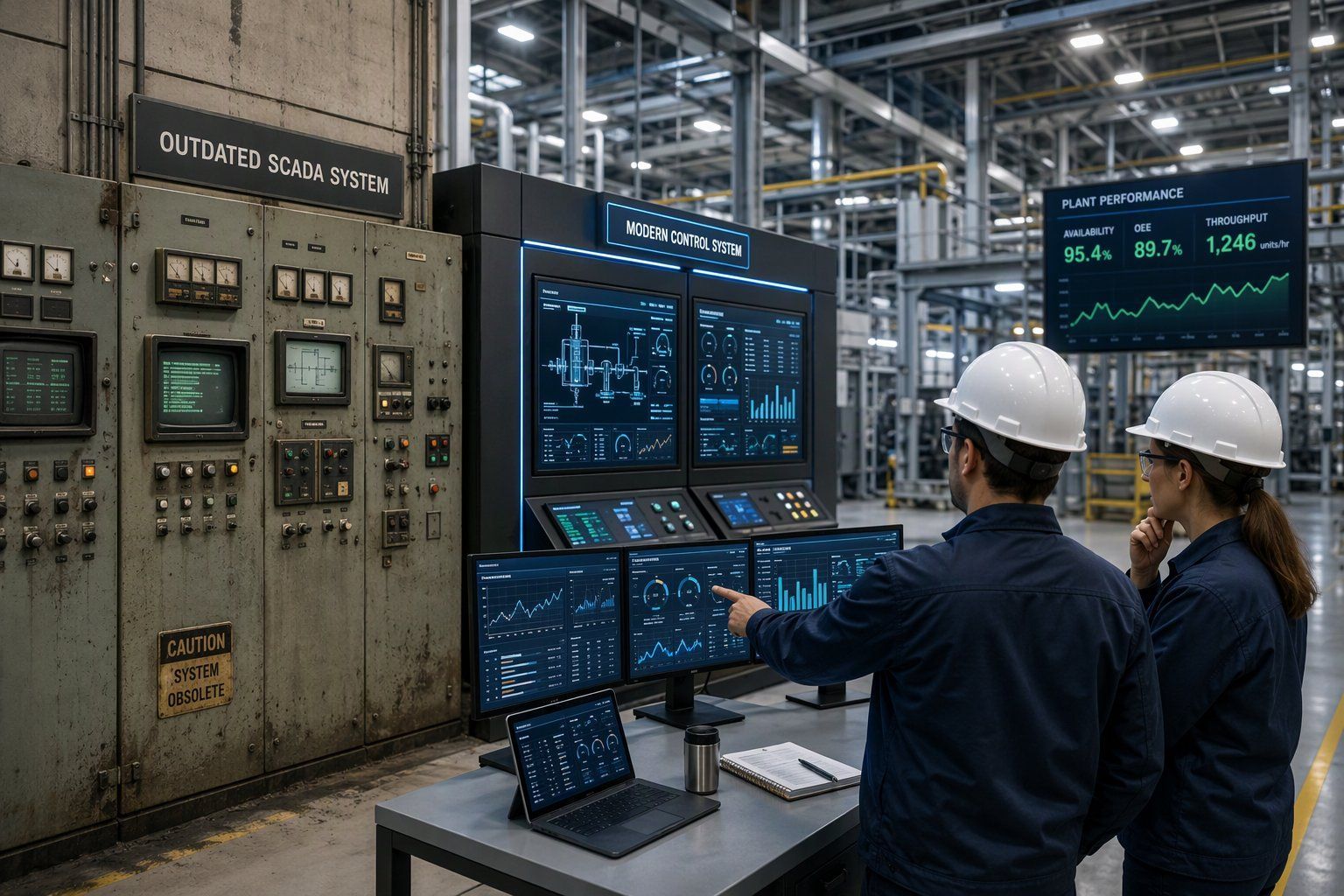
In many plants, the first impact shows up in daily performance. Older scada systems can slow operator actions, weaken alarm management, and stretch response times when something goes wrong. Those delays affect production even when there is no major system failure.
You might notice that your scada system struggles during peak activity, maintenance events, or process changes. That creates operational efficiency losses that are easy to normalize over time. The next two sections focus on two of the biggest clues: slow screens and increasing unplanned downtime.
Slow Screen Responses and Lagging Interfaces
Start with what operators see every shift. If scada screens load slowly, values refresh unevenly, or navigation feels clumsy, lagging interfaces are already affecting plant performance. In older systems, operators may wait too long for status updates, trends, or alarm details.
That matters because response times shape operator decisions. A system that cannot present real time information clearly makes it harder to detect abnormal conditions early. It also increases troubleshooting time when equipment behavior changes fast.
A current interface should be intuitive, clear, and built for quicker awareness. Updated HMIs offer better dashboards and visualizations, helping operators identify bottlenecks, process deviations, and equipment issues faster. If your team avoids certain screens, relies on workarounds, or complains that the display feels dated, that is one of the clearest signs scada needs modernizing.
Increasing Frequency of Unplanned Downtime
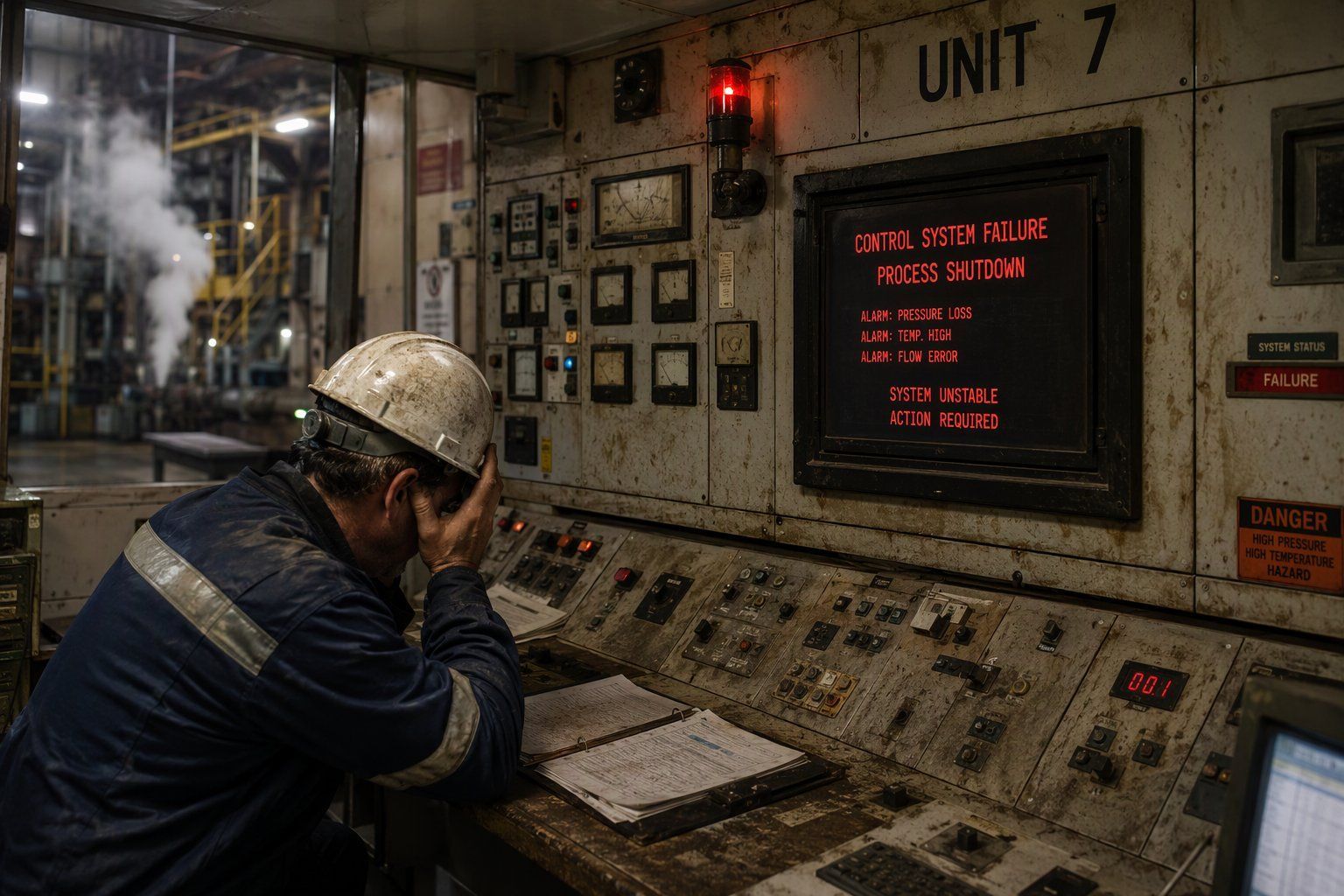
Downtime is often the costliest symptom of an aging platform. As infrastructure ages, system reliability drops and failures become harder to predict. Servers, communications, and unsupported components can all disrupt process control at the worst time.
Watch for patterns such as:
- More frequent operator callouts tied to SCADA faults
- Longer recovery after hardware or software issues
- Gaps in remote monitoring or delayed alarm notification
- Repeated interruptions during normal operational demands
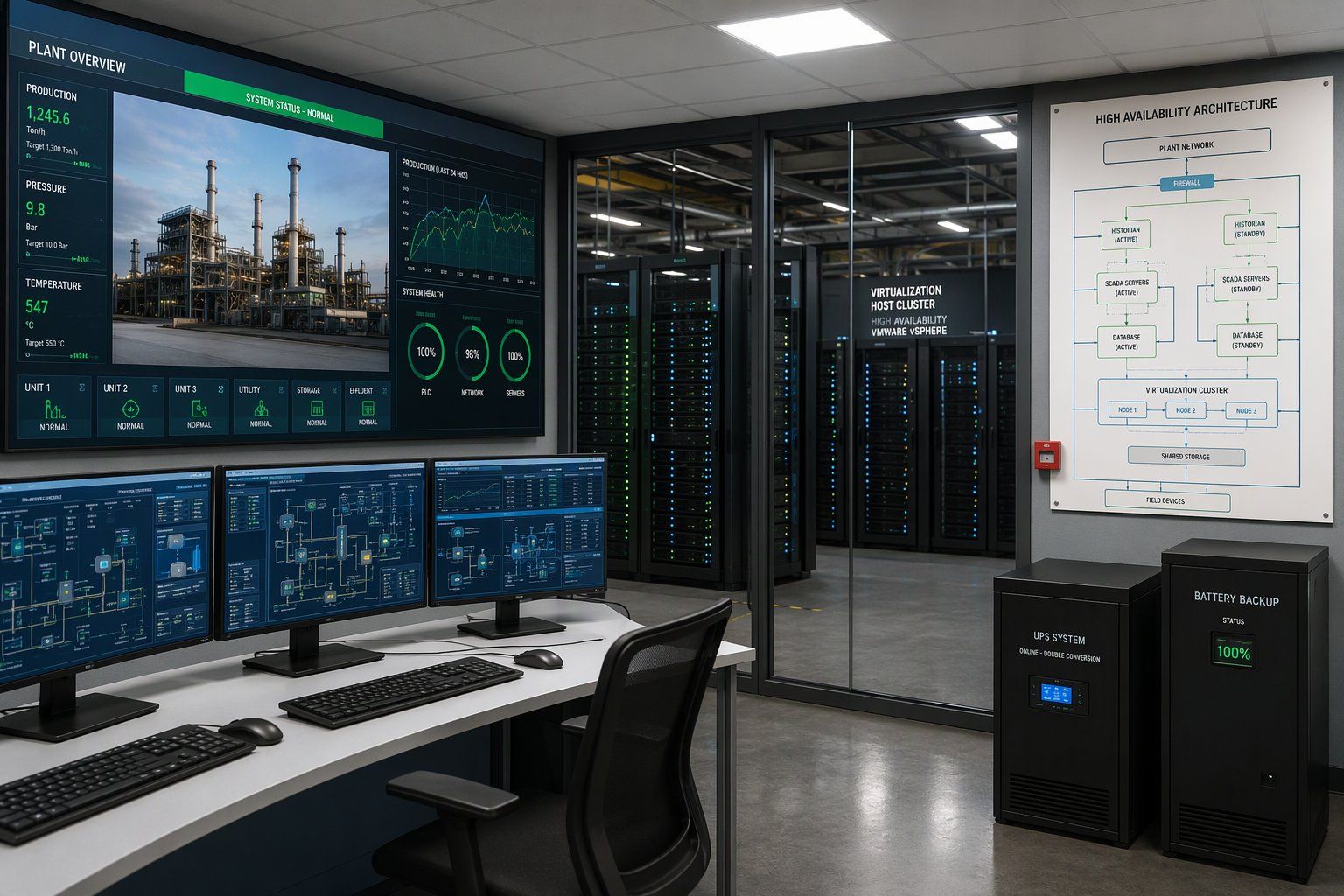
Modern platforms reduce this risk through better architecture. Virtualized servers, redundancy, automated backups, and high-availability designs help keep operations running. Better visibility also supports faster fault detection and correction before a small issue becomes a plant outage. If unplanned downtime is becoming a routine discussion, your migration planning should already be underway.
Assessing Hardware and Panel Obsolescence
Software is only part of the picture. Control panels, HMIs, servers, and communications hardware all age, and hardware obsolescence can force emergency decisions. In many legacy systems, one failed component can put a critical area at risk because replacements are limited or unavailable.
That is why older scada systems need a hardware review as much as a software review. Obsolete panels and shrinking spare parts inventories often signal that your plant is closer to a forced migration than expected. Let’s look at both issues more closely.
Identifying Outdated Control Panels and HMIs
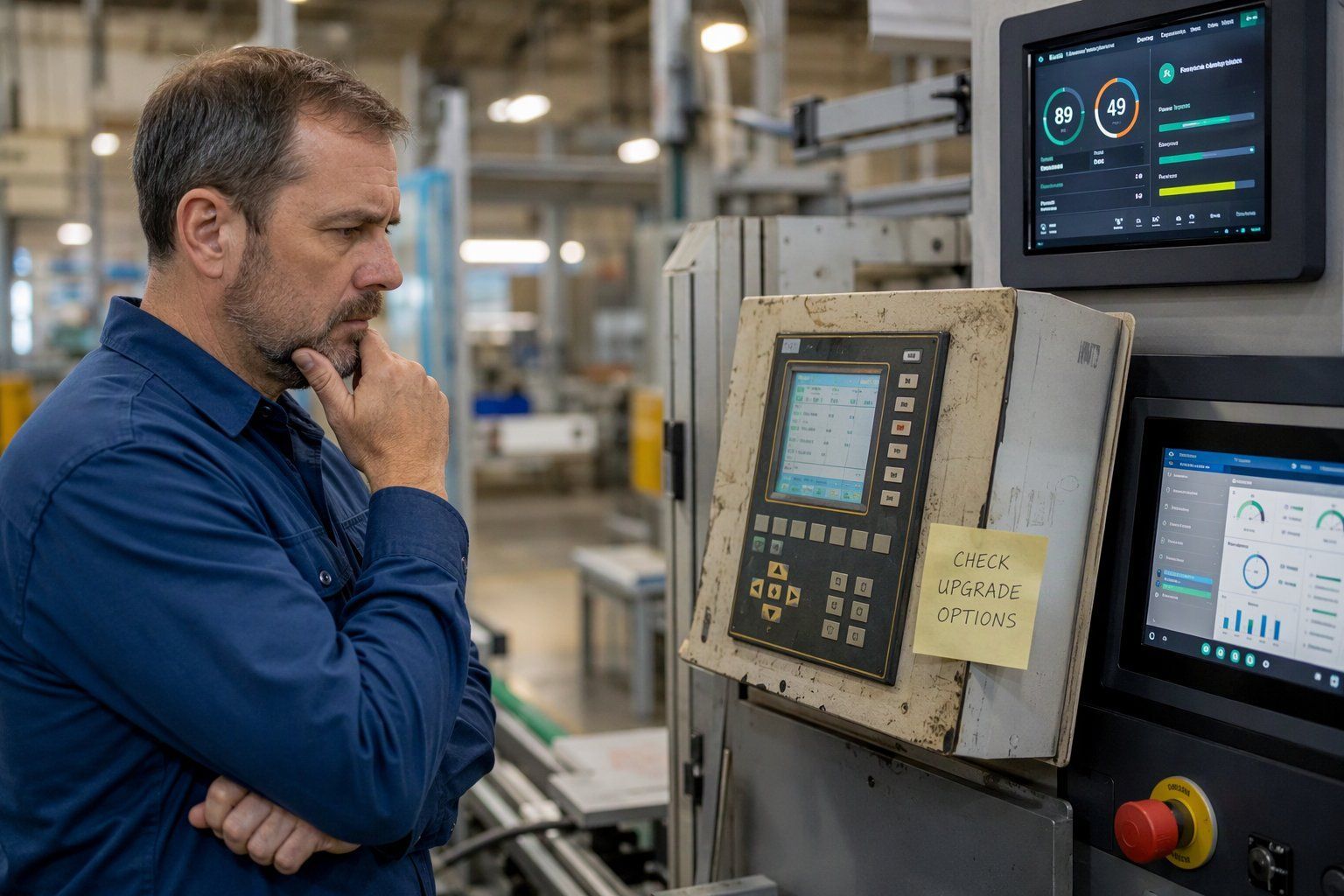
Sometimes the age of a system is visible the moment you open the cabinet or view the operator station. Outdated control panels and HMI hardware often show their limits through dim displays, slow navigation, unsupported operating systems, or graphics tied to retired technologies.
In older scada systems, these weaknesses are more than cosmetic. They make daily work harder and increase dependence on fragile hardware that may not meet current production needs. If your team hesitates to touch a panel because it is sensitive or unreliable, that is a serious warning sign.
A practical review should ask simple questions. Can the HMI support current workloads? Is it easy to update? Does it align with modern browser-based or mobile-friendly visualization approaches? If the answer is no, you are not just dealing with aging equipment. You are dealing with a platform that may be limiting plant performance and future expansion.
Scarcity and Rising Costs of Spare Parts
One of the most practical signs scada needs modernizing is the parts situation. When spare parts are hard to find, lead times grow, and vendor support fades, keeping legacy scada systems running becomes a gamble. Plants often end up paying premium prices for aging components just to avoid shutdowns.
This also pushes maintenance costs higher. Money that could fund planned upgrades gets spent on short-term fixes, storage of rare parts, and rushed replacements. That pattern usually gets worse, not better, as platforms approach end-of-life.
Warning sign
What it means for your plant
Spare parts only available through surplus channels
Replacement quality and availability become uncertain
Vendor support is limited or gone
Troubleshooting takes longer and risk rises
One failed part can stop production
Your system has little resilience
Repair costs keep increasing
Maintenance costs may exceed upgrade value
Old inventory must be stockpiled
Capital is tied up in keeping aging hardware alive
Security Risks and Vulnerabilities in Legacy SCADA
Security now has to be part of every industrial technology decision. Legacy scada software often lacks the protections needed for current cyber threats, especially as plants add connectivity, reporting, and remote access capabilities. Weak access control can turn an old system into a wider operations risk.
That risk also affects uptime. Security gaps, unsupported software, and inconsistent updates can increase the chance of disruption and lengthen recovery after incidents. The following sections cover two common problem areas: missing cybersecurity updates and difficult patch management.
Threats from Lacking Cybersecurity Updates
Outdated systems were not built for today’s threat environment. As industrial environments become more connected, legacy scada software without regular updates creates exposure that can affect both security and production continuity. A weak system does not just risk data loss. It can interfere with operations.
Common issues include:
- Unsupported software or operating systems with no current fixes
- Weak user authentication and limited access control options
- Poor support for secure remote access and monitoring
- Inconsistent patch management across the SCADA stack
Modern platforms are designed with stronger protections in mind. Role-based access, better monitoring, improved audit capability, and more secure architecture help reduce cyber threats while supporting daily work. If your current platform cannot be updated properly or protected using accepted industrial practices, modernization moves from a nice-to-have to a risk-reduction priority.
Challenges With Patch Management and Compliance
Patch management sounds simple until you apply it to an aging plant system. In reality, older scada software may depend on retired operating systems, outdated third-party components, or unsupported integrations. That makes routine updating difficult and increases the chance that one change breaks another function.
Compliance adds another layer. Industrial operators are under growing pressure to align with industry standards and stronger cybersecurity expectations. If your platform cannot support modern authentication, auditability, or structured maintenance practices, staying compliant becomes harder each year.
This is also where modernization projects need planning. You must account for software dependencies, testing, operations risk, and timing. A rushed update can be disruptive, but doing nothing leaves the plant exposed. A structured migration path gives you a better way to improve compliance, security, and maintainability without unnecessary production impact.
The Impact on Asset Management and Integration
Aging platforms often limit more than operations. They also hold back asset management, reporting, and plantwide visibility. As data volumes grow, many older systems struggle with data collection, historian use, and integration across departments or sites.
That creates integration challenges for manufacturers trying to connect maintenance, performance, and business decisions. A modern scada solution can centralize information and make it more useful. First, though, you need to see where the current system is blocking newer PLCs, instruments, and enterprise visibility.
Difficulties Integrating With Modern PLCs and Instruments
Integration problems are a common reason plants replace rather than lightly update a platform. Older systems were often selected around one vendor stack, and that can make it harder to connect newer PLCs, instruments, or open communications approaches later on.
Today, a modern scada system is expected to work with broader connectivity options and support standards such as OPC UA and MQTT. Those capabilities help plants add devices, historians, analytics, and other applications without being locked into old architecture. When that flexibility is missing, expansion becomes slow and expensive.
This is where a systems integrator can help evaluate the gap between the current environment and future needs. If every new connection requires custom effort, if device support is weak, or if your plant cannot adopt newer data sources easily, those integration challenges are a strong argument for migration planning.
Limited Data Visibility Across the Enterprise
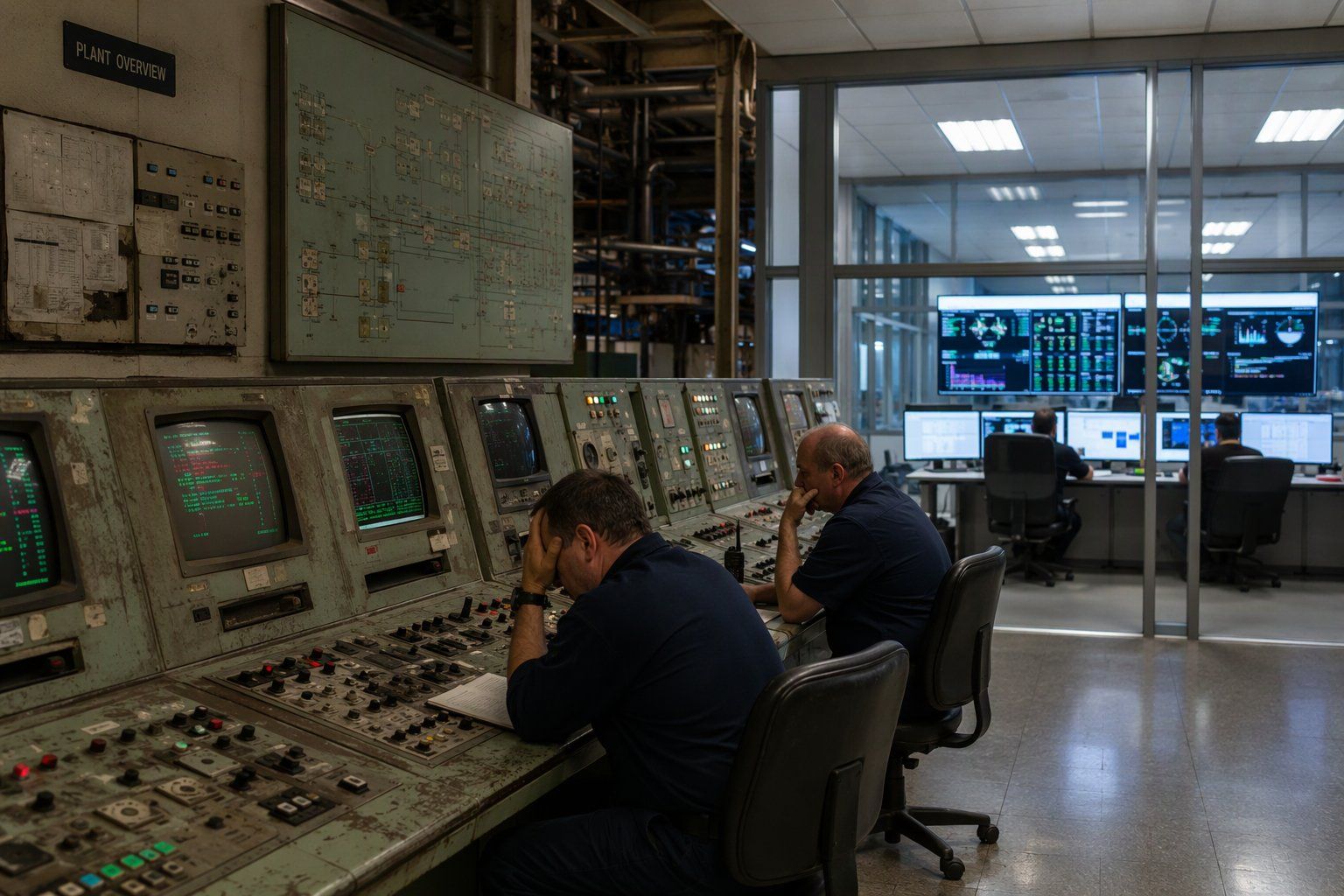
Many legacy platforms were built for local use inside a control room. They can monitor equipment, but they often provide limited data visibility beyond that point. In a modern plant, that is a major constraint because engineers, managers, and maintenance teams all rely on better access to operations data.
Improved data collection matters for more than reporting. Centralized trends, historian records, asset metrics, and production information support better decisions around reliability, maintenance, and capital planning. Without that visibility, teams work from partial information and react later than they should.
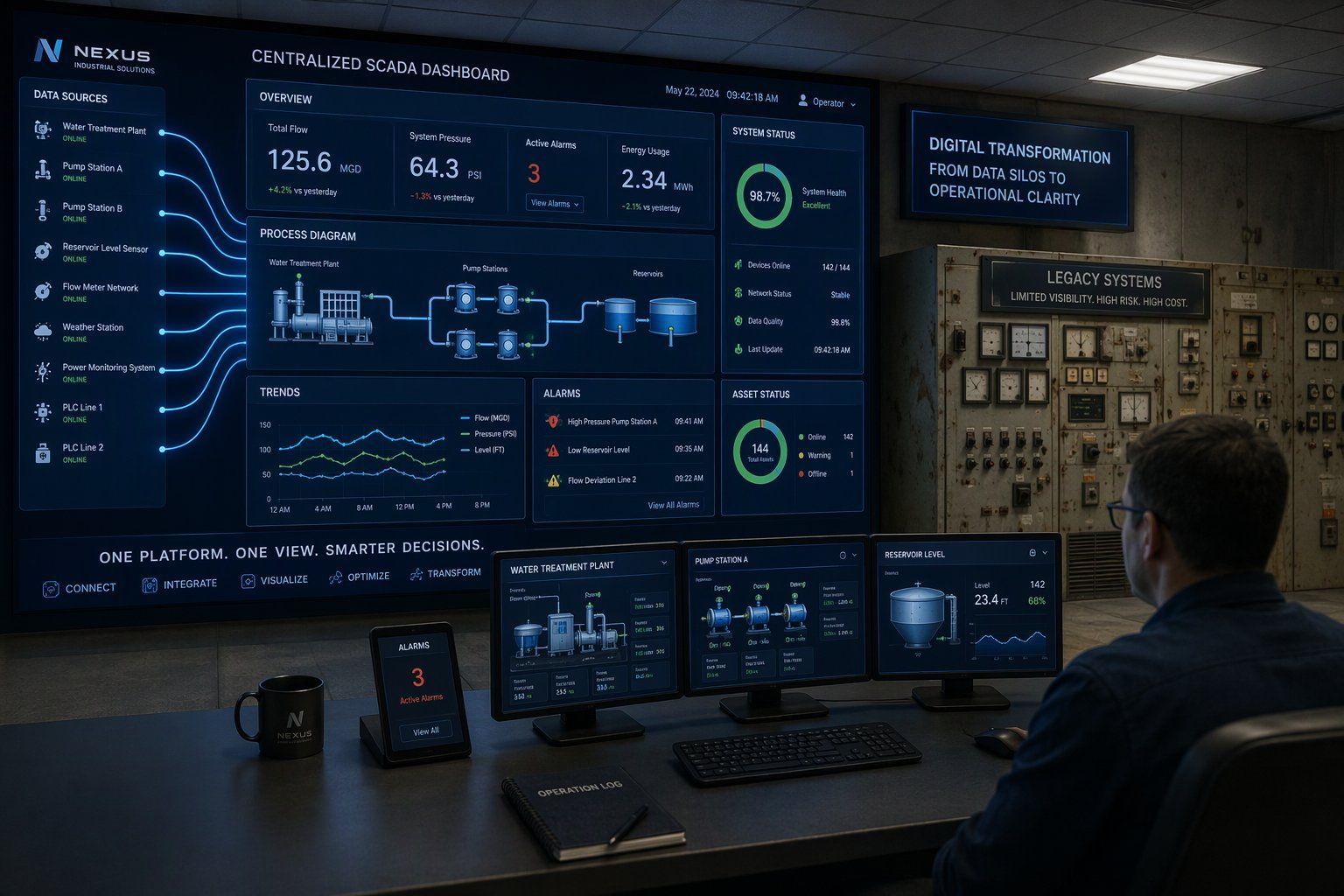
Modern scada software supports digital transformation by making operational data more accessible across the enterprise. It can consolidate multiple sources into a centralized view and help align plant performance with business goals. If your current system cannot provide that broader picture, asset management will stay more reactive than it needs to be.
Planning Your SCADA Migration Checklist
Once the warning signs are clear, the next step is structured planning. A good scada migration process is not only about replacing screens or software. It is about documenting what exists, identifying risks, and choosing scada upgrades that support operations now and later.
A strong migration checklist helps you move deliberately instead of reacting to failures. It also reduces disruption during the changeover to a modern platform. The next sections focus on two practical starting points: documentation and step-by-step migration planning.
Evaluating Current System Documentation
Begin with the basics. Before changing a scada system, review the system documentation you already have. That includes hardware lists, software versions, communications, alarms, graphics, historian setup, user access, and any custom logic that affects production.
In many plants, the current system has grown over years of edits, workarounds, and partial updates. That means historical information may be incomplete or scattered across files, vendor notes, and team knowledge. If so, your first migration task is to make the system visible on paper before you redesign it.
Good documentation supports more than engineering. It helps with risk reduction, operator training, maintainability, and future expansion. It also makes it easier to decide what should be preserved, what should be improved, and what should be retired. Without that baseline, even a strong replacement platform can inherit unnecessary confusion from the old environment.
Mapping Migration Steps for Minimal Disruption
A practical migration plan should reduce risk to production. That means defining migration steps in a logical order, testing before cutover, and deciding where phased deployment makes more sense than a single change. The goal is minimal disruption, not speed for its own sake.
A useful checklist often includes:
- Assess current hardware, software, communications, and cybersecurity
- Document alarms, historian needs, integrations, and authentication models
- Evaluate reliability, redundancy, and backup requirements
- Review graphics and operator workflows before rebuilding them
- Plan training, patching, and ongoing maintenance for the replacement platform
A systems integrator can help sequence these tasks and verify that your new scada system matches plant requirements. For a deeper diagnostic view, see Diagnosing an Aging SCADA/HMI System. For the broader strategy behind plantwide upgrades, read our SCADA Modernization pillar. Together, those resources support a safer, more organized transition.
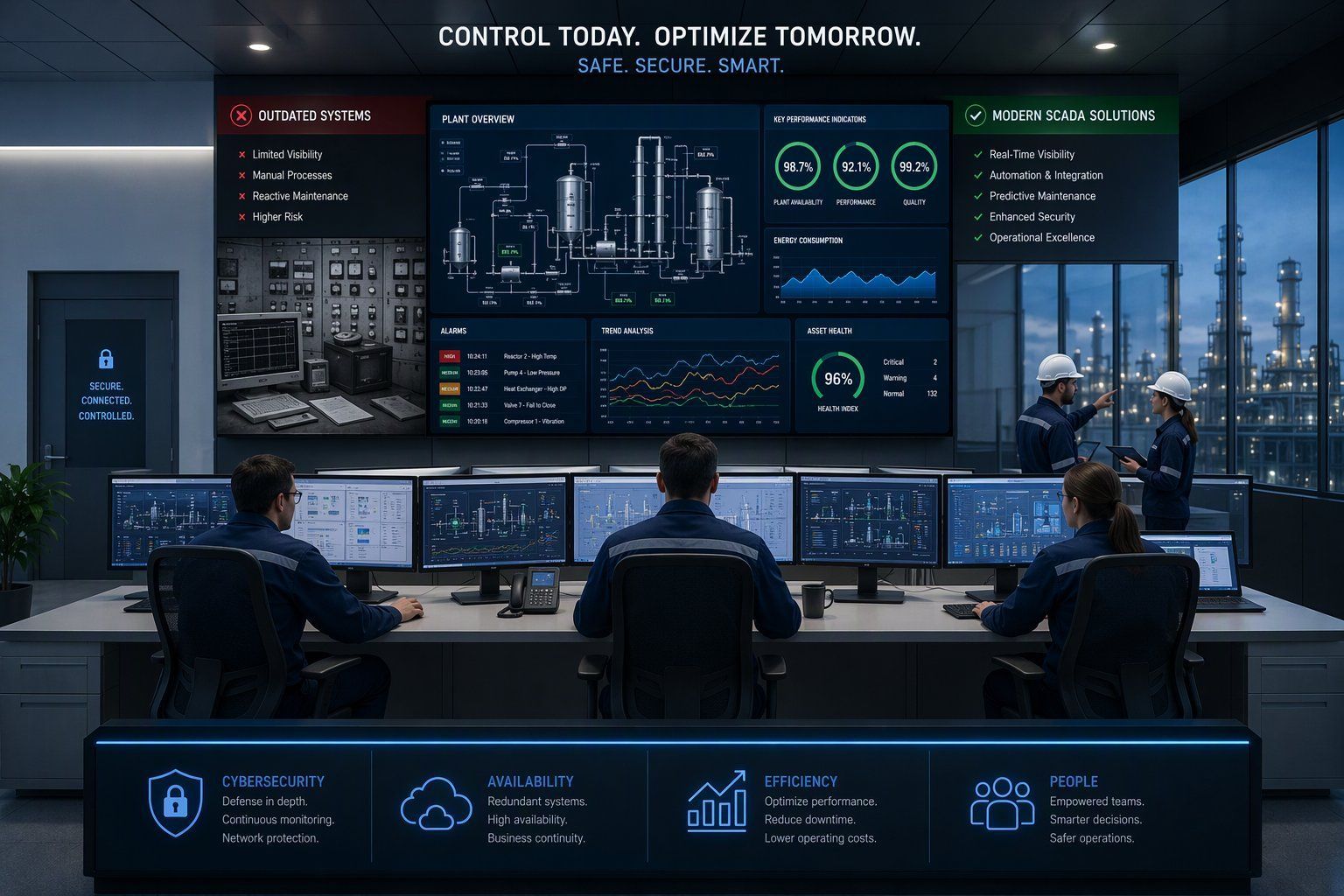
Conclusion
In summary, recognizing the signs that your SCADA system needs modernizing is crucial for maintaining operational efficiency and ensuring the safety of your plant. From slow screen responses to increasing security risks, these indicators can no longer be ignored. By taking proactive measures and following a well-structured migration checklist, you can seamlessly transition to a modern SCADA system that not only enhances performance but also mitigates risks associated with aging technology. Don’t let outdated systems hold your operations back; consider evaluating your current setup today. For personalized insights tailored to your specific needs, reach out for a free consultation with our experts!
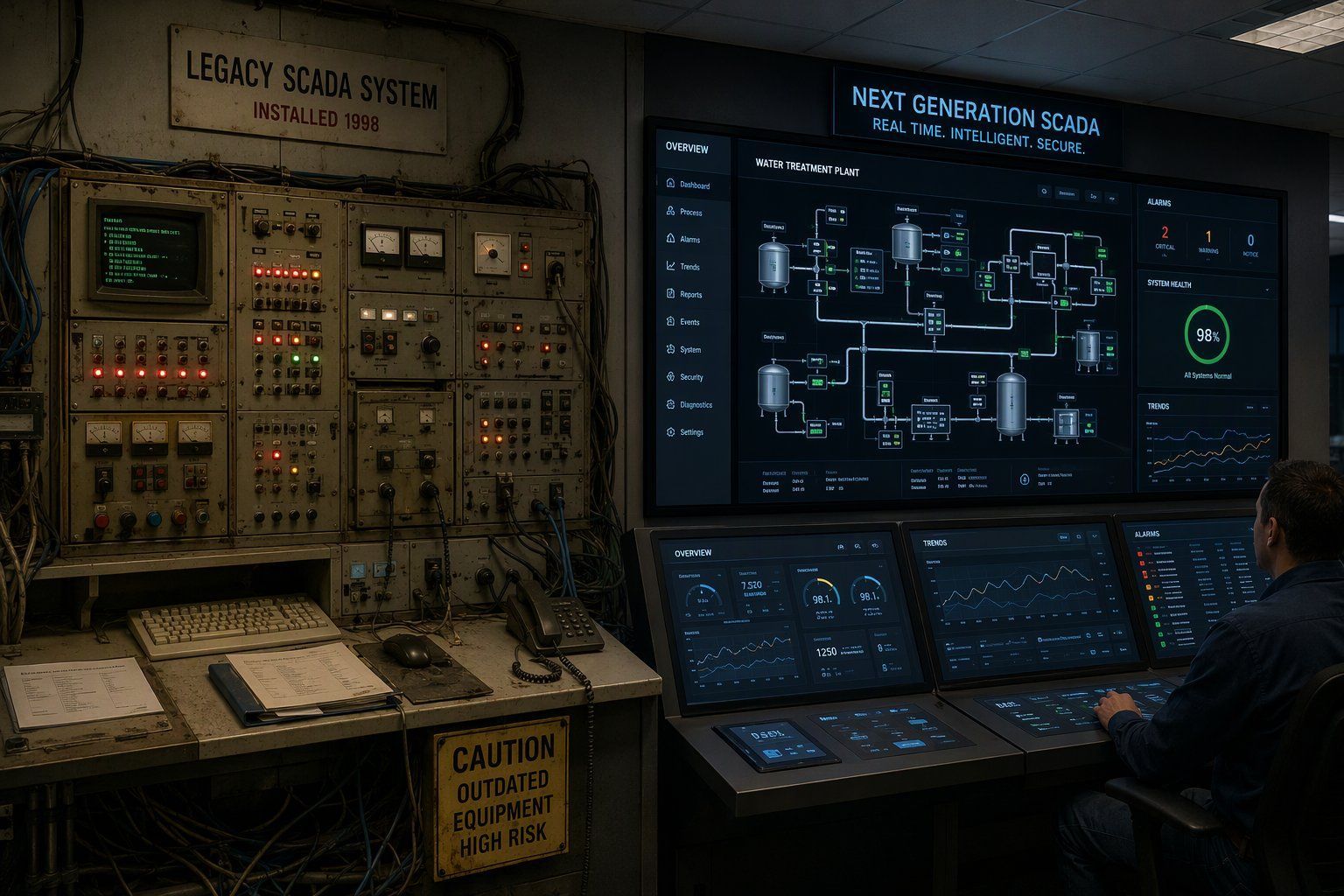
Frequently Asked Questions
What are the most common signs SCADA needs modernizing?
The most common signs include slow operator screens, frequent downtime, unsupported hardware or software, poor visibility, rising maintenance costs, and weak security. If your scada system causes repeated workarounds in the control room, your legacy scada environment may be ready for a planned legacy migration from an outdated scada system.
How can SCADA modernization help reduce downtime?
Scada modernization improves downtime performance by giving you better system reliability, stronger backups, redundancy options, and faster fault detection. It also supports better operational efficiency through clearer alarms, real-time visibility, and analytics. In some cases, advanced tools and machine learning can help spot equipment issues before they lead to failure.
What features should a modern SCADA system offer compared to older versions?
A modern scada platform should offer stronger cybersecurity, flexible integration, improved alarming, better visualization, centralized historian access, secure remote access, and easier scalability. Good scada software should also support advanced analytics, modern protocols like OPC UA and MQTT, and connectivity options that can extend to cloud services when appropriate.
You might also like