What Happens When Your HMI Fails and There Is No Spare? The Real Cost of Obsolete HMI Panels
Key Highlights
- Obsolete HMI panels can turn one failed screen into unplanned downtime across critical production processes.
- Many plants still depend on hmi systems that no longer receive support, updates, or reliable repair options.
- Spare shortages make obsolete panels a growing weak spot in control systems and daily operations.
- The real cost goes far beyond repair bills and includes lost output, rushed sourcing, and recovery effort.
- Fast action depends on backups, clear diagnostics, and a realistic replacement or modernization path.
- If you are planning next steps, review Diagnosing an Aging SCADA/HMI System and SCADA Modernization.
Introduction
In industrial automation, a failed human machine interface is not just an inconvenience. It can leave operators without visibility, control, and confidence at the exact moment your control systems need clear action. If there is no spare on the shelf, the problem gets expensive fast. Older operator panels often stay in service longer than planned, but that does not reduce the risk. When an HMI fails, your team faces downtime pressure, sourcing challenges, and hard decisions about replacement.
Understanding Obsolete HMI Panels
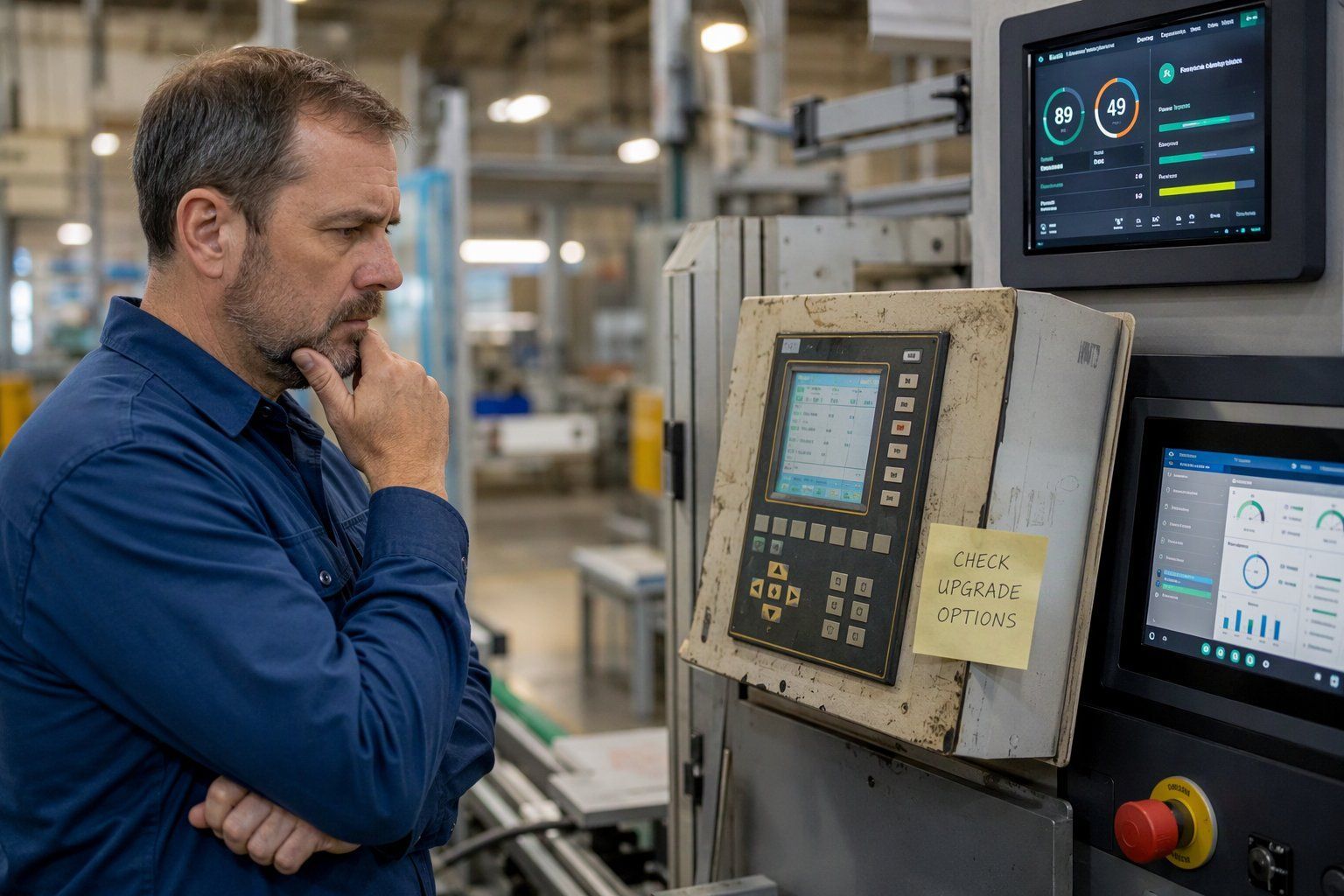
Operator panels sit at the center of daily interaction between people and machines. In industrial automation, these hmi systems give operators a usable view into industrial control systems, alarms, and machine status. When they age out, operational continuity becomes harder to protect.
A panel is often considered obsolete when it has reached end of support, parts are scarce, and your team cannot count on vendor repairs or security updates. That is common in legacy systems. The next sections explain what these panels do, how to spot obsolete hmi panels quickly, and why spare shortages are getting worse.
Common Functions of Operator Panels and HMI Terminals
At the plant floor level, an operator panel is the visible face of a control panel. It helps your team monitor conditions, respond to alarms, and interact with equipment without opening cabinets or working directly at devices. In many setups, it also supports scada systems by presenting operational data in a simple format.
You rely on these terminals for several core tasks:
- Displaying process status through visualization tools and alarm screens
- Supporting data acquisition and showing trends, events, or messages
- Letting operators enter commands or adjust approved settings
- Helping staff confirm machine state during startup, changeover, and recovery
The risk with obsolete panels is not only age. If the screen, memory, software, or communications fail, operators can lose access to the information needed to run equipment safely and efficiently. That raises the chance of confusion, slower response, and longer outages, especially when one single device supports a key production area.
How to Identify If Your HMI Panel is Obsolete
A quick check starts with support status. If the unit is end of life, no longer receives security updates, or cannot be repaired through normal channels, you are likely dealing with an obsolete panel. You may also see limits tied to older hardware, software, and screen size.
In some plants, the signs are practical rather than technical. The panel may be hard to read, slow to respond, or difficult to integrate with newer platforms shaped by technology advances. If it also struggles to communicate in an environment built around outdated plcs and newer systems, risk increases.
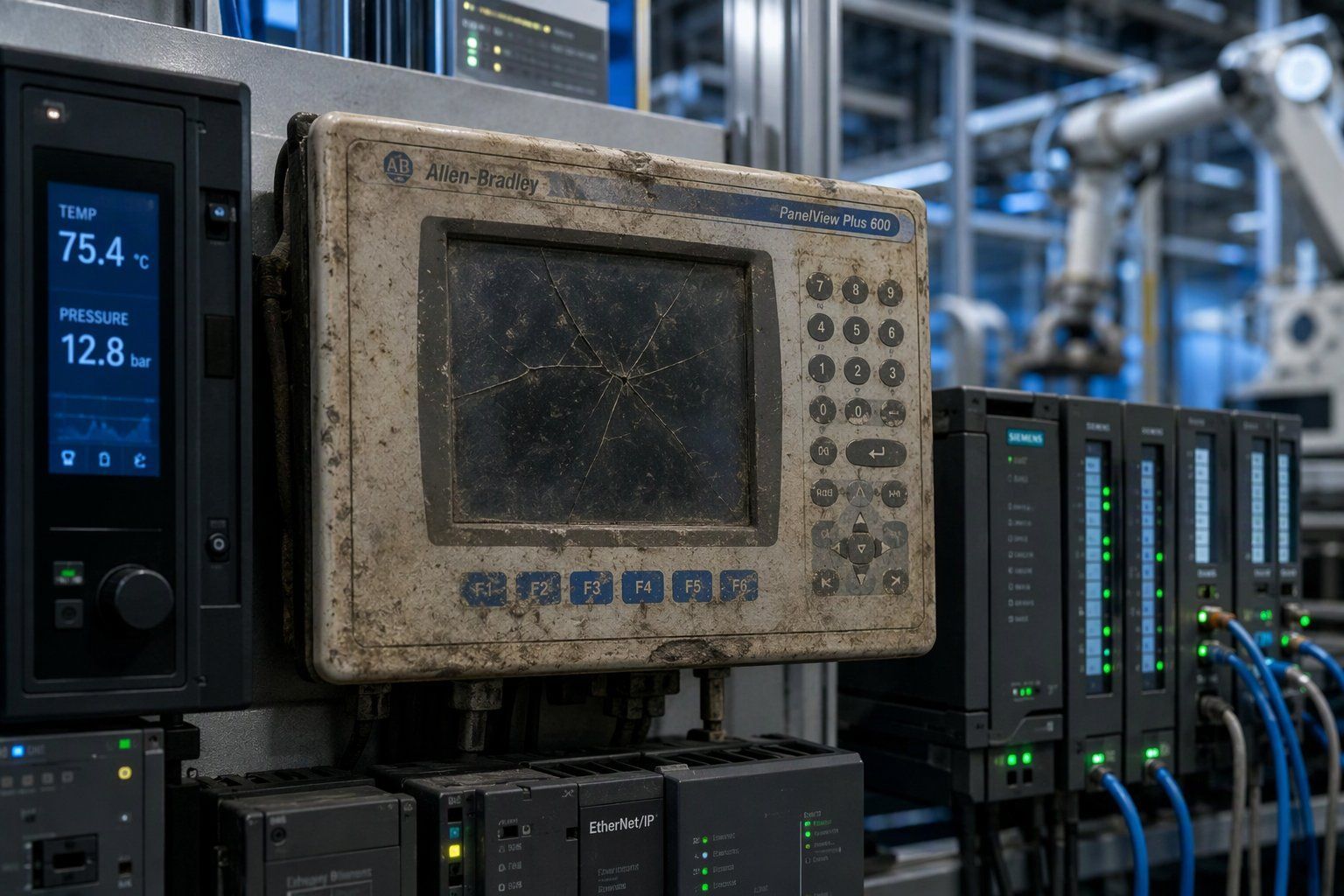
Checkpoint
What it suggests
Vendor support ended
The panel is likely at or near end of life
No security updates available
Exposure grows over time
Repair parts are hard to find
Recovery after failure will be slower
Small or aging screen size limits use
Operator effectiveness may drop
Poor fit with newer software or devices
Replacement planning should start
The Growing Challenge of Spare Part Shortages
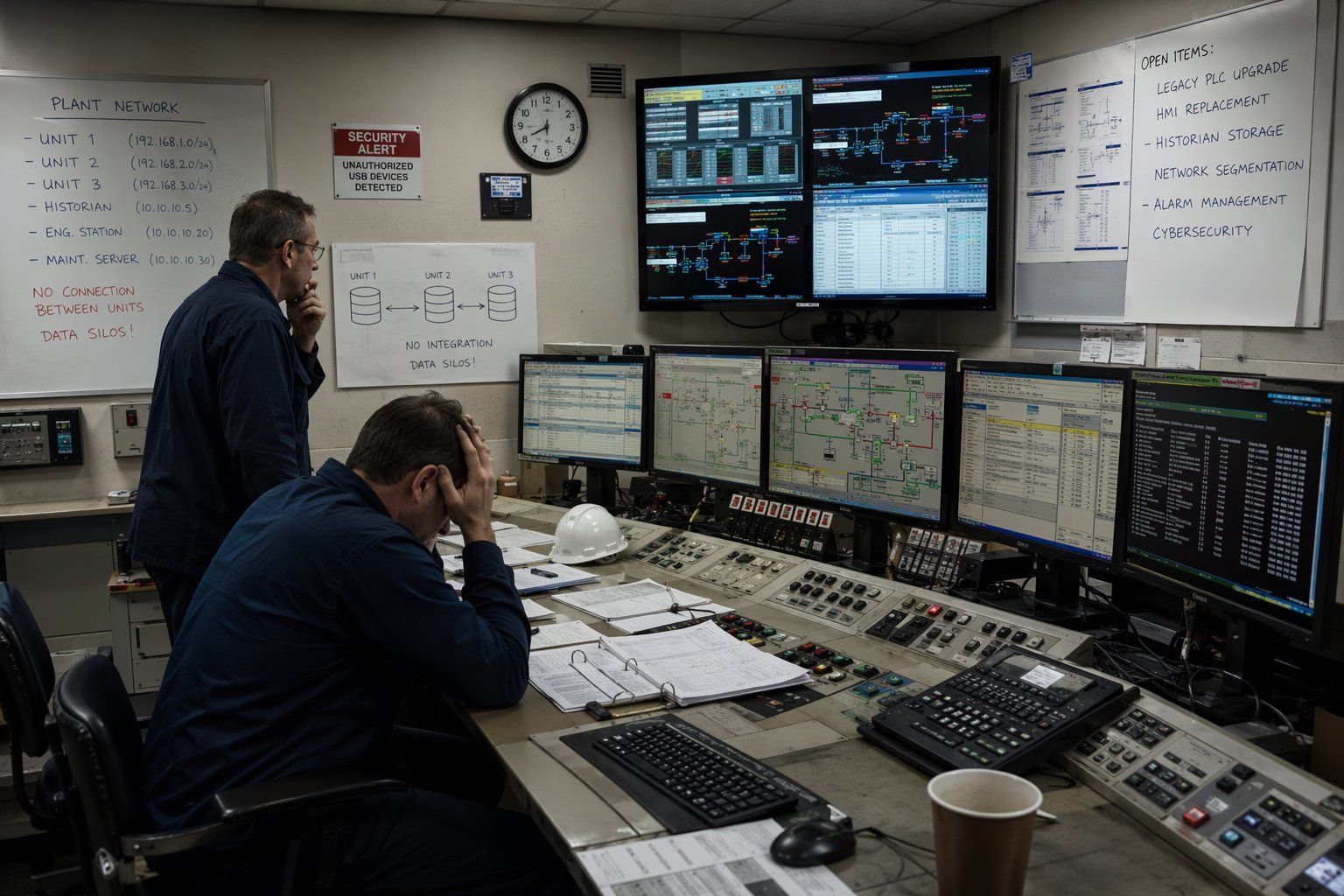
Finding spare parts for old operator panels is getting harder. As vendors move on, plants with legacy systems face a shrinking pool of tested replacements, repair services, and compatible accessories. What used to be a routine maintenance issue can now become a plant-wide problem.
The pressure comes from several directions:
- Original manufacturers may stop production and formal support
- The supply chain for old displays, touch layers, and boards can dry up
- Available parts may come from uncertain sources with limited testing
- Lead times can stretch while your operational technology stays exposed
You may still find parts through specialized resellers, repair houses, or surplus inventories in the United States, but availability is unpredictable. That is why obsolete hmi panels create such a serious exposure. If a single terminal fails and there is no spare, unplanned downtime can begin before your team even locates a possible replacement.
Risks and Real Costs of Operating with Obsolete HMI Panels
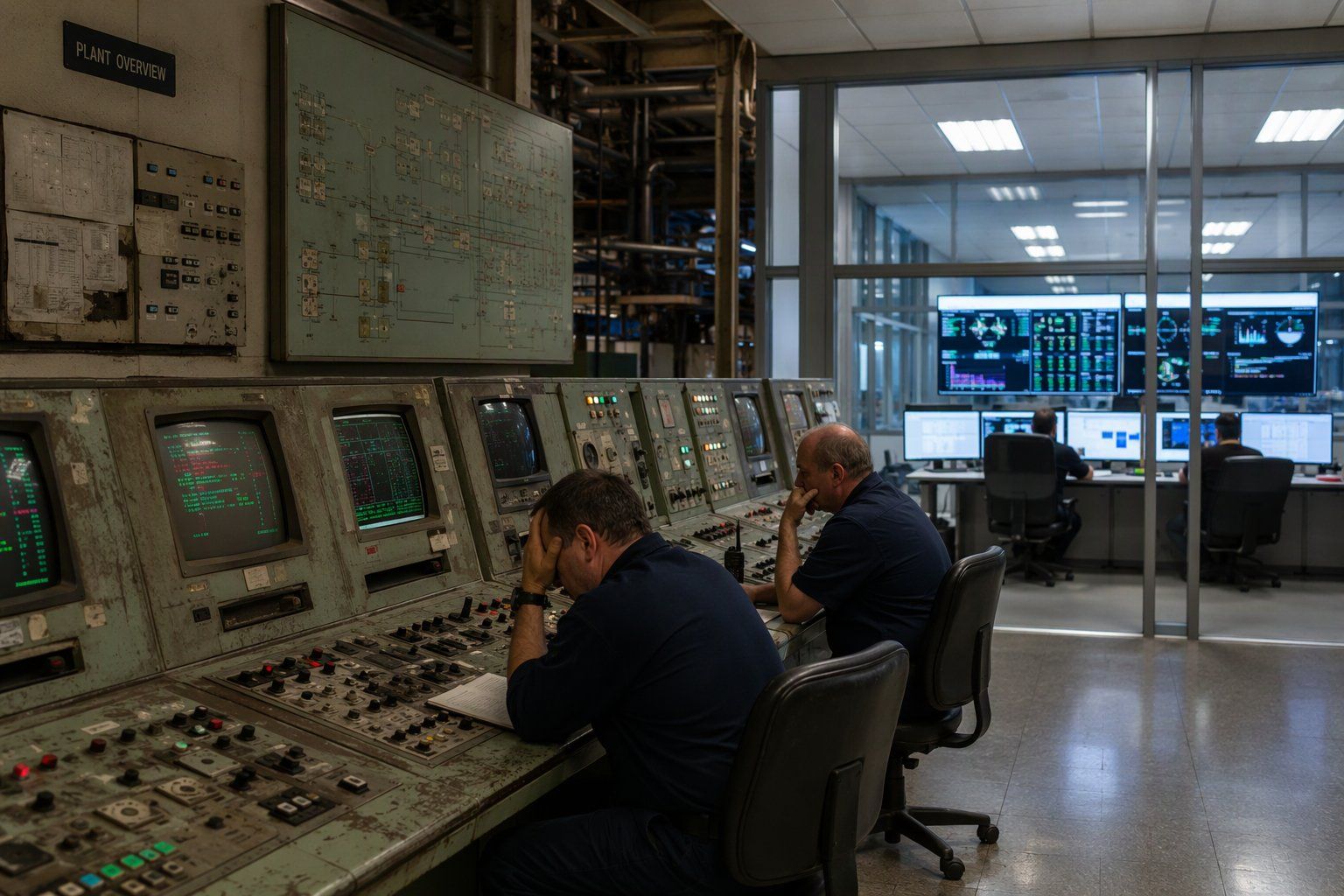
Keeping an aging panel in service may look cheaper in the short term, but the risk profile changes fast once support disappears. You are no longer managing a minor maintenance item. You are protecting operational continuity with a device that may already be a weak link in your control systems.
From a risk management view, the main concerns are lost production processes, delayed recovery, and rising security risks. Older HMIs can also expand the attack surface when they lack updates or are exposed during remote work. The next sections break down downtime, financial impact, and plant-level safety concerns.
Impact on Downtime and Production Efficiency
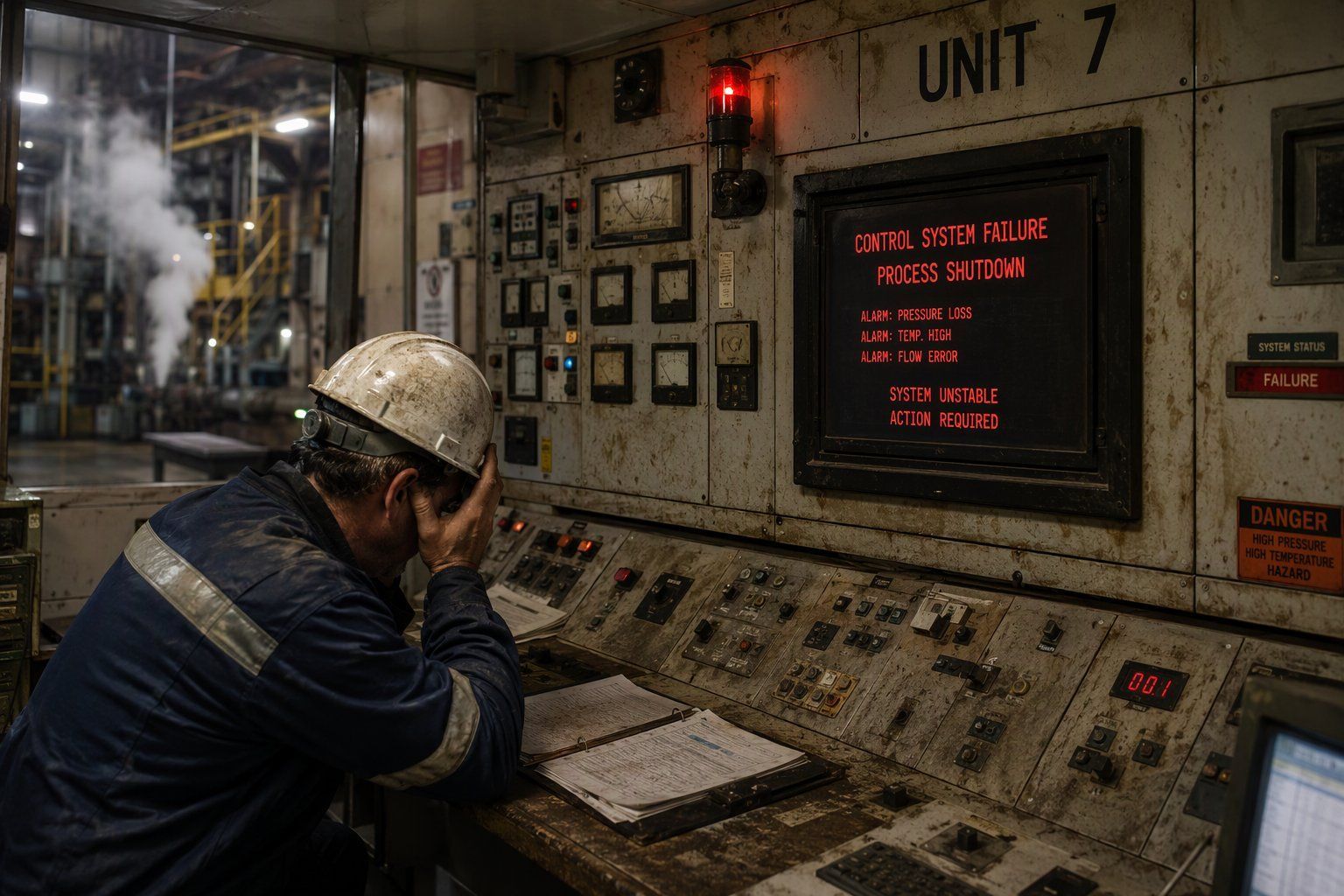
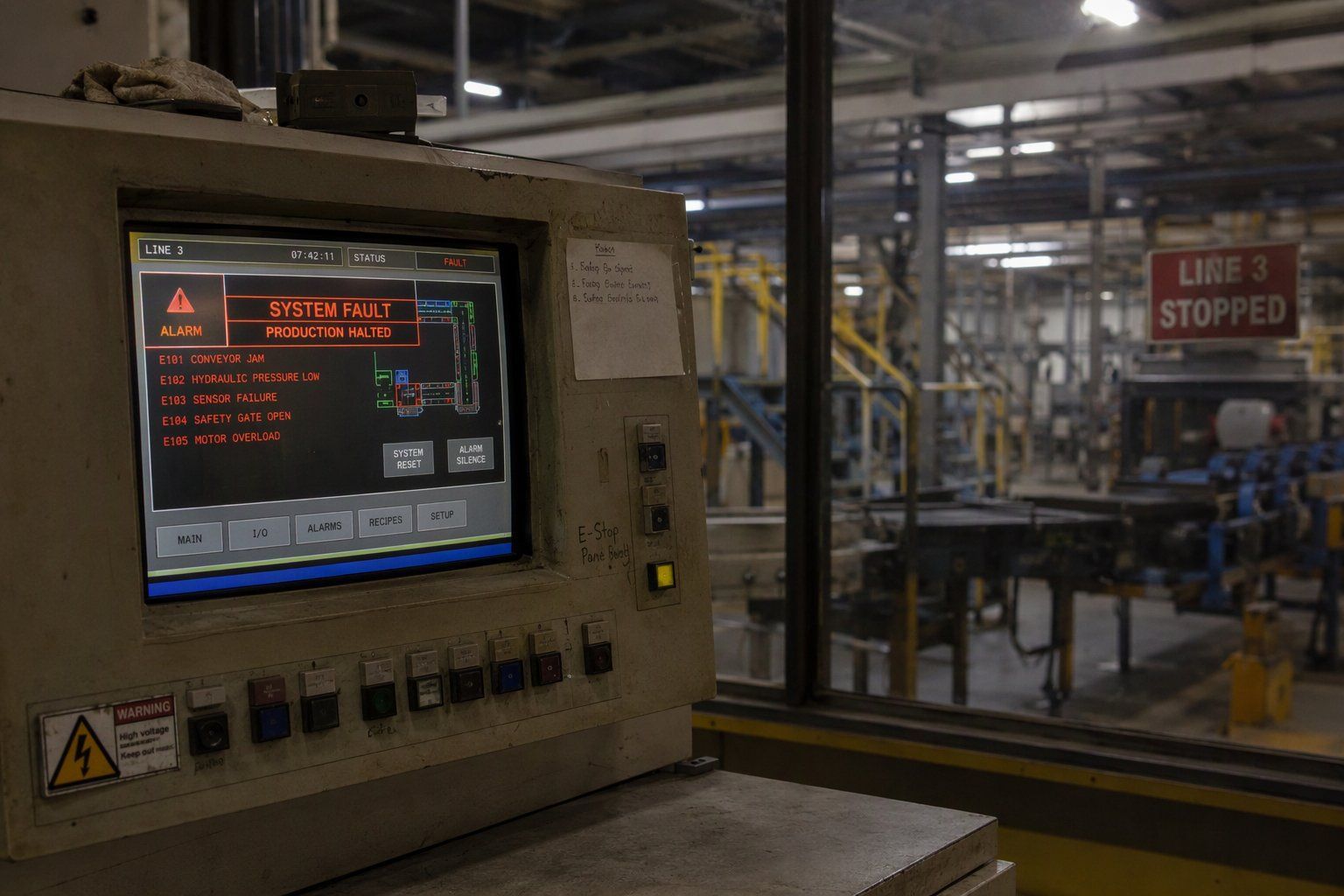
When an HMI goes dark, your team may lose the normal window into machine status, alarms, and operational data. In many industrial operations, that slows diagnosis immediately. Even if equipment is still running, operators may not have the visibility needed to adjust conditions or verify safe states.
The biggest problem is often hidden in plain sight. One old terminal can become one of the largest single points of failure on the line. If that device supports a bottleneck process, unplanned downtime spreads beyond one station and starts affecting scheduling, labor, and downstream coordination.
Common warning signs often appear before total failure. You might see display issues, poor response, communication dropouts, repeated restarts, or trouble loading screens. Those patterns usually mean replacement should be evaluated now, not after another outage. Protecting production efficiency starts with treating the panel as a critical asset, not just a screen.
Financial Consequences Beyond Immediate Repairs
The financial impact of a failed obsolete panel rarely ends with the repair invoice. Lost production hours, emergency labor, rush shipping, and recovery coordination can quickly outweigh the cost of planned action. If your team has to stop work while searching for parts, the bill keeps growing.
Some plants assume old panels are still cost-effective because they are already installed. That can be true only while they remain stable and recoverable. Once age, part scarcity, and support limits become serious, the economics shift. Technology advances also widen the gap between patching around risk and making a controlled upgrade.
There is another cost many teams miss: time pulled away from improvement work. Engineers who should be focused on sustainable growth and new equipment end up handling incident response, vendor calls, and temporary fixes. The result is not just an outage today. It is less progress on the projects your facility needs tomorrow.
Safety and Compliance Issues for US Plants
In industrial environments, operator panels support awareness and response. If displays are unreliable or inaccessible, staff can miss alarms, process changes, or abnormal conditions. That does not mean the HMI replaces safety systems, but it does play an important role in helping people act quickly and correctly.
There is also a cyber side. Older HMIs may lack updates and can increase the attack surface, especially when remote access is enabled for support or troubleshooting. The compiled information highlights internet-exposed HMI systems, weak credentials, and unsupported platforms as common paths for cyber threats.
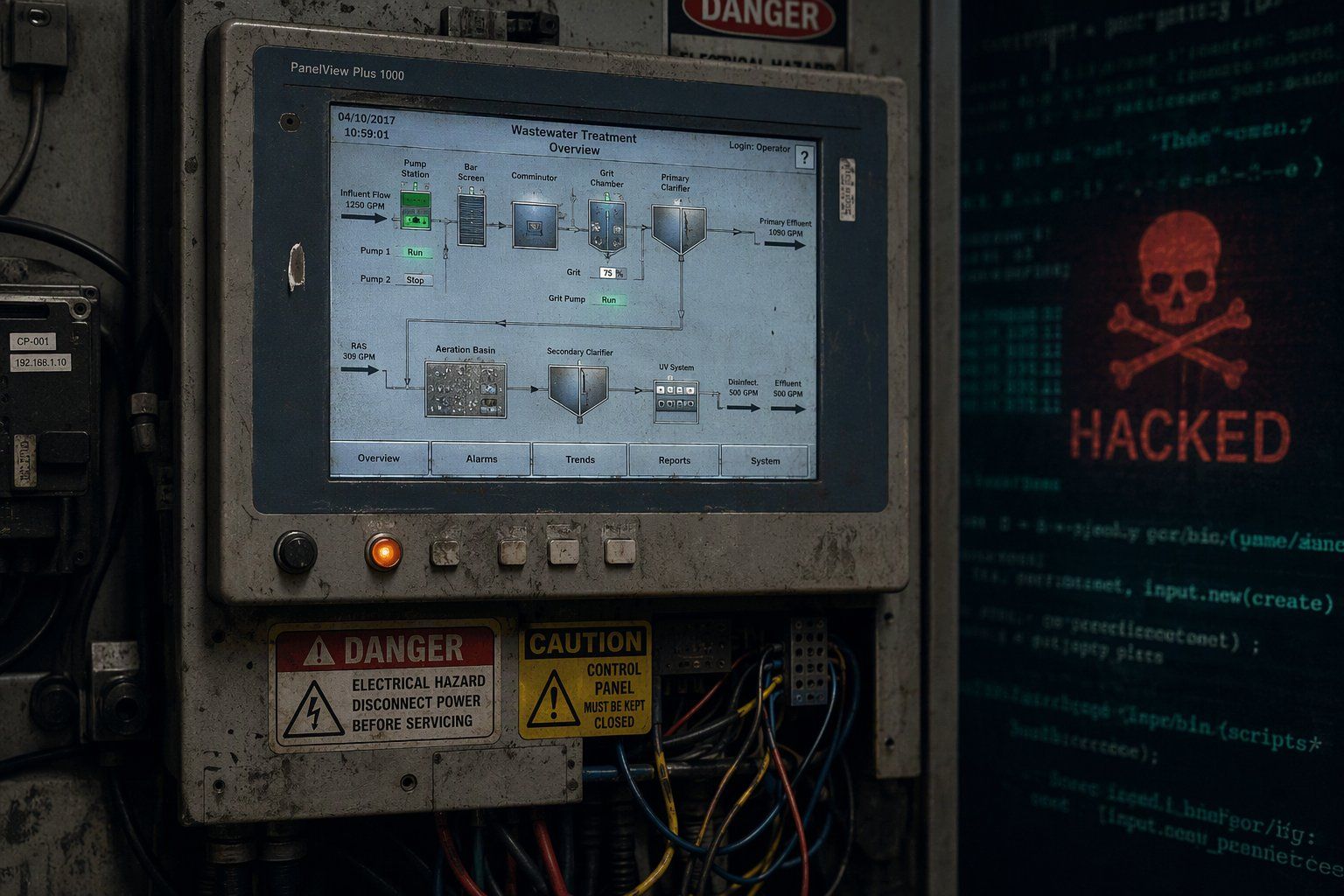
When choosing a replacement, focus on factors such as:
- Fit with your plant workflow, screen needs, and industrial environments
- Support for current security practices and ongoing updates
- Compatibility with your broader regulatory compliance approach and operating procedures
Urgent Steps When Your HMI Fails Without a Spare
If your HMI fails and there is no spare, the first priority is incident response that protects people and stabilizes the process. Your team needs to confirm what failed, what visibility was lost, and whether the rest of the control systems can continue in a safe, limited way.
Speed matters, but random action usually wastes time. A faster path is structured triage, backup review, and targeted operational technology support, including remote troubleshooting when appropriate. From there, you can decide whether to source an emergency spare, apply a temporary workaround, or move directly to replacement and modernization.
Diagnosing Failures: Symptoms and Patterns
Start by looking for repeatable symptoms. A blank or flickering display, frozen touch response, failed communications, or recurring boot issues can point to panel hardware or software trouble. In many cases, the operator station fails before the underlying industrial processes stop, which helps narrow the problem.
You also need to separate the panel fault from broader system integration issues. If the control panel still powers correctly and field devices appear healthy, the HMI may be the failed layer. If screens show stale operational data or cannot connect, communications should be checked as part of the diagnosis.
Common patterns include:
- The screen powers on but will not load the application
- Touch input works inconsistently or not at all
- The panel loses connection after restart
- Alarm or status pages stop updating
These signs usually mean the unit should be replaced or retired from critical duty.
Sourcing Emergency Spares or Temporary Workarounds
When failure hits, emergency sourcing becomes a race against downtime. In the United States, plants often look first to the original vendor, then to specialized repair providers, surplus inventories, and brokers that handle legacy systems. The challenge is that the supply chain for obsolete units is inconsistent, and quality can vary.
Temporary solutions may buy time, but they should be treated carefully. If a plant can restore visibility through a repaired terminal or approved alternate interface, that may reduce downtime while a permanent plan is prepared. The goal is controlled recovery, not a risky shortcut.
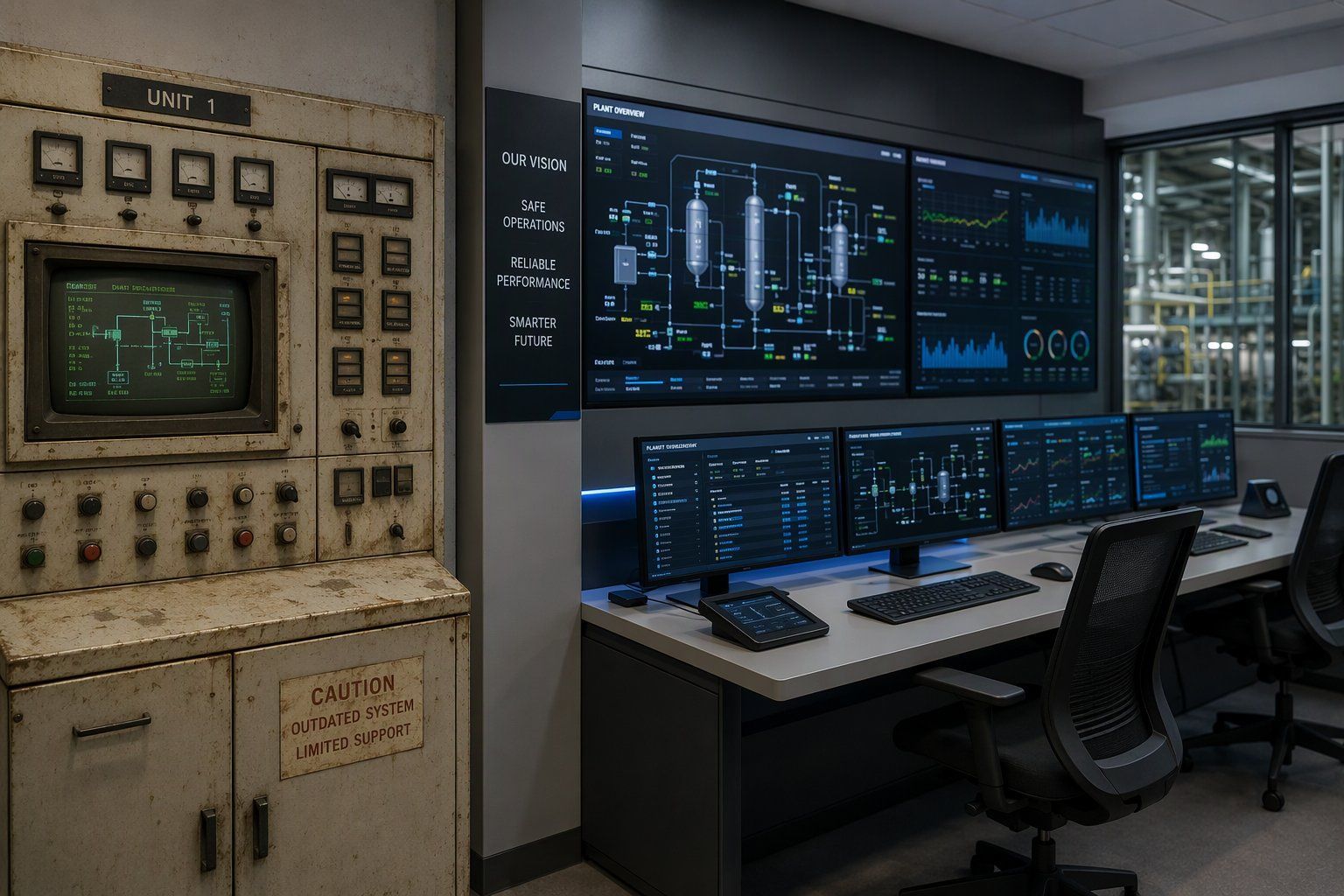
Practical options can include:
- Searching authorized or specialist sources for tested spare parts
- Using a repaired unit as a short-term bridge
- Limiting operation until a stable replacement is available
Evaluating Replacement and Modernization Options
Once the immediate crisis is contained, you need to decide whether to replace like-for-like, retrofit, or move into a broader hmi upgrade. Yes, major vendors do offer modern replacement paths for older panels, but the right answer depends on compatibility, lifecycle support, and how much change your operation can absorb.
A retrofit can work when the control panel design, system integration needs, and software migration are manageable. In other cases, modernization makes more sense, especially when older platforms limit visibility, maintenance, or cybersecurity. Open, supportable platforms also make future planning easier.
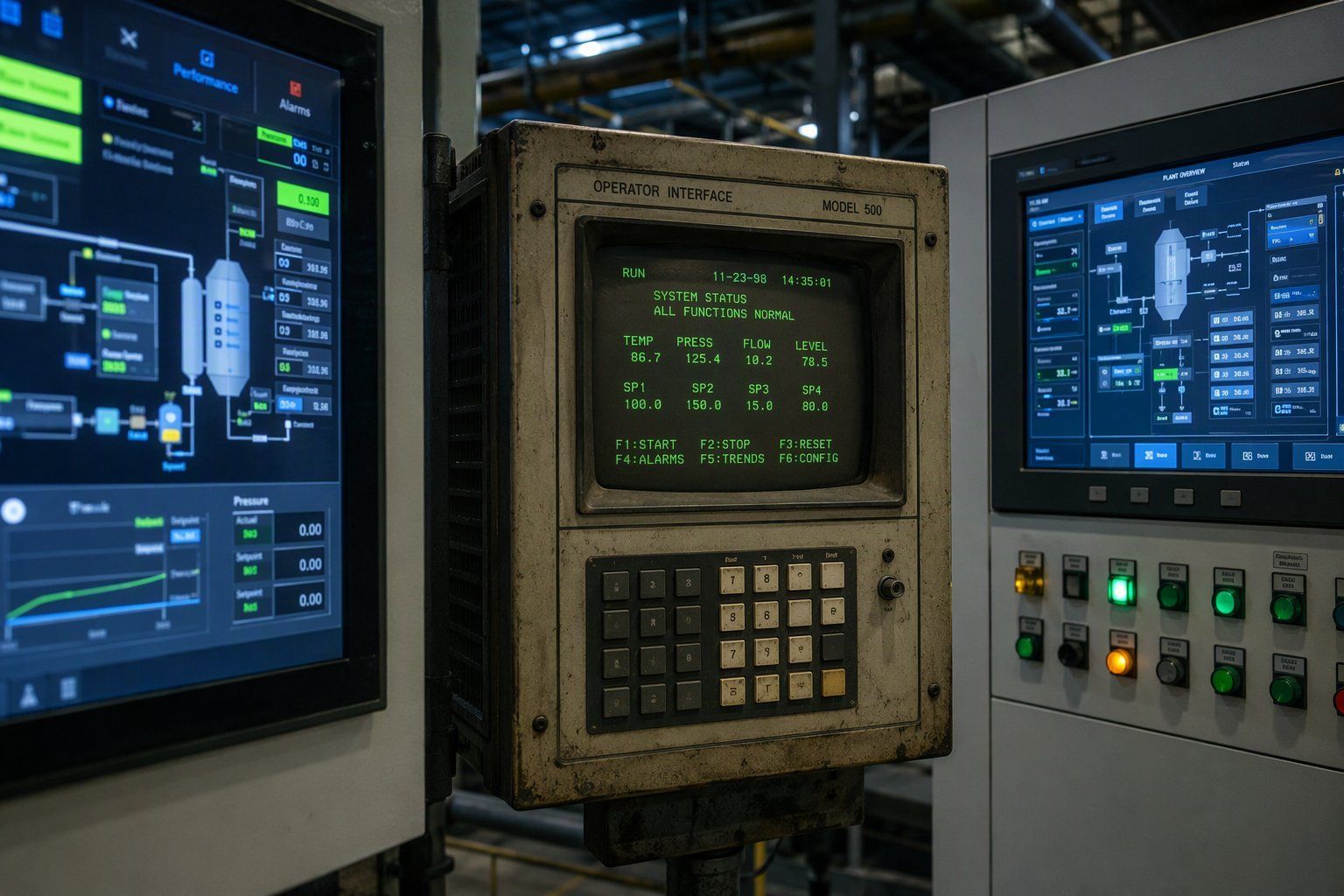
Your evaluation should cover:
- Support life, serviceability, and recovery options
- Fit with current software, networks, and operator needs
- Whether new technologies such as machine learning or artificial intelligence will matter in future monitoring workflows
- The value of a broader roadmap through Diagnosing an Aging SCADA/HMI System and SCADA Modernization
Conclusion
In summary, the failure of an HMI without a spare can lead to significant operational disruptions and financial burdens. Understanding the risks associated with obsolete HMI panels is crucial for maintaining production efficiency and ensuring safety compliance in manufacturing environments. By recognizing the signs of obsolescence and taking proactive steps—such as sourcing emergency spares or exploring modernization options—you can mitigate downtime and safeguard your operations. Don’t let obsolete HMI panels hinder your productivity; stay informed and prepared. For more insights on diagnosing an aging SCADA/HMI system and strategies for
SCADA modernization, be sure to explore our linked resources. Obsolete hmi panels should be audited before they fail, not after.
Frequently Asked Questions
Is it possible to retrofit obsolete HMI panels instead of full replacement?
Yes, in some cases. A retrofit can work when your hmi systems still fit the control panel layout and system integration needs are limited. It is usually most effective as part of planned modernization, not as a last-minute fix after failure, because compatibility and support still need careful review. Obsolete hmi panels are worth replacing when support ends.
What factors should I consider when choosing a new HMI panel?
Focus on lifecycle support, security updates, compatibility, and usability in your industrial environments. The right hmi upgrade should match your screen size needs, operator workflow, and recovery strategy. If future visibility matters, also consider how the platform supports data analytics and long-term maintainability.
Where can I find spare parts for obsolete HMI panels in the United States?
Start with the original manufacturer, then check specialist repair firms, surplus inventories, and brokers that handle legacy systems for industrial control systems. Keep in mind that the supply chain is uneven, so verify testing and condition. If remote support is needed, use controlled access methods and secure gateways.
You might also like