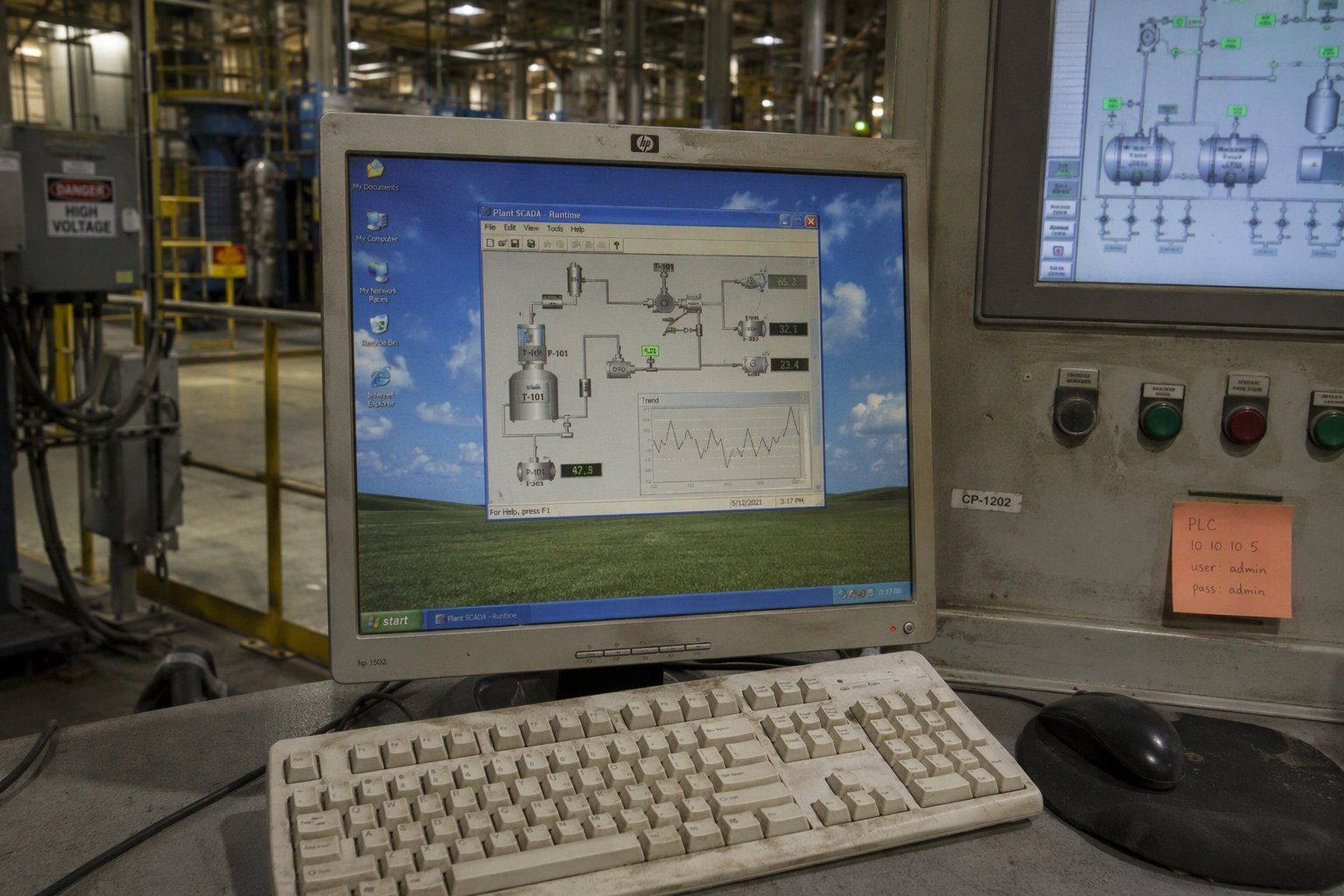
PanelView Plus 6 End of Life: Your Options Explained
Key Highlights
- PanelView Plus 6 end of life means Rockwell Automation support and lifecycle coverage are moving toward closure.
- Your replacement choices usually include repair, tested surplus hardware, or migration to newer panelview plus platforms.
- FactoryTalk View Studio and existing application files play a major role in any upgrade plan.
- PanelView Plus 7 remains active, supported, and easier to justify for standardization.
- Plants still running Plus 6 should review firmware, model status, and spare part risk now.
- A smart replacement plan helps you avoid production downtime.
Introduction
If you still rely on a PanelView Plus 6 on the plant floor, the end of life question matters. For Rockwell Automation users, end of life does not always mean your HMI stops working tomorrow. It means the product is moving out of its supported lifecycle, which affects replacement planning, service options, and long-term risk. You need clear answers on what stays available, what gets harder, and how to upgrade without creating avoidable downtime on a running line. Panelview plus 6 end of life planning starts with the dates below.
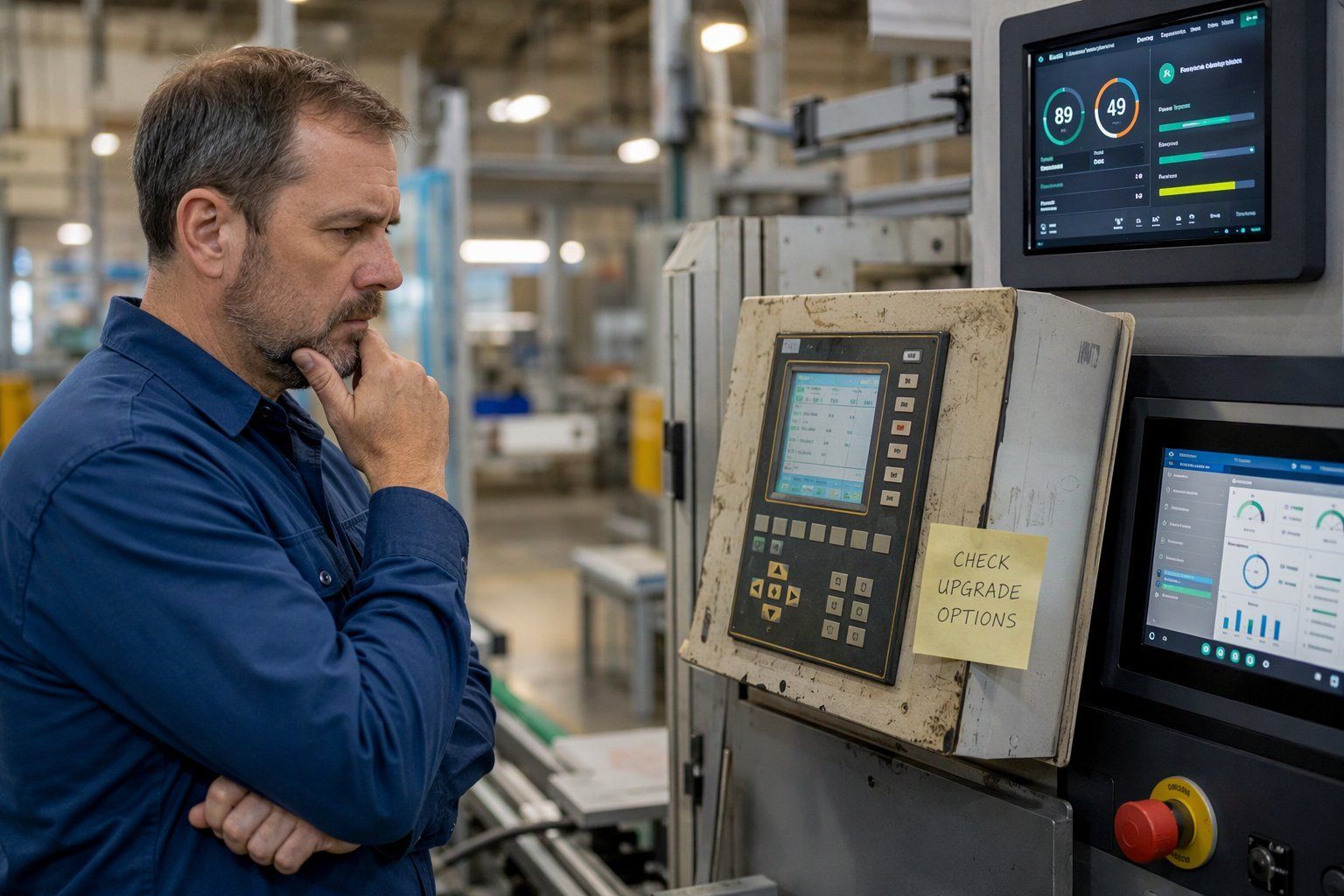
Understanding the PanelView Plus 6 End of Life Announcement
In practical terms, end of life for PanelView Plus 6 means Rockwell Automation has moved the product out of the normal active path. You may still find units in service, and many plants do, but the lifecycle status changes how you handle support, service, and future replacement.
The compiled information shows PanelView Plus 6 as discontinued or in a mature phase depending on context, while newer hardware remains current. It also shows that applications still depend on View Studio and Machine Edition workflows. That makes planning easier, but only if you understand the dates, milestones, and support limits first.
Key Dates and Lifecycle Milestones for PanelView Plus 6
Rockwell Automation uses lifecycle stages such as Active, Active Mature, End of Life, and Discontinued. In the compiled information, PanelView Plus 6 is no longer presented as Rockwell’s current generation. Instead, PanelView Plus 7 is identified as active, which tells you where new investment and firmware attention are going.
You should also separate end of sale from end of service life. End of sale affects what you can buy new through normal channels. End of service life affects factory-backed support expectations. The source material references lifecycle movement, but it does not provide a single official September announcement date for all PanelView Plus 6 catalog numbers.
Lifecycle item
Practical meaning
Active
Product is sold, supported, and receives firmware attention
Mature / Active Mature
Product is aging but still in lifecycle management
End of sale
New purchasing becomes limited or stops
End of service life
Official service support reaches its endpoint
Discontinued / end of life
Product is no longer Rockwell’s current offering
What End of Life Means for Support, Service, and Security
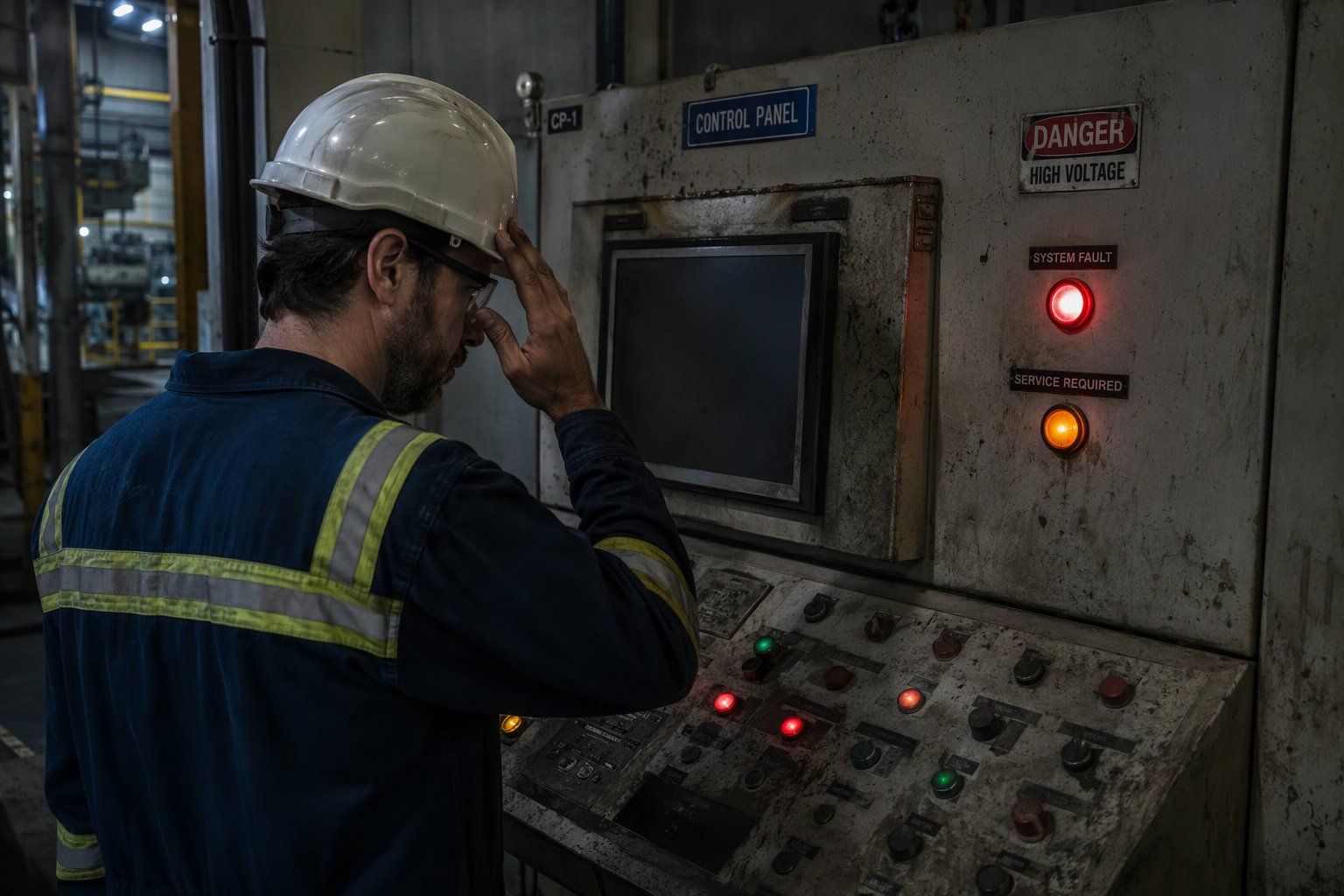
Once an HMI reaches end of life, your biggest issue is not whether it can still boot. The real concern is what happens when it fails at 2 a.m. during production. Support paths narrow, repair turnaround may not fit your schedule, and replacement hardware gets harder to source through standard channels.
There are also practical security and software concerns. Older platforms usually have fewer software updates, and FactoryTalk View Studio compatibility needs closer checking. If your engineering laptop, firmware, and runtime files are not aligned, an emergency download can turn into extra downtime. Panelview plus 6 end of life planning should start before support ends.
- Factory-backed support and service options can become limited.
- Security and software updates may slow down or stop.
- Spare hardware availability may shift to surplus channels.
- Firmware and runtime compatibility checks become more important.
For a plant engineer, the risk of continuing to use PanelView Plus 6 after end of service life is mostly operational: longer downtime, fewer fast replacements, and more pressure on your maintenance team. Panelview plus 6 end of life risk grows the longer you wait.
How to Identify If Your PanelView Plus 6 Is Impacted
Start with the exact model number on the terminal nameplate, not what the machine file says. Small differences in suffixes can affect hardware features, firmware version, and product lifecycle status. That matters when you are checking whether your specific PanelView Plus unit is discontinued.
Next, compare that catalog number against Rockwell lifecycle information and your actual installed application. In many plants, the panelview plus on the door, the MER file on the server, and the spare terminal in stores are not a perfect match. You want to catch that before a failure forces the issue.
Models Included in the PanelView Plus 6 Discontinuation
The compiled information does not list every discontinued catalog number, so the safest approach is model-by-model verification. PanelView Plus 6 includes multiple screen sizes, keypad and touchscreen versions, and different hardware variants. You should treat each terminal as a distinct piece of hardware until verified.
On the plant floor, check both the label and the operating environment. A touchscreen unit with a failed overlay may look like a software issue. A terminal with the wrong firmware version may reject the runtime file even if the model family is correct. Details matter.
- Record the full model number from the HMI nameplate.
- Confirm whether it is a touchscreen, keypad, or combined terminal.
- Note the installed firmware version before planning a swap.
- Check whether your application uses a specific MER runtime target.
- Verify lifecycle status with Rockwell Automation for that exact model.
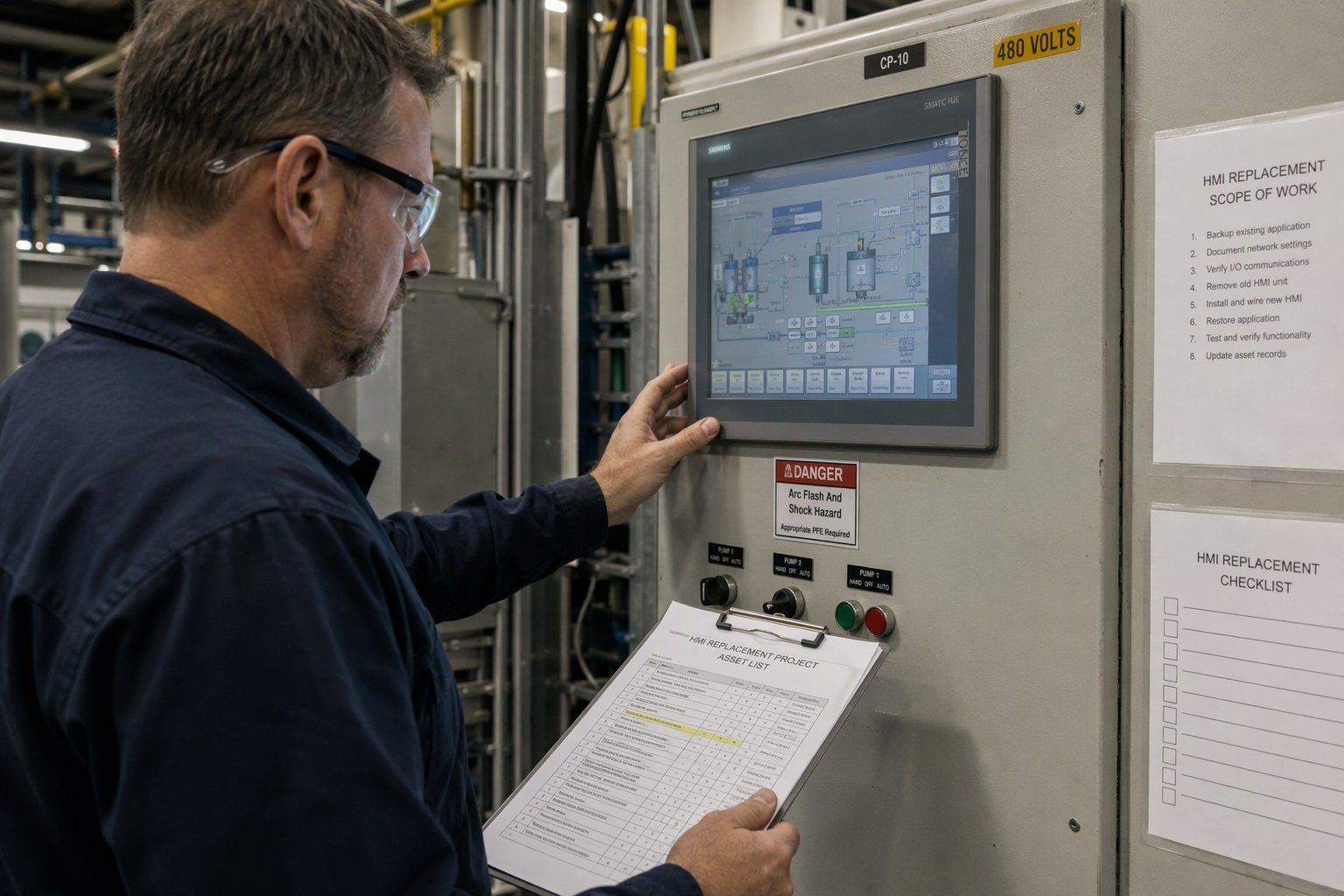
If you manage multiple lines, build a simple asset list now. That gives you a faster answer when one unit goes down.
Checking Firmware, Runtime, and Compatibility
If you want the lifecycle status of other Rockwell HMI products, start with Rockwell Automation’s official product lifecycle resources and product catalog pages. The compiled information repeatedly points back to Rockwell documentation, compatibility materials, release notes, and product selectors for current status checks.
You should also verify through your distributor or Rockwell contact, especially when a machine is down and you need current availability. Public pages provide general information, but stock status, regional availability, and support details can differ by catalog number.
- Use the Rockwell Automation website for lifecycle and compatibility details.
- Check current release notes and product selector information.
- Contact your distributor or Rockwell by email or phone for confirmation.
For maintenance managers, the key is simple: do not rely on memory or an old BOM. Use official sources each time you review an HMI replacement decision. Panelview plus 6 end of life checks belong on every asset list.
Rockwell Automation’s Reasoning Behind Discontinuing PanelView Plus 6
Rockwell Automation did not build PanelView Plus 6 to last forever. Like any industrial equipment platform, it eventually gets overtaken by newer hardware, better communications, and updated software expectations. That is the practical reason a long-running HMI family moves toward end of life.
The compiled information points to a clear shift: PanelView Plus 7 is active, while newer development attention is also moving toward modern HMI ecosystems such as FactoryTalk Optix. For you, that means Rockwell is prioritizing platforms with stronger long-term automation roadmaps, not expanding an aging generation.
Industry Technology Trends Driving HMI Product Updates
Plant-floor expectations changed. Today’s HMI is expected to boot reliably, refresh screens faster, handle Ethernet traffic cleanly, and fit into broader automation architectures. Older platforms can still run a machine, but they are harder to keep aligned with current firmware, controller, and engineering software environments.
The compiled information also shows that newer platforms support better processor performance, broader network options, and closer alignment with Rockwell’s present software direction. If your line uses Logix controllers, modern IP networks, and tighter uptime targets, the age of the HMI starts to matter more.
- Faster screen rendering and response are now expected.
- Ethernet and IP network demands are heavier than before.
- Firmware update management matters more in connected plants.
- Integration with PLC, server, and modern software workflows is a bigger priority.
That is why older HMI families get replaced. It is less about one flaw and more about platform fit over time.
Comparison of PanelView Plus 6 vs. PanelView Plus 7
From a maintenance point of view, the biggest advantage of PanelView Plus 7 is that it stays in the same FactoryTalk View Machine Edition family. That means migration is usually more manageable than a full platform jump. Still, it is not a blind field upgrade. You need to recompile and test.
Performance is another real difference. The compiled information states that Plus 7 has a faster processor, better USB handling, and more network options on select models. If your current PanelView Plus 6 feels slow on complex screens, you will notice the change.
Feature
PanelView Plus 6
PanelView Plus 7
Lifecycle status
End of life or mature/discontinued context
Active
Software
FactoryTalk View ME
FactoryTalk View ME
Performance
Older hardware, slower rendering
Faster processor and quicker page loads
USB
More limited support
Improved USB support
Network
Single Ethernet on most models
Select models offer expanded networking
That comparison helps explain why Plus 7 is the most direct successor for many plants. Panelview plus 6 end of life makes the 7-series the natural next step.
Replacement and Migration Options for PanelView Plus 6 Users
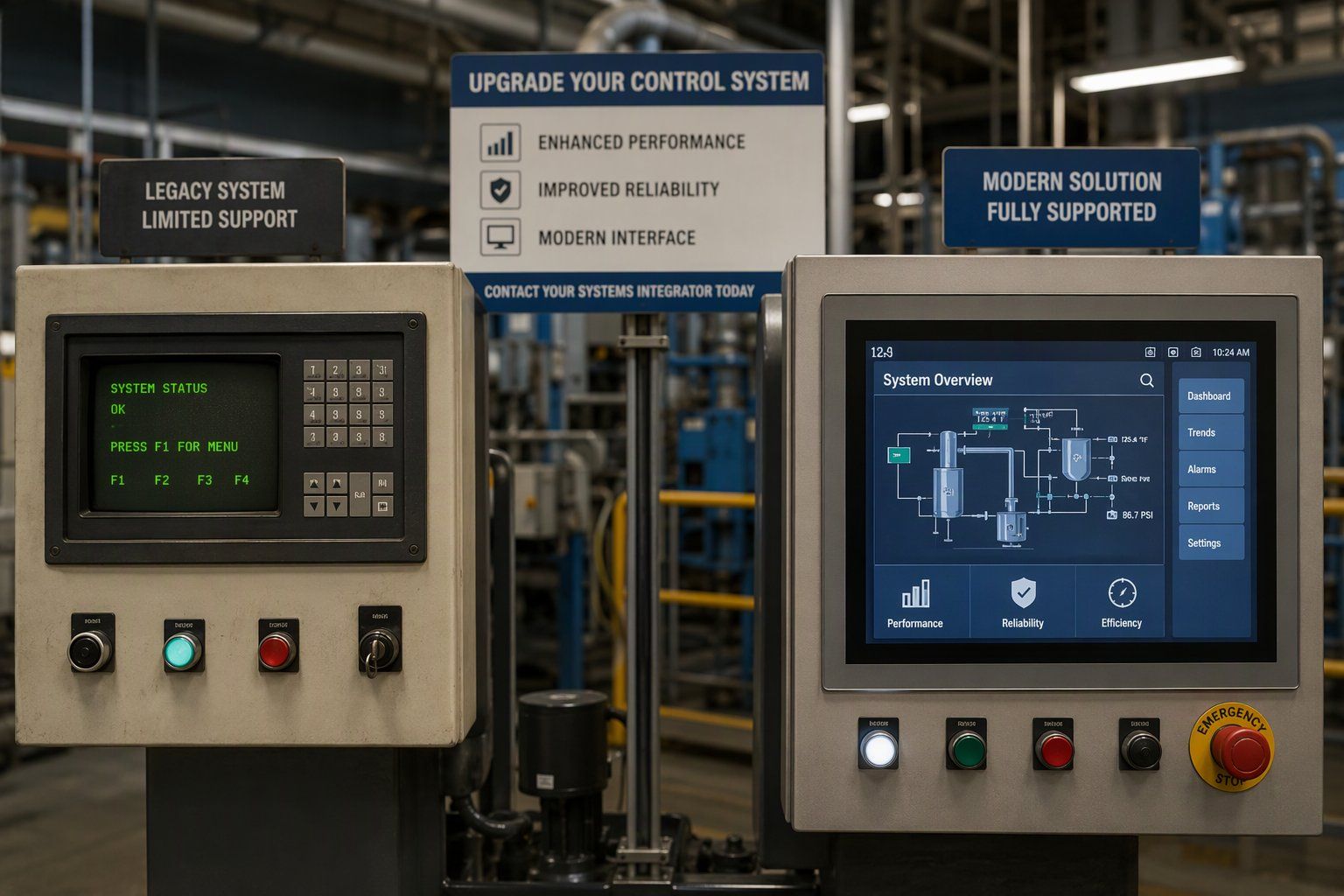
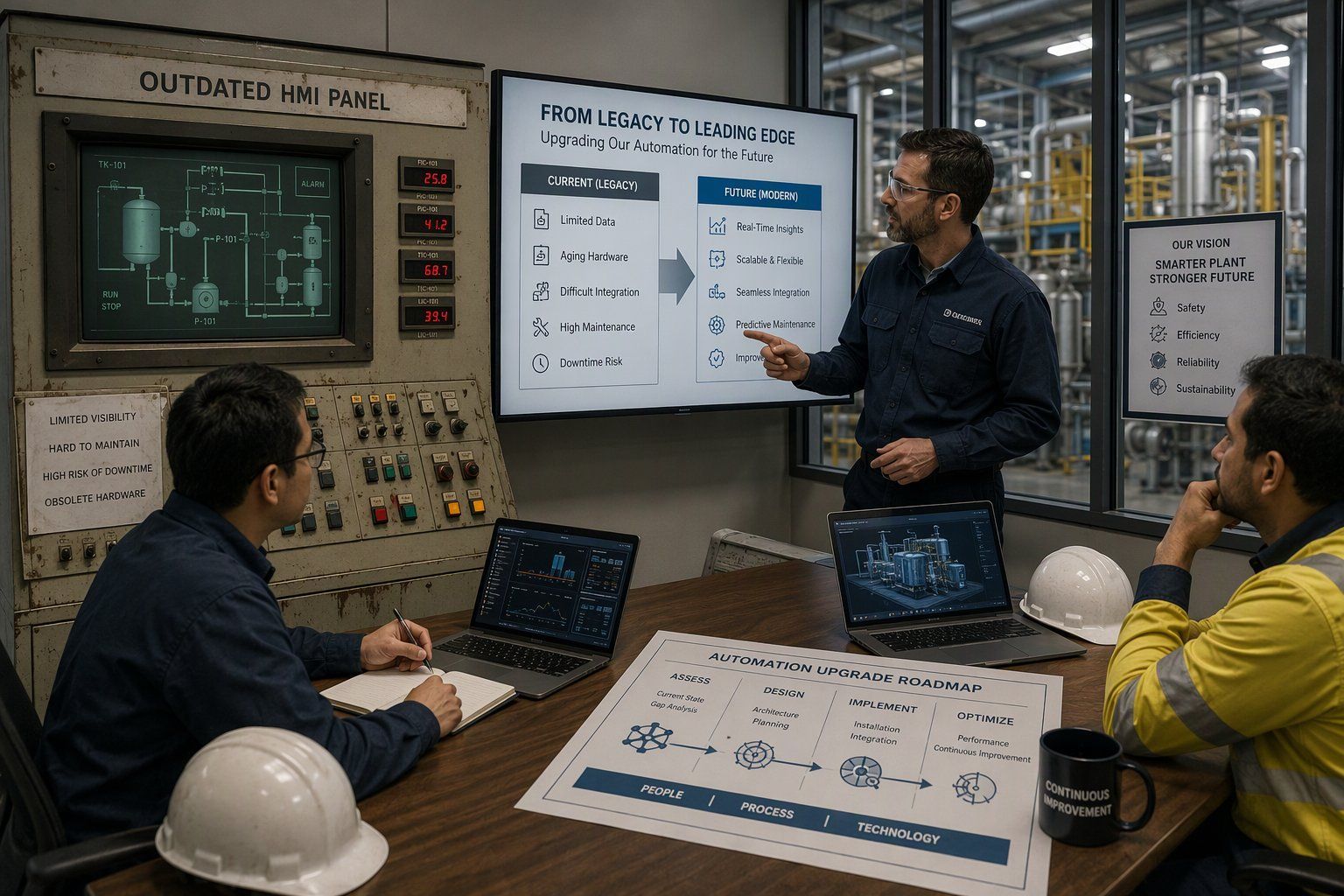
If your PanelView Plus 6 is aging out, you usually have three paths: repair the existing unit, buy a tested replacement, or complete an HMI upgrade. The right choice depends on how fast you need the machine back, how standardized your line is, and whether you already planned a migration window.
For many users, replacement and migration are not the same thing. A spare may restore production today. A planned upgrade gives you better lifecycle coverage tomorrow. The next two sections break down what to watch in both cases so you can act without stopping production longer than necessary.
Migrating to PanelView Plus 7: Hardware and Software Considerations
For most Rockwell plants, PanelView Plus 7 is the most direct replacement for PanelView Plus 6. Both use FactoryTalk View Studio Machine Edition, which keeps your engineering workflow familiar. But do not assume the old runtime drops straight in. You need to open the application, review it, recompile it, and test it.
Compatibility is where most rushed jobs go sideways. The compiled information makes this clear: a MER file built for a newer runtime may not load on older firmware. Before you touch the machine, confirm panel firmware, target runtime, PLC communications, and transfer method over Ethernet or USB.
- Verify the exact Plus 7 hardware variant before ordering.
- Open the source application in Machine Edition and recompile.
- Match the MER runtime to the target firmware version.
- Test PLC communications and screen behavior before startup.
If you want the best replacement for PanelView Plus 6, Plus 7 is usually the closest fit when you need continuity and less retraining.
Exploring Other Modern HMI Alternatives and Future-Proofing
Not every plant wants to move straight to the same product family. The compiled information notes that some integrators are already steering new projects toward Rockwell’s newer HMI direction, especially when long-term platform life matters more than a like-for-like swap. That matters if your machine is expected to run another ten years.
At the same time, a tested surplus option can be the smartest short-term move. If you need production back today, a replacement from an independent surplus supplier may buy you time for a planned automation upgrade later. That is especially useful on legacy lines with limited shutdown windows.
- Use tested surplus hardware for emergency recovery.
- Standardize on Plus 7 if you want a practical near-term path.
- Consider newer modern HMI platforms for long-horizon projects.
- Review future releases with your integrator before new machine builds.
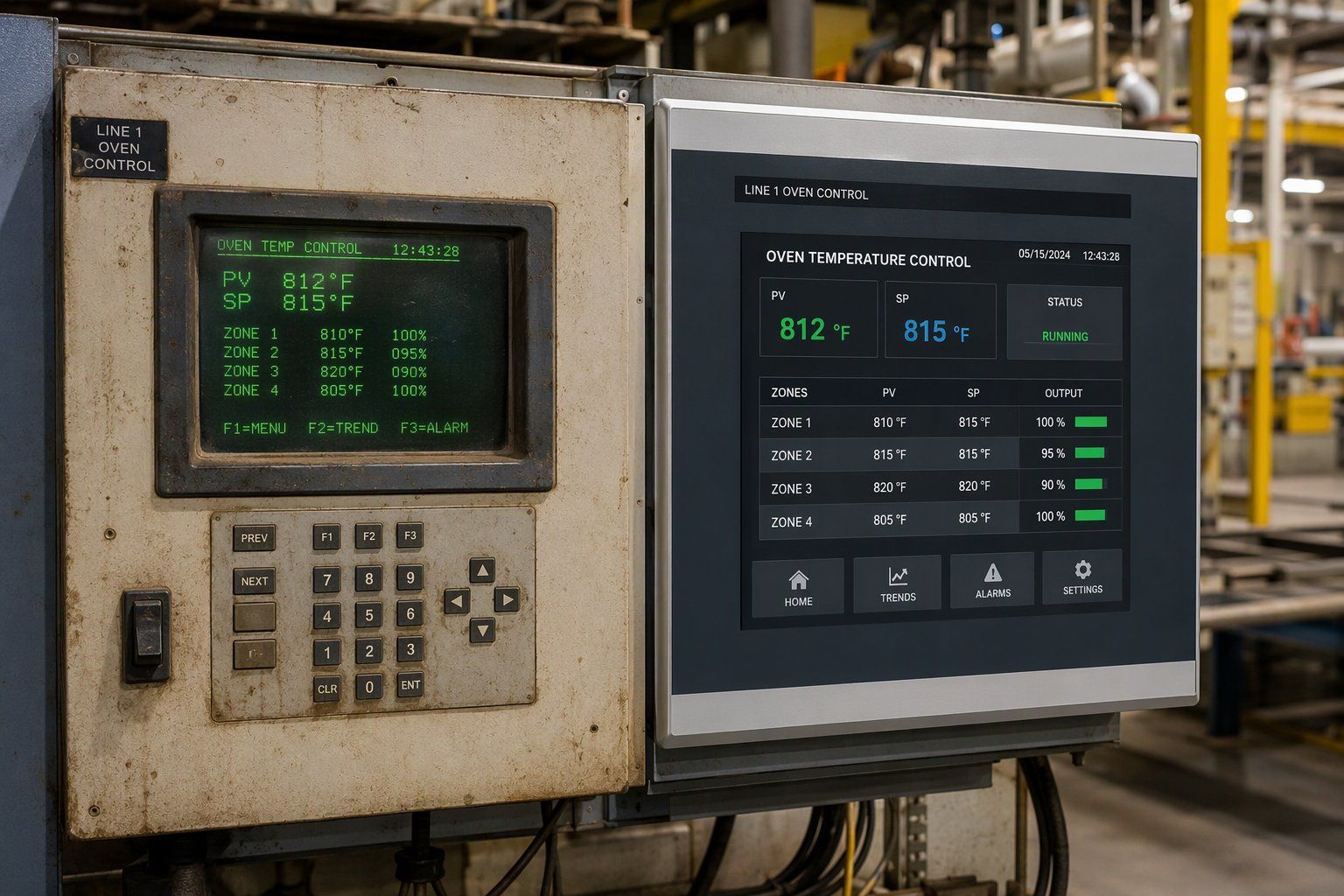
Future-proofing is really about timing. Keep the line running now, then upgrade on your schedule instead of during a failure. Panelview plus 6 end of life planning protects production uptime.
Conclusion
In conclusion, navigating the
end of life for the PanelView Plus 6 doesn’t have to disrupt your operations. By understanding the implications of the discontinuation, you can proactively identify your options for support and replacement. Whether you choose to migrate to the more advanced PanelView Plus 7 or consider other modern HMI platforms, planning ahead is key to ensuring a smooth transition without halting production. Embrace these changes as an opportunity to enhance your plant’s efficiency and future-proof your systems. If you need expert guidance tailored to your unique situation, don’t hesitate to reach out for a consultation. Panelview plus 6 end of life dates are worth confirming with Rockwell.
Frequently Asked Questions
Is PanelView Plus 6 still supported by Rockwell Automation?
PanelView Plus 6 is no longer Rockwell Automation’s current HMI generation, and support expectations change as products move toward end of life or end of service life. You should confirm the exact model’s lifecycle status directly with Rockwell before relying on factory support for repairs, updates, or replacement planning. Panelview plus 6 end of life does not end the surplus market overnight.
Can I still buy PanelView Plus 6 terminals or spare parts?
Yes, you may still find PanelView Plus 6 terminal hardware and spare parts, especially through surplus channels. After end of life, that often becomes the main source for replacement units. For plant use, focus on tested inventory, known condition, touchscreen function, and whether the seller can verify operation before shipping.
What is the best replacement for PanelView Plus 6?
For many Rockwell users, PanelView Plus 7 is the best replacement because it stays within the same HMI and FactoryTalk View Machine Edition workflow. That makes migration and upgrade work more manageable. You still need to recompile, check compatibility, and test the application before putting the new panel into production.
You might also like