How to Migrate from FactoryTalk View to Ignition Without Downtime
If your plant runs FactoryTalk View SE and you are looking at Ignition, the first question is usually not about features. It is about downtime and operator training, including the learning curve for operators adapting to the new system. Can you migrate FactoryTalk to Ignition without stopping production, losing alarms, or leaving operators with a screen they do not trust?
Yes, if you do the work in the right order. You do not swap the production system in a weekend and hope for the best. You build the new system alongside the old one to migrate factorytalk to ignition, prove it against live data, and move operators over in stages. FactoryTalk stays running the whole time until Ignition has earned the job.
This guide covers what to inventory first to migrate factorytalk to ignition, what converts and what does not, how the parallel run works, and what drives the timeline.
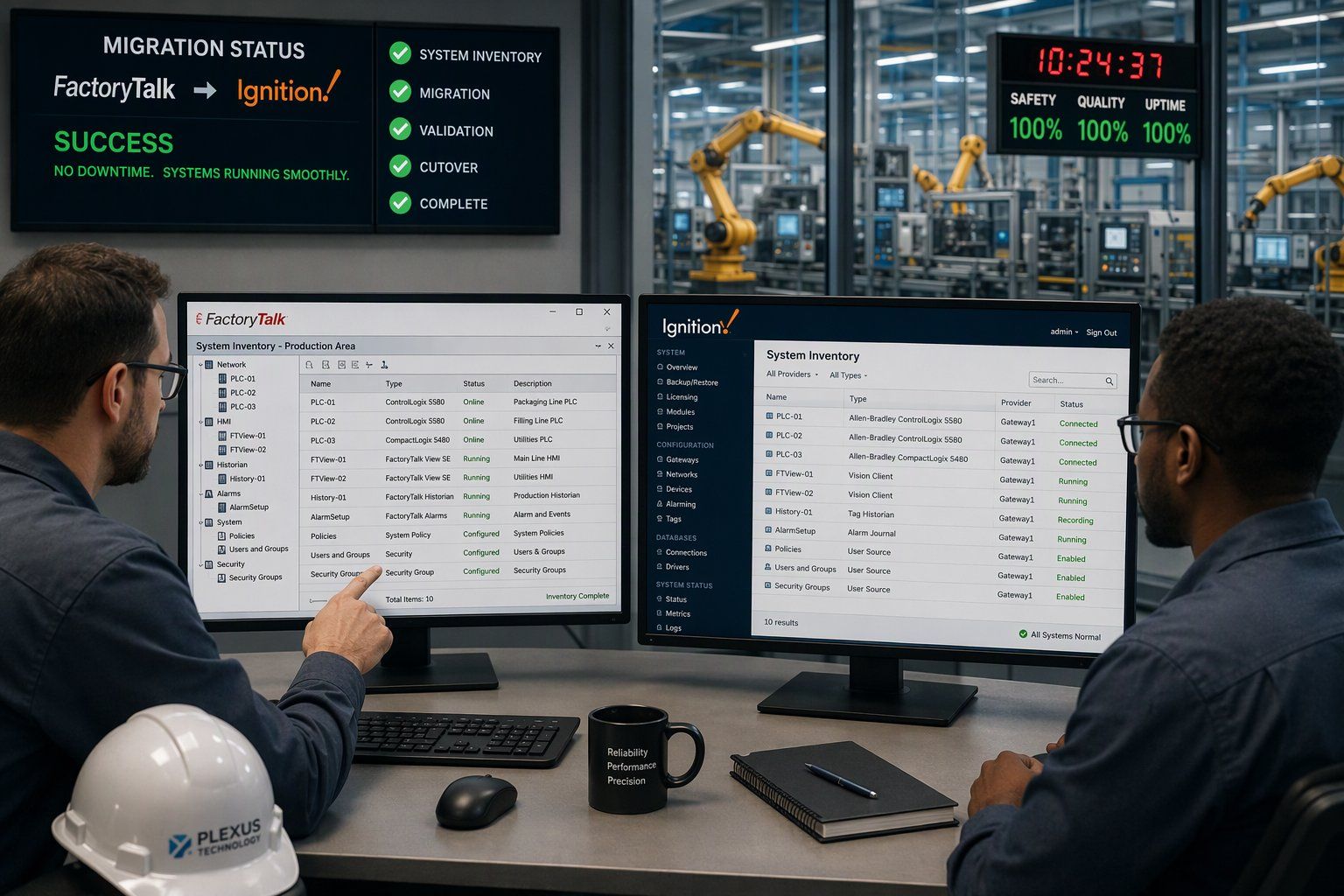
The PLC Does Not Change When You Migrate FactoryTalk to Ignition
This is the point that makes a no-downtime migration possible: to migrate factorytalk to ignition is an HMI and SCADA change, not a controls change. Your Allen-Bradley controllers — ControlLogix, CompactLogix, or older platforms — stay exactly where they are, running the same logic they run today. Ignition includes native Allen-Bradley drivers and talks directly to those controllers over EtherNet/IP, the same network FactoryTalk uses. You are not flashing firmware, rewriting PLC programs, or re-landing I/O. To transfer historical data from FactoryTalk Historian to Ignition, you will need to export the data from FactoryTalk Historian, typically as CSV or similar files, and then import it into Ignition's historian or SQL database. This process may require custom scripting or third-party utilities, depending on the volume and format of your data. It is recommended to consult Ignition documentation or support for best practices specific to your system.
Your Allen-Bradley controllers — ControlLogix, CompactLogix, or older platforms — stay exactly where they are, running the same logic they run today. Ignition includes native Allen-Bradley drivers and talks directly to those controllers over EtherNet/IP, the same network FactoryTalk uses. You are not flashing firmware, rewriting PLC programs, or re-landing I/O.
That separation matters for risk. If an Ignition screen has a mistake, the PLC program underneath it has not changed. If you need to fall back, FactoryTalk is still pointed at the same controllers with the same tag database it had last week. When comparing FactoryTalk and Ignition for SCADA applications, one main difference lies in their architecture and flexibility. FactoryTalk is closely tied to Rockwell hardware and often relies on predefined structures, while Ignition offers more open integration options with various devices and databases. Both platforms use a tag database, but Ignition generally provides more extensibility and easier scalability for different industrial needs.
Make a few checks early. Confirm controller firmware is supported by the Ignition driver you plan to run. Find any FactoryTalk data that does not come from the PLC — OPC servers, old DDE links, third-party devices — because each needs an equivalent path in Ignition. Note any PLC tags FactoryTalk writes to as part of a sequence or recipe step. Read-only tags are low risk; write paths need deliberate testing, because two systems writing to the same tag at once creates problems.
Start With a Full Inventory of Your FactoryTalk View Application
Do not start by building screens. Start by documenting what FactoryTalk is actually doing today, including the HMI Tag Database, because the live application has usually drifted past whatever documentation exists.
Screens. List every display. Note which are in active use, which are faceplates or popups, and which are leftovers from removed equipment. Classify them — overviews, detail screens, tuning screens, diagnostics — because each takes different effort. The order of work for classification is crucial. Screenshot each live screen in operation; operators will judge the new system against what they see on shift. For FactoryTalk View developers migrating to Ignition, there are resources and guides available that specifically address the transition process. These guides often include best practices for inventorying screens, mapping functionality, and recreating displays in Ignition, helping developers adapt their FactoryTalk View workflows.
Tags. Count tags and note their source. How many are direct PLC references, and how many are memory or derived tags calculated inside FactoryTalk? Derived tags must be recreated in Ignition and are easy to miss if you only export the PLC tag list.
Alarms. Document setpoints and priorities, whether alarms live in the PLC (ALMA/ALMD) or in FactoryTalk's alarm server, and where history is stored. Alarm behavior is where operators lose trust fastest — a value that displays correctly but alarms differently will generate complaints for months.
Trends and history. Note which tags are historized, at what rate, and where the historical data lives. If you log to SQL Server, document tables and retention, and decide early whether Ignition's historian takes over.
Recipes and reports. List recipe downloads, batch records, and shift reports explicitly. They rarely show up in a simple screen count.
VBA and scripts. This is the item most likely to surprise you. Applications accumulate VBA over the years: a button that writes a file, a script that calculates a total, a login routine nobody has touched since 2014. Export and read all of it. Some will be trivial to recreate in Ignition when you migrate factorytalk to ignition. Some will turn out to be load-bearing, and you need to know that before you schedule anything.
Without this inventory, any timeline you are given to migrate factorytalk to ignition is a guess.
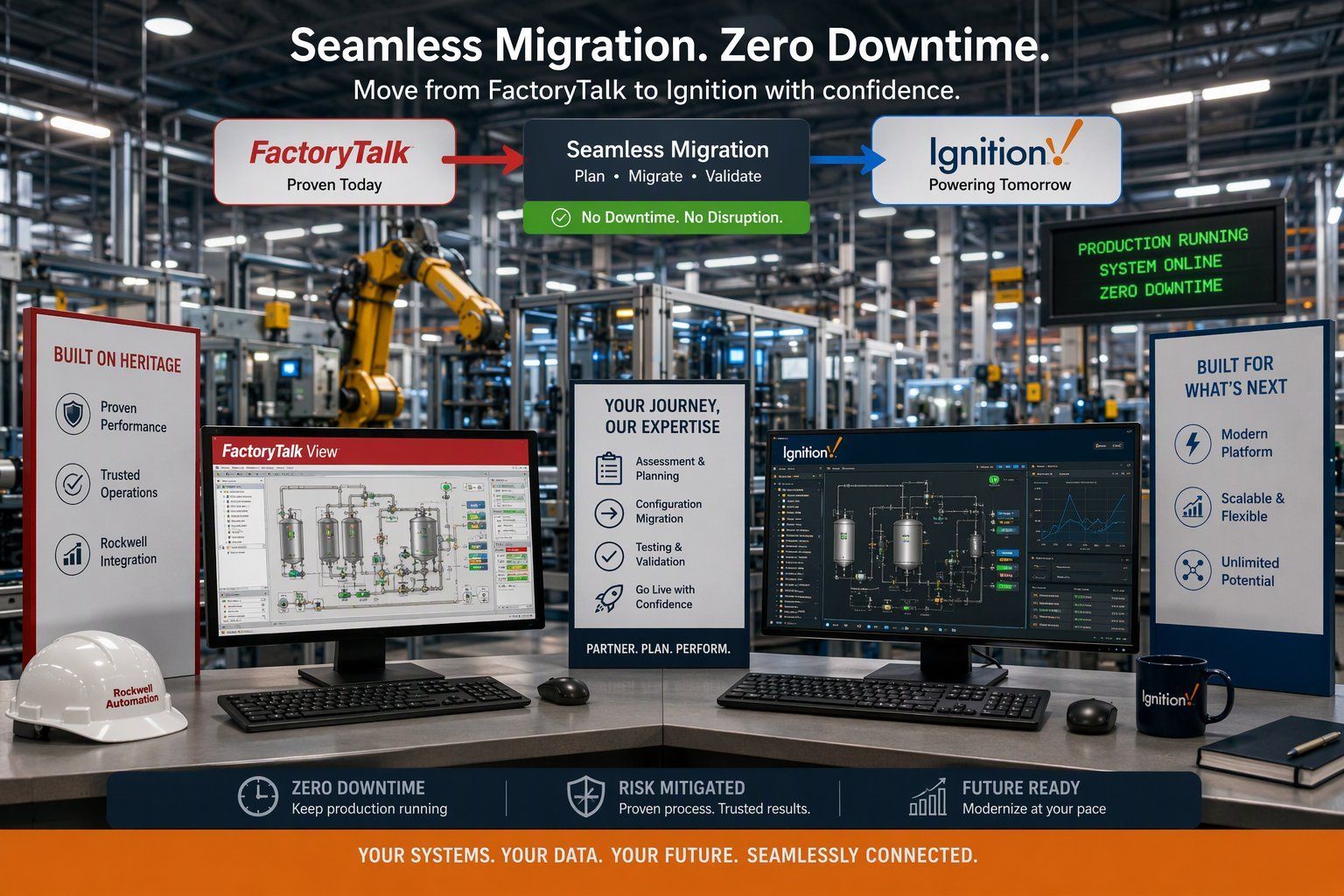
What Converts and What Gets Rebuilt When You Migrate FactoryTalk to Ignition?
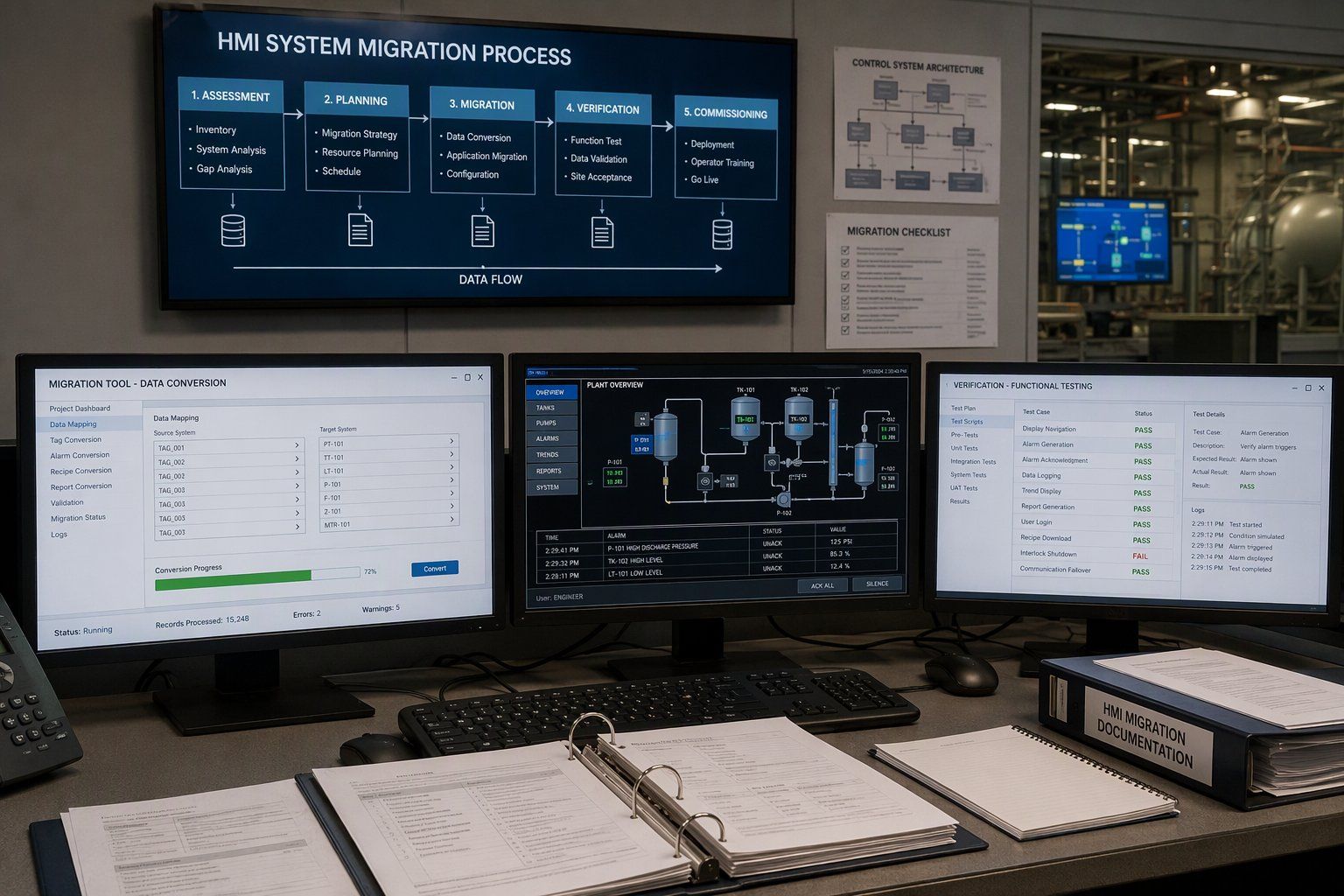
Conversion tools will tell you a migration can be automated when you migrate factorytalk to ignition. Part of that is true. Planning for a clean conversion with the right engineer and getting a partial one is how projects slip, so here is the honest split.
What maps reasonably well. Your tag structure transfers in concept. A PLC address FactoryTalk reads is the same address Ignition reads, so your inventory tag list becomes the build list for the Ignition tag provider. Alarm definitions also map reasonably: clear setpoints, priorities, and descriptions carry over into Ignition's alarm configuration, whether the source was PLC-based alarming or FactoryTalk alarm servers. Additionally, the programmatic UDT instance creation can facilitate dynamic adjustments. User accounts and security roles can be recreated with equivalent permissions — often a good moment to remove accounts for people who left years ago.
What gets rebuilt in practice. Screens. Plan on rebuilding them rather than converting them when you migrate factorytalk to ignition. Ignition's Vision and Perspective platforms use a completely different design model than FactoryTalk displays, and no automated path produces an Ignition screen you would actually want an operator to use. Tools that attempt it produce layouts needing so much cleanup — misaligned objects, broken bindings, wrong fonts — that starting fresh from your screenshots is usually faster and always better.
A rebuild is also a chance to fix known complaints: the slow trend, the overview that highlights nothing, the setpoint buried three clicks deep. But fix deliberately. Aim for functional equivalence first. Redesign every screen while changing platforms with the guidance of a systems integrator, and you will spend the parallel run arguing about layout instead of verifying data. Improve after the system is trusted.
Trending, reporting, and scripting also land in the rebuild column — Ignition's tools work differently than FactoryTalk's, and VBA must be built and tested in Ignition, not converted. Budget accordingly: tags and alarms are configuration work, screens and scripts are build work. If a quote treats the whole application as a conversion, ask how screens are handled. That answer tells you how realistic it is.
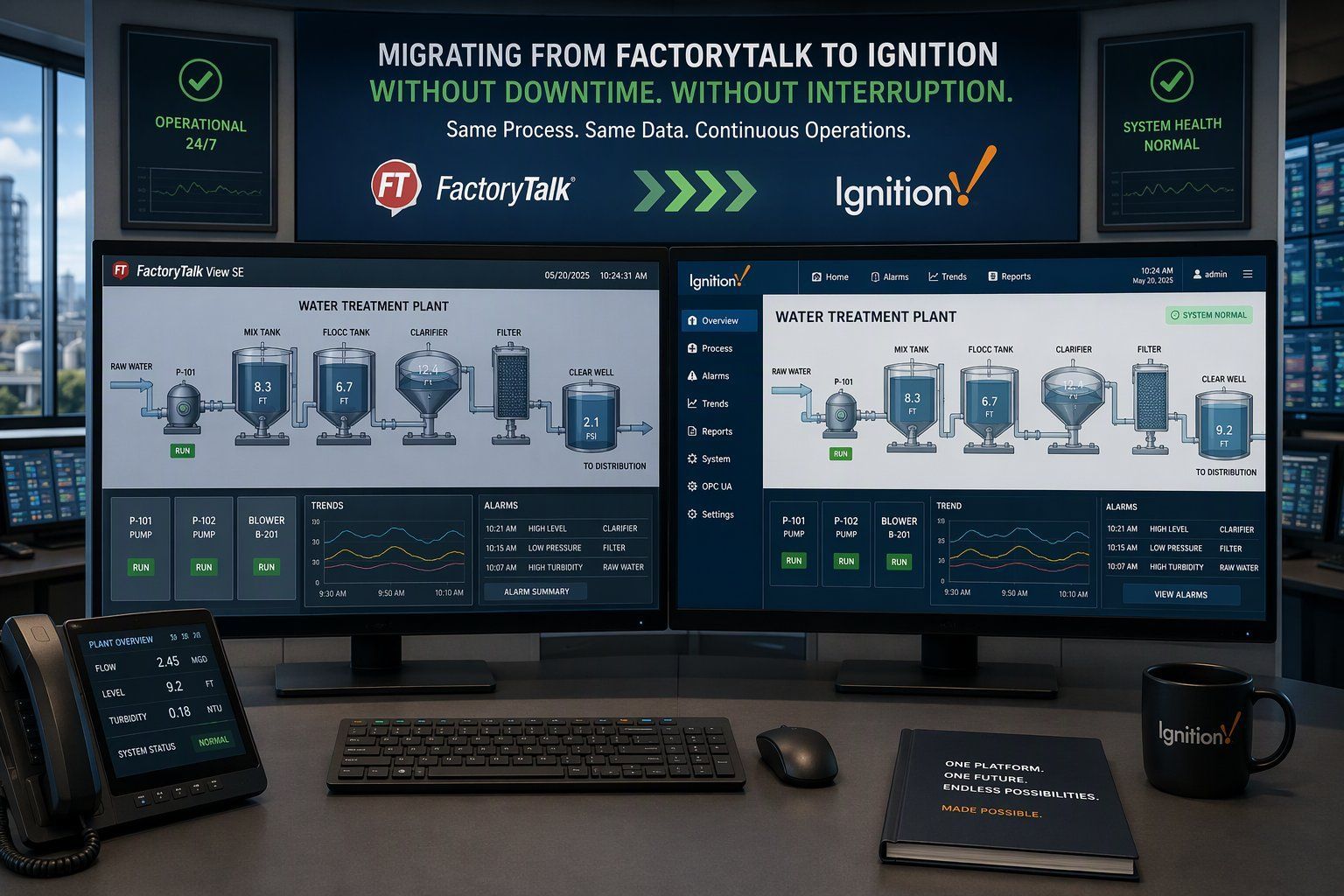
Stand Ignition Up in Parallel, Reading the Same PLCs
Next, install Ignition on its own server to migrate factorytalk to ignition — physical or virtual — and connect it to the same controllers FactoryTalk already reads. Both systems now poll the same PLCs at the same time, which invites deeper considerations regarding system communication and load management. Controllers handle this without issue in the vast majority of plants, particularly when considering direct equipment control, but watch communication load on older hardware. Check connection counts and set Ignition scan classes to sensible rates rather than polling everything as fast as possible. Most values do not need sub-second updates.
During build-out, treat Ignition as read-only wherever you can. Disable or tightly control write capability until you test specific functions, so an unfinished screen cannot write an unintended value to a live controller. When you do test writes, ensure your database connection is stable as you test one function at a time, with the equipment state known and someone watching the machine.
This parallel approach fits a broader approach to [SCADA modernization](https://www.empoweredautomation.com/scada-modernization) that phases risk instead of concentrating it into a single shutdown, ensuring that the overall network and facility data throughput is optimized, and the same pattern applies if you are planning several plant systems at once.
Run Both Systems Side by Side and Compare
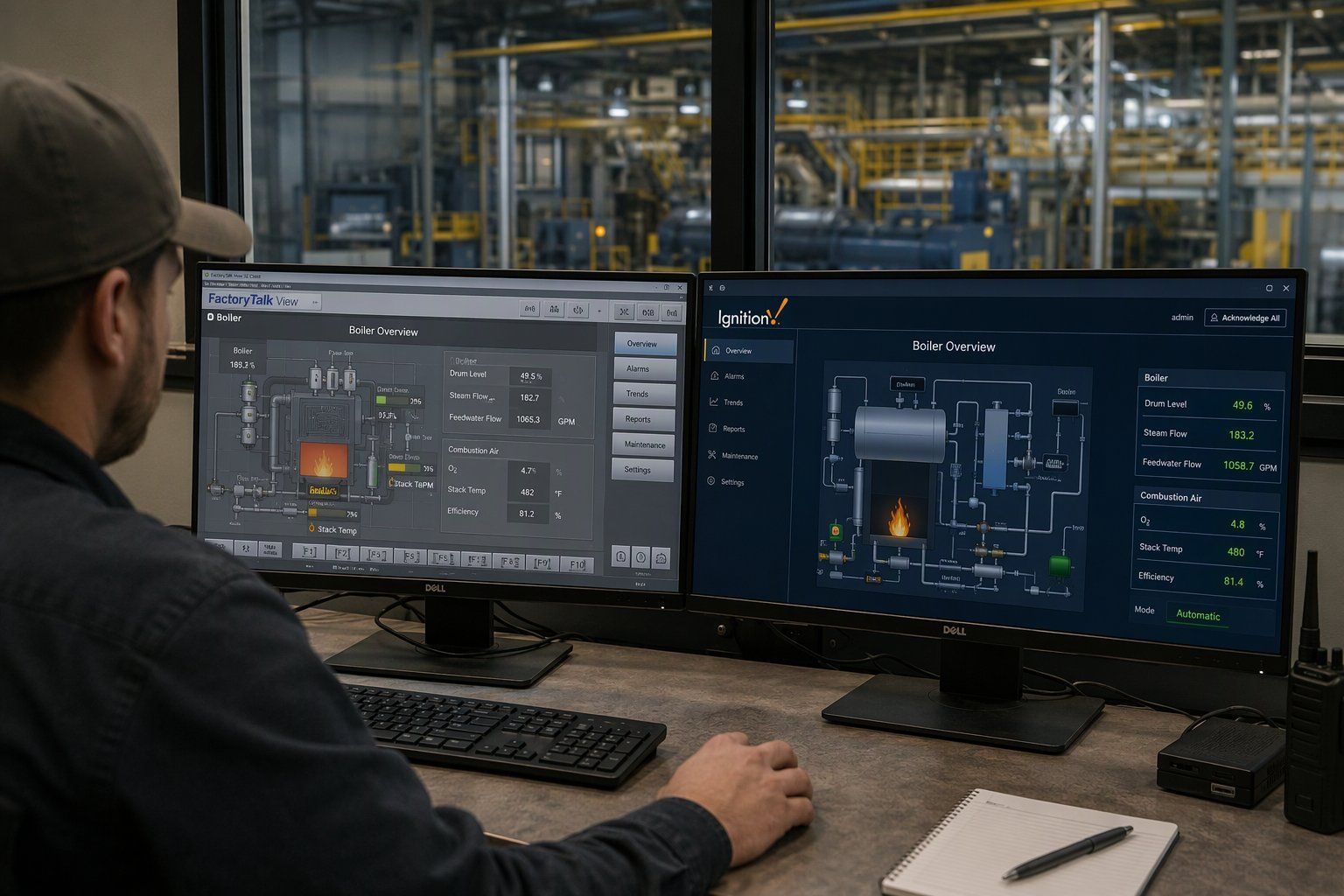
A parallel install is only useful if you compare the two systems systematically, including the client’s legacy system, fulfilling the client’s request for clarity. Put a FactoryTalk client and an Ignition client next to each other and work through a checklist built from your inventory.
Compare values screen by screen. Do live values match, including scaling and engineering units? A raw PLC value shown without the scaling FactoryTalk applied is a classic migration defect, and this comparison catches it. Check decimal places, units, and how each system shows a sensor fault or bad-quality value.
Compare alarms by forcing them where it is safe, or by starting with natural occurrences on less critical equipment. Does the alarm trigger at the same setpoint, with the same priority, description, and timestamp? Does it shelve, acknowledge, and clear the same way, and does history record it correctly? Walk the full alarm pipeline list through this check, not a sample. Alarms are what operators rely on when something is already going wrong.
Compare trends over a full production cycle — a few days covering a changeover, a startup, and normal running, utilizing the Ignition Gateway. Spot-check values at the same timestamps and confirm the history is close enough for troubleshooting, quality records, or customer documentation.
Then involve operators before you ask them to switch. Let them use the Ignition screens during the parallel run and report what is missing while FactoryTalk is still their working system. Log every discrepancy in one list, fix it, and re-verify it throughout the transition period.
This side-by-side discipline is the core of [migrating SCADA without stopping production](https://www.empoweredautomation.com/migrating-scada-without-stopping-production) on the factory floor: the new system proves itself on live data while the old system still carries the plant, so cutover becomes an administrative step rather than a leap, helping to avoid duplicate OPC tag connections.
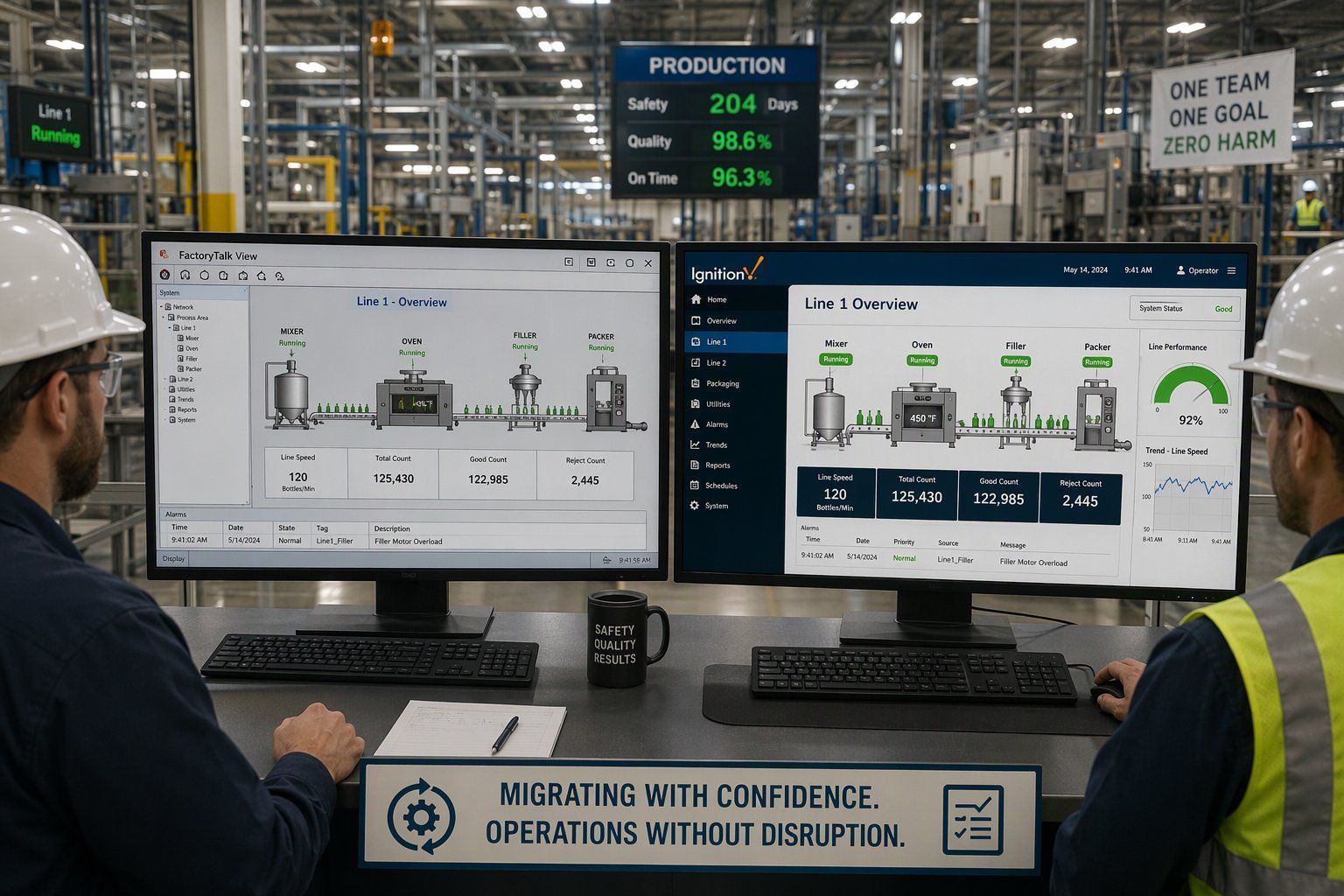
Move Operators Over Area by Area
When the comparison is clean, do not flip the whole plant at once. Move one area, line, or unit at a time while ensuring critical planning is in place.
Pick the first area deliberately: well understood, with operators who will give honest feedback, important enough to prove the system but not the single most critical line in the plant. Run that area on Ignition as the primary system, with the FactoryTalk client still available at the same station, and FactoryTalk still running everything else.
For the first days in each area, decide clearly which system operators write from. Two systems with live write access invites confusion about where a setpoint change came from. The usual pattern: Ignition operates the migrated area, FactoryTalk becomes view-only backup there, and FactoryTalk still operates everywhere else.
Align each move with a planned stop or slow period if you can — not because the move requires a stop, but because a quieter shift is better for learning a new layout. Train each crew briefly on navigation, alarm handling, and trends before their area moves.
Keep FactoryTalk as the Fallback Until Confidence Is Earned
Do not decommission FactoryTalk the day the last area moves. Keep it licensed, running, and maintained for a defined fallback period — four to eight weeks is reasonable for most plants, longer if you have not yet run Ignition through a peak period or a specific seasonal product run, as the final startup element must be carefully managed.
The fallback only works if it stays current. Freeze non-essential changes during the migration window, and log any change in both systems. Set exit criteria in advance: all areas on Ignition for a defined period, alarm and tag history verification complete, ensuring the navigation hierarchy is intact, reports and recipes running through a full cycle, and no open discrepancy items. When those are met, removing FactoryTalk is a planned task, not a risk event.
Licensing, in Plain Terms
FactoryTalk View SE licensing is built around client counts, tag counts, and server components, including the HMI server. As you add operator stations, engineering access, and redundancy, cost and complexity grow with it.
Ignition is licensed primarily by the server, with modules for the functions you need — visualization, historian, reporting, alarming. Its standard licensing allows unlimited clients, tags, and connections on a licensed server. In practice, adding an operator station or a read-only display in a supervisor's office usually does not trigger another license purchase, and adding tags for a new instrument does not change your license.
Neither model is free. Get a proper quote to migrate factorytalk to ignition including redundancy and support renewals for both platforms, because you will carry both licenses during the parallel period. After cutover, the cost shape changes from per-client growth to a more predictable server-based cost — for most mid-size plants, that predictability is the real benefit.
What Actually Drives the Timeline
Plants often ask how long it takes to migrate factorytalk to ignition. The honest answer depends on drivers you can count from your inventory, particularly our deep experience with complex migration projects.
Screen count and complexity is the largest driver, because screens are a rebuild. Twenty straightforward displays is a different project than sixty displays full of layered faceplates, embedded trends, and custom navigation. Count popups and faceplates, not just main screens.
Alarm count and method matters too. A few hundred alarms configured cleanly in the PLC migrates faster than thousands of FactoryTalk server alarms with years of undocumented adjustments, especially during the busiest time of year. Alarm testing also takes elapsed time, because some alarms need real process conditions to verify.
Integrations each add work: SQL databases for production counts or quality data, recipe systems, label printing, MES or ERP interfaces, alarm notification by email or text, and report distribution. Test each one individually during the parallel run.
Reporting can set your minimum parallel-run duration. If management or customers depend on reports built from FactoryTalk data, those reports must run in parallel for a full cycle before anyone trusts the new versions. A monthly report means a monthly verification cycle.
Operator count and shift patterns add calendar time on a three-shift operation. Training is not difficult, but scheduling it around production is real work.
For a single application of moderate size — a few dozen screens, one area or a small plant — a realistic timeline to migrate factorytalk to ignition from inventory to cutover is commonly several weeks to a few months, most of it in the rebuild and parallel verification, not in any shutdown. Larger sites phase it over longer.
The Downtime Question, Answered Directly
Cutover needs no production stop if the parallel work is done first.
The reason is structural. Because the PLCs do not change when you migrate factorytalk to ignition and both systems can read them at once, no step requires the process to be down. Installing the server, building screens, testing alarms, and familiarizing operators all happen while FactoryTalk runs the plant. The move for each area is a station change: the crew starts using Ignition as their primary screen, with FactoryTalk still beside it.
The exceptions are narrow. Replacing operator station hardware at the same time needs a brief window — usually minutes. A write path that cannot run from both systems at once needs a coordinated handoff during a natural pause for that function, not a plant stop.
Resist the shortcut of skipping the parallel run to save a few weeks. Every painful cutover story has the same shape: the new system was switched on before it was proven, and production discovered the problems. The parallel run is not overhead. It is the method.
You might also like