
IoT Network Wichita
IoT Network Wichita

Key Highlights
- IoT networks connect your smart home and help iot devices share information quickly.
- Common home tools include a security camera, smart thermostats, wearables, and other connected systems.
- A separate network can improve data security and reduce risk to phones and laptops.
- Strong routers, updates, and passwords support better iot security from day one.
- IoT setups help you manage devices, monitor energy usage, and make informed choices.
- Wichita homes and businesses can benefit from simple, secure planning before adding more devices.
Introduction
The internet of things is changing how you use technology at home and at work. From smart devices that adjust room temperature to smart home devices that monitor activity, each part of an IoT system is built to collect and share useful information, showcasing the future of IoT. If you live or work in Wichita, understanding how these connected tools function can help you build a setup that is practical, secure, and easier to manage as your needs grow.
Understanding IoT Networks in Wichita
At a basic level, IoT networks let IoT devices communicate through your internet connection or other wireless methods. These networks link everyday tools, sensors, and software, optimizing production processes so they can send updates, respond to commands, and support automation.
In Wichita, that can mean a home setup with connected lights and climate controls or a business environment using smart buildings technology through the internet of things for monitoring equipment performance. To make smart choices, it helps to know how these networks operate and what devices usually connect to them.
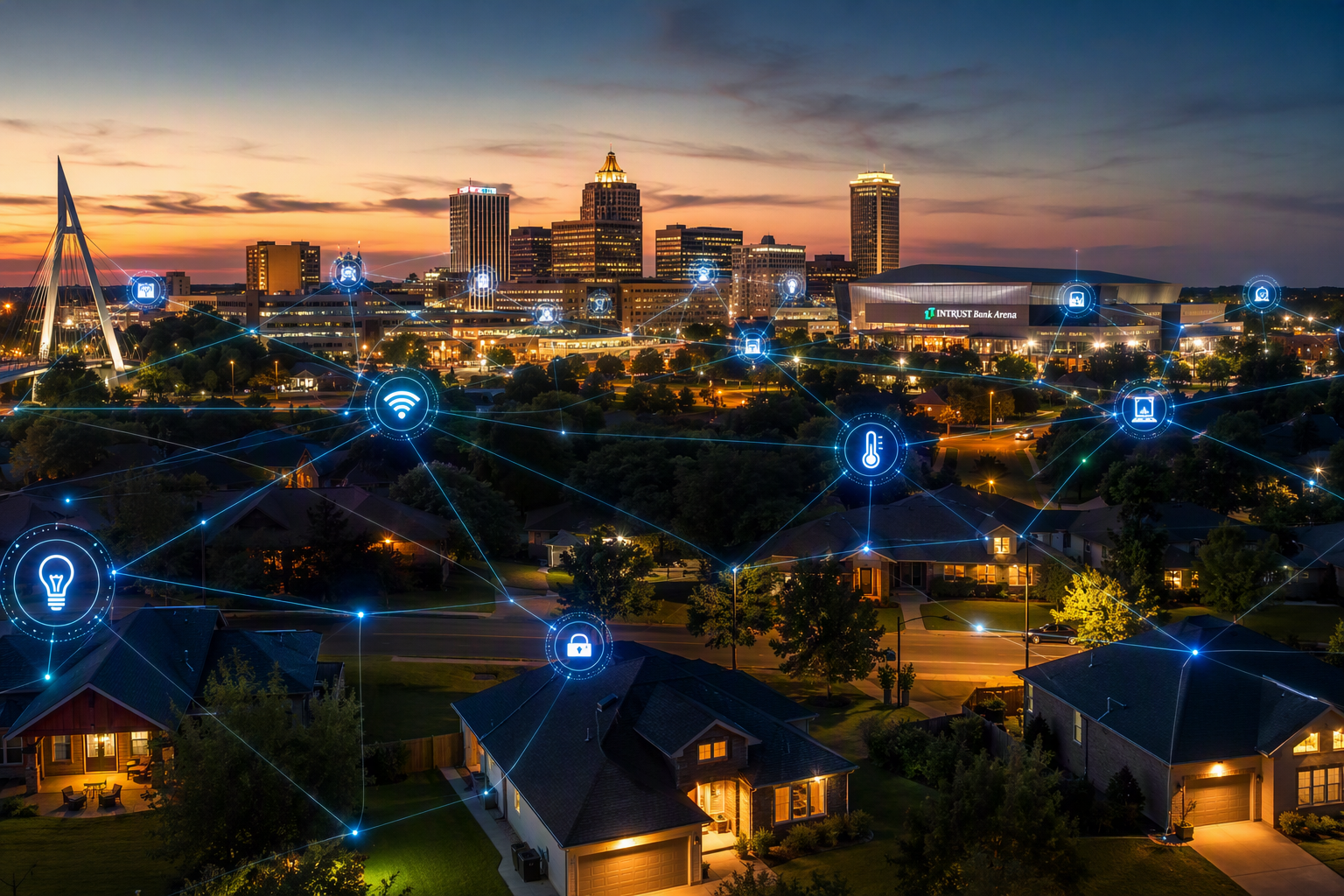
What is an IoT Network and How Does It Work?
An IoT network is a system of connected physical objects that use sensors, software, and network access to communicate. These smart objects can be simple home tools or more advanced machines, playing a vital role in effective supply chain management. The goal is to collect information, send it where it needs to go, and support useful actions with little manual effort.
Here is how IoT networks work in everyday use. Devices connect through technologies such as Wi-Fi, Bluetooth, cellular, Zigbee, or LoRaWAN. Once connected, they exchange data with other devices, gateways, or cloud platforms. That shared information can trigger alerts, automate settings, or help you watch performance and improve response times in real time.
In many cases, the system includes sensors, connectivity, cloud computing, advanced analytics, and machine learning. Together, these parts help devices react to conditions around them. That is why IoT can support everything from smart homes to industrial monitoring.
Common Devices Connected to IoT Networks in Wichita Homes
Many Wichita households already use a smart home setup without thinking of it as an IoT environment in the context of smart cities. These connected home devices gather data, respond to commands, and help automate daily routines. Some focus on comfort, while others support safety or convenience.
You will often see these devices connected to home networks:
- Smart thermostats that adjust heating and cooling based on settings or activity
- Security systems that monitor doors, motion, and alarms
- A security camera that streams video and sends alerts
- Wearable devices such as smartwatches and fitness trackers
- Other home devices like smart lights, plugs, or connected appliances
What makes these tools useful is how they work together. A thermostat can react to temperature changes, while security systems can notify you when movement is detected. As more devices connect, it becomes even more important to organize and protect your network.
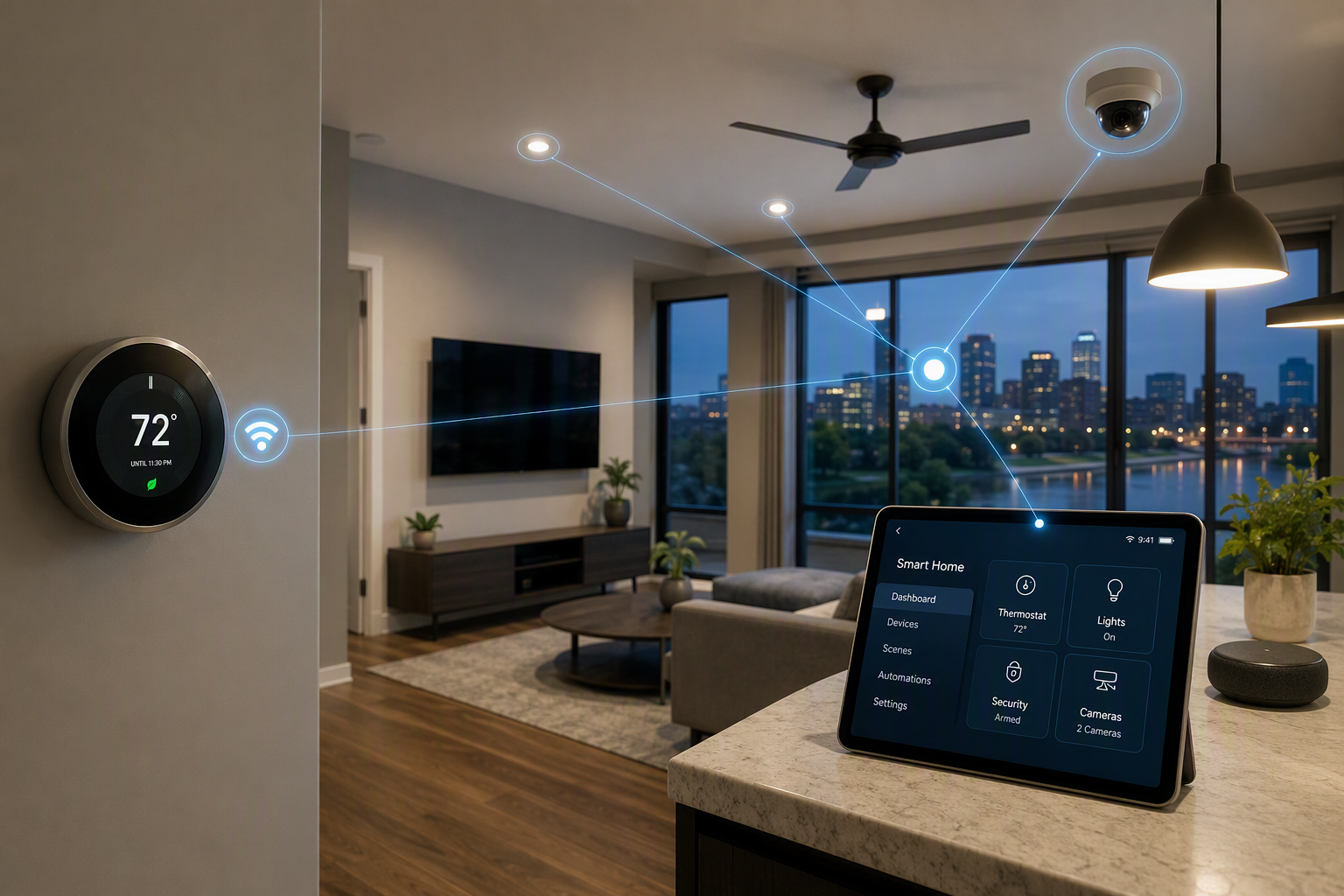
Why Modern Homes and Businesses Need IoT Networks
Today, IoT devices do more than add convenience. They support automation, reduce manual tasks, and give you a clearer view of what is happening in your business processes and space. In a smart home, that can mean better control over comfort, lighting, and security.
For businesses, IoT applications and industrial IoT tools help monitor equipment, track conditions, and improve daily operations, including fuel efficiency. The value comes from real-time information and faster response. The next sections explain the direct benefits and how these networks simplify device management.
Main Benefits of Having an IoT Network
The main benefits of IoT start with visibility and control. Connected systems can watch conditions, including air quality, automate actions, and reduce the need for constant manual checking. That matters in homes and in business settings where timing and efficiency affect cost and comfort.
A strong IoT setup can help you in several ways:
• Reduce energy consumption by adjusting systems based on real conditions
• Improve uptime by spotting equipment issues early
• Support informed decisions using device readings and patterns
• Turn raw information into useful insight with advanced analytics
There is also a business advantage. IoT can improve operational efficiency, lower maintenance costs, and create better customer experiences through data. When devices collect and share updates in real time, you can act faster and manage resources with more confidence.
How IoT Networks Help Manage Smart Devices
Managing multiple smart devices becomes easier when they are part of one organized network. Instead of handling each item separately, you can connect them to a shared system that supports monitoring, automation, and control from one place.
In most setups, the user interface is what makes everything manageable. It may be an app, dashboard, or platform that shows device status and lets you change settings. This gives you remote control over connected tools, whether you are adjusting temperature, reviewing alerts, or checking activity from a camera.
Just as important, IoT data helps devices respond to changing conditions, providing insights into customer behavior. Sensors collect readings, platforms process them, and actions can follow without much effort from you. That kind of coordination is what makes connected homes and workplaces feel more responsive and useful.
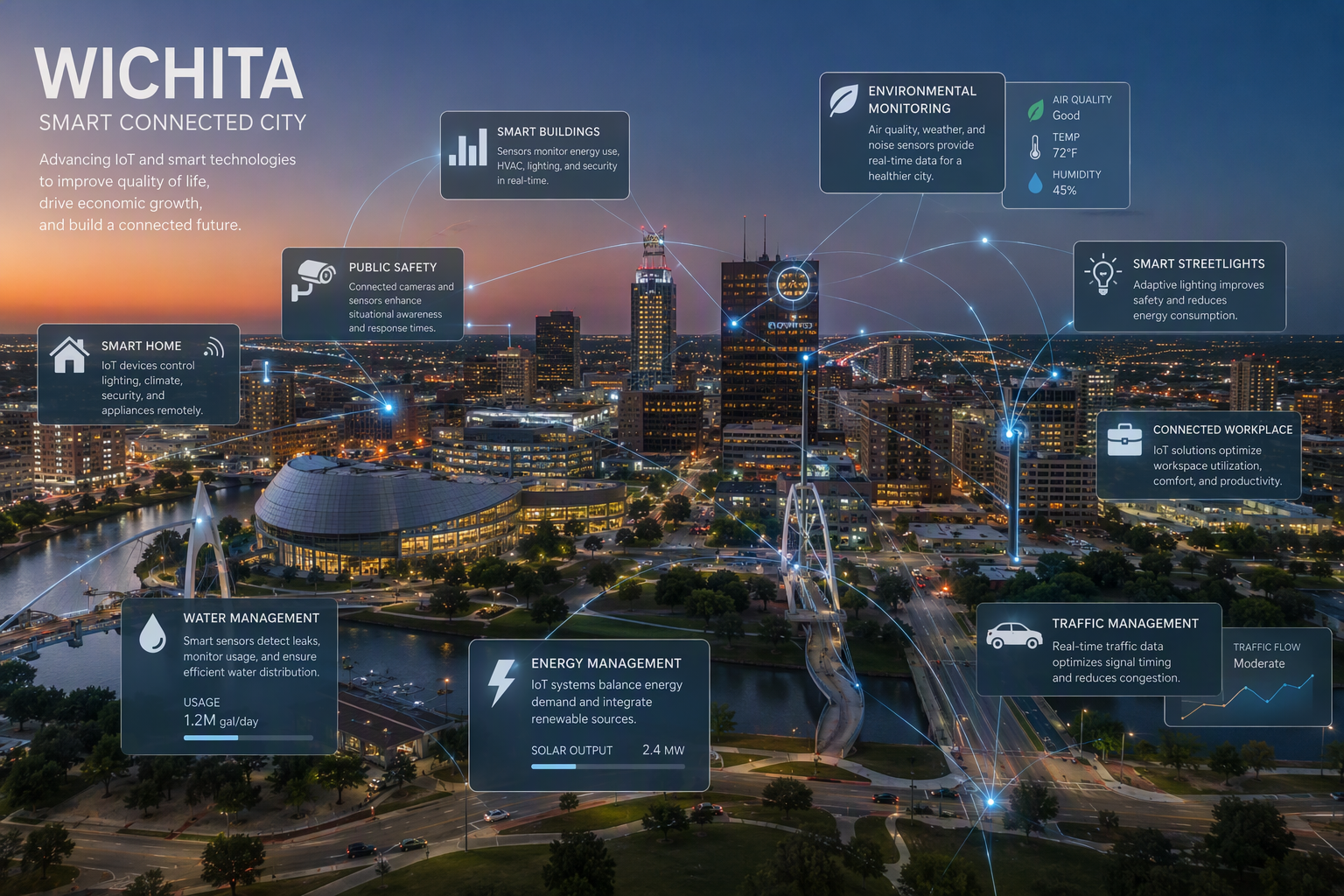
Beginner’s Guide to Setting Up an IoT Network in Wichita
If you are new to IoT networks, start with the basics. You need a clear plan, reliable equipment, and an understanding of how your devices will connect, ideally enabling functionality without the need for human intervention. That helps you avoid confusion as more tools join your system.
It also pays to think about iot technologies, robust connectivity, and data security before buying anything. Some devices use different protocols, and not all products work together smoothly. The next two sections cover the equipment you need and why router choice matters so much in Wichita homes.
What You Need to Get Started (Equipment & Resources)
Before setting up IoT devices, beginners should know that planning matters as much as hardware. You want a clear purpose, a list of the home devices you expect to use, and a basic idea of their use cases, as well as how those products will connect and share information.
A practical starting point includes:
- Compatible IoT devices that match your goals at home or work, including industrial IoT devices for specific applications.
- Compatible iot devices that match your goals at home or work
- A simple plan for data management, updates, and monitoring
- Awareness of equipment performance, especially if many devices will run at once
It also helps to remember that connected tools can produce vast amounts of data. Some devices may work through Wi-Fi, while others rely on Bluetooth, Zigbee, or cellular options. Thinking ahead about compatibility, security, and growth can save time and frustration later.
Choosing the Right Router for IoT in Wichita
Your router is the foundation of your IoT setup. Modern routers often have a separate IoT network because connected devices usually need different protections than laptops, phones, and other personal tools. Keeping them apart can improve IoT security and limit exposure if one device is weak, particularly as edge computing becomes essential in enhancing network efficiency.
That separation also helps with organization. IoT products from different manufacturers may not handle security or communication the same way. A dedicated network for inventory management can reduce interoperability issues, simplify management, and keep sensitive traffic away from less secure devices.
Here is a simple text table to guide your decision:
| Router Feature | Why It Matters for IoT |
|---|---|
| Separate IoT network | Helps isolate home devices from personal data and sensitive data |
| Strong security settings | Supports better iot security through passwords, access controls, and safer setup |
| Good device capacity | Handles many connected products without hurting performance |
| Stable connectivity | Supports sensors, cameras, and low power consumption devices consistently |
| Compatibility support | Helps devices from different manufacturers connect more smoothly |
Step-by-Step Process to Set Up an IoT Network
Once you understand the basics, setting up IoT networks becomes much less intimidating. The process is really about preparing your connection, separating traffic where possible, and adding protection to every device, including managing sensor data, you bring online.
For Wichita homes, the goal is simple: connect smart home devices in a way that keeps them useful without putting your main network at risk. The three steps below show how to prepare your system, create a dedicated network, and secure the iot devices you rely on.
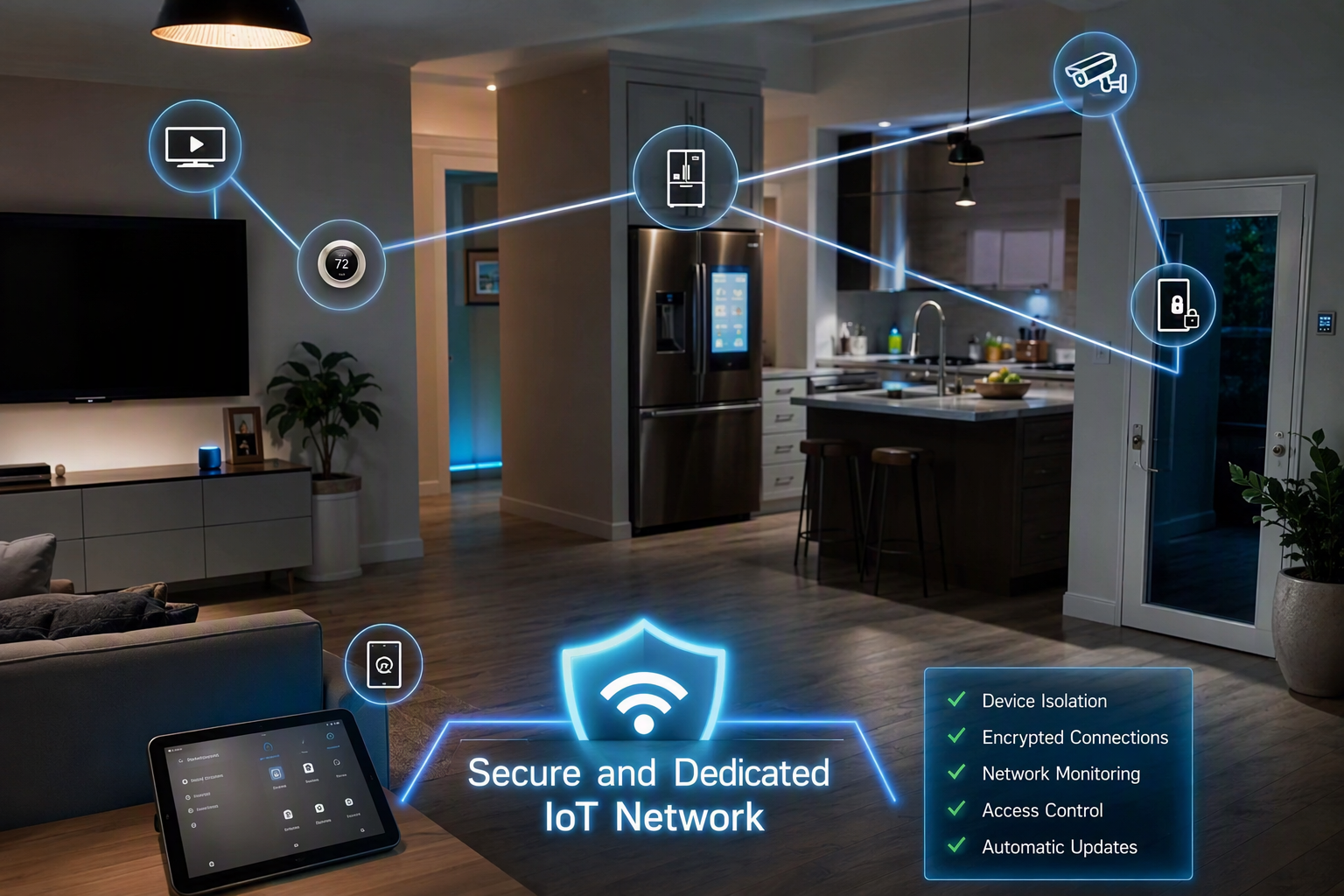
Step 1: Preparing Your Home Network for IoT Devices
Start by reviewing your current wireless setup. Before adding IoT sensors, cameras, or automation tools, make sure your router is working well and can support more connected equipment. A stable foundation is important because every new device adds more traffic and more security responsibility., enabling benefits like predictive maintenance.
Next, decide which devices should stay on your main network and which should be separated. Phones, laptops, and other personal devices often carry sensitive information, so they should not always share access with less secure connected products. This first step improves data security before any new device is added.
If you want to set up an IoT network on your wireless router, begin in the router settings. Look for guest access, device segmentation, or a dedicated IoT option. Once that is ready, you can move on to building a separate space for your smart devices.
Step 2: Creating a Separate IoT Network on Your Wireless Router
Creating a separate iot network at home is one of the best ways to improve control and reduce risk. The idea is straightforward: let your smart home devices communicate where needed, but limit their access to computers, phones, and files that contain sensitive data.
Best practices include:
- Use your router settings to create a guest or dedicated network for home devices
- Protect that network with a strong password and updated security settings
- Keep personal and work devices on your primary network
- Add only the devices that truly need internet access to the IoT side
Once the network is live, connect each device carefully. Check that the router labels are clear so you do not mix networks by accident. This approach makes it easier to monitor activity and lowers the chance that one weak device could affect everything else in your home.
Step 3: Connecting and Securing Your IoT Devices
After your separate network is ready, start connecting devices one at a time. This gives you a better view of what each product does and makes troubleshooting easier. It also helps you spot devices that ask for more access than they really need.
Yes, it is often safer to keep IoT devices on a separate network from regular devices. Many connected products have fewer security features than phones or computers. Separation improves iot security by limiting what those devices can reach if they are exposed to threats.
As you add each product, change default passwords, install updates, and review its settings. These steps support data security and reduce privacy concerns tied to personal data collection. A safer network is built through small decisions made early, not after problems begin.
Best Practices and Safety Tips for IoT Networks
Strong habits matter more than fancy features when you manage connected devices. Good iot security starts with planning, secure products, and regular maintenance. Devices should be monitored, updated, and organized in ways that reduce exposure to threats. This is especially important as homes and businesses depend on connected systems for daily tasks.
You also need to think about data security, privacy concerns, and overall network security from the start. IoT products can collect personal data and create new entry points for attackers. With AI-driven attacks increasing, careful setup is no longer optional. The next section focuses on the most practical way to keep devices secure: separating them from the systems you use for work, banking, and other sensitive tasks.
Keeping IoT Devices Secure and Separate from Regular Devices
One of the simplest ways to protect your home is to keep iot devices separate from regular devices. Many connected products are convenient, but they may not offer the same level of protection as your computer or phone. Separation helps strengthen network security without making daily use harder.
A few practical steps can make a big difference:
- Place cameras, smart speakers, and security systems on a dedicated network
- Keep devices that hold sensitive data on your main connection
- Update firmware and passwords regularly
- Review router settings often to confirm device access
If you want to turn the IoT network on or off on your router, sign in to the router dashboard and look for guest network, device segmentation, or dedicated IoT settings. Names vary by model, but the control is usually found under wireless or network options. When in doubt, check the router menu labels carefully.
Conclusion
In conclusion, setting up an IoT network in Wichita is not just a trend but a necessity for modern homes and businesses. Understanding how these networks operate and the devices that can be integrated will enhance your day-to-day life, bringing convenience, security, and efficiency. By following the outlined steps and best practices, you can create a robust IoT ecosystem tailored to your needs. Embracing this technology will position you to fully harness the potential of smart living. For those ready to dive deeper into the world of IoT, consider reaching out for a free consultation to explore how these innovations can work for you!
What devices should be on the IoT network?
An IoT network can include various devices such as smart thermostats, security cameras, wearables, and connected appliances. Additionally, industrial sensors and smart meters enhance operational efficiency. Each device contributes to data collection and automation, driving innovation and connectivity in homes and businesses within the IoT ecosystem.
You might also like