
How to Calculate Availability
How to Calculate Availability: The Foundation of OEE in Manufacturing

Overall Equipment Effectiveness (OEE) is the gold standard for measuring manufacturing productivity. It is comprised of three factors: Availability, Performance, and Quality. Of the three, Availability is usually the first metric plants try to tackle—and the one they most frequently calculate incorrectly.
Availability answers a simple question: When the machine was scheduled to run, was it actually running?
While the concept is simple, the execution is riddled with pitfalls. Manual data entry, miscategorized downtime, and ignoring micro-stops can render your Availability metric completely fictional. If you are evaluating a new SCADA system or trying to make sense of your current production data, here are the most common mistakes in calculating Availability, and exactly how to fix them.
Mistake #1: The Formula Itself is Misunderstood
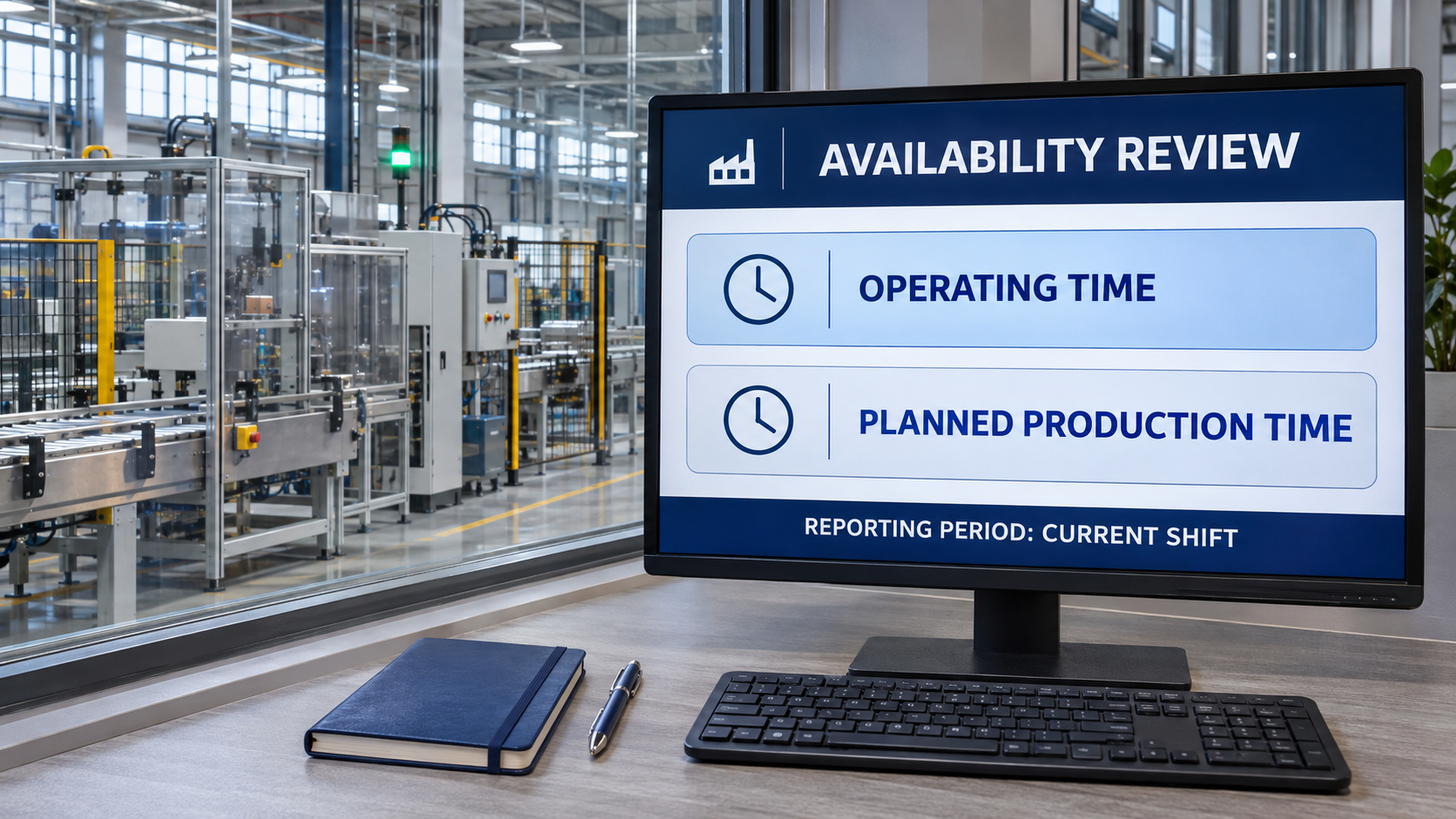
Why it happens: Plants confuse Calendar Time with Planned Production Time.What it costs: If a plant runs a single 8-hour shift a day, the machine is turned off for 16 hours. If you calculate Availability based on a 24-hour day, your maximum Availability will look terrible (under 33%), completely demoralizing the team.The fix: Use the correct formula: Availability = Operating Time / Planned Production Time.
- Planned Production Time is shift time minus legally required breaks and scheduled downtime (like a planned PM).
- Operating Time is Planned Production Time minus Unplanned Downtime (breakdowns, jams, waiting on materials).
Mistake #2: Relying on Operators to Log the Math
Why it happens: To save money on Systems Integration, management asks operators to calculate their own uptime percentage at the end of the shift on a piece of paper.What it costs: Bias and human error. Operators will naturally estimate in their own favor, forgetting 5-minute stops. A plant running at 65% Availability will routinely report 85% on paper. Leadership then wonders why they are missing shipping targets when the "numbers look so good." The fix: Automate the calculation at the PLC and SCADA level. Empowered Automation programs HMIs to automatically pull the running bit from the PLC, calculate the exact seconds the machine ran vs stopped, and generate real-time Availability metrics that cannot be fudged.
Mistake #3: Ignoring Micro-Stops
Why it happens: If a machine jams and is cleared in 45 seconds, it feels too minor to log.What it costs: As mentioned in Pareto analyses, these micro-stops accumulate. In a high-speed packaging environment, 100 one-minute stops reduce your Operating Time by over an hour and a half, severely degrading your Availability without leaving a paper trail.The fix: Set a hard threshold in your SCADA system. Any stop over 3 seconds is automatically logged as a downtime event by the data historian. The system must demand a reason code if the machine is down for more than 2 minutes. This captures every second of lost Operating Time.
Mistake #4: Confusing Availability with Performance
Why it happens: A machine is scheduled to run for 8 hours. It runs for 8 hours without stopping, but it runs at half speed because of a worn-out bearing. The operator says Availability was poor because output was low.What it costs: You end up trying to solve a maintenance problem with the wrong tools. Availability only cares if the machine is running or stopped. Speed is measured by the Performance metric.The fix: Separate your KPIs on your visualization dashboards. Use HMI SCADA screens to display Availability (Uptime vs Downtime) as one gauge, and Performance (Current Speed vs Ideal Speed) as a separate gauge. This directs maintenance to the actual root cause.
Automating Your Availability Calculations
Digital tools can reduce calculation risk, but only if the source material behind the data is reliable. A modern SCADA system combined with an industrial Data Historian should act as the single source of truth. When the PLC acts as the timekeeper, calculating Availability becomes an automatic, background process rather than a daily administrative headache.
Quick Audit Checklist for Availability
- Ensure your formula subtracts scheduled breaks and planned PMs from "Planned Production Time."
- Verify that Availability calculations are automated via the PLC/SCADA, not manual spreadsheets.
- Check that micro-stops (under 1 minute) are successfully lowering your Operating Time metric.
- Confirm dashboards display Availability separate from Performance and Quality.

Conclusion
Availability is the bedrock of OEE. If you cannot accurately measure when your machine is running versus when it is broken, you cannot accurately measure anything else. The mistakes here are common, but they are all fixable through proper configuration, PLC programming, and rigorous data collection.
Ready to Get Your OEE Right?
Empowered Automation Solutions builds the automation infrastructure required to capture accurate, real-time manufacturing data. Whether you need an upgraded HMI, advanced SCADA reporting, or a robust Data Historian, we can help. Reach out to us at (630) 553-0411 or email info@empoweredautomation.com to schedule a connectivity assessment for your facility.
Frequently Asked Questions
What is a world-class Availability score? In traditional OEE models, a world-class Availability score is typically considered to be 90% or higher.
Does a lack of raw materials affect Availability? Yes. If the machine is scheduled to run, but is stopped because it is starved of materials, that counts as unplanned downtime, which negatively impacts Availability.
How do I calculate OEE once I have Availability? Multiply your Availability percentage by your Performance percentage and your Quality percentage. (OEE = Availability x Performance x Quality).
You might also like