Migrating Without Stopping Production
Most plants do not get to stop for a SCADA upgrade. Orders are booked, lines are scheduled, and a weekend shutdown is already spoken for by maintenance or a capital project planned six months ago. That does not mean you have to run the old legacy SCADA system until it fails. It means you need a SCADA migration plan that treats production as a constraint from day one, not an afterthought at cutover.
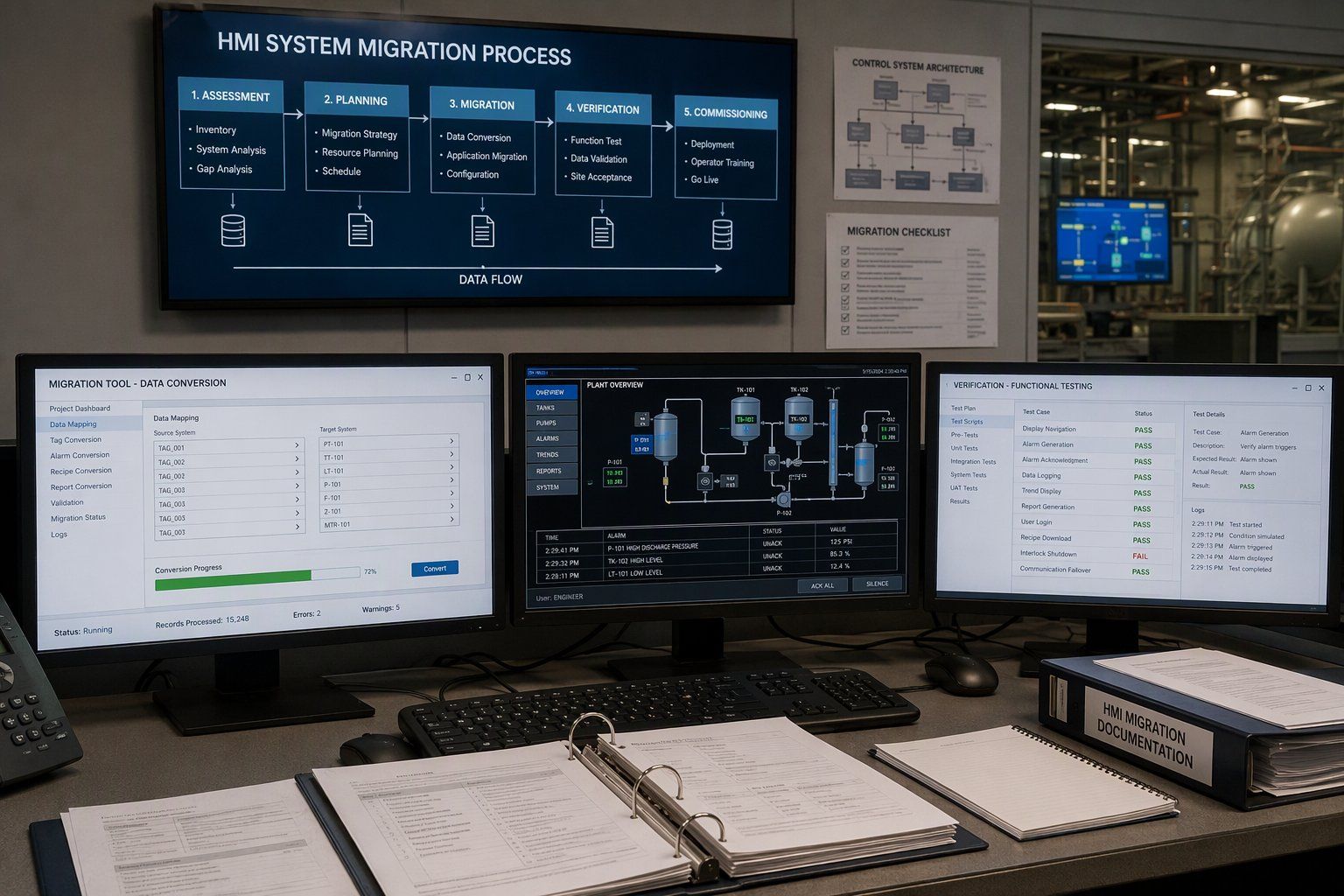
A good scada migration plan does the heavy lifting while the old system is still running: inventory, backups, a new system built beside the old one, proof in parallel, then one area at a time during windows you already have. By full-time use, most risk has been worked out in testing. This page lays out that sequence and why each step comes where it does, highlighting its significance in industrial automation. It is the hub for our wider guidance on [SCADA modernization](https://www.empoweredautomation.com/scada-modernization), with each section pointing to a deeper article on that part of the job.

Start With a Scada Migration Plan, Not With Software
Plants get into trouble when the first decision is which platform to buy. Platform matters, but it is not the first question. The first questions are operational: Which lines cannot stop, and for how long? Which screens do operators actually depend on during a run? Which alarms, trends, and reports are required for quality, safety, or customer records? Which PLCs, drives, and remote I/O, including communication drivers, will the new system have to talk to on day one, and which can wait?
Write those answers down before you quote anything. A SCADA platform migration plan built on them will sequence the work around production. A scada migration plan built only on a software feature list will discover its conflicts at the worst possible time — usually during startup. Cybersecurity plays a critical role in planning a SCADA migration by ensuring that new vulnerabilities are not introduced during the transition, and that both legacy and new systems maintain strong protection against cyber threats. Including cybersecurity considerations early in the migration plan helps safeguard operational continuity and protects sensitive industrial systems from potential attacks.
Define what done looks like for each area
Break the plant into migration units: a line, a cell, a utility system, a packaging area. For each unit, list the screens, tags, alarms, historical data, and reports that have to work on the new system before that unit can cut over. Ensure thorough testing is completed, and note who signs off — operations, maintenance, quality, or all three. That list becomes your acceptance checklist later. Without it, "done" turns into an argument during a busy production week. SCADA migration can differ for water and wastewater industries due to distinct operational requirements and regulatory standards. Water industry systems often prioritize real-time monitoring and control of distributed assets such as reservoirs and pumping stations, whereas wastewater industries may emphasize compliance with environmental reporting, process tracking, and remote site management. As a result, migration checklists and acceptance criteria should be tailored to reflect the unique needs and critical functions of each sector.
Also decide what you are not migrating. Old reports nobody opens and screens for removed equipment do not need to be rebuilt. Mark them retired, archive a copy, and move on. To assess if your current SCADA system is obsolete and needs migration, evaluate the system's ability to support your operational requirements, integrate with newer technologies, and maintain security standards. Signs such as frequent breakdowns, lack of vendor support, or inability to meet compliance needs may indicate the system is outdated and should be considered for migration.
Step 1: Inventory and Backups First
Before anything is converted or rebuilt, find out exactly what you are running. That sounds obvious. In most plants, it is not complete.
Walk every area and record every HMI terminal, SCADA server, client, historian, and engineering workstation. Record the software name and version, the operating system, the license type, and the hardware it runs on. Photograph nameplates and wiring. Pull the actual application files off the equipment — do not rely on a folder on someone's laptop that might be two revisions behind. Check PLC programs at the same time, note firmware versions, and document the network: IP addresses, switch ports, VLANs, and how remote I/O is laid out.
Back up before you touch anything
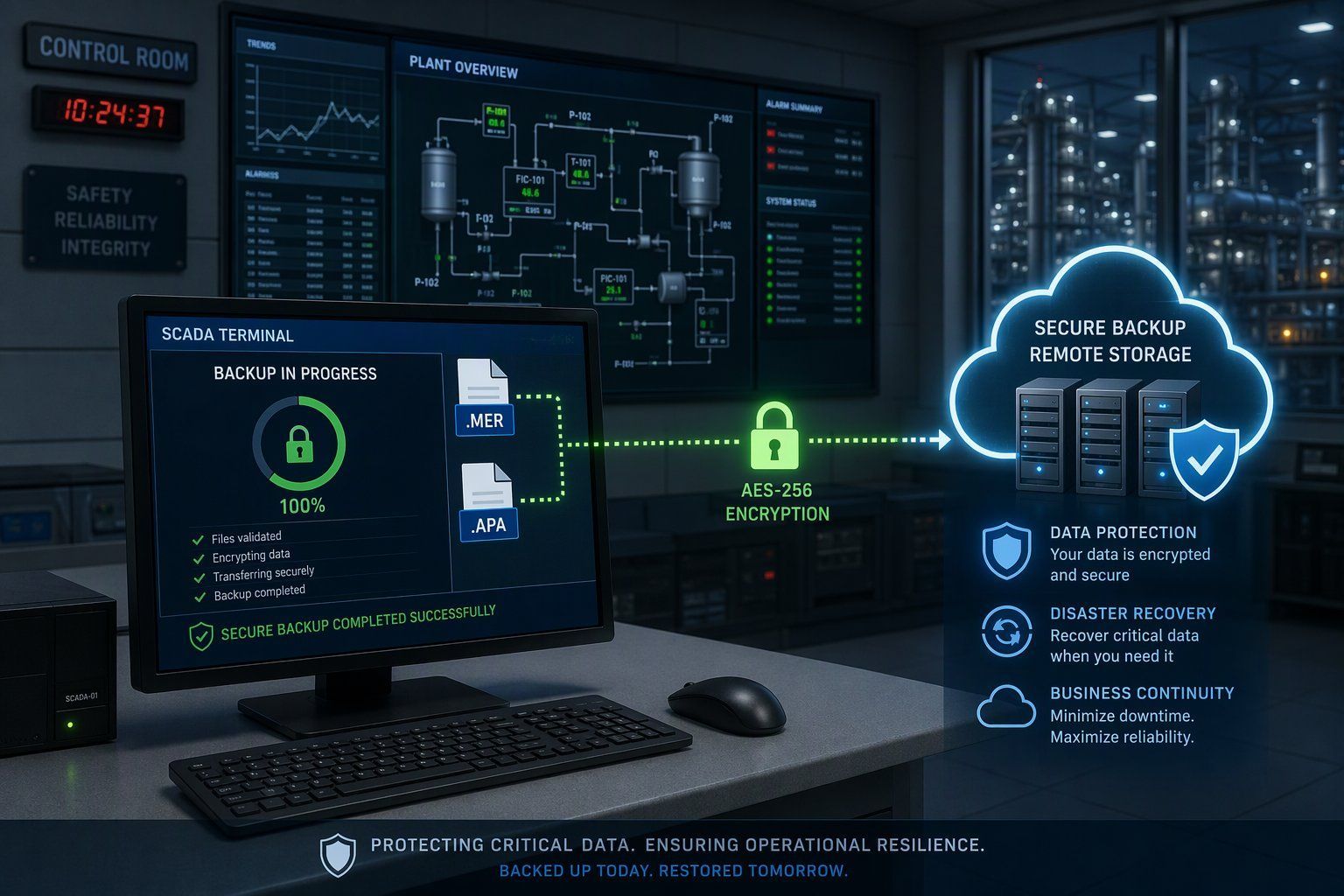
Backups are the insurance policy for the entire scada migration plan. If a terminal dies during the migration — and old terminals often choose that moment — you need a way back. That is why we put detailed guidance on how to back up your HMI application, including .MER, .APA files, and CSV files, before any conversion work starts. Do the same for PLC programs, drive parameters, and historian configurations. Store copies in at least two places: a plant server and an off-site or cloud location that does not depend on one person's laptop. For example, a recent successful SCADA migration for a municipal utility involved first creating full backups of all relevant HMI, PLC, and historian files, then documenting steps for restoring data if needed. The utility ensured files were safely stored in both on-premises and cloud environments before proceeding, minimizing risks and enabling smooth recovery in case of any hardware failure during the migration.
Test one restore. A backup you have never opened is a hope, not a backup. Open the archived project, confirm the version matches, and confirm you have the software and licenses needed to edit it. Do this in week one, while there is still time to recover a missing file from a running terminal.
Step 2: Build the New System Beside the Old One
Once the inventory is solid, build the new architecture system on separate hardware or virtual machines, on the same network, without taking the old system offline. New servers, new clients, and where needed, new terminals staged on a bench. The old system keeps running production. The new architecture system is developed, loaded, and tested alongside it.
This costs a little more in temporary hardware than a rip-and-replace. It buys you time to find normal problems — tag errors, confusing alarm wording, slow trends, locked-out accounts, and data integrity issues — on a bench, where they are cheap, instead of during a live startup.
Convert what converts, rebuild what does not
Few migrations of SCADA software are a clean import. Some screens, tags, and alarm databases convert with tools. Others convert poorly, or not at all, and rebuilding them cleanly is faster than fixing a bad import. Decide screen by screen and object by object, based on a test conversion, not on a vendor promise.
That decision is especially clear in platform changes. If you are moving to a new platform, our walkthrough on how to [migrate from FactoryTalk View to Ignition](https://www.empoweredautomation.com/migrate-from-factorytalk-view-to-ignition) covers what typically carries over, what needs manual work, and where tag structures and alarming need the most attention. For older estates, the guide to [migrating RSView32 and Wonderware InTouch](https://www.empoweredautomation.com/migrating-rsview32-and-wonderware-intouch) deals with the added problems of obsolete operating systems, unsupported drivers, and applications that have been patched by several engineers over twenty years.
At the terminal level, the choice is similar. The article on [PanelView replacement — convert or rebuild](https://www.empoweredautomation.com/panelview-replacement-convert-or-rebuild) helps you weigh a converted application that keeps old compromises against a rebuild that fixes navigation, alarm handling, and inconsistent faceplates while you have the chance. A practical rule: convert when the old application is well structured and operators like how it works. Rebuild when the structure is the problem. Do not pay to faithfully recreate screens that everyone complains about.
Build in a consistent style as you go — same navigation, state colors, alarm priorities, alarm configurations, and pop-up layouts across every area. Migration is the one time you can fix years of inconsistency at once.
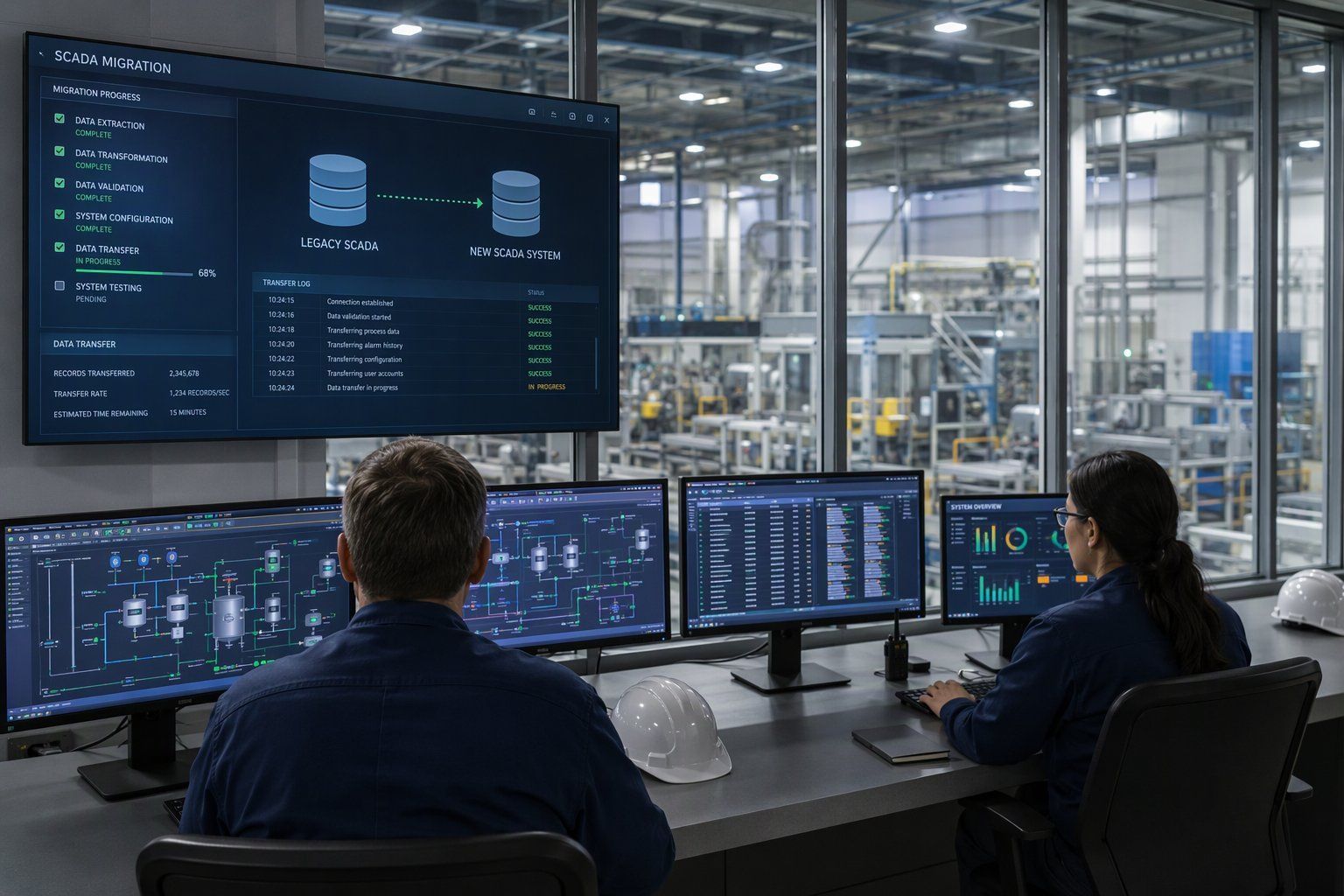
Step 3: Run Old and New in Parallel
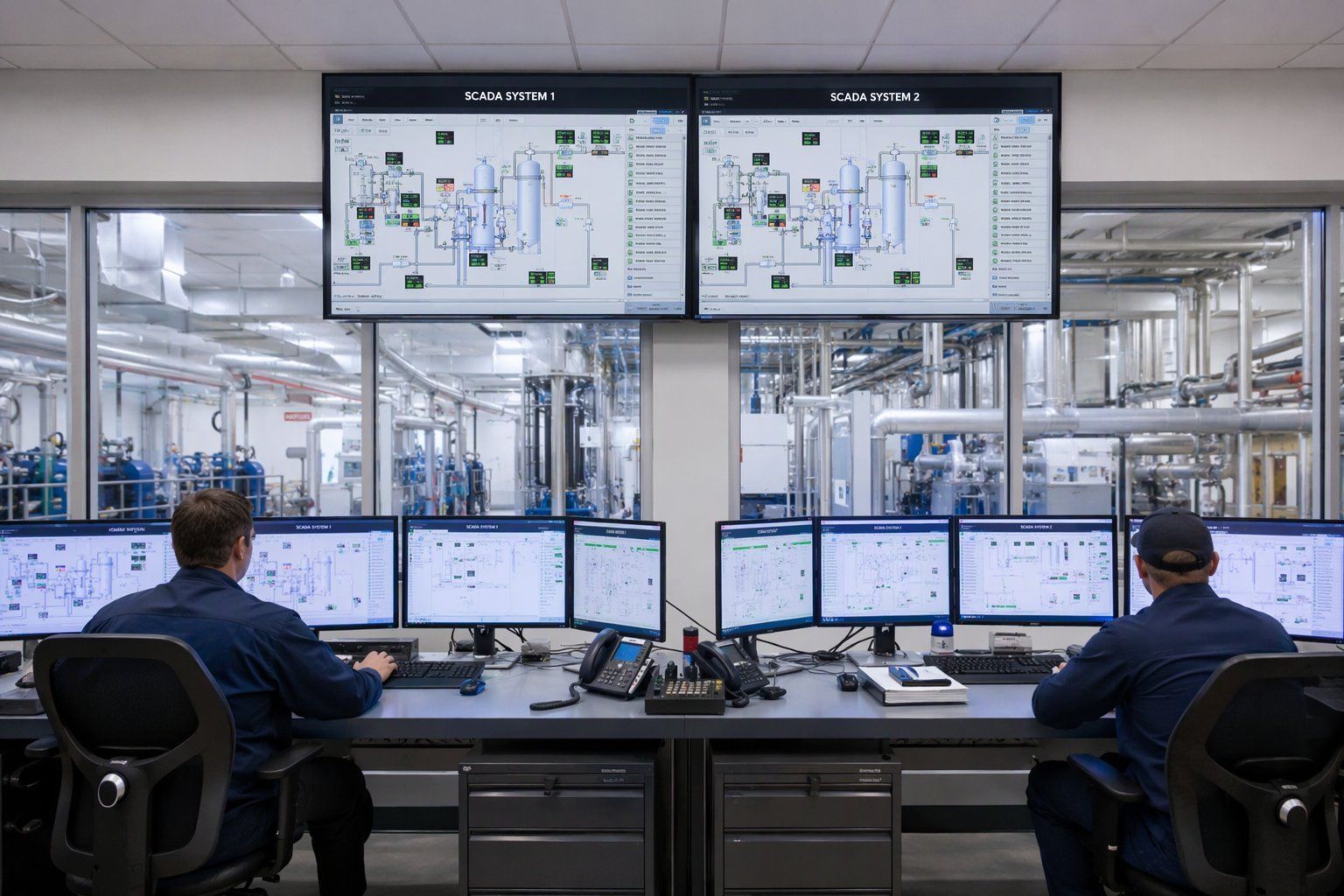
Parallel running is the step that makes a no-stop scada migration plan possible, and it is the step plants most often try to shorten. Resist that. For a defined period, both systems read the same existing PLCs, show the same process values, log the same alarms, and trend the same data. Operators still run the plant from the old system. The new system has to earn trust next to it.
Our detailed guide to [running old and new SCADA in parallel](https://www.empoweredautomation.com/running-old-and-new-scada-in-parallel) covers the practical setup: read-only access at first, careful handling of writes and setpoints, time synchronization, and how to compare historian and alarm records with the same field devices, so differences are explainable, not mysterious.
What to compare during parallel running
Check more than whether a value appears on a screen. Compare:
- Live values and abnormal states against the old system, across normal running, startups, changeovers, and faults, especially focusing on the responses from the PLC control layer.
- Alarm timing, priority, and wording — a late or missing alarm is a failure, even if the screen looks right
- Trends and historical records over the same time window, with the same scaling and units from the new historian
- Reports that quality and production rely on, printed or exported the way they are actually used
- Operator actions that write to the PLC should be tested first in a controlled way and only on the old system until the new one is approved for control within the plant network.
Keep a punch list. Every difference goes on it, with an owner and a decision: fix the new system, fix bad data in the old system, or accept the difference and document why. Do not cut over an area with unexplained alarm or data differences still open.
Parallel running also reveals load issues you cannot see on a bench. Two systems polling the same PLCs increase traffic, and older networks may need polling rates adjusted. Finding that out while the old system is still in charge is exactly the point.
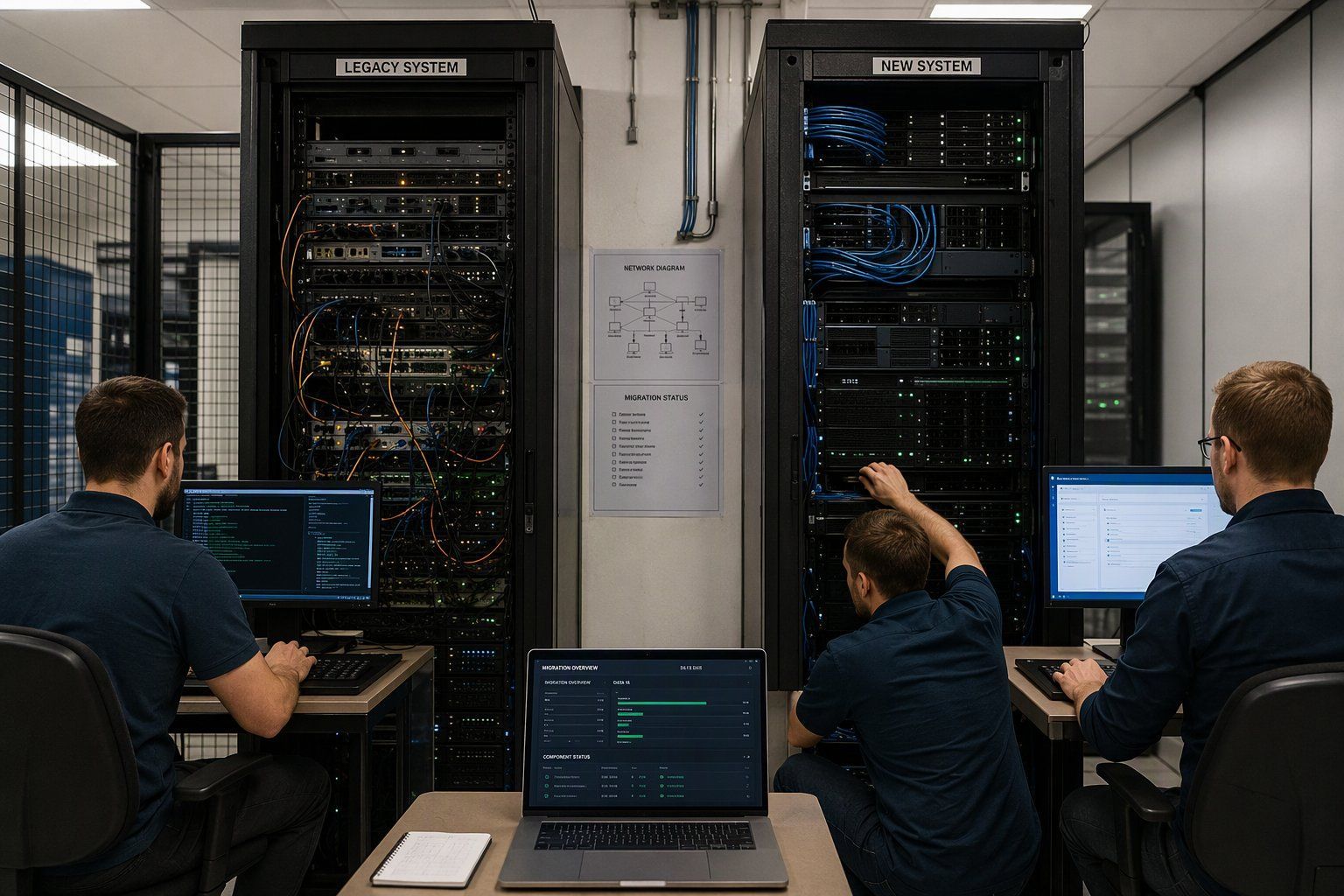
Step 4: Move One Line or Area at a Time
When an area has passed parallel checks, move that area — and only that area — to the new SCADA system migration process. One line at a time means a problem affects one line, the team can focus, and lessons from the first move make the next moves faster. Trying to cut over a whole plant in one night multiplies risk and leaves no clean way to tell where a problem started.
Sequence areas by risk and by schedule. Many plants start with a utility or a less critical line to prove the process, then move to higher-volume lines once the team has a routine. Others start with the area whose old hardware is most likely to fail. Either logic can work. What matters is that the order is chosen on purpose, written in the scada migration plan, and communicated to production planning well in advance.
Cutover during planned windows
Even a well-tested cutover needs a window. Use time you already have: planned downtime, sanitation, changeovers, scheduled maintenance, or a holiday stop. A typical window plan is specific — who disconnects what, in what order, what is checked before operators take control, how long you will spend troubleshooting before you roll back, and who makes that call.
Have spare hardware in the room: a pre-loaded spare terminal, cables and switches, and printed network documentation and rollback steps to ensure optimal system performance. Do not depend on downloading a file or finding a password during the window.
Communicate in plain terms to the receiving shift: what will look different, what works the same, who to call first, and where the old system stands. A short handover note at the panel beats a long email nobody reads at 5 a.m.
Step 5: Have a Real Rollback Plan
A rollback plan is not "we will put the old system back if it goes badly." It is a tested set of steps, with the old hardware left intact and able to run until the new area is stable. That means do not wipe old servers, re-use old terminals for another job, or delete old applications the week after cutover. Keep the old system powered, connected where safe, and documented for an agreed period — often several weeks per area.
Define rollback triggers in advance: a critical alarm path not working, loss of control, historian data missing for a required record, or a fault not diagnosed inside the window. When a trigger is hit, the named decision-maker calls it and troubleshooting moves off the production clock. The lack of support during this process can complicate efforts. Test the rollback, at least as a walk-through, before the first cutover — a rollback never checked is just a second untested plan.
Step 6: Train Operators Before Go-Live
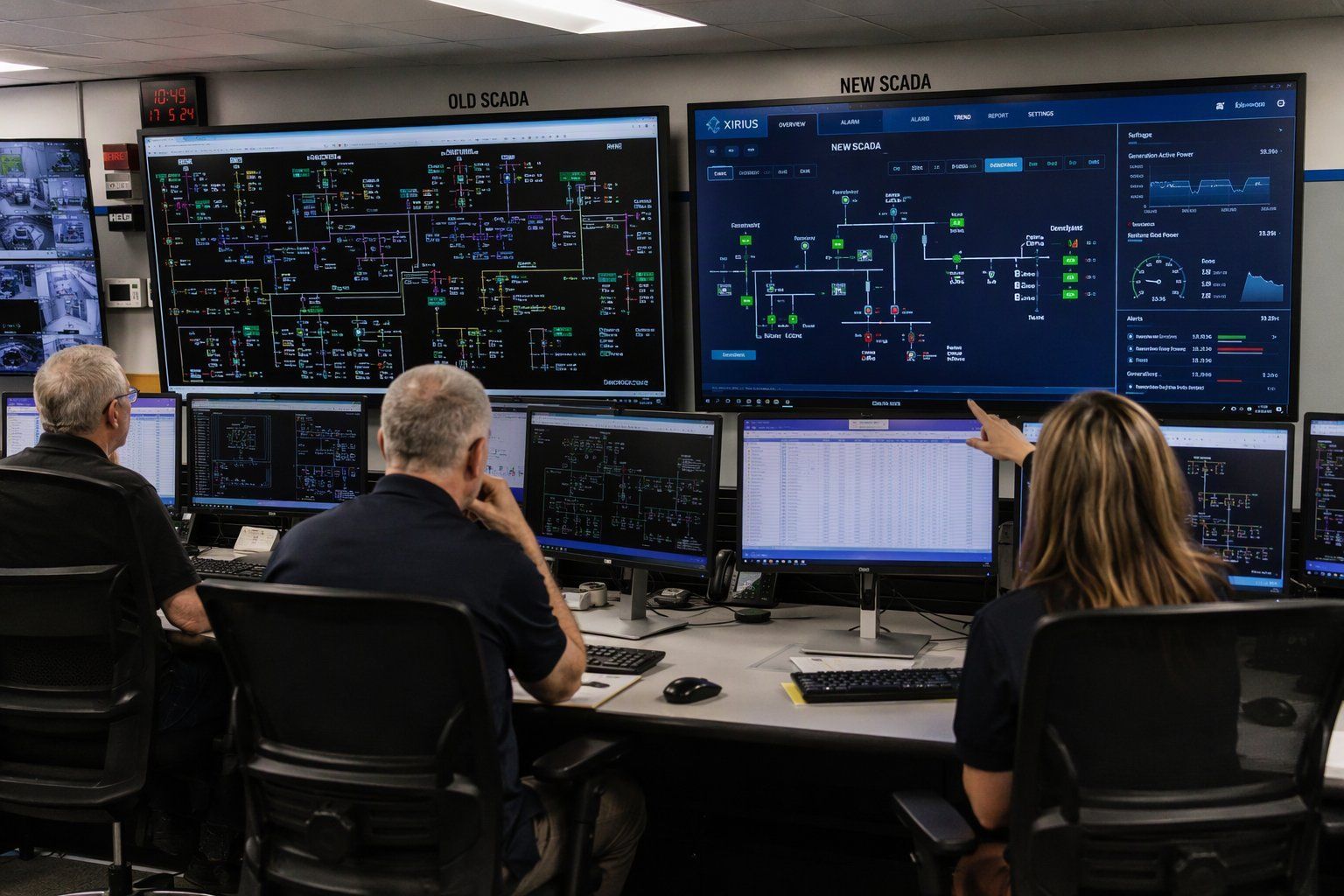
Training belongs before cutover, not after it. Operators who first see new screens during a live run will fall back on old habits, miss new alarm handling, and lose confidence in a system that may be working correctly. Short, area-specific sessions on the actual new screens — ideally while the system is running in parallel, showing live data — work better than a long classroom session on generic slides.
Focus training on what changes in their shift regarding industrial processes: starting and stopping, alarms, setpoints and recipes, trends, and what to do in the first five minutes of a problem. Give supervisors and maintenance a deeper pass on diagnostics and user accounts. Leave a short quick reference at the panel for the first few weeks.
Listen during training. Operators will spot wording and navigation problems engineers walked past for months, which can contribute to operational risk. Fix what you can before go-live and log the rest. That feedback is a practical part of acceptance, not a courtesy.
The Order of Operations, and Why It Matters
The order in this scada migration plan is deliberate, and swapping steps is where migrations get expensive:
1. Inventory and backups first, because every later decision depends on knowing what you actually have, and because a failure during the project should not become a disaster.
2. Build beside the old legacy systems, because development and testing should never compete with production for the same hardware.
3. Parallel running next, because trust in data, alarms, and reports has to be proven against the live process, not assumed from bench testing.
4. Area-by-area cutover, because smaller moves contain problems and build a repeatable routine.
5. Rollback kept ready throughout, because a tested way back is what lets a team make decisions quickly and calmly.
6. Training before each go-live, because a correct system handed to an unprepared shift will still have a bad first week.
Document as you go — addresses, versions, decisions, and as-built screens. A scada migration plan that ends with a folder nobody updated leaves the plant with the same problem it started with, on newer software.
Common ways this goes wrong
A few patterns account for most painful migrations: starting conversion before inventory is finished, letting parallel running shrink to a day because the schedule slipped, cutting over too many areas at once to "catch up," removing old hardware too soon, and treating training as optional. Every one is a scada migration plan failure, not a software failure — avoidable if the schedule protects testing and training instead of borrowing from them.
Budget honestly, too. Include temporary hardware, licenses for both systems during parallel running, documentation and training time, and spares. A budget covering only licenses and conversion will force shortcuts in exactly the steps that keep production running.
Closing: A Migration That Respects the Production Schedule
A scada migration plan is not a shortcut. It is methodical work up front — a planning exercise involving inventory, backups, a parallel build, proven data, small cutovers, a tested rollback, and trained operators — in exchange for not gambling a production week on a single startup. For most mid-size manufacturers, that is the right trade.
Empowered Automation Solutions plans and runs these migrations for plants that cannot afford an open-ended stop. As an OAS partner and a controls integrator, we build the SCADA migration plan around your schedule, do the conversion and rebuild work, run the parallel period with your team, and stay through cutover and rollback readiness for each area, which includes operator training. If your current system is aging, unsupported, or one terminal failure away from a bad week, the best time to start the inventory is while it is still running.
You might also like