Automated OEE Data Collection: Sensors, PLCs, and Historians
Key Highlights
- Automated OEE data collection pulls oee data from the shop floor in real time.
- It improves equipment effectiveness by reducing missed stops and manual delays.
- Sensors capture machine activity such as cycle count, part count, and state change.
- PLCs gather production data, downtime events, and machine state from the control system.
- Data historians store and organize reliable data for trend analysis and improvement efforts.
- Together, these tools support faster decisions, better visibility, and more accurate OEE reporting.
Introduction
Overall equipment effectiveness depends on good data collection. If your oee data is late, incomplete, or guessed at, your team cannot see what is really happening on the shop floor. Automated collection solves that by pulling machine and production time data directly from equipment and systems. That gives you a stronger base for continuous improvement. If you want a broader view of OEE and how it fits into plant performance, see the pillar page at https://www.empoweredautomation.com/oee.
Understanding Automated OEE Data Collection in Manufacturing
Automated oee data collection works by capturing production time, machine state, counts, and cycle time from equipment as it runs. Instead of waiting for end of the shift paperwork, the system records relevant data continuously.
In a manufacturing environment, that usually means machines send signals through sensors, PLCs, or controllers to software that calculates equipment effectiveness. The goal is simple: turn raw machine events into reliable data your team can trust. The next sections break down what that looks like in practice. Some of the top-rated automated OEE software options for manufacturing include solutions like Siemens SIMATIC IT, GE Digital’s Proficy, AVEVA Insight, and Rockwell Automation’s FactoryTalk. These platforms are recognized for their robust data collection, real-time analytics, and seamless integration with manufacturing equipment.
What is OEE and Why Does Automation Matter?
Overall equipment effectiveness measures how well a machine or production line runs by combining Availability, Performance, and Quality. To calculate it, you need solid oee data such as planned production time, runtime, downtime, total output, good count, reject count, and ideal cycle time.
That sounds simple, but many plants still rely on manual logging or a manually logged number entered after the fact. When data is delayed or rounded, small stops, changeover minute losses, and quality defects often disappear from the record. That weakens continuous improvement because the baseline is wrong.
Automation matters because it captures events in real time. A stop is recorded when it happens. A cycle count is tied to actual machine behavior. That gives managers and engineers a clearer path to operational excellence, faster response, and more confidence in every decision tied to OEE.
Automated vs. Manual OEE Data Collection Methods
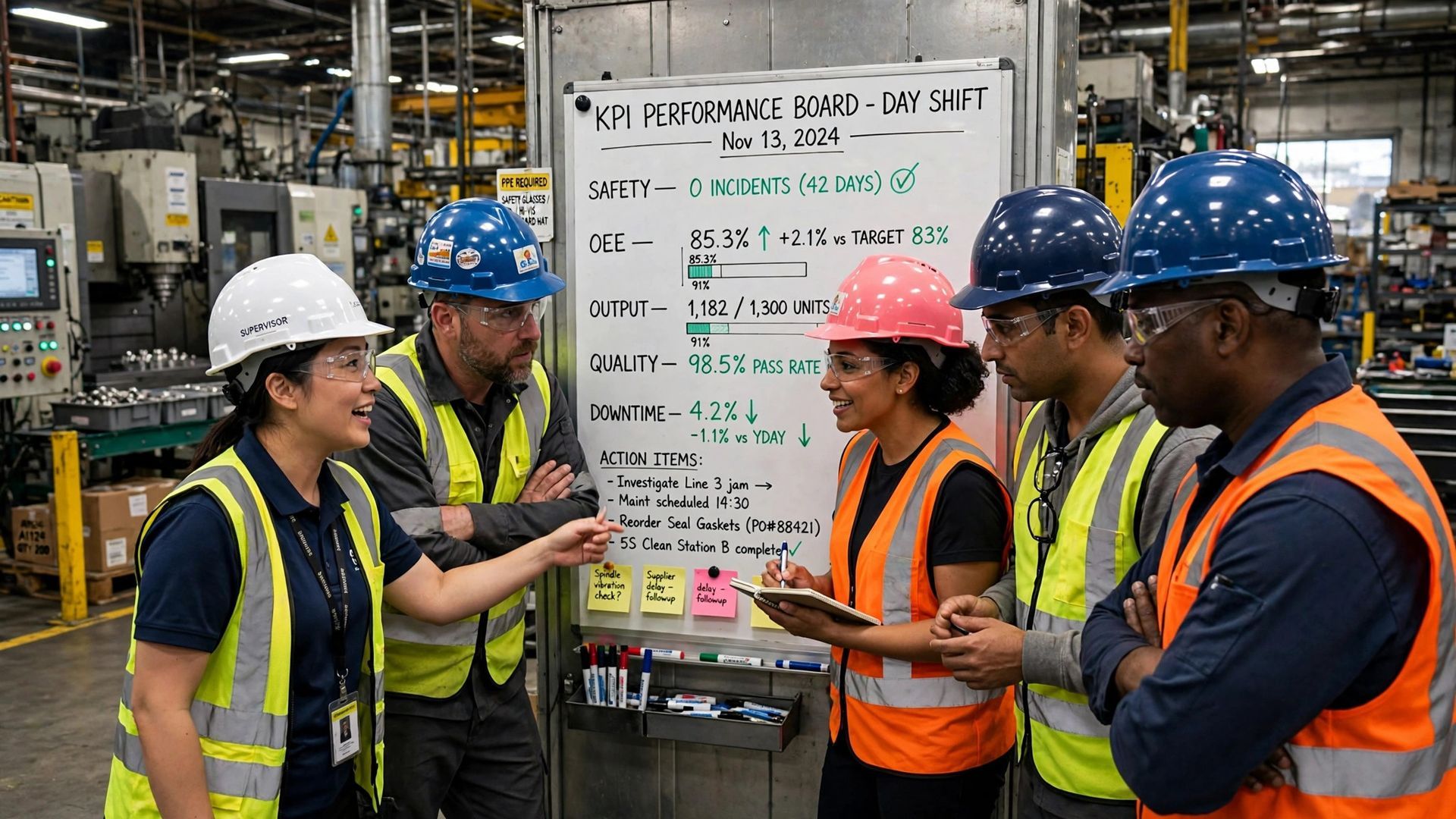
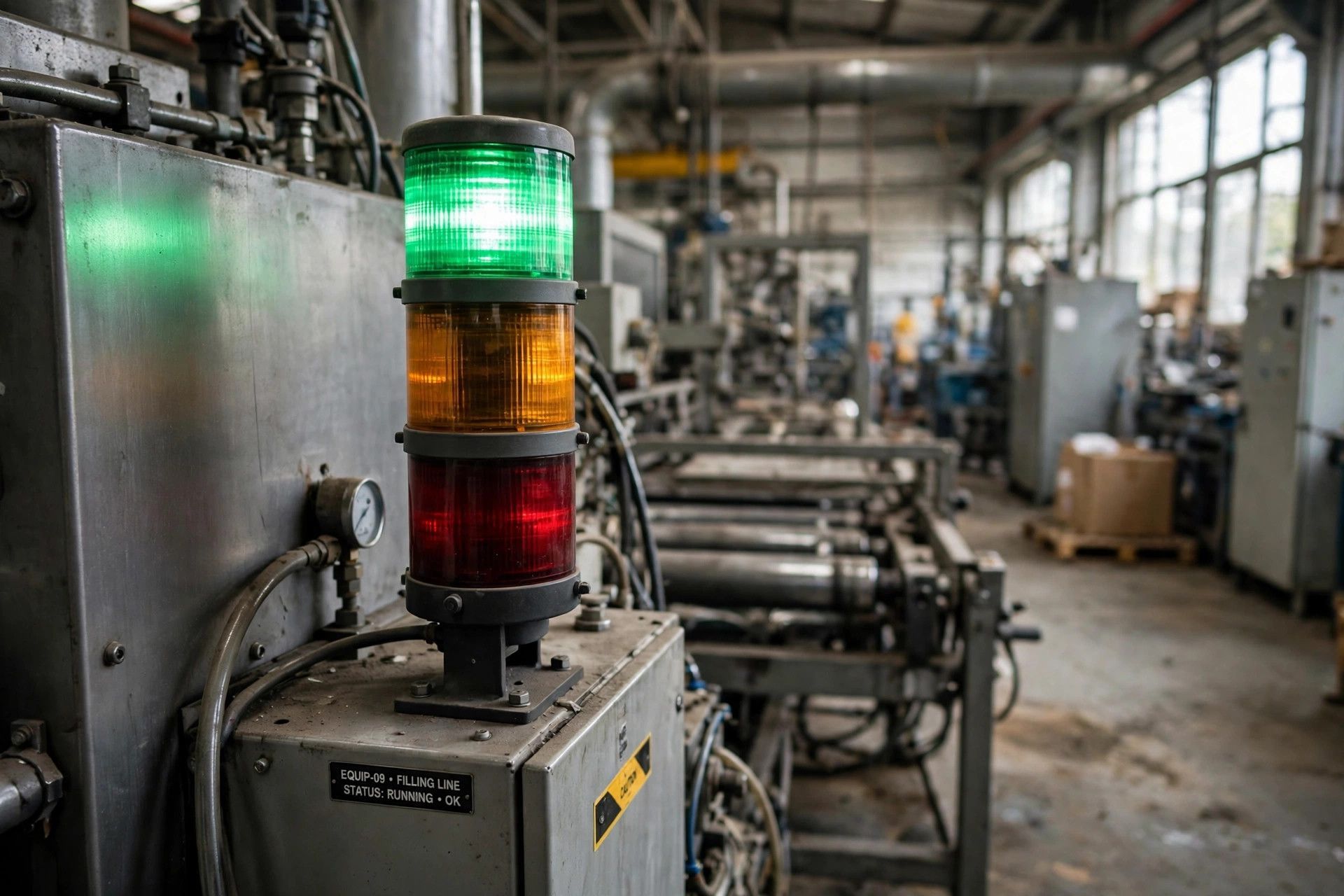
Many plants start with manual data collection. Operators use paper sheets, checklists, spreadsheets, or a manual shadow log to record production data and downtime. Visual tracking boards can help with awareness, but they still depend on someone noticing an issue and writing it down.
Automated data collection pulls signals from machines and systems instead. That changes both speed and accuracy. You get more accurate data, fewer gaps, and better visibility into performance loss that manual logging can miss.
- Manual data collection is simple to start but depends heavily on people.
- Automated data collection reduces human error and captures state changes immediately.
- Visual methods show problems, but they do not create reliable data on their own.
- Hybrid setups work well when machines detect the event and operators add the reason code.
Core Technologies for Automated OEE Data Collection
The most common technologies for machine data collection are iot sensors, PLC connections, machine controller interfaces, and edge devices. Each supports automated data collection in a different way, depending on machine age, available signals, and the control system already in place.
Some tools are best for older assets with limited connectivity. Others work best on modern lines where data capture is already built into the machine. The next two sections separate sensors and PLCs so you can see what each one captures and how each fits your setup.
The Role of Industrial Sensors in Machine Monitoring
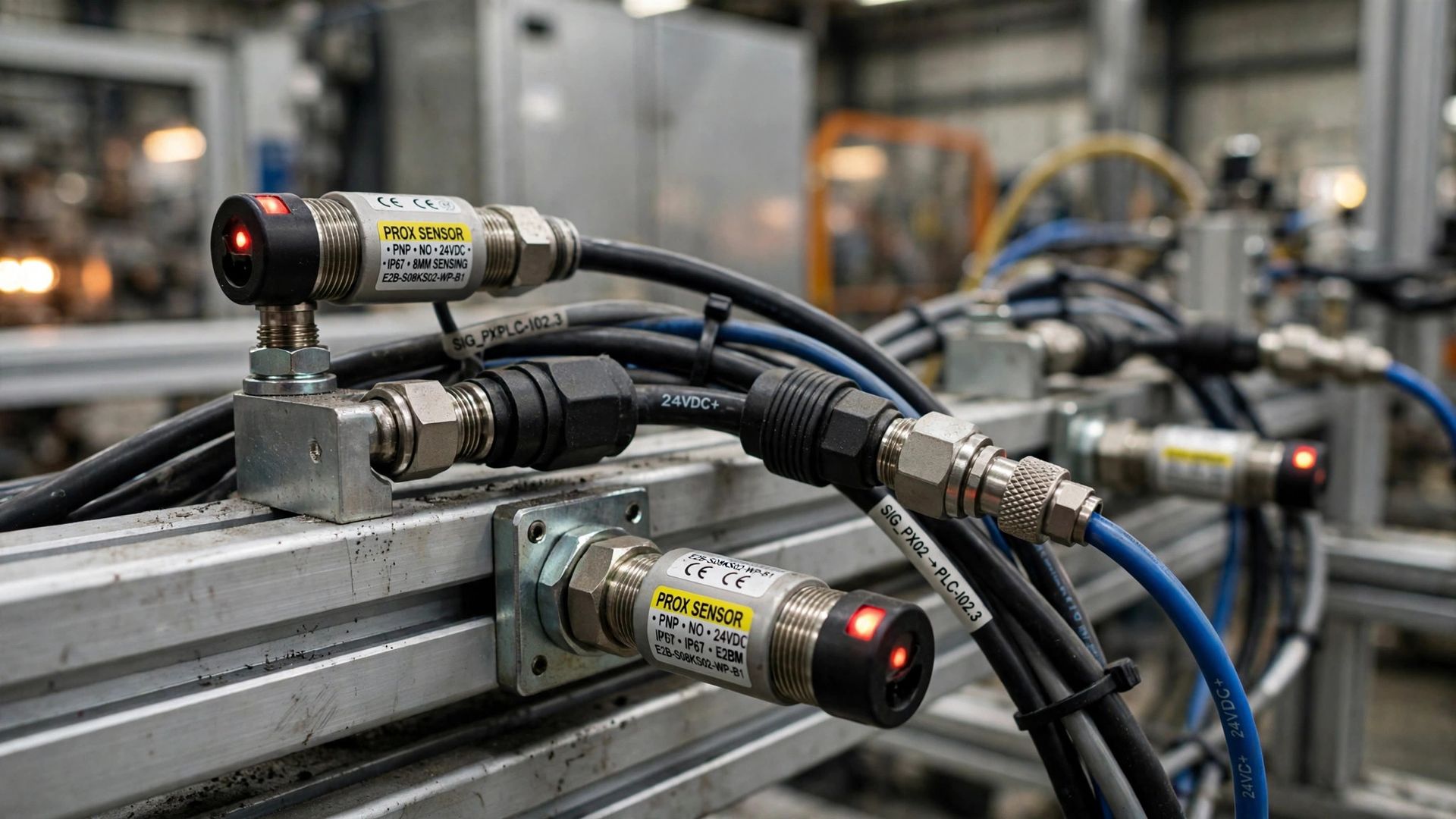
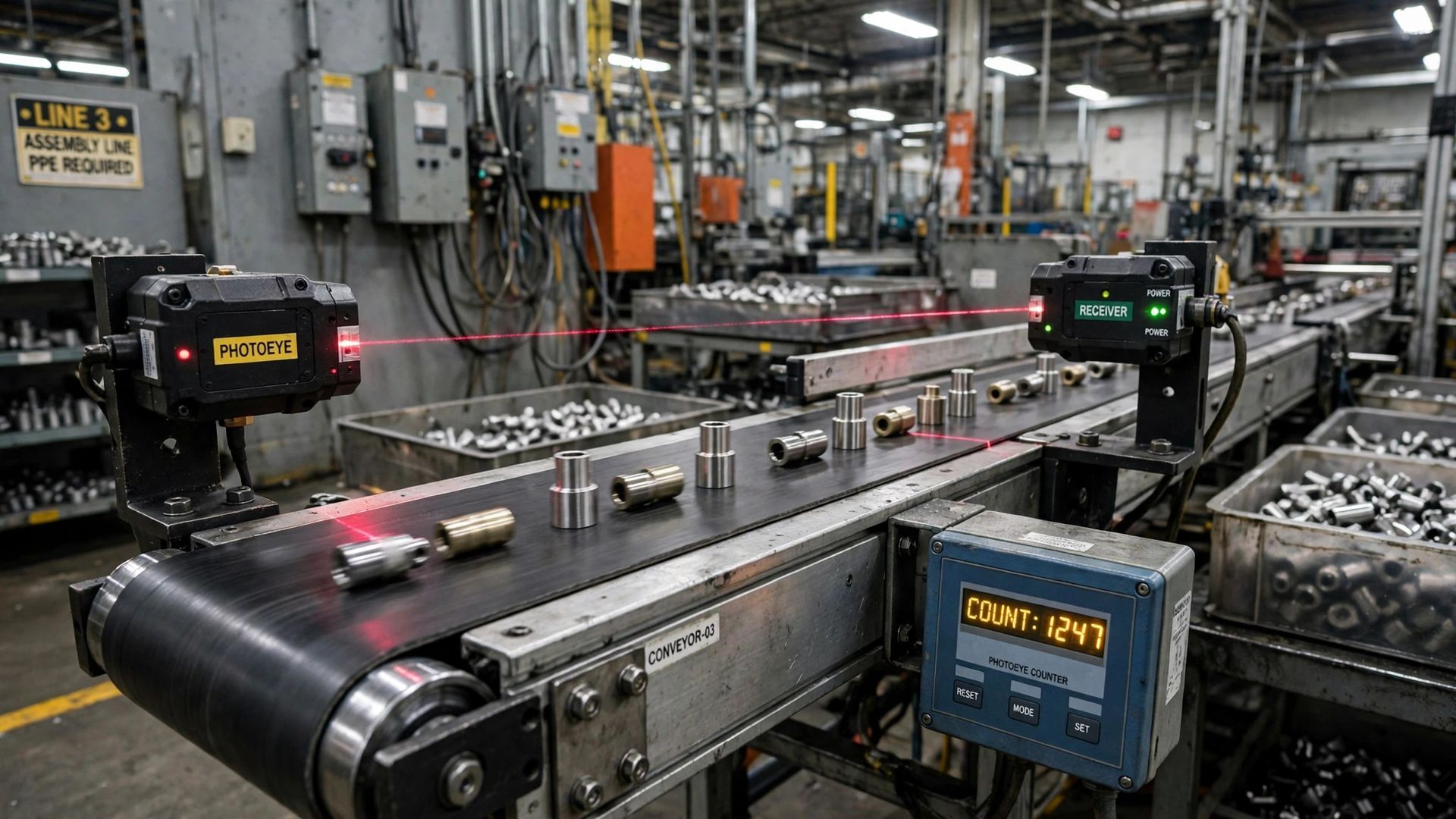
Sensors are often the fastest way to start machine monitoring on equipment that does not expose useful controller data. For legacy equipment or older machines, retrofit sensors can detect vibration, motor activity, movement, temperature, energy use, or other signals tied to production.
In practice, that means sensors can infer machine data such as a cycle count, part count, or a state change from running to idle. A current sensor on a press, for example, can detect each production cycle through power draw. A vibration sensor on a motor can show whether a conveyor is active or stopped.
That makes sensors useful for retrofits where PLC access is limited or unavailable. They do not always explain why the machine stopped, but they give you automatic event detection. Then operator input can add context like material jam, setup, or maintenance so the record becomes more useful.
Using PLCs to Capture Production and Downtime Events
PLCs are a common source for automated OEE because they already sit inside the control system. They can provide production data such as run status, stop status, alarms, machine state, production count, and other status information. On automated lines, this often gives the richest picture of what happened and when.
For plant managers, the value is speed and detail. A PLC can log a state change the moment a line stops, track downtime duration, and pass counts directly to an OEE platform. If the program includes the right tags, the same setup can support target versus actual comparisons during the shift.
PLC Signal or Tag
What It Captures for OEE
Run status
Whether the machine is producing during available time
Stop status
When downtime begins and ends
Part counter
Total production quantity or part count
Alarm code
Event details that help classify the stop
Machine mode
Running, idle, setup, maintenance, or waiting
Data Historians: Storing and Analyzing OEE Data
Capturing signals is only part of the job. Data historians store time-based oee data from machines, sensors, and PLCs so teams can review performance over hours, shifts, and longer periods. That matters because trends often explain losses better than a single event.
Good storage also improves data quality. When information is organized and time stamped, engineers can compare downtime, cycle behavior, and output against actual conditions. That supports stronger improvement efforts, better maintenance follow-up, and more useful reporting across a production line.
How Data Historians Aggregate and Contextualize OEE Metrics
A historian supports data aggregation by collecting many data points from different sources and lining them up by time. Instead of isolated tags, you get a sequence of events across a production line. That helps turn raw signals into usable oee metrics.
For example, a historian can combine runtime from a PLC, counts from a production counter, and operator-entered downtime reasons. With that context, your team can see not just that a stop occurred, but how often it happened, how long it lasted, and what it did to performance rate and quality rate.
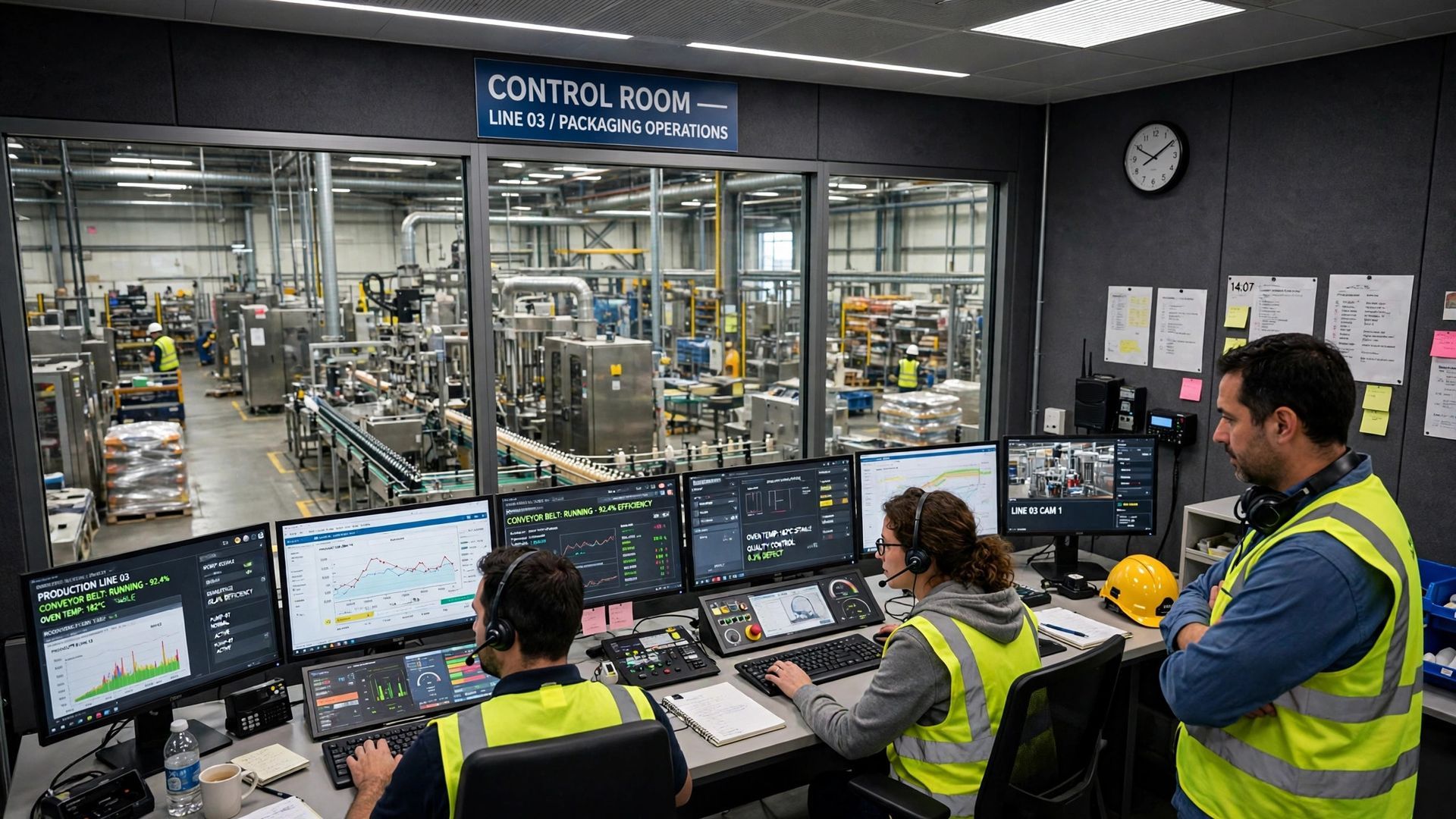
This also improves response times. Real time dashboards show what is happening now, while historical records show patterns behind the losses. That combination helps engineers act faster during the shift and gives managers better evidence for improvement planning after the fact.
Integrating Data Historians with Sensors and PLCs
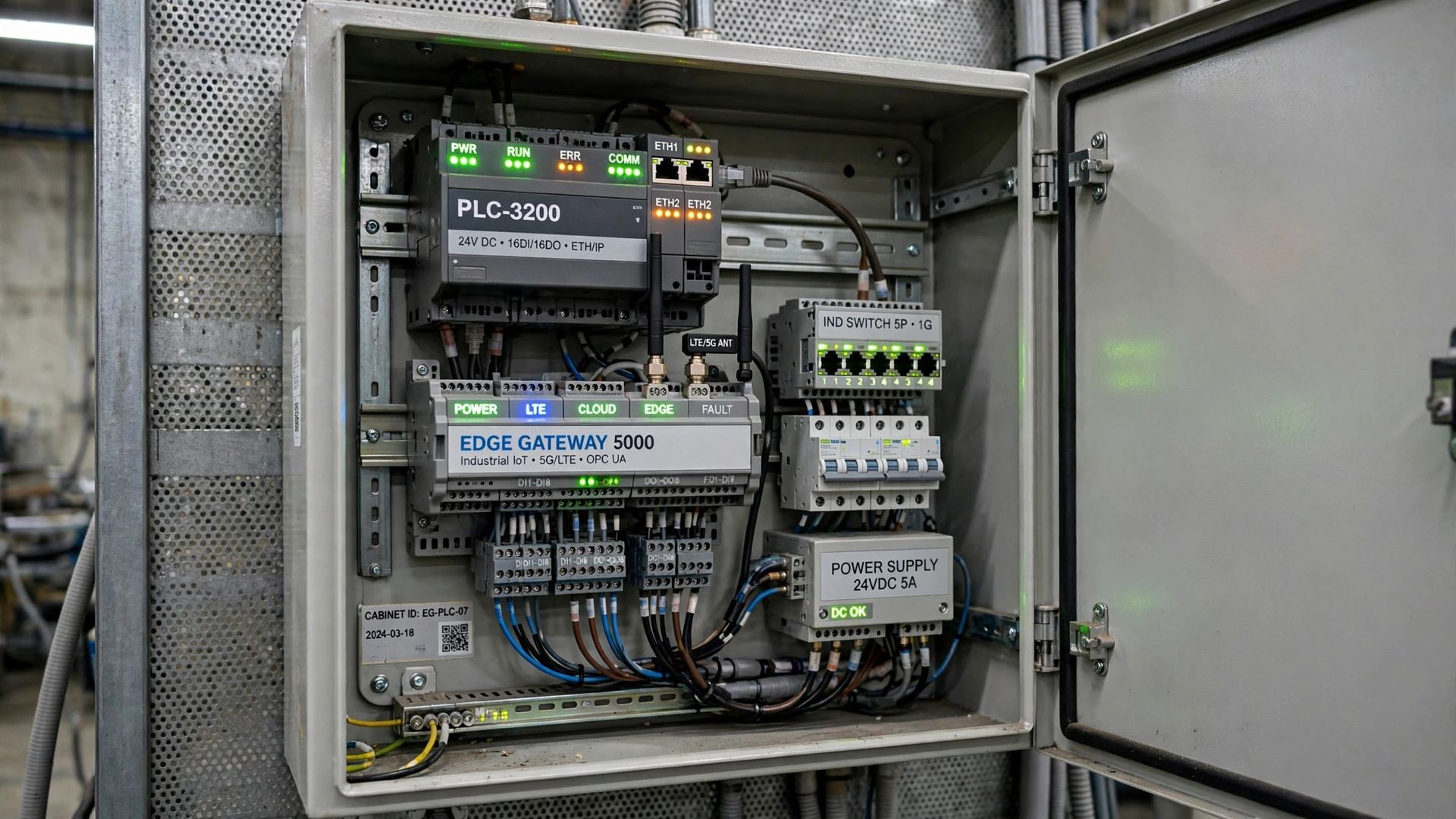
Integration usually starts with the machine signals you already have. Sensors send event data from hard-to-connect equipment. PLCs provide structured machine status and counts from automated lines. The historian becomes the place where those data points are stored, normalized, and prepared for OEE software.
In many plants, the connection path is machine to sensor or PLC, then to a gateway or software layer, then into the historian. Modern machines may also connect through opc ua or other industrial protocols. From there, the data can feed dashboards, reports, and an existing mes where needed.
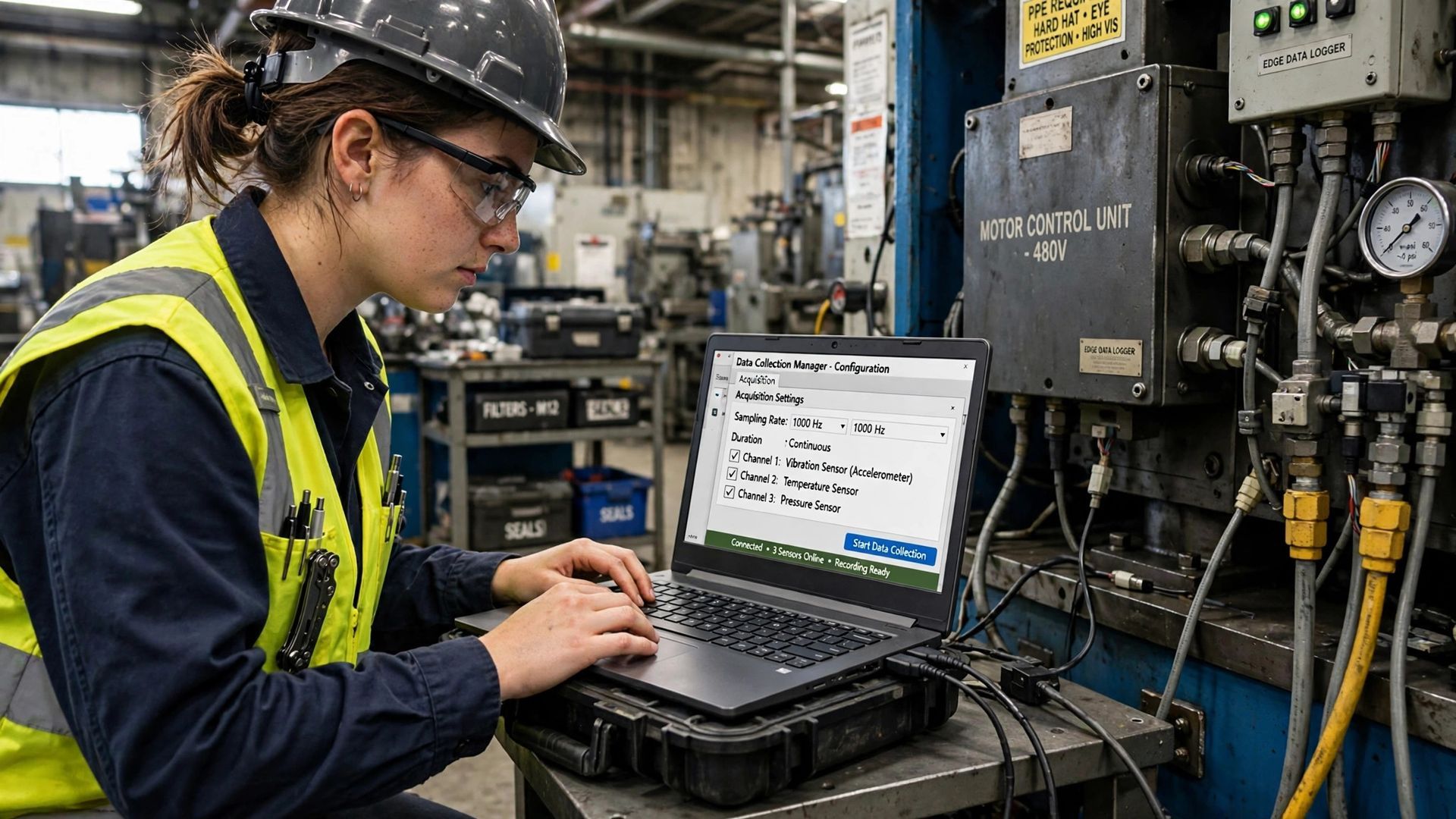
- Use sensors where direct machine access is limited or the asset is older.
- Use PLCs where the control logic already tracks state, counts, and alarms.
- Connect the historian to existing mes or reporting tools so OEE data supports wider plant decisions.
Conclusion
In conclusion, automated OEE data collection is essential for manufacturing managers and engineers aiming to maximize efficiency and productivity. By utilizing industrial sensors, PLCs, and data historians, you can capture crucial metrics about production performance, downtime events, and overall equipment effectiveness. These technologies not only streamline data acquisition but also provide valuable insights for informed decision-making. Understanding how each component integrates can significantly enhance your operations. To dive deeper into the world of OEE and explore its multifaceted benefits, visit our OEE pillar page at https://www.empoweredautomation.com/oee. Embrace automation and unlock the potential of your manufacturing processes today!
Frequently Asked Questions
What challenges can arise when automating OEE data collection for older equipment?
Legacy equipment often lacks modern interfaces, so direct connectivity can be difficult. In those cases, retrofit sensors and gateways are common solutions. The main challenge is maintaining data quality while replacing manual data collection. If the setup is poorly mapped, human error may drop, but the signals still may not reflect true machine behavior.
How does real-time OEE data impact productivity and decision-making?
Real time oee data shortens response times because supervisors and engineers can act while the issue is still happening. Instead of reviewing delayed production data at end of the shift, teams can address stops, speed loss, or quality problems immediately. That makes improvement efforts faster and more targeted.
What are the key features to look for in automated OEE software for manufacturing?
Look for oee software that supports automated data capture from sensors, PLCs, and machine interfaces, plus operator input for downtime reasons. It should track production time, counts, and machine state accurately. Strong reporting, dashboards, and historical analysis are also important if you want to find recurring performance loss.
You might also like