How to Connect PLC to Database: A Step-by-Step Guide
How to Connect PLC to Database: A Step-by-Step Guide
Key Highlights
• Start by linking your plc to a sql server with the right connector and instance setup.
• Verify the sql database connection first with a simple select query statement.
• Connect plant floor devices, such as a Rockwell PLC, through Ethernet/IP for clean automation data flow.
• Use mapping to send plc data into an insert query in real time.
• Real-time storage supports reporting, traceability, and better visibility across industrial systems.
• Some setups also allow the sql database to send values back to the plc.
Introduction
If you want to learn how to connect plc to database systems in a practical way, the process is simpler when you break it into clear steps. In US manufacturing, moving plc data into a sql database helps you track production, store process values, and support better automation decisions. A common setup uses a connector, a verified database link, a PLC connection, and mapping between both sides. That gives you a direct path from machine data to useful records.
Understanding PLC-to-Database Integration in US Manufacturing
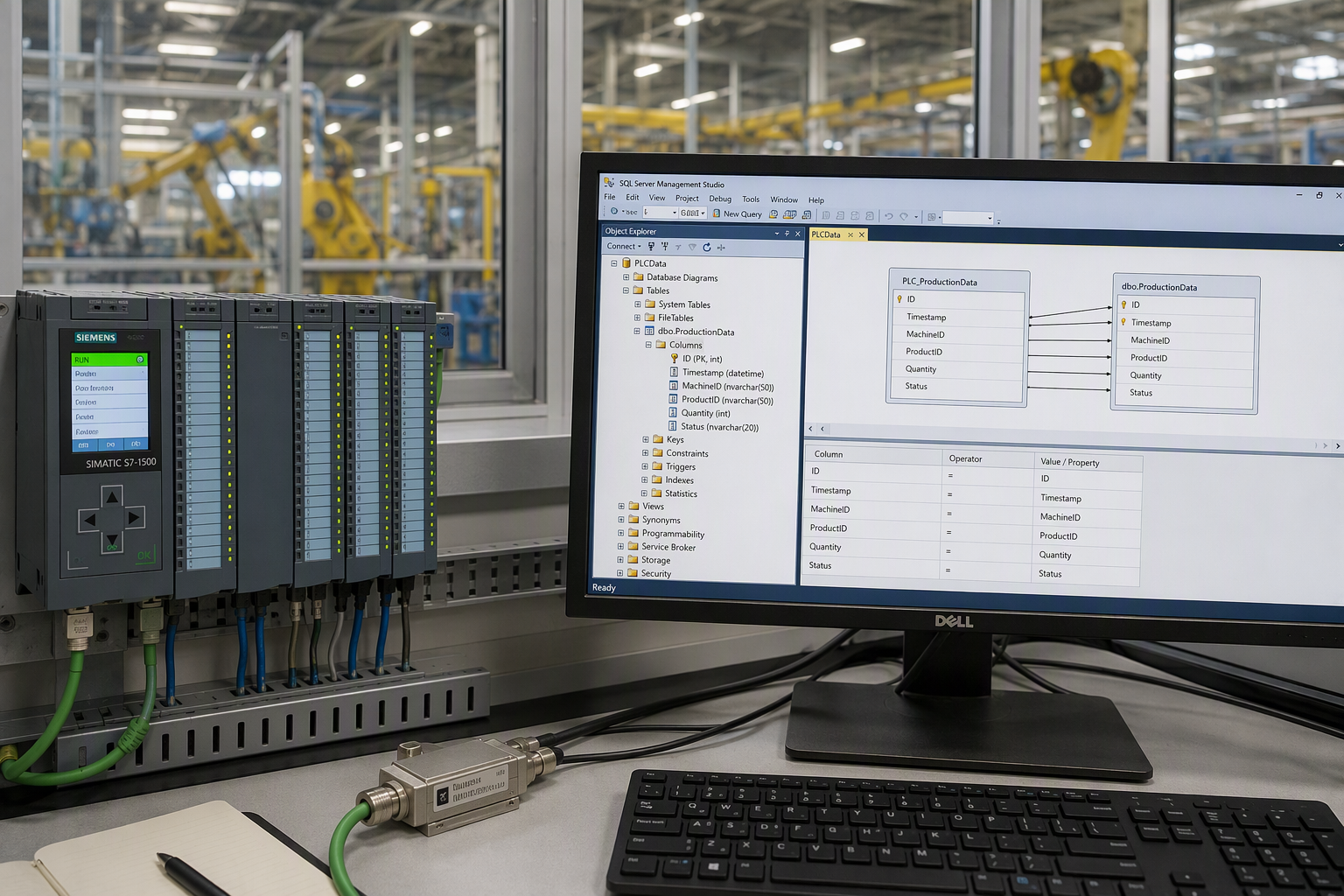
On a US plant floor, PLC-to-database integration means sending plc data from industrial systems into a sql database through a configured interface. This creates a reliable path for automation data that would otherwise stay inside the controller.
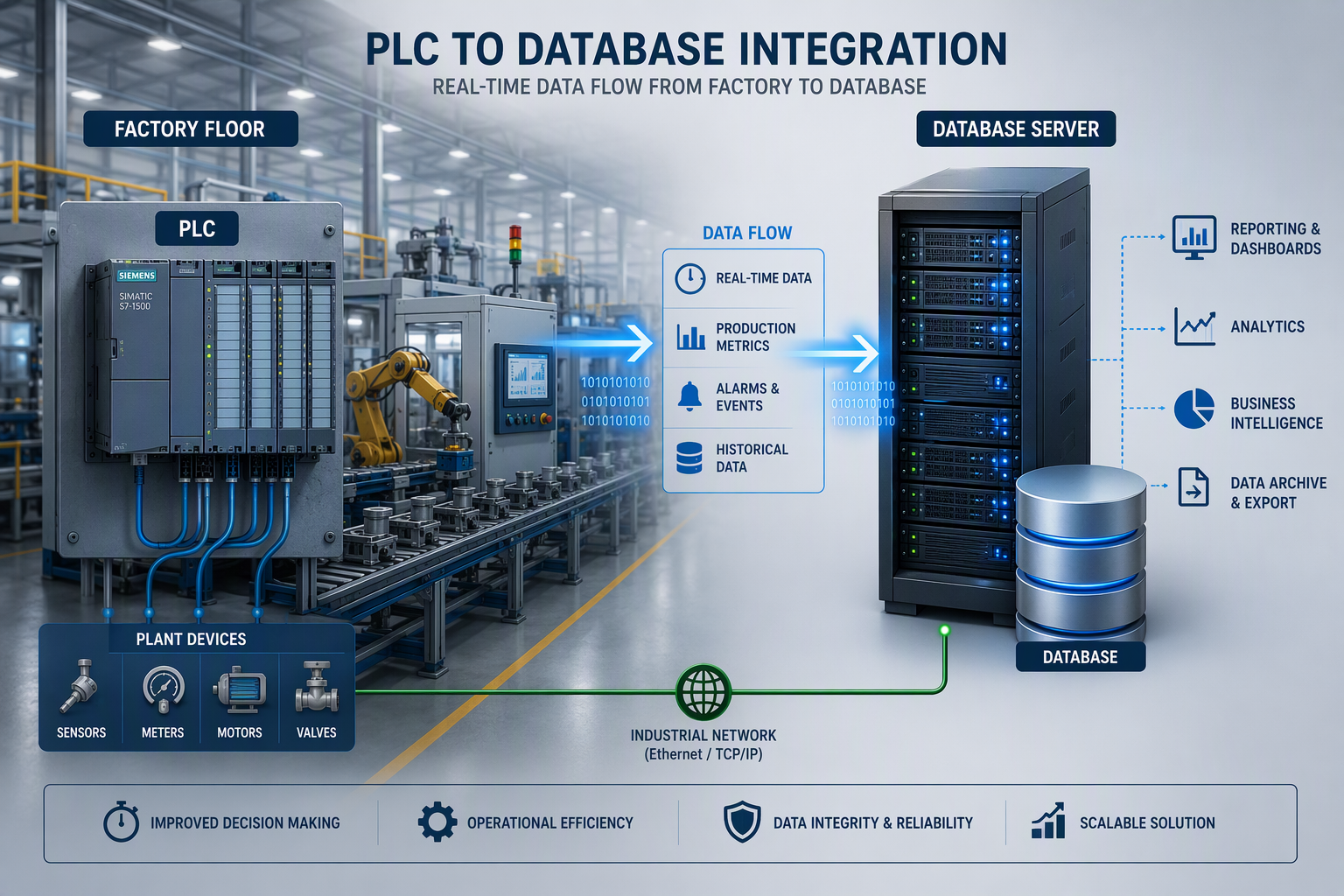
Just as important, data exchange can be handled in both directions. The compiled setup shows data flowing from PLC to MS SQL, and it also notes that the system can be configured bidirectionally so the database can write values back to the plc. That is managed through queries, items, and mapping built for your specific needs.
Key Benefits of Connecting PLCs to SQL Databases
For many manufacturers, the biggest value comes from getting plc signals out of the controller and into a sql database in real time. Once process data is stored centrally, you can review what happened on the line without depending only on the HMI or local controller memory.
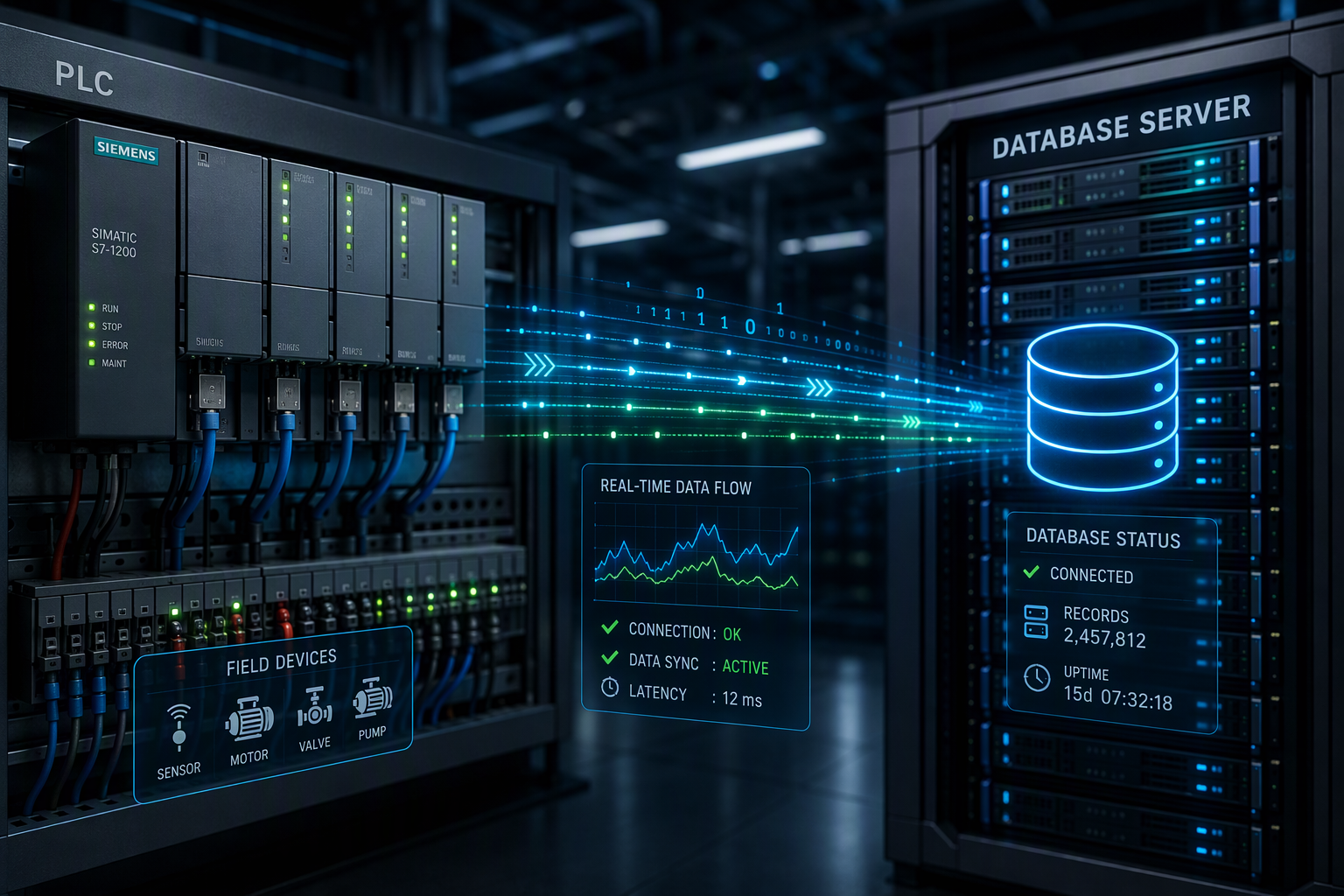
Here are a few practical benefits:
- You capture plc values continuously instead of relying on manual checks.
- You create a usable history of process data for reporting and review.
- You make production events easier to track across shifts and systems.
- You build a foundation for broader automation and IT visibility.
There is also flexibility in how the exchange works. The example setup uses an insert query triggered by mapping, which means the SQL side updates when the PLC item changes. If needed, the same environment can also support return data from the sql database back to the plc for controlled writeback.
Real-World Examples of PLC-to-Database Applications
A practical example from the compiled information uses SIA Connect to exchange data between an Allen-Bradley PLC and an MS SQL server. In that setup, an Ethernet/IP connector links to the controller, an MS SQL connector links to the database, and mapping sends PLC values into a database table.
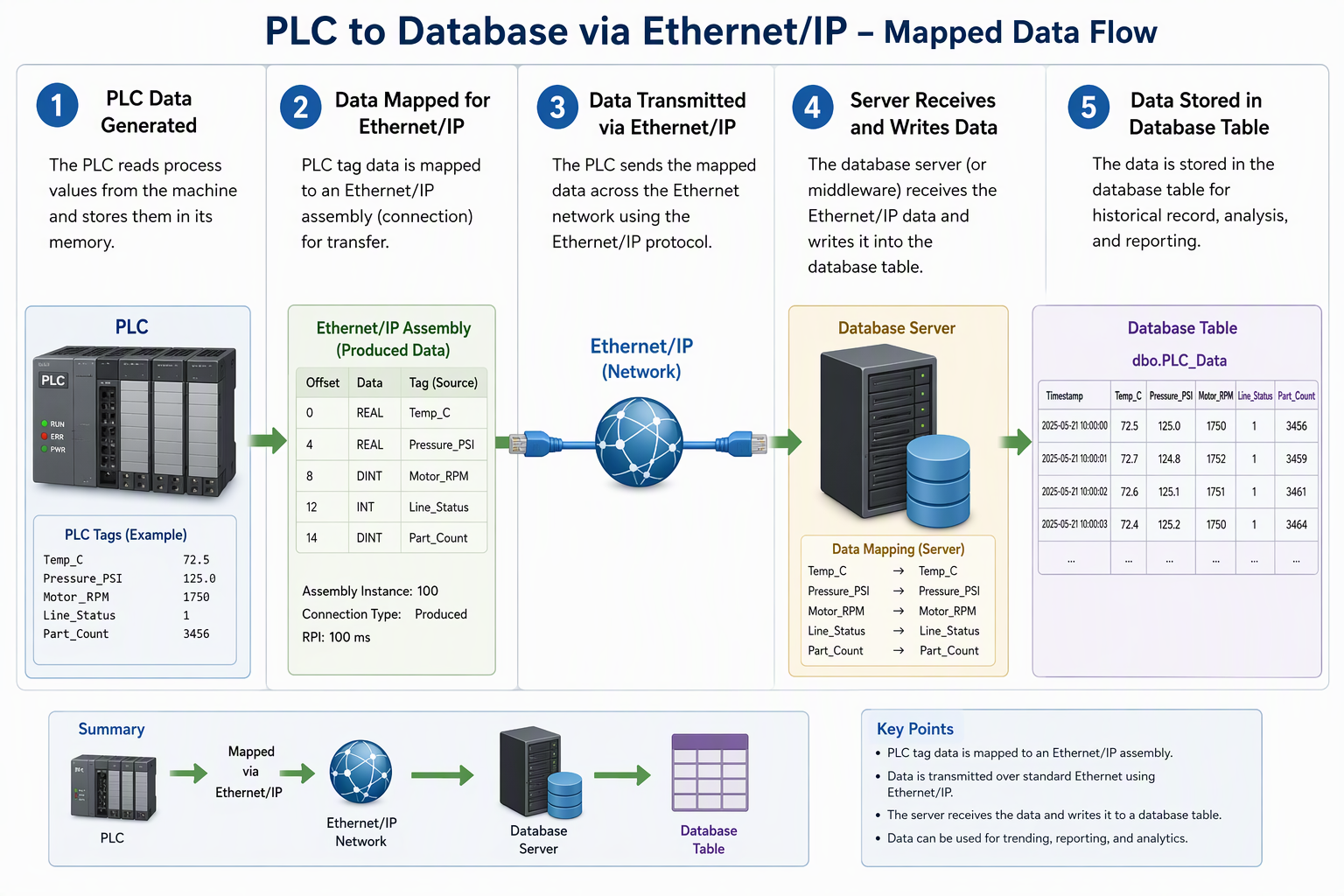
You can picture it like this on a production line:
| System Part | Example Use |
|---|---|
| Rockwell PLC | Holds the Int_Item value used for automation data exchange |
| Ethernet/IP connector | Connects the PLC to the integration platform |
| MS SQL server instance | Receives and stores incoming values |
| Insert query item | Writes plc values and formatted time into the table name |
| Mapping | Triggers the database write when the PLC item changes |
That same setup can also be bidirectional. The compiled guide states that queries can be adjusted so the database writes values back to the PLC, which is how send-and-receive behavior is managed in a controlled way.
Essential Hardware and Software Tools for Database Connectivity
You need both hardware and software for dependable connectivity. On the hardware side, the compiled example uses an Allen-Bradley PLC, network access, and an Ethernet/IP path to reach the controller. Your own IP settings and login data must match the actual environment.
On the software side, the setup uses SIA Connect, an MS SQL connector, and an industrial connector for the PLC. A simulator connector can stand in when no PLC data is available. Other tools such as a sql bridge module may be part of similar projects, but the next section covers the communication layer used in industrial settings.
Common Communication Protocols Used in Industrial Settings
Protocol choice shapes how data moves from the controller to the database layer. In the compiled example, Ethernet/IP is the active method used for connecting to the Rockwell PLC. The same source also references supported OT and IT protocols, which shows that a gateway can bridge plant floor communication with database systems.
In industrial projects, you may hear these protocol terms often:
- ethernet for network connectivity between devices and servers
- opc ua for structured industrial data exchange
- opc server tools that expose tags to higher-level software
- mqtt for lightweight message movement across connected systems
The exact selection depends on the controller, interface, and software platform in use. In the provided setup guide, the first thing is choosing the correct connectors for the PLC and MS SQL server, then creating instances and items so mapping can pass data where it needs to go.
Overview of Unified Namespace (UNS) Solutions for Seamless Integration
If you want a simpler architecture, ready-made solutions can reduce manual coding. The compiled information shows SIA Connect as a configured gateway between PLCs and MS SQL servers, using connectors, items, and mapping instead of building everything from scratch. That makes it practical for manufacturers who need a repeatable setup.
For teams evaluating broader data architecture, it also helps to understand more about UNS. A unified namespace approach is often discussed when companies want seamless movement of plant data across systems rather than isolated point-to-point links.
In this context, SIA Connect stands out as a ready-made option because it supports supported OT and IT protocols, uses an ms sql server gateway model, and can handle bidirectional exchange. Other names such as ignition sql bridge module may come up in similar conversations, but the provided example centers on SIA Connect functionality mapping.
Conclusion
In conclusion, connecting PLCs to databases can significantly enhance operational efficiency and data accessibility for manufacturers. By integrating these systems, you can leverage real-time data for better decision-making and improve overall productivity. Remember to consider essential hardware and software tools, as well as communication protocols, to ensure a seamless connection. For a more in-depth understanding of Unified Namespace (UNS) solutions and their benefits in manufacturing, check out this detailed guide. Embrace the power of data connectivity to transform your manufacturing processes and stay ahead in the competitive landscape.
Frequently Asked Questions
What security considerations should manufacturers keep in mind when connecting PLCs to databases?
Protect your sql and plc environment by using the correct login data, verified own IP settings, and controlled configuration for each connector and instance. Security also means limiting who can change queries or mapping, especially in bidirectional setups where the database may write values back to the controller.
Are there ready-made solutions for connecting PLCs to SQL databases without manual coding?
Yes. The compiled example shows SIA Connect as one of the ready-made solutions for automation projects. It uses connectors, instances, items, and mapping to exchange data with MS SQL. Terms like sql bridge module, ignition, and SIA Connect often appear in this space when teams want less manual coding.
How can common issues be troubleshooted when linking PLCs with databases?
Start troubleshooting by checking connectivity, IP settings, login data, and configuration for both the PLC and the MS SQL server instance. Then verify the database with a select query statement. In automation projects, many problems come from item setup, mapping errors, or using the wrong connector or query template.
You might also like